
Prathiksha Varadarajan - November 5, 2025

Think back to the last time you sat through a PowerPoint presentation. Static slides, too much text, someone reading word-for-word, and within minutes, your mind starts to drift. You’re not alone. Studies show that the average attention span during an online presentation is now less than two minutes. It’s not that PowerPoint stopped working; it’s […]
Prathiksha Varadarajan - November 5, 2025

It’s 2025, and businesses, creators, and influencers are all looking for smarter ways to showcase their products, services, or expertise. One of the most effective ways to do that today is through short videos. With social media thriving on bite-sized, high-engagement content that delivers value in under 30 seconds, short-form video marketing has become the […]

Saravanan Pandurangan - November 3, 2025

Do you really want to expose all your sensitive data when you record a tutorial or share a screen with others? Probably not. If you create screen recordings often, your screen might show things you don’t want strangers to see. Emails, passwords, account IDs, addresses, card numbers, CVVs, social security numbers. All kinds of private […]

Ryan Robinson - April 27, 2025
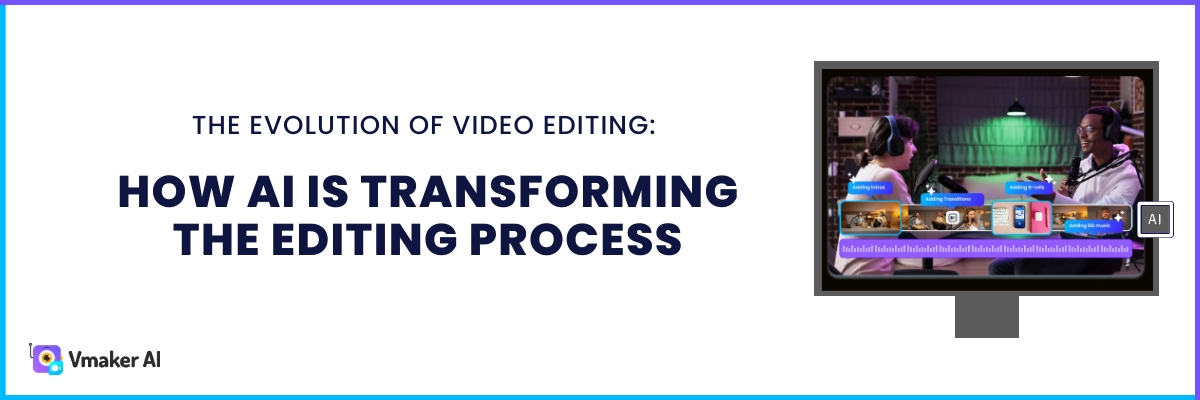
AI is changing how content gets made. It started with text tools, then moved to image and video generators. Now we are seeing AI help with every part of content, not just the making. This blog covers how AI can speed up video editing, including: Traditional vs AI video editing The main benefits of AI […]

Lakshmanan Raman - October 30, 2024

Vmaker AI hosted Nicole Papaioannou Lugara in a live session to discuss about Human AI avatars – The Future of Learning and Development? It was a candid conversation discussing the possibilities of Human AI avatars in L&D workflow, different use cases applications, where to use Human avatars and where not to use them and most […]