Repurpose Videos Into Multiple Social-Ready Posts with AI
Upload webinars, podcasts, interviews, or YouTube videos. Our AI finds the most important moments and turns them into multiple short clips, without manual cutting or timeline editing.
Start Creating Now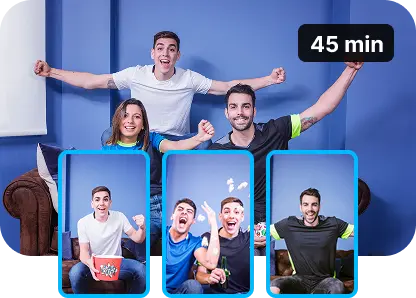
Multiple Clips Instantly
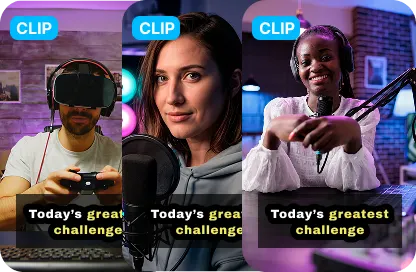
Skip Timeline Work
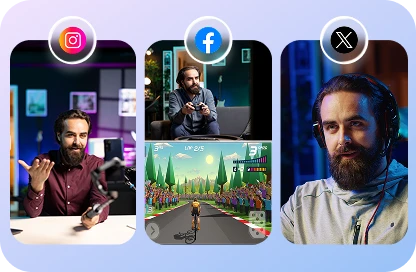
Consistent Posting, Simplified
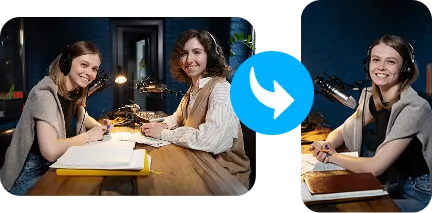
Editor-Free Repurposing
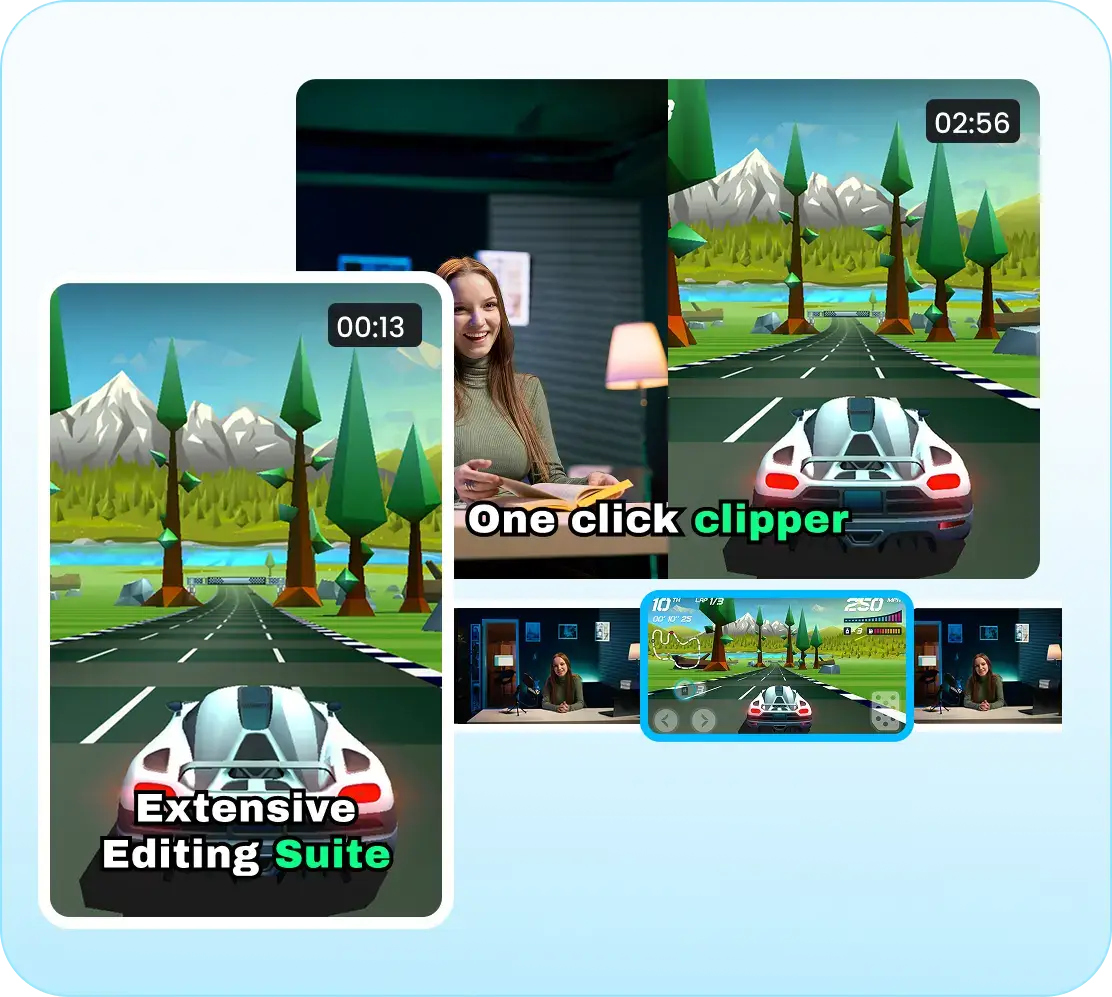
AI Curated Short Clips
Instead of pulling a single highlight, the AI scans your entire video and generates multiple short clips, each capturing a different moment worth sharing. Want to turn long videos into short clips in one step? Try the dedicated tool.
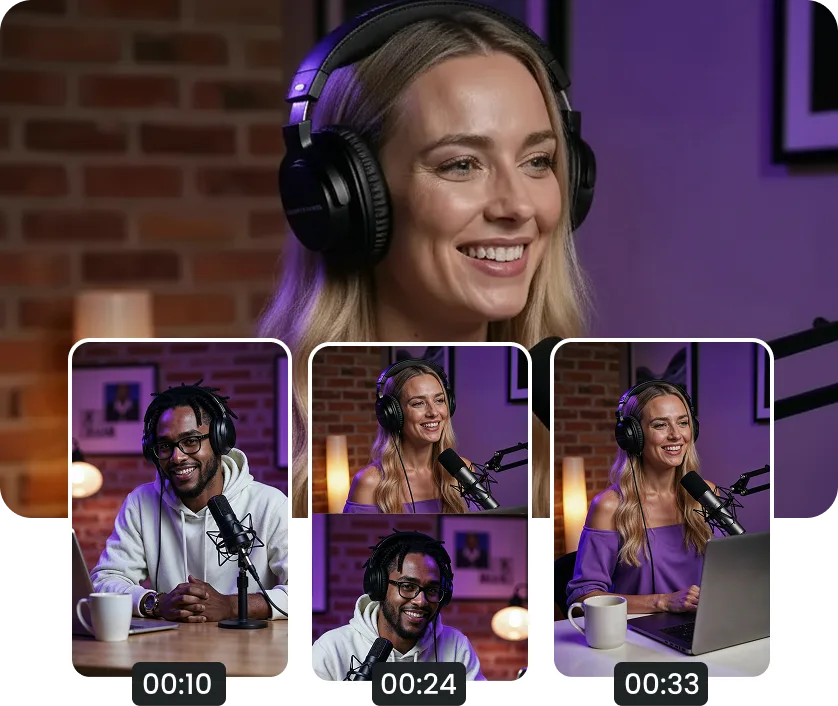
Timely Framed Clips
Choose your ideal clip length and aspect ratio. Each short is framed to fit Shorts, Reels, or TikTok, without cutting mid-sentence or losing context.
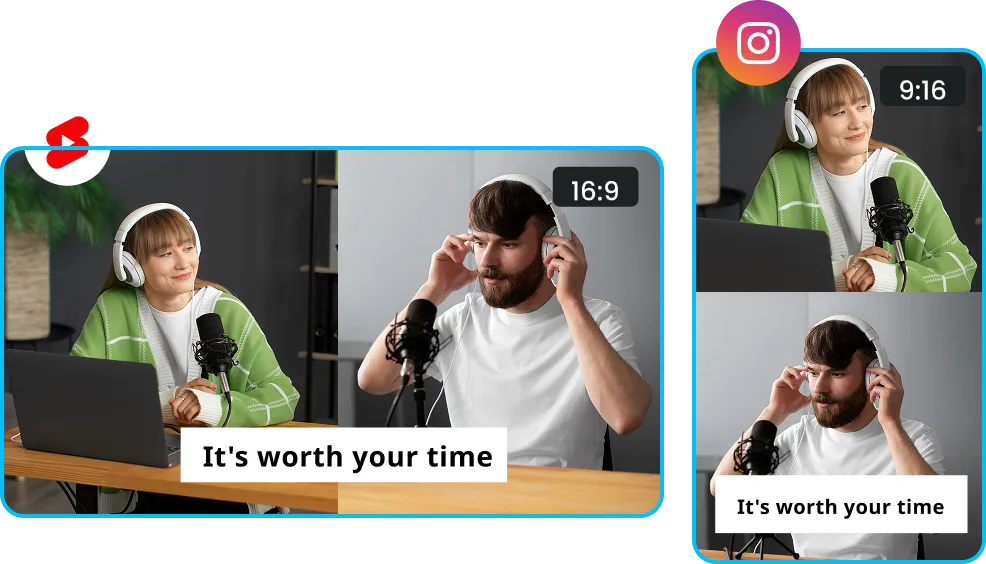
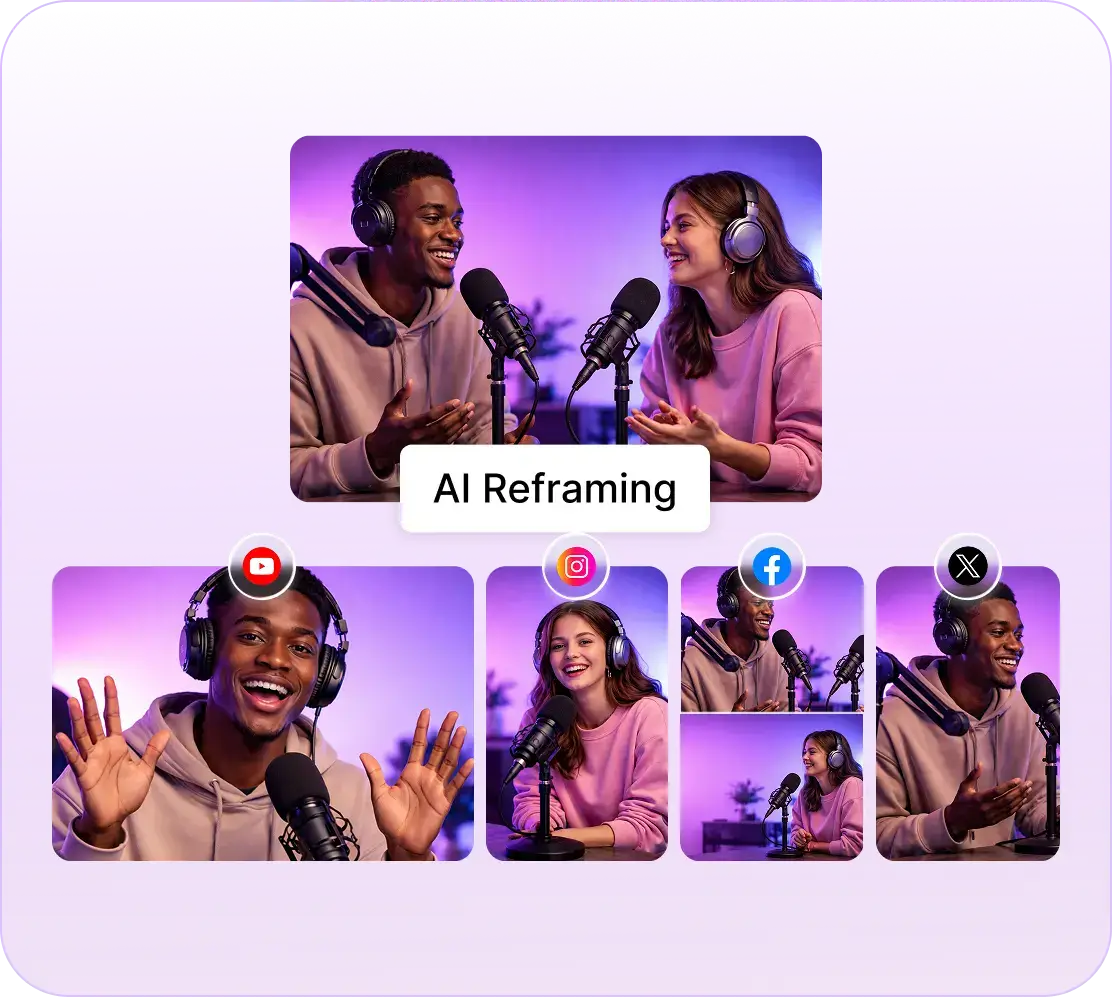
AI Reframing
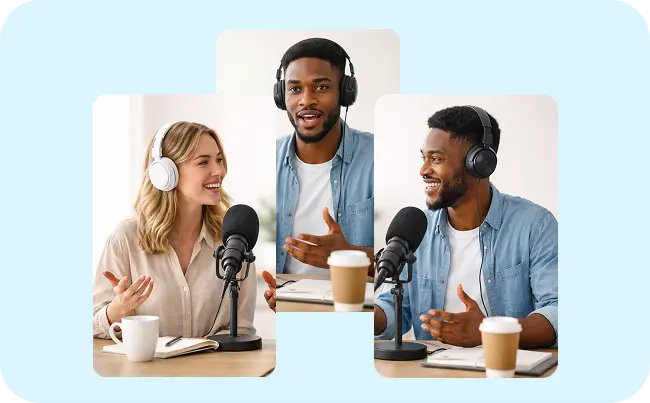
AI automatically focuses the frame on the active speaker. When multiple people appear, it intelligently switches to a clean grid so everyone fits naturally.
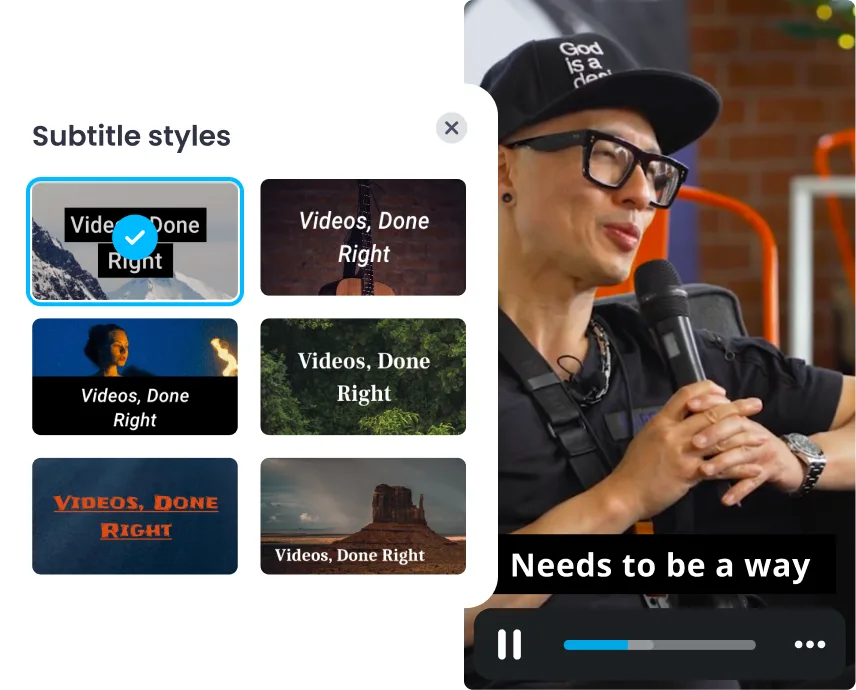
Animated Subtitles
Automatically generate subtitles that follow the speaker’s pacing, making clips easy to watch on silent feeds while still feeling natural and intentional.
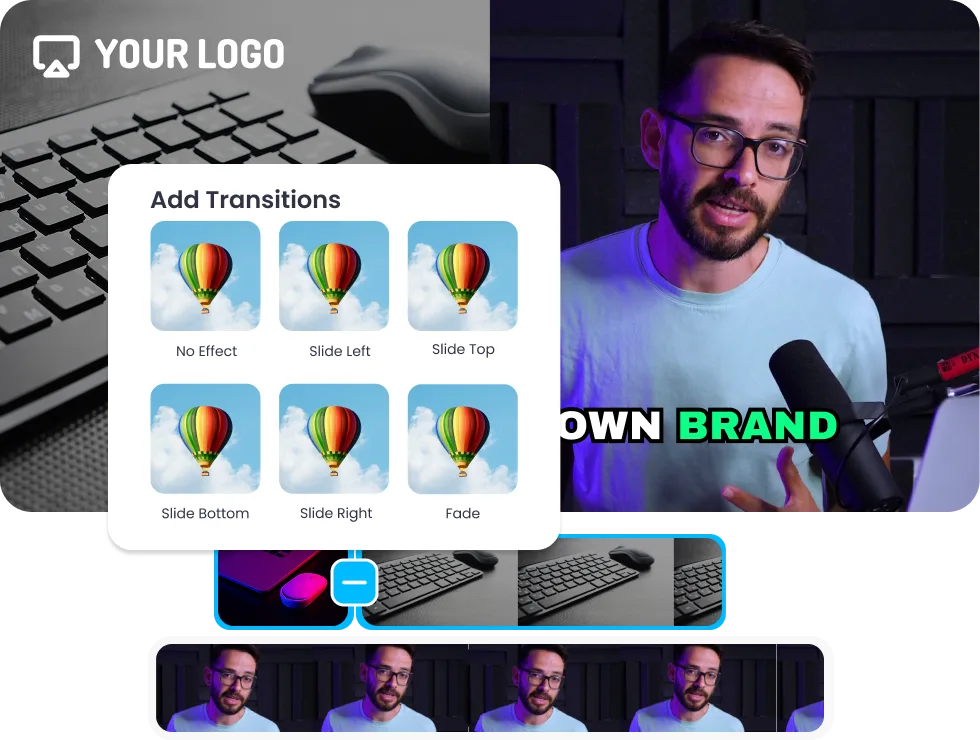
Motion Graphics
Get creative by adding transitions, motion graphics, images, or videos to shape the story and improve retention, without starting from scratch.
Edit Clips, Seamlessly
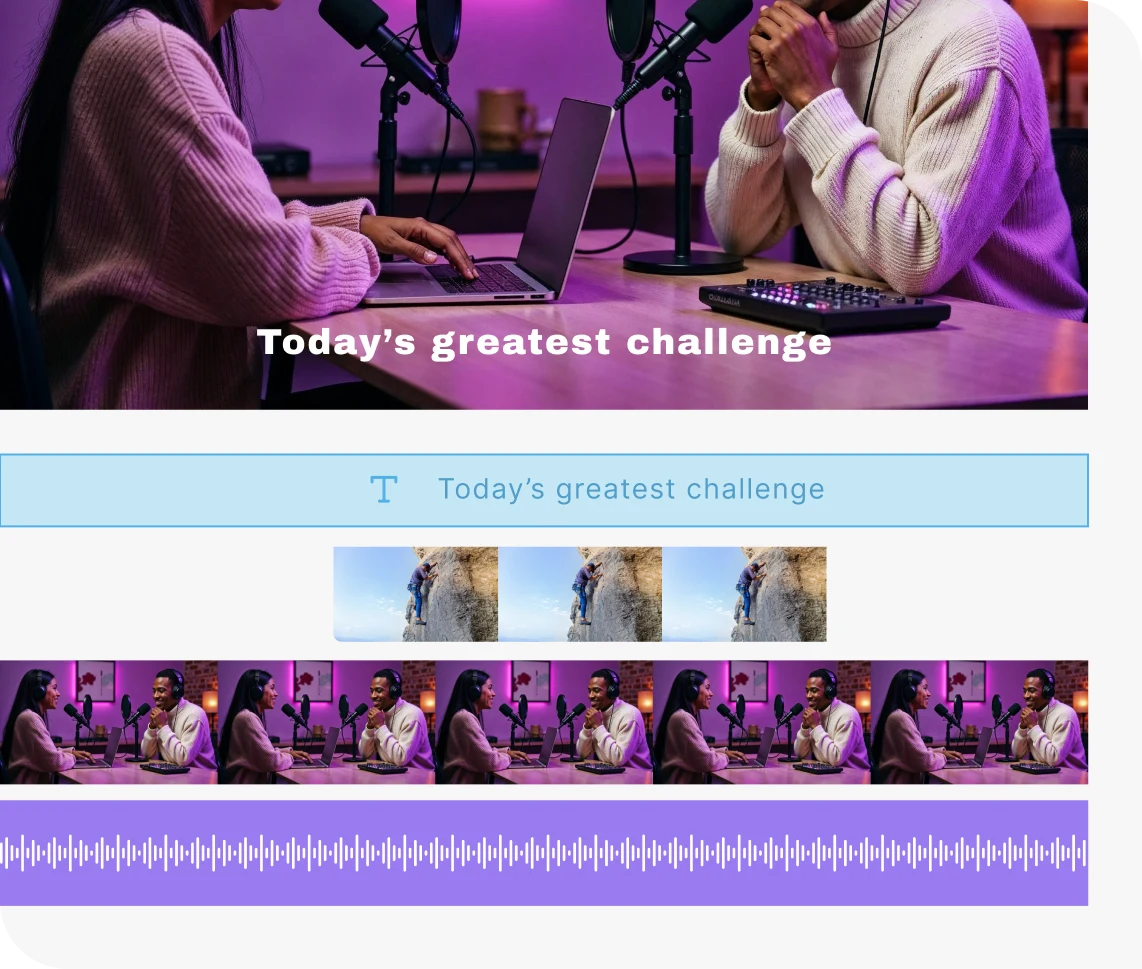
Fine-tune clips in the same editing canvas. Add logos, music, brand elements, or quick trims before publishing, no exporting or switching tools.
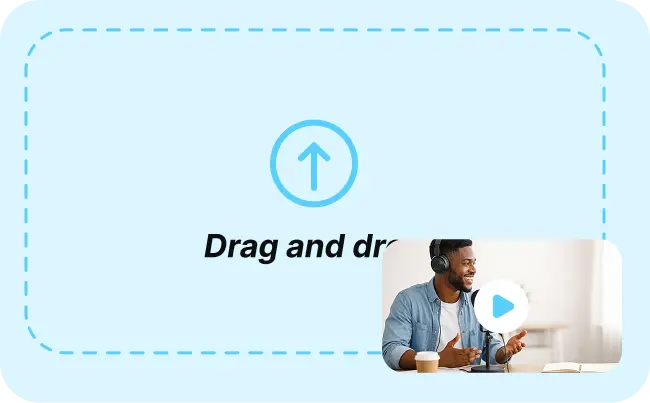
Repurpose Your Video in 3 Simple Steps
Step 2
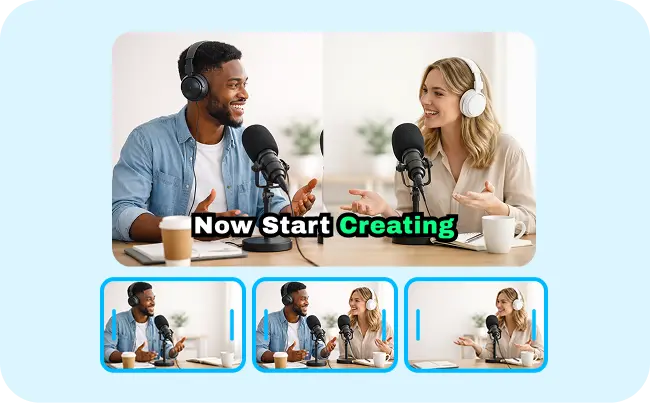
Generate Clips
AI analyzes the full video and delivers multiple short clips it identifies as worth sharing across social platforms.
Step 3
Enhance Clips
Make quick edits, add branding or b-rolls, and prepare clips for publishing across your social channels.
Shortclips Curated for
Better Experience
Platform Suggestions
The AI recommends where each clip performs best in socials, Instagram, YouTube, TikTok, based on its hook strength and engagement potential.
Auto-formatted Shorts
Each clip is automatically formatted to match platform requirements, so you don’t need to resize or reframe manually.
Instantly Postable
Get polished, social-ready clips the moment they’re generated, ready to schedule or publish.
Loved by Content Creators & Marketers
Quick Clip Generation
Recreate your videos into short clips by reducing 80% of the time and cost incurred.
Accurate Bites
Curated clips have accurate information without inappropriate cuts or editing chaos.
Editing Made Ease
The shortclips generated can be edited in the same platform by adding b-rolls, videos, images, and more.
Perfect for Every Use Case

Businesses
Turn webinars, demos, and testimonials into quick social clips. Stay visible online without creating new content.
Content Creators
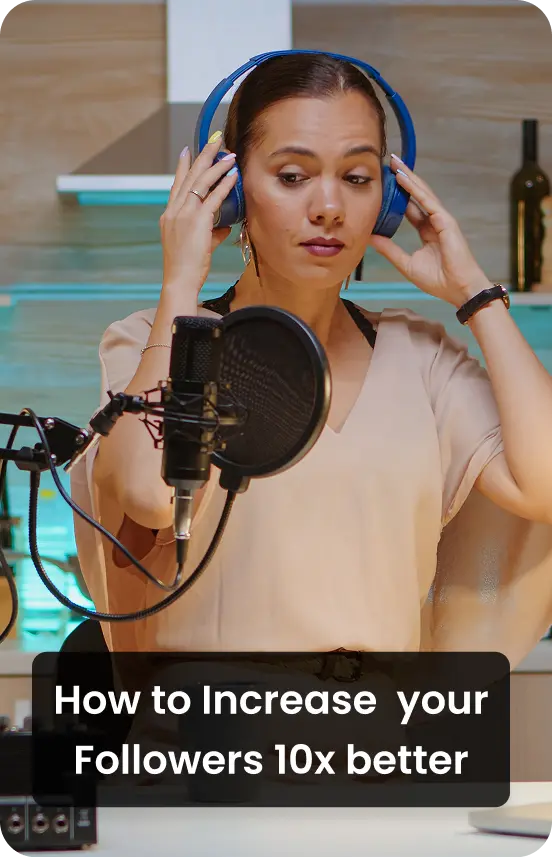
Convert long videos, podcasts into a steady flow of Shorts. Grow reach and subscribers effortlessly.
Influencers
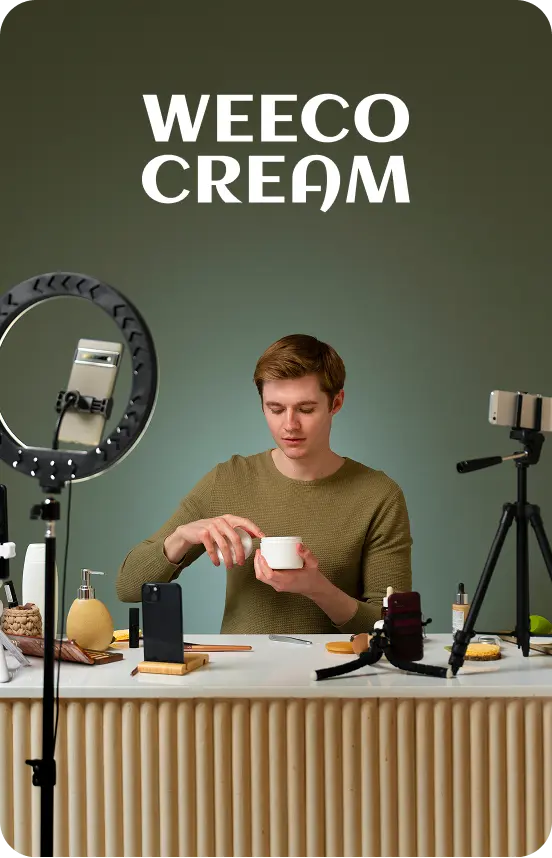
Pull out viral moments for frequent posting. Stay consistent without extra filming.
Editing Tools to
Refine Every Clip

Transitions & Visual Add-ons
Pair your audio and visuals with simple transitions or overlays to shape the final flow.

Add Background Music
Pick a track from the library by tempo or style, or upload your own brand music.

Mute Original Audio
Quiet the recorded track with a single control for a cleaner starting point.
Some snippets from Customer's Love
4.7 (103)
FAQs
Repurpose Video AI converts long-form videos into short, social-ready clips using artificial intelligence, saving time, editing effort, and production costs.
The AI analyzes hooks, emotions, important keywords, and speaker emphasis to extract the most engaging segments.
Yes, any long-form content such as webinars, live streams, meetings, podcasts, demos, and lectures can be turned into short clips.
Short-form videos perform better on social platforms, improving reach, engagement, and watch-through rates without requiring new content creation.
AI automatically adds captions, and you can edit the clips in the editing canvas with logos, colors, fonts, and brand elements before publishing.
AI Reframing automatically centers the active speaker and switches to a grid view when multiple people are on screen, keeping the video clean and well-framed.
Explore More Video Tools
AI Video Editing Tool
AI Video Generator
AI Subtitle Generator
AI B-Roll Generator
Text to Video AI
Video Enhancer AI
Audio to Video AI
Long to Short Video AI
AI Clip Maker
AI Video Background Remover
AI Highlight Video Maker
AI Video Dubbing
AI Document to Video
PDF to Video
PPT to Video
Script to Video AI
AI Reel Generator
Repurpose Video AI
Podcast Clip Generator