TikTok Ready Videos From
Pure VibesVideos
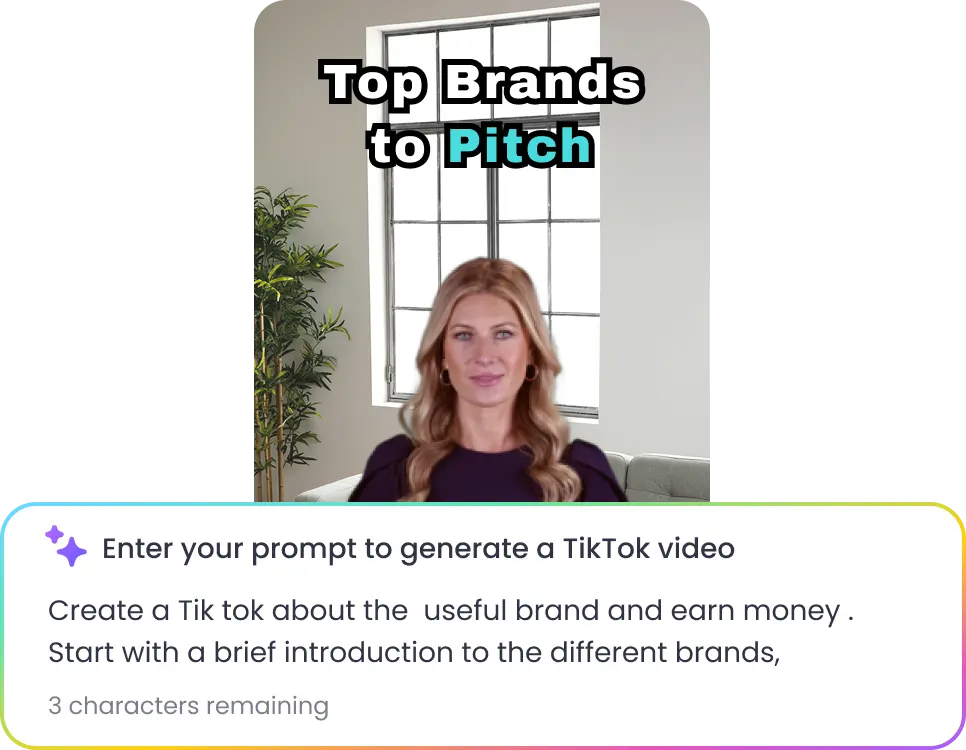
Share the energy you want, whether it’s a trend, a vibe, or a quick story idea, the AI builds the TikTok instantly, helping you stay consistent without the creative strain.
Create NowCreate TikTok Clips
Upload long-form videos and AI clip maker detects engaging moments, hooks, reactions, and key insights to create short TikTok-ready clips optimized for watch time and retention.
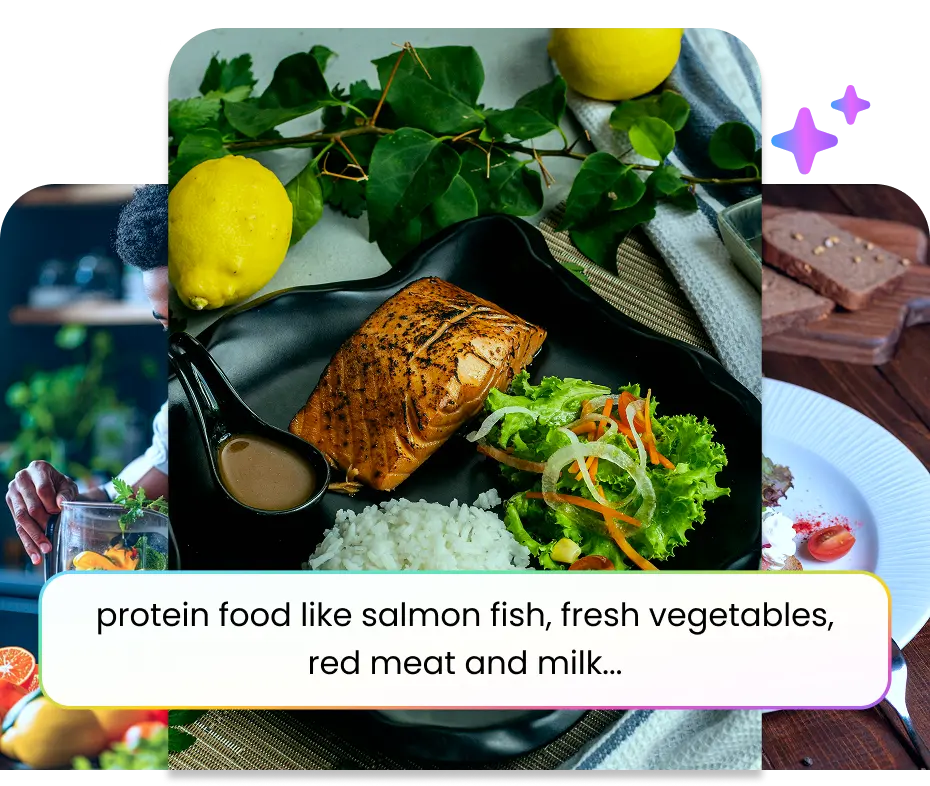
Auto B-Roll for Impactful Storytelling
The AI adds supporting visuals and relevant B-rolls that match your topic, pacing, and storytelling style to make your TikTok videos more engaging.
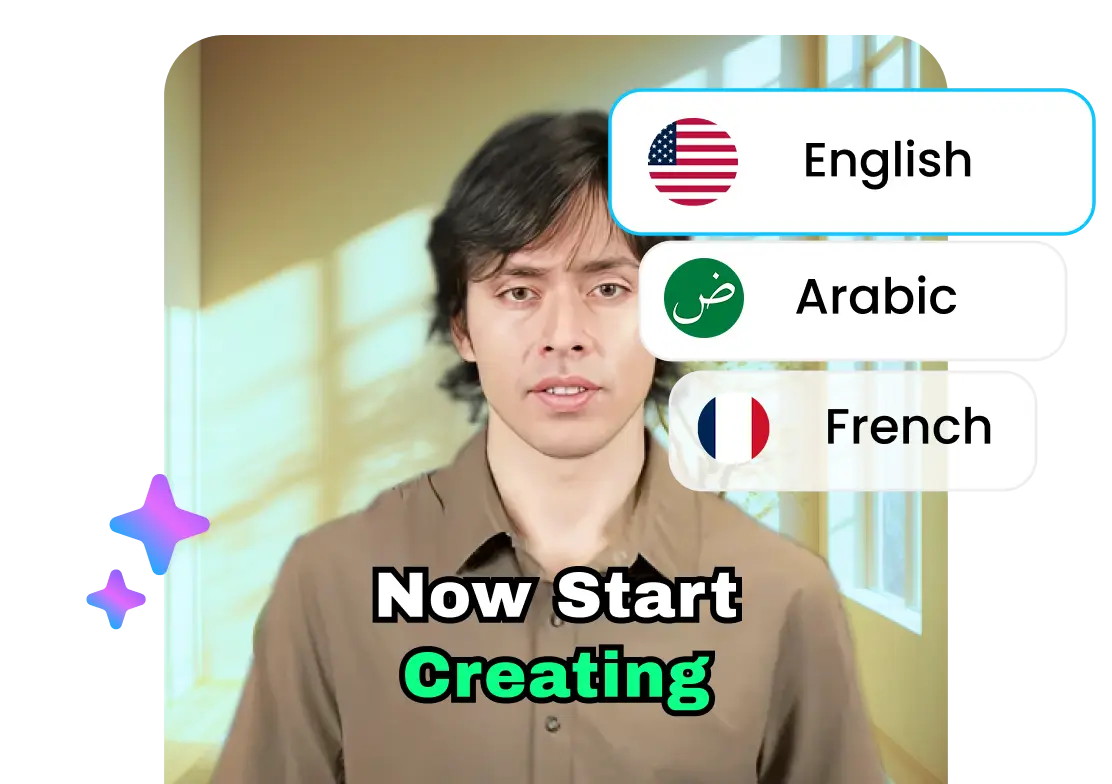
TikTok Ready Auto Captions
Generate accurate subtitles automatically in multiple languages to improve accessibility, silent viewing, and audience retention across TikTok.
Smart Vertical Formatting for TikTok
Convert horizontal videos into vertical TikTok-ready clips automatically. The AI keeps speakers, faces, and important visuals centered for better mobile viewing.
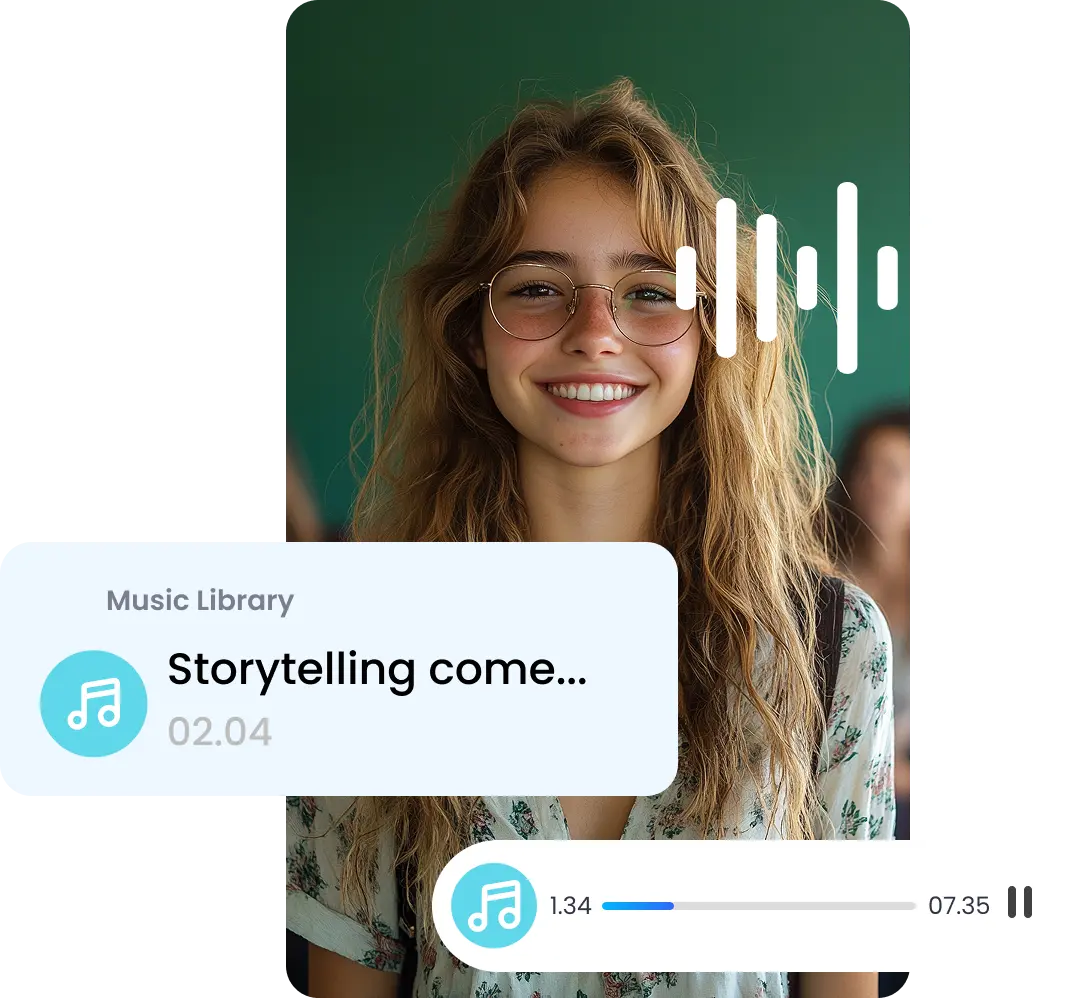
Music & Motion Added Automatically
AI handles script, transitions, and music to match TikTok’s preferred rhythm. Your videos feel professionally edited, helping you stand out and capture attention faster.
Create a TikTok Video in 3 Simple Steps
Step 1
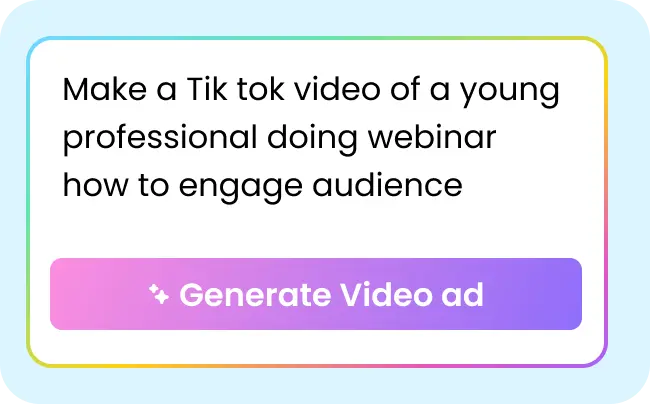
Describe Your Idea
Type a quick prompt, what you want, the vibe, or the trend you’re hopping on.

Step 2
Let AI Build the Video
The script, visuals, b-roll, music, and subtitles are auto-generated for you in seconds.

Step 3
Edit & Share
Tweak anything you want from music, subtitles, or add transitions, and export a TikTok-ready video instantly.
TikTok Videos That Gets 5x More Watch Time
Built for Vertical Viewing
Create TikTok videos with captions, AI reframing, and formatting optimized for mobile-first viewing and better retention.
Better Hooks for the For You Page
Generate short TikTok clips with stronger openings and attention-grabbing moments designed to reduce scroll-offs.
Faster Content Repurposing
Turn one podcast, webinar, interview, or YouTube video into multiple TikTok clips without editing timelines manually.
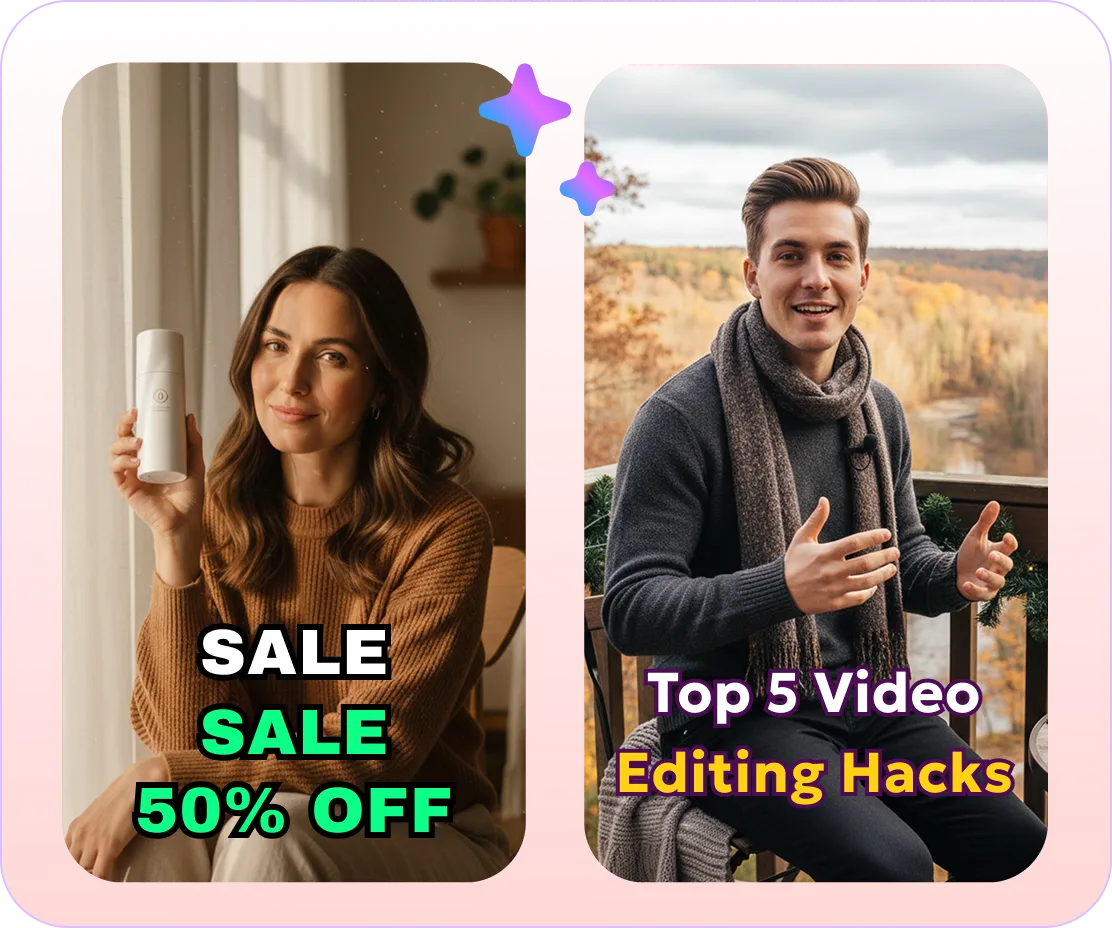
Why TikTok Creators & Brands Love It
Make More Content in Less Time
AI handles the heavy lifting so you can focus on ideas and storytelling.
Stay Consistent Without Burnout
Perfect for daily posting, trend-hopping, and maintaining visibility.
Seamless Video Tweaks
Refine visuals, subtitles, animations, music, and formats all in one place, no need to shift between platforms or timelines.
Crafted for Every Type of TikTok Creator
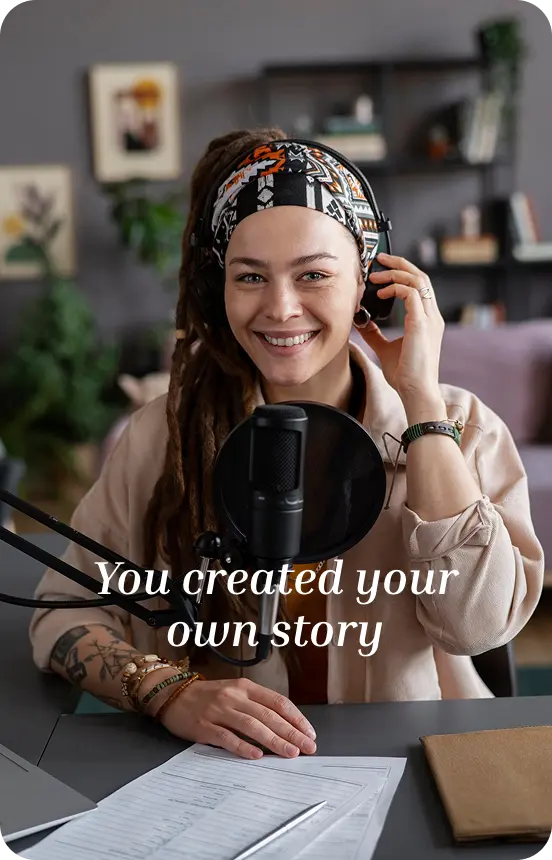
Influencers
Turn your ideas, trends, and challenges into scroll-stopping TikToks that’s fast and effortless.
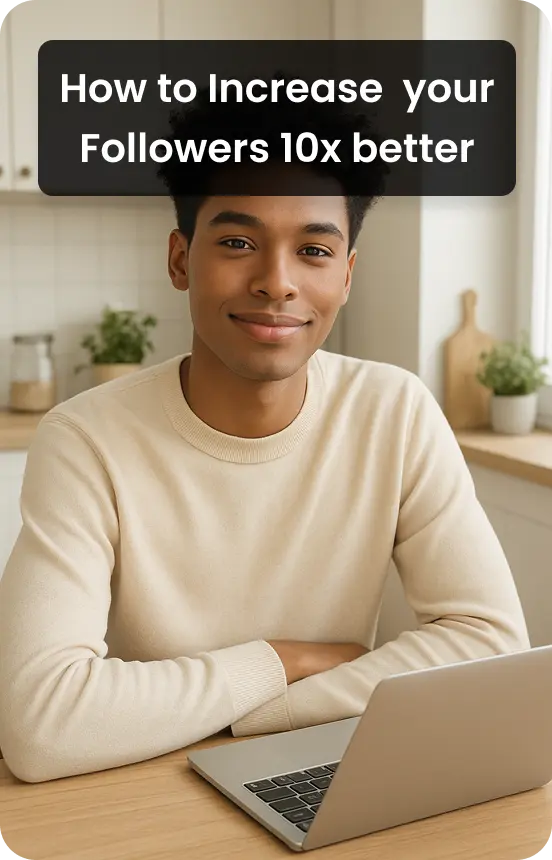
Social Media Marketers
Create multiple TikTok-ready videos quickly and edit them adhering to your campaign, all done under one roof.
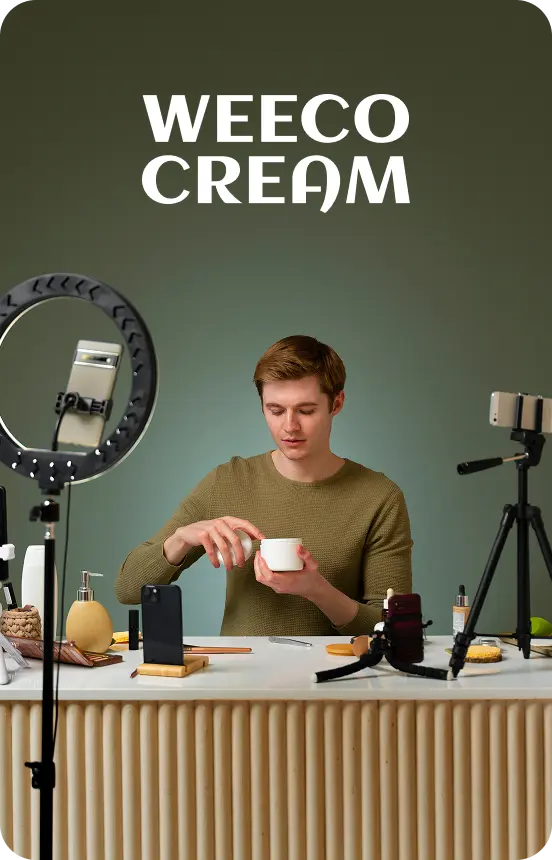
Brands
Launch any campaigns with videos that capture attention and drive results.
Repurpose Any Video into
Bite-Sized Clips Instantly
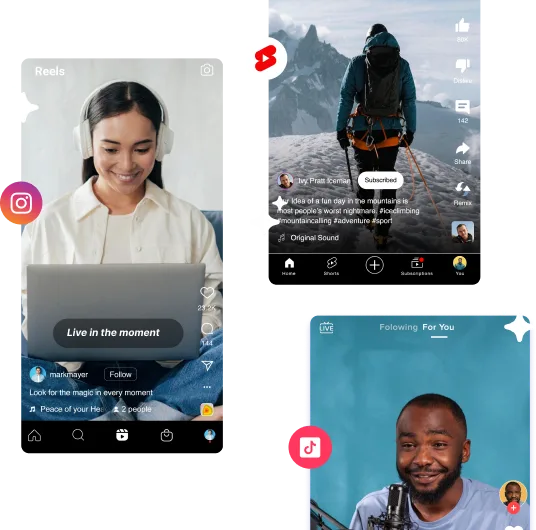
Short Clip Generator
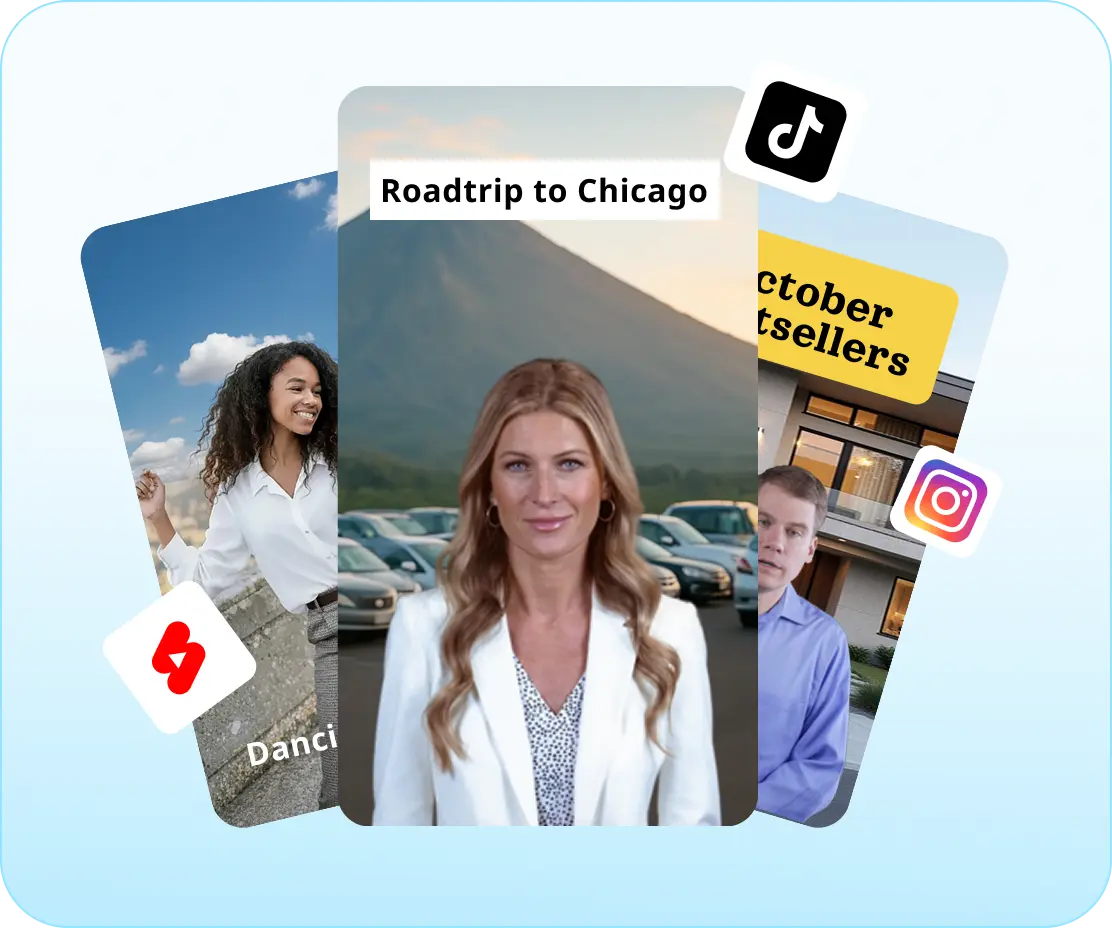
Converts full-length videos into snackable, scroll-friendly clips optimized for TikTok, Reels, and Shorts in seconds.
Generate My ClipsSome snippets from Customer's Love
4.7 (103)
FAQs
Yes. You can use AI avatars or auto-generated visuals to create TikTok videos without appearing on camera. This works well for faceless content, storytimes, educational videos, and product explainers.
Yes. You can type a short idea, description, or script, and the AI generates the full video with structure, visuals, captions, and music. No filming or manual editing is required.
You can create TikTok videos from short 15-second clips up to 3 minutes, depending on your content needs. For higher engagement, many creators prefer 30-60 second videos, as they are easier to retain viewer attention. You can also adjust pacing and trim the video before exporting.
Yes. Based on your script or idea, the AI selects matching b-roll, visuals, captions, and transitions to fit the mood and trend style. You can edit or replace them before publishing.
Yes. The AI automatically adds background music that matches the tone of your video. You can also adjust or replace the music before exporting to match trends or your brand style.
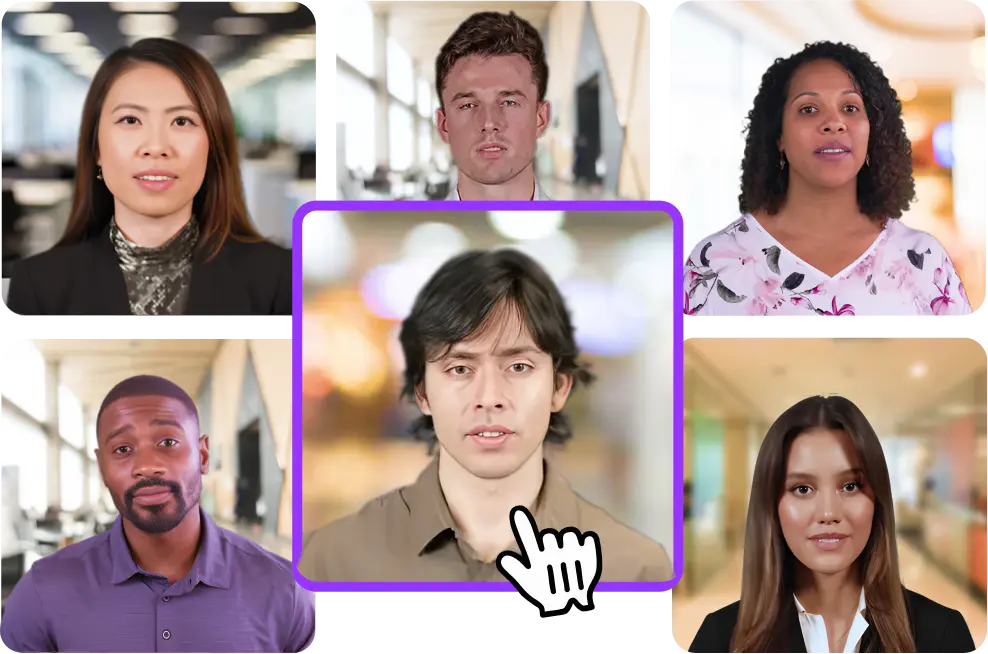
Yes. You can create an AI avatar that represents you and use it across multiple TikTok videos. This helps maintain consistency without recording every time.
Yes. You can generate product demos, promotional videos, and UGC-style content using prompts, scripts, or avatars. This is useful for brands, affiliate marketers, and creators running campaigns.
Yes. Upload podcasts, webinars, interviews, tutorials, YouTube videos, or recordings and Vmaker AI automatically converts them into short TikTok clips optimized for vertical viewing
Yes. Paste a YouTube link or upload a long footage, and the AI converts long-form videos into multiple short TikTok clips.
Yes. Vmaker AI generates captions automatically to improve watch time, accessibility, and silent viewing on TikTok.
Yes. The AI automatically reformats videos for vertical TikTok viewing while keeping speakers and important visuals centered.
Explore More Video Tools
AI Video Editing Tool
AI Video Generator
AI Subtitle Generator
AI B-Roll Generator
Text to Video AI
Video Enhancer AI
Audio to Video AI
Long to Short Video AI
AI Clip Maker
AI Video Background Remover
AI Highlight Video Maker
AI Video Dubbing
AI Document to Video
PDF to Video
PPT to Video
Script to Video AI
AI Reel Generator
Repurpose Video AI
Podcast Clip Generator