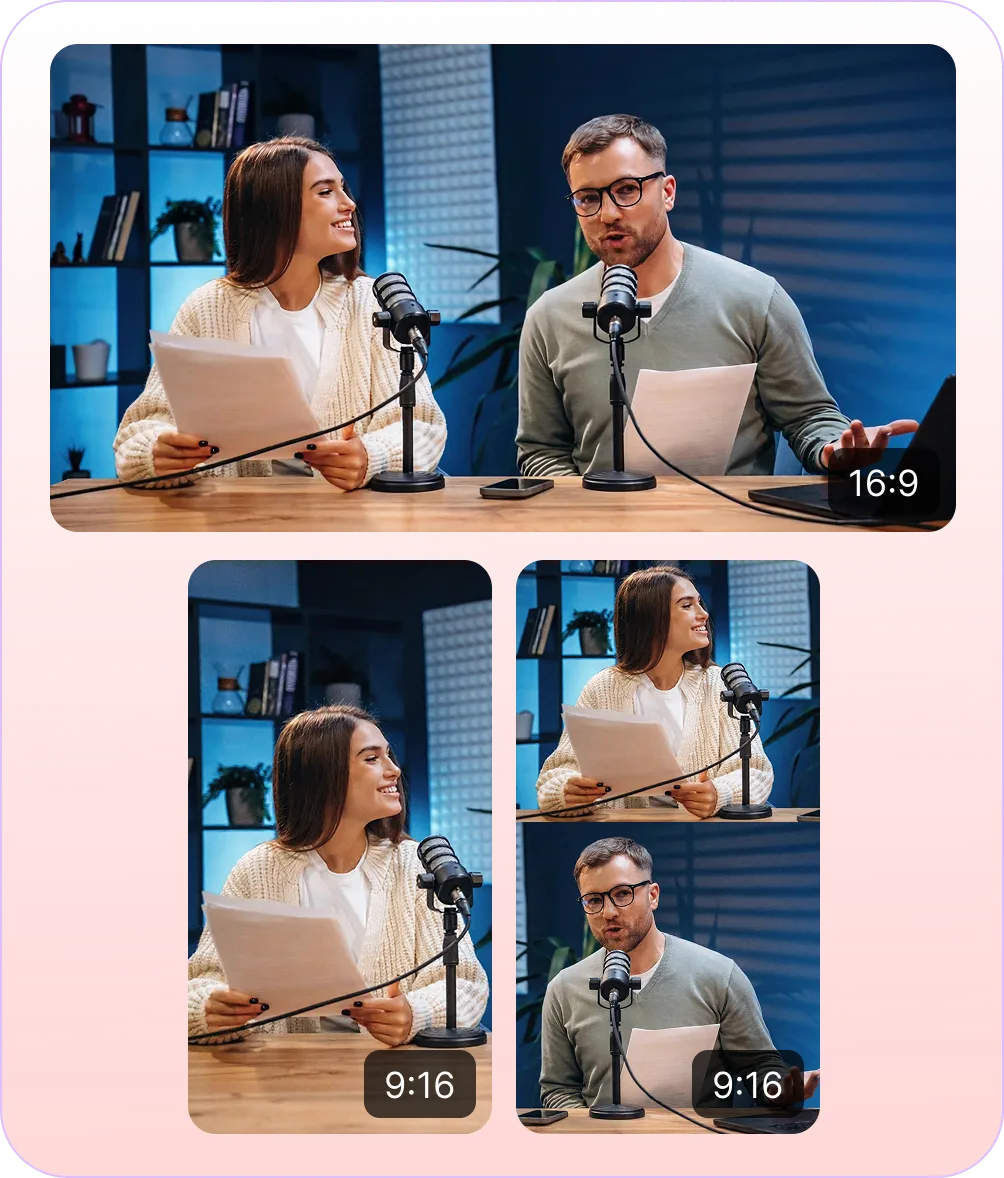
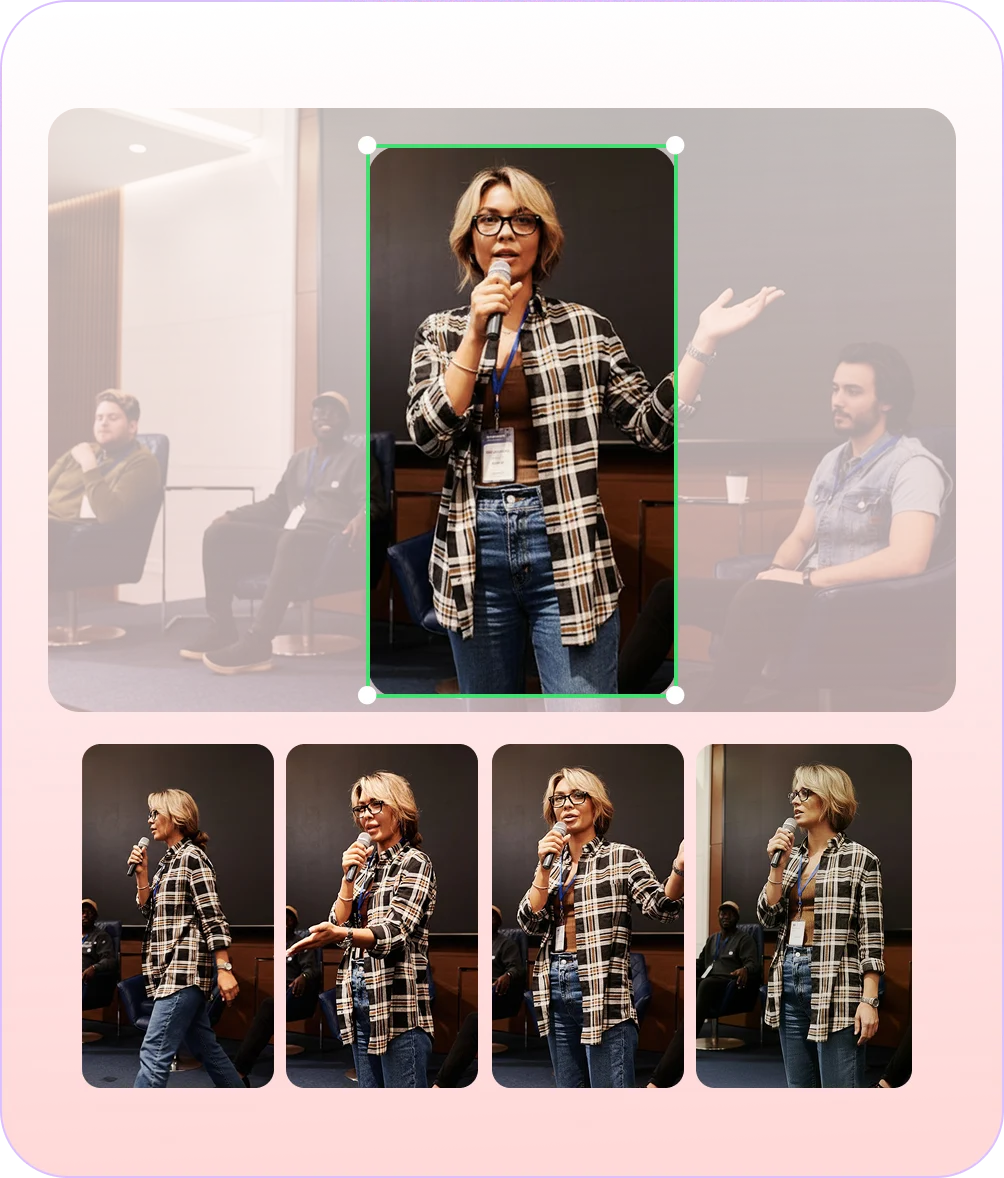
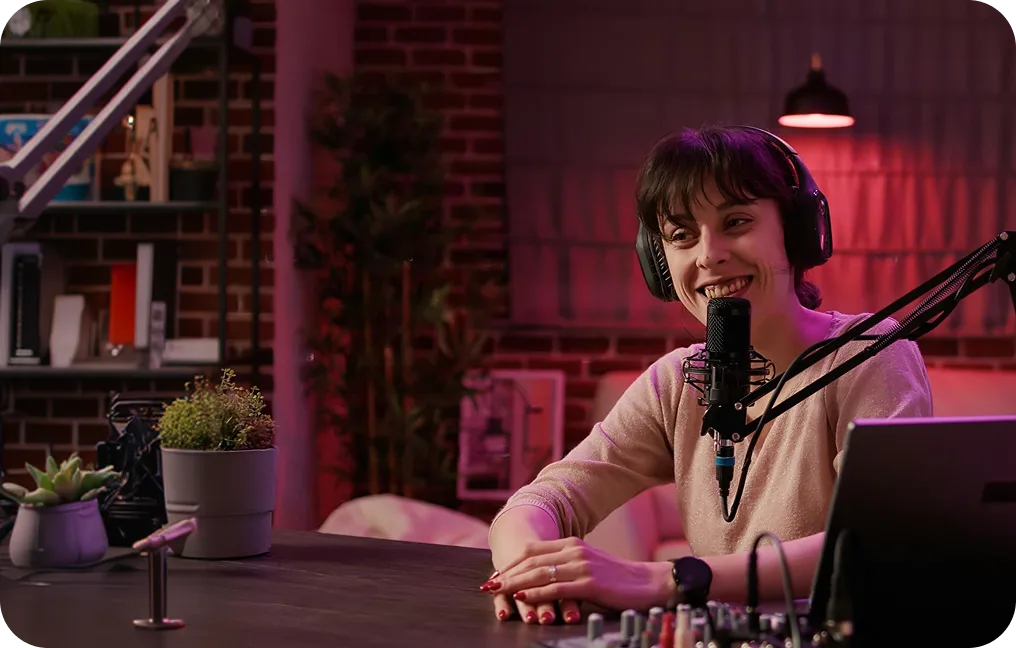
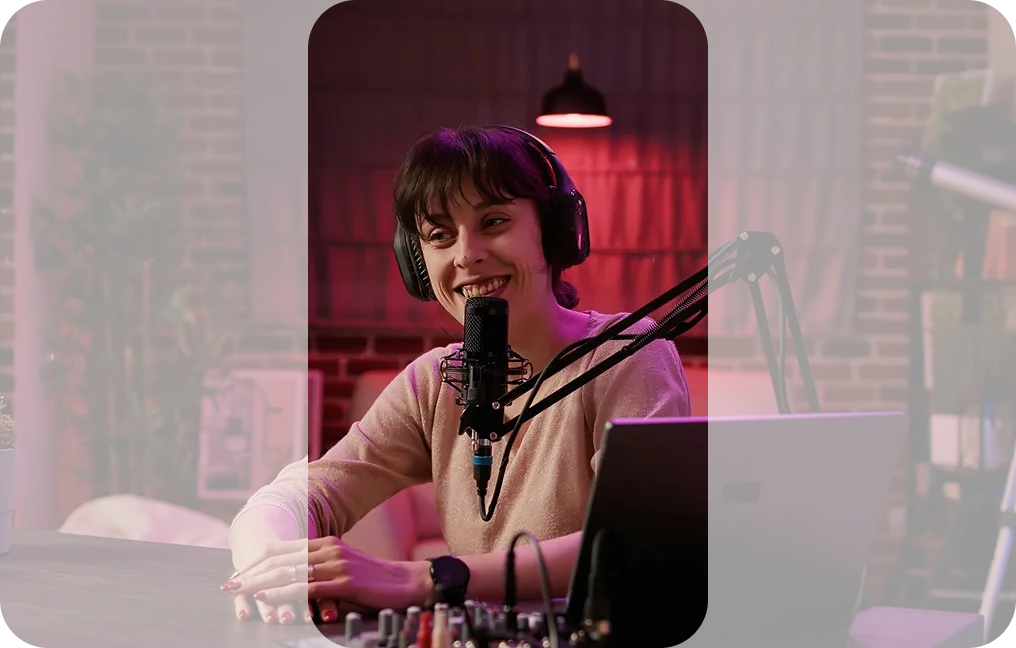
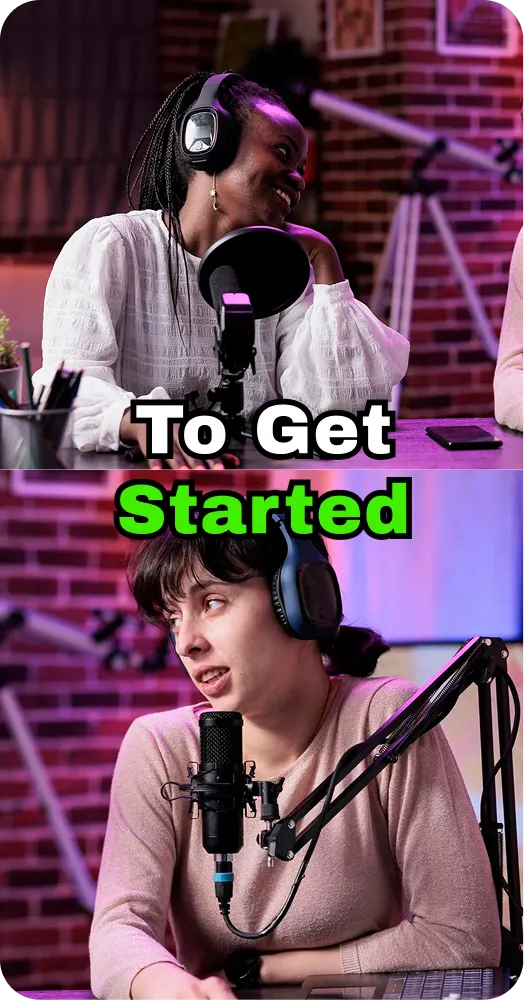
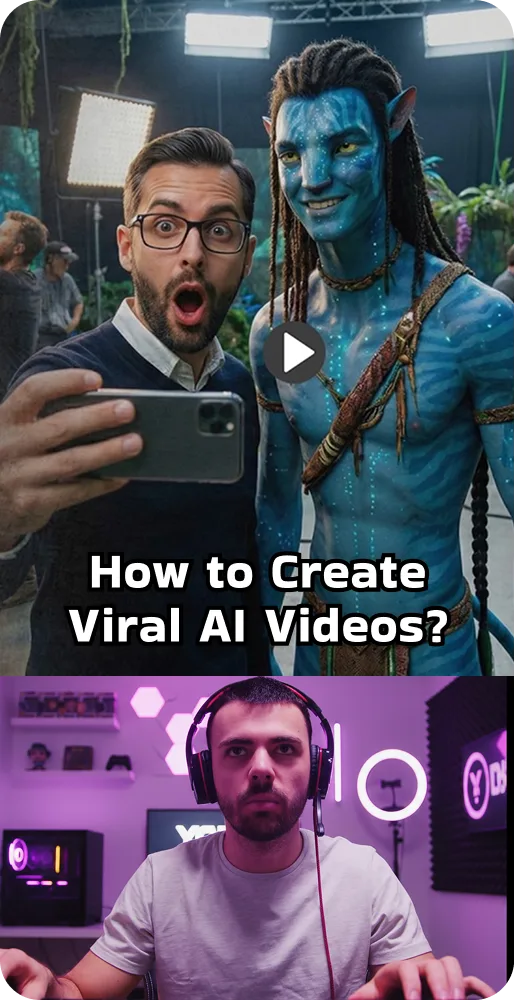
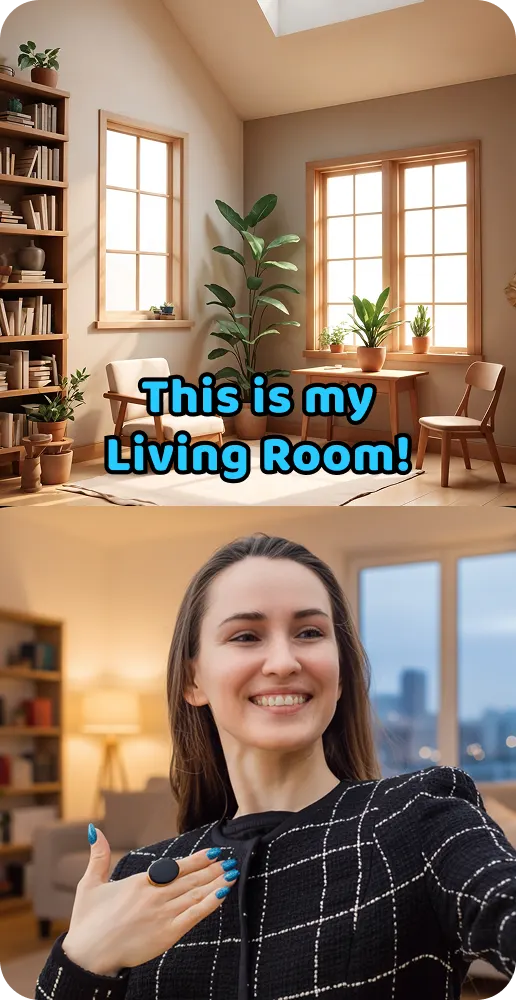
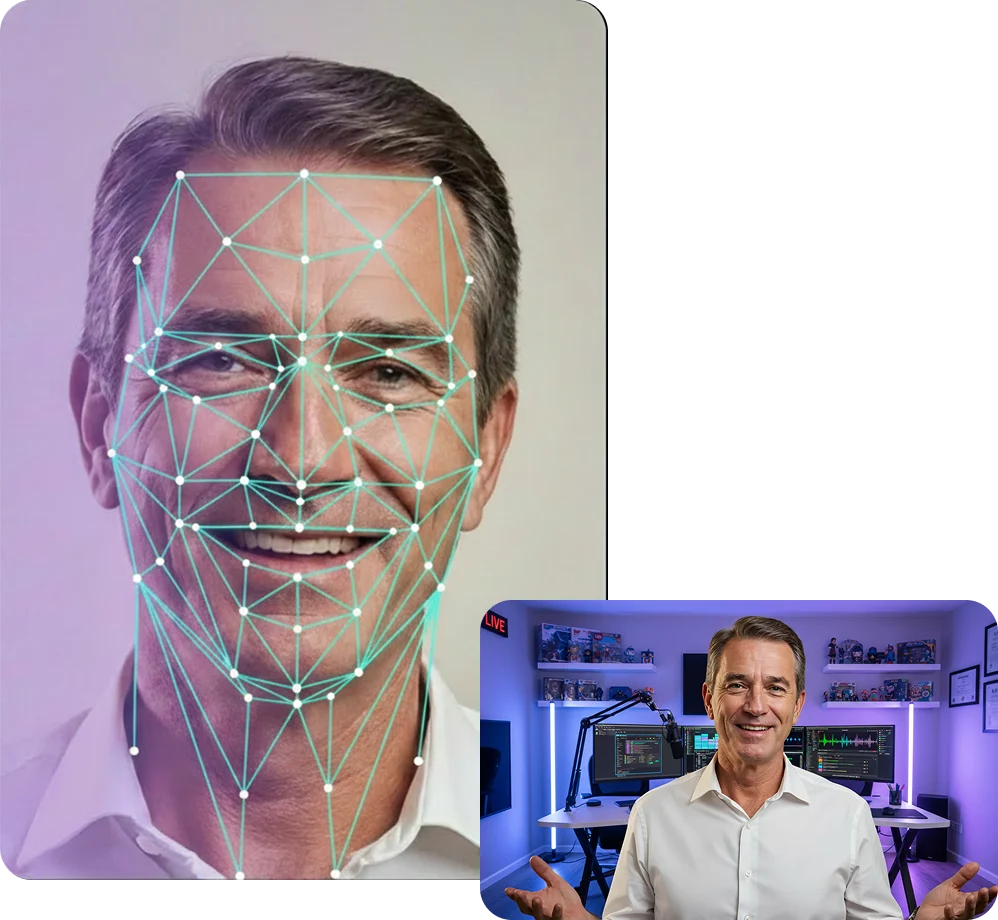
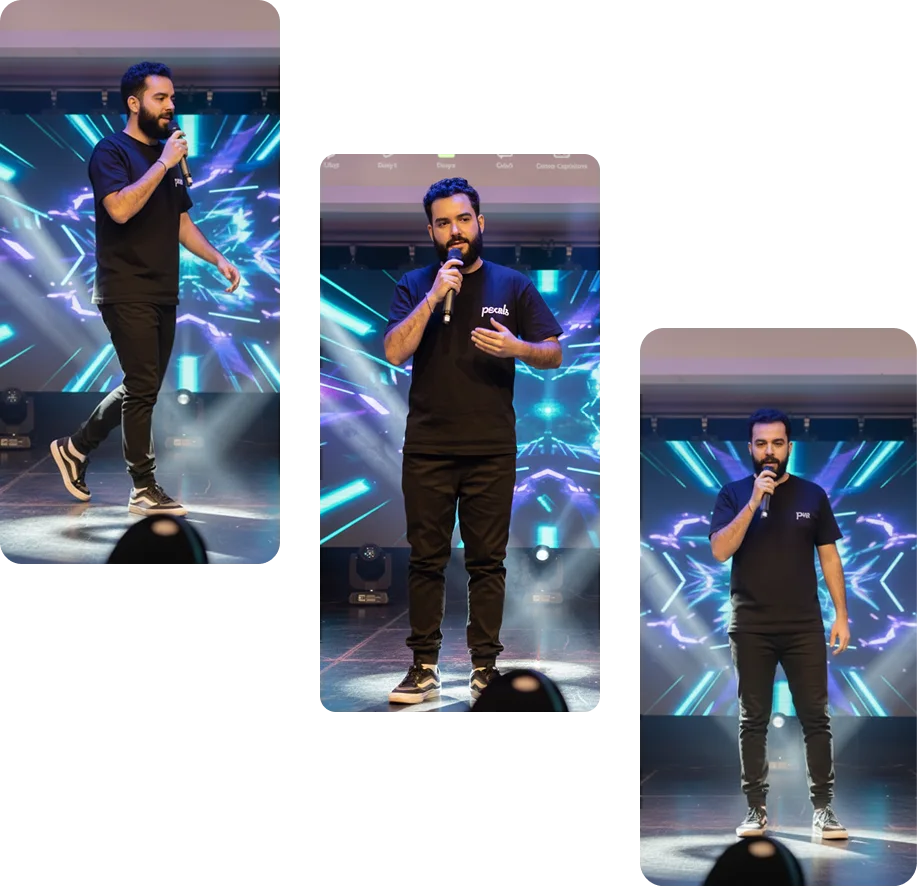
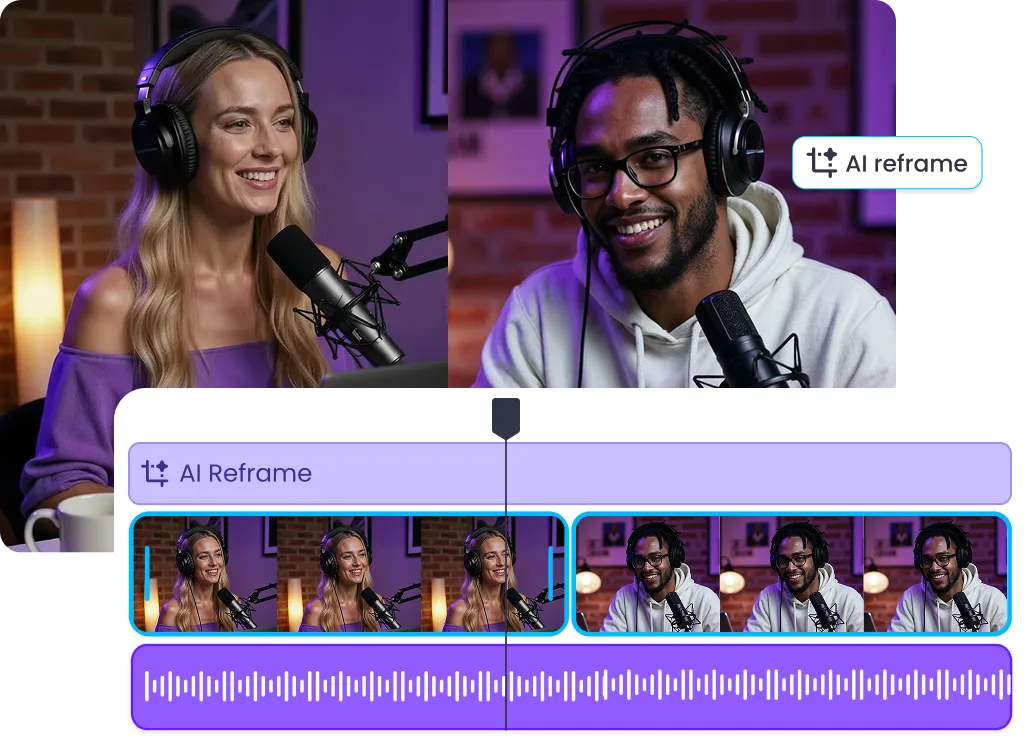
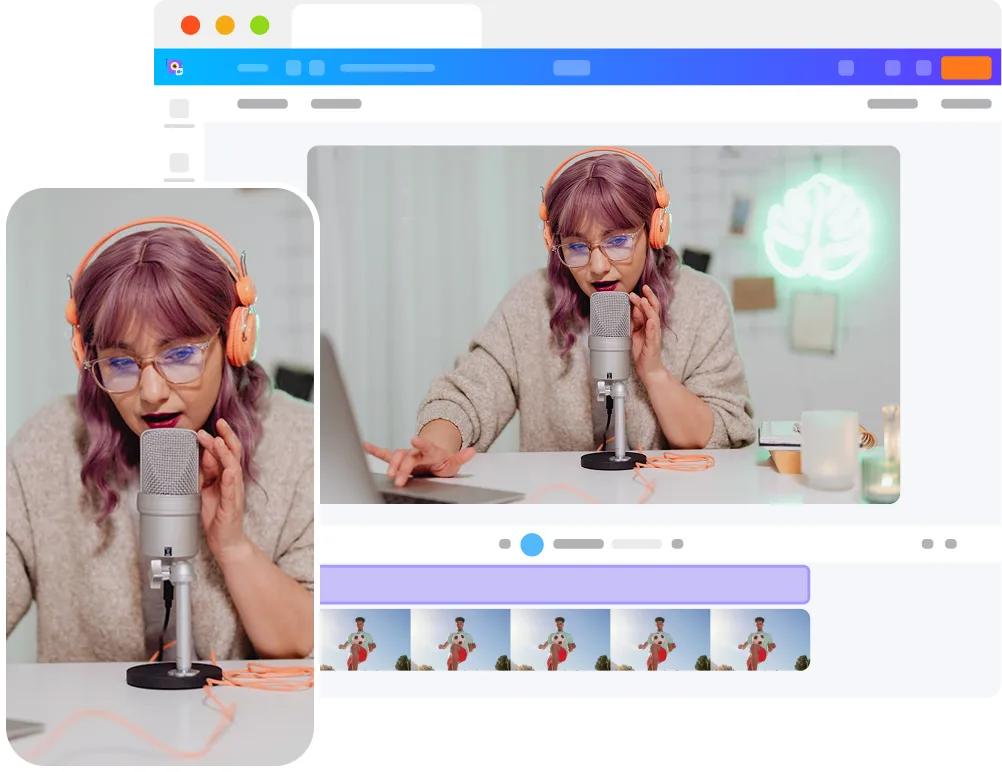
Subjects drift out of frame Frame-by-frame manual adjustments One format per edit
Speaker stays centered throughout Zero manual cropping Multiple formats from a single upload
AI video auto reframe automatically detects speakers, follows motion, and adjusts the frame in real time, so you don’t have to manually crop or track subjects.
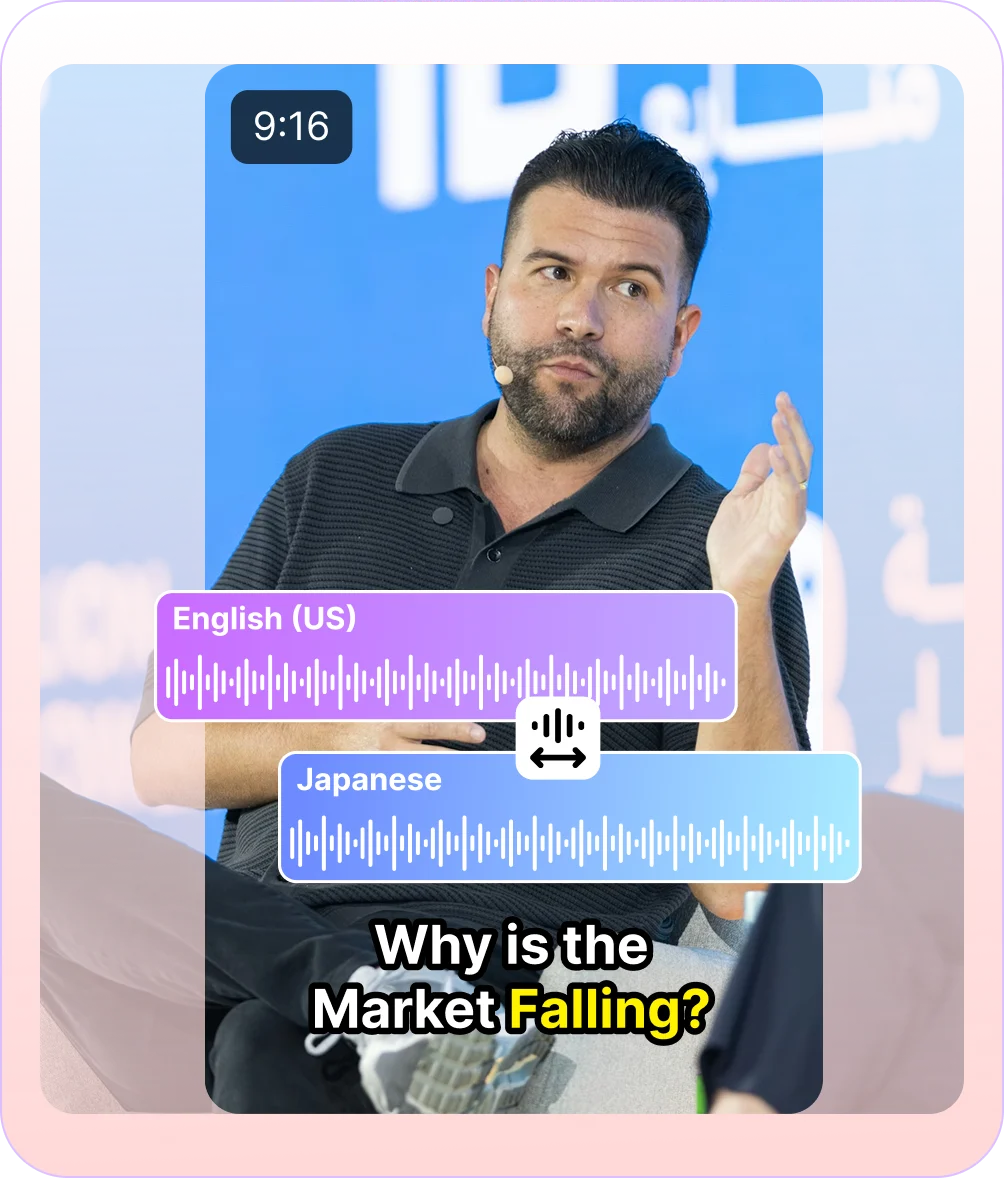
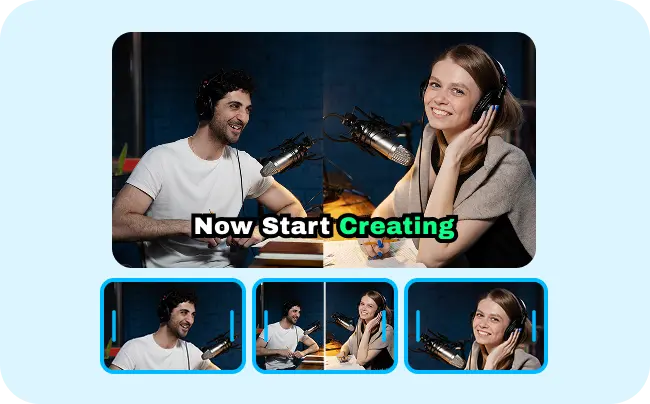
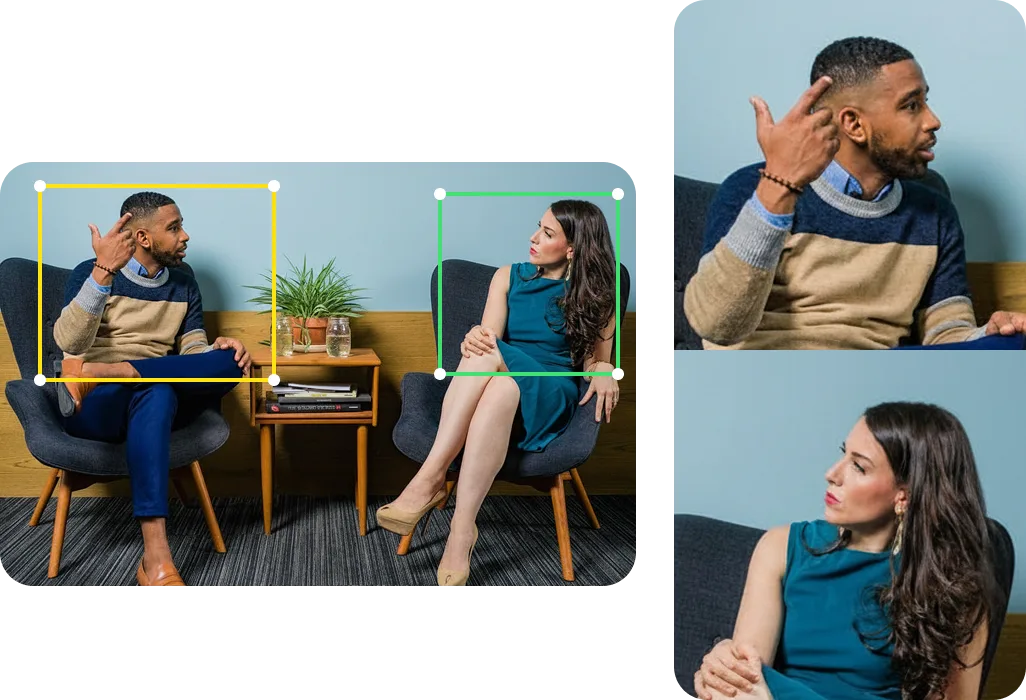
Vmaker AI’s smart reframe video tool doesn’t just follow whoever is most visible on screen. Its video auto reframe system combines visual motion with audio cues to understand who’s speaking and when to shift focus.
Note: This makes a noticeable difference in podcasts, interviews, and panel discussions, where conversations move between speakers and framing needs to keep up naturally.
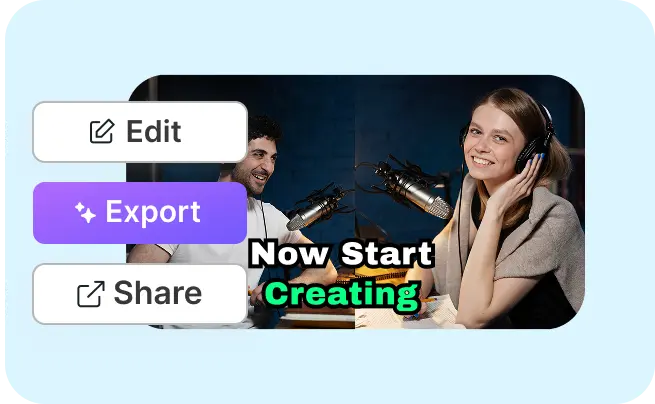
With Vmaker AI, video auto reframe isn’t a standalone feature, it’s built into a full AI video editing workflow. Once your video is reframed, you can continue editing, add AI animated subtitles, or repurpose long videos into short clips all in the same place, without switching tools.
Podcasts
Webinars
Interviews
Gaming
Tutorials
Vlogs
Vmaker AI looks at your video frame by frame to understand who’s speaking and how they’re moving. Its video auto reframe keeps the important parts centered, so the shot stays balanced as the scene changes.
The smart reframe video tool spots people, faces, objects, and any other key elements in your video, so it knows exactly what should stay in frame, even when multiple speakers are involved.
With Vmaker AI, video auto reframe isn’t a standalone feature, it’s built into a full AI video editing workflow. Once your video is reframed, you can continue editing, add AI animated subtitles, or repurpose long videos into short clips all in the same place, without switching tools.
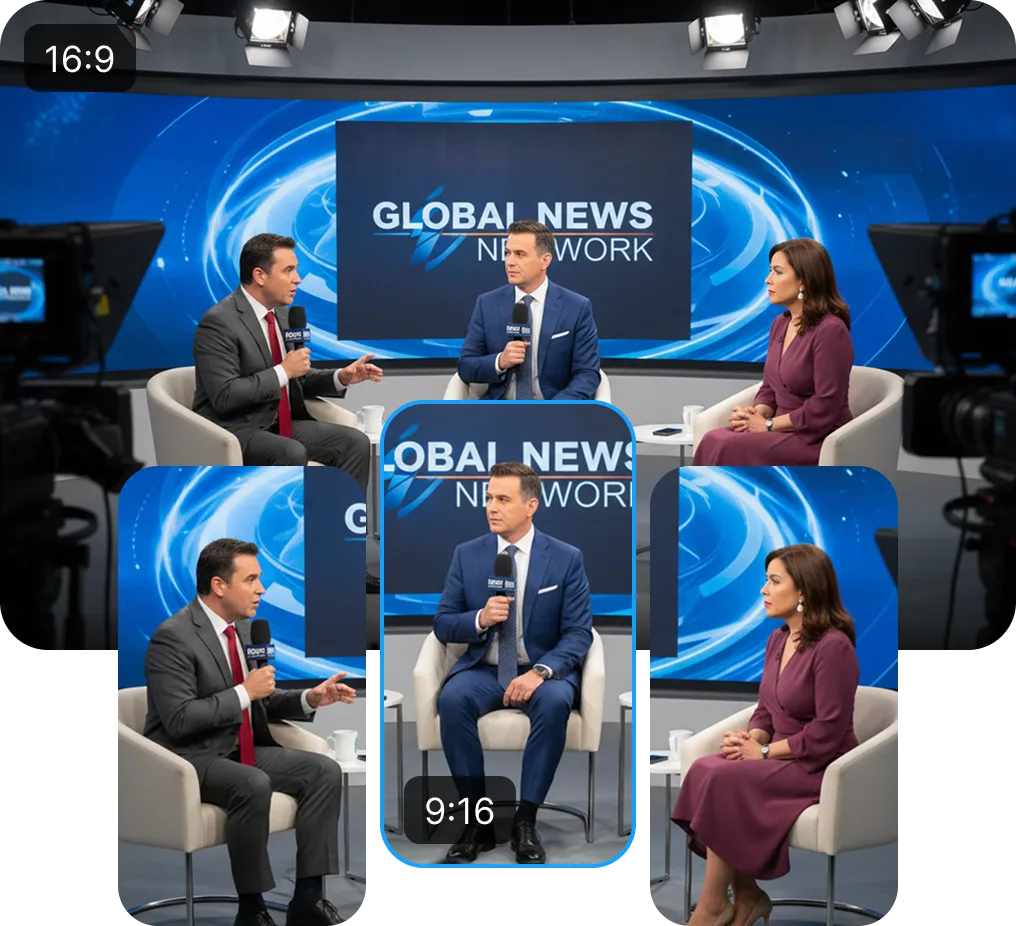
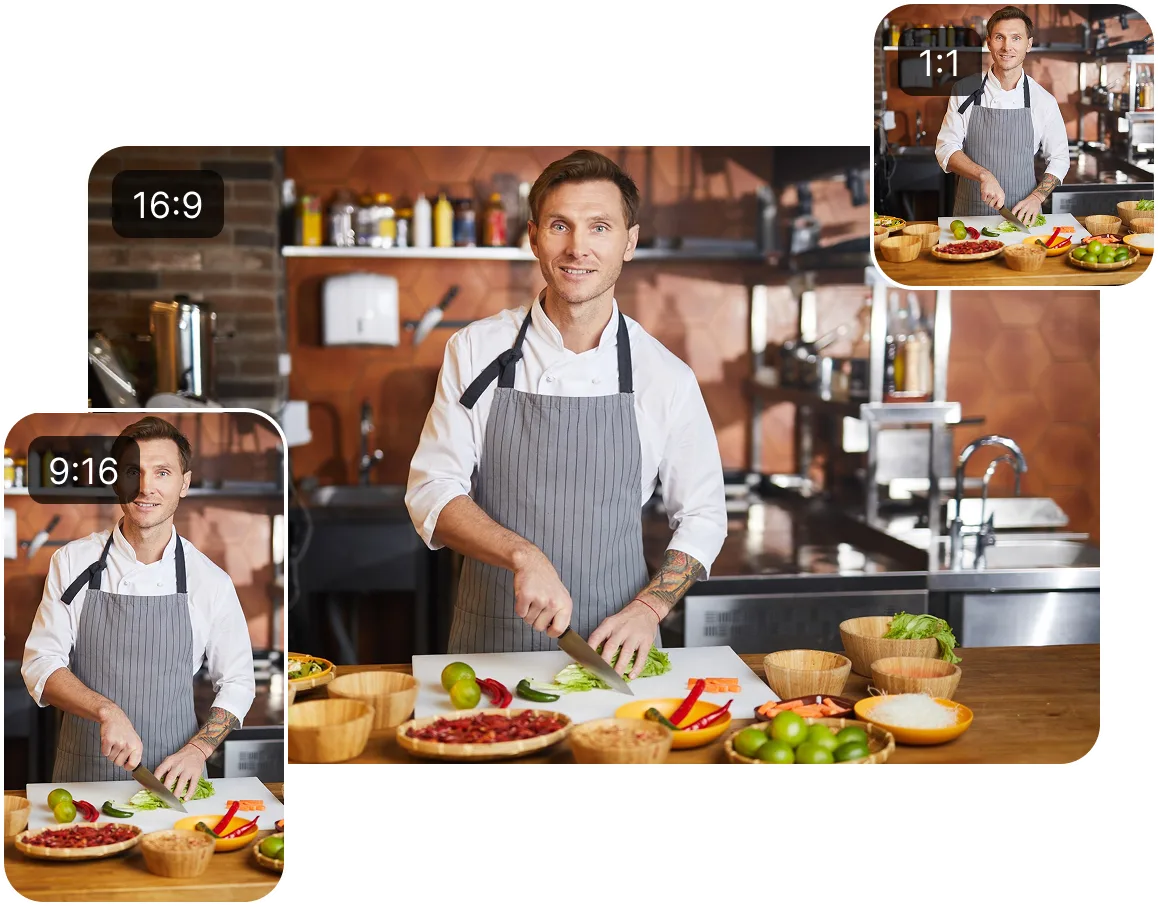
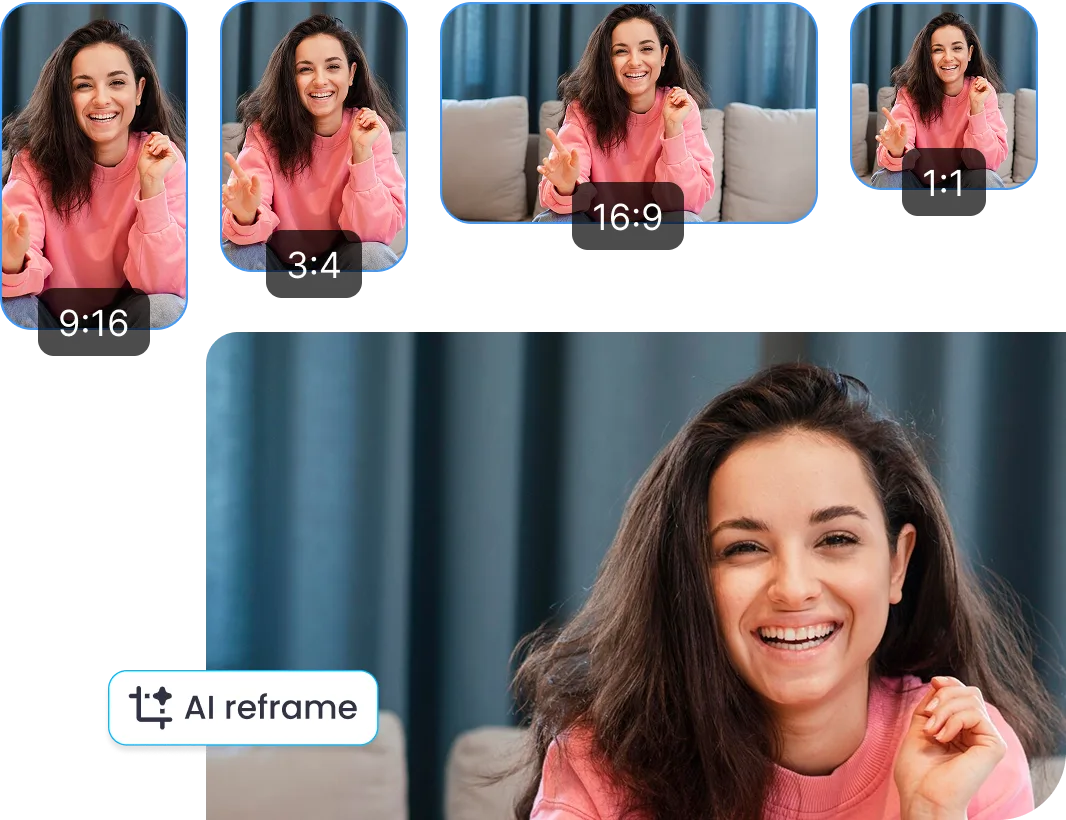
It automatically resizes your video to 9:16, 1:1, or 16:9, while keeping everything balanced and centered from start to finish.
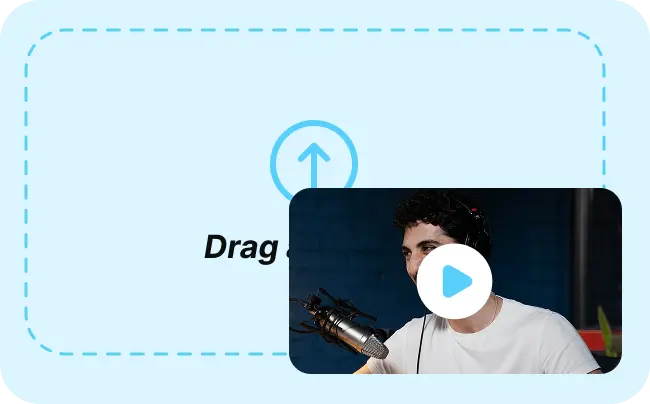
Upload your file or paste a link from YouTube, Zoom, or Google Drive. Vmaker AI automatically picks up who’s on screen and what’s happening.
The video auto reframe adjusts the frame as the video plays, following speakers, switching focus when needed, and keeping everything centered.
Publish directly or export in your preferred format and aspect ratio. AI suggests the best socials to maximize reach.
With videos being your primary focus, content creators would turn long videos into Shorts, Reels, and TikToks without starting from scratch. The video auto reframe keeps you centered and ready for every format.
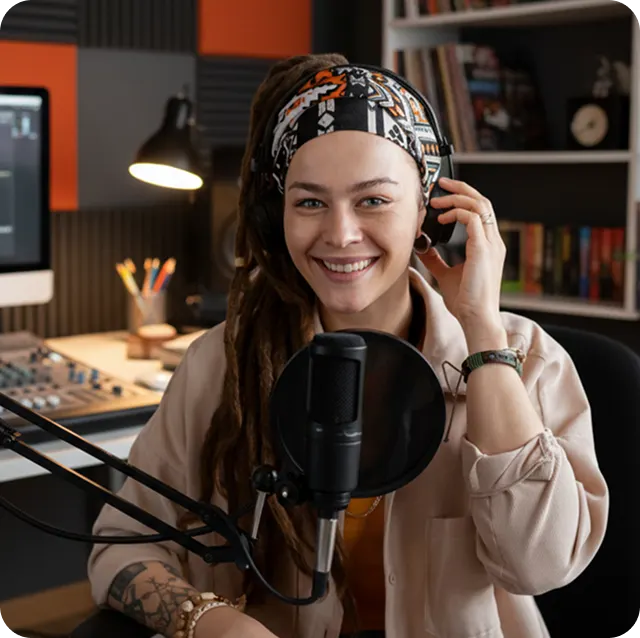
Repurpose long-form content into short clips that stay focused on the speaker. The smart reframe video tool adjusts framing as conversations shift.
Create multiple social-ready versions from a single video. Quickly adapt content for different platforms without extra editing work.
Convert webinars and training sessions into mobile-friendly clips. Video auto reframe keeps speakers in focus, making content easier to follow.
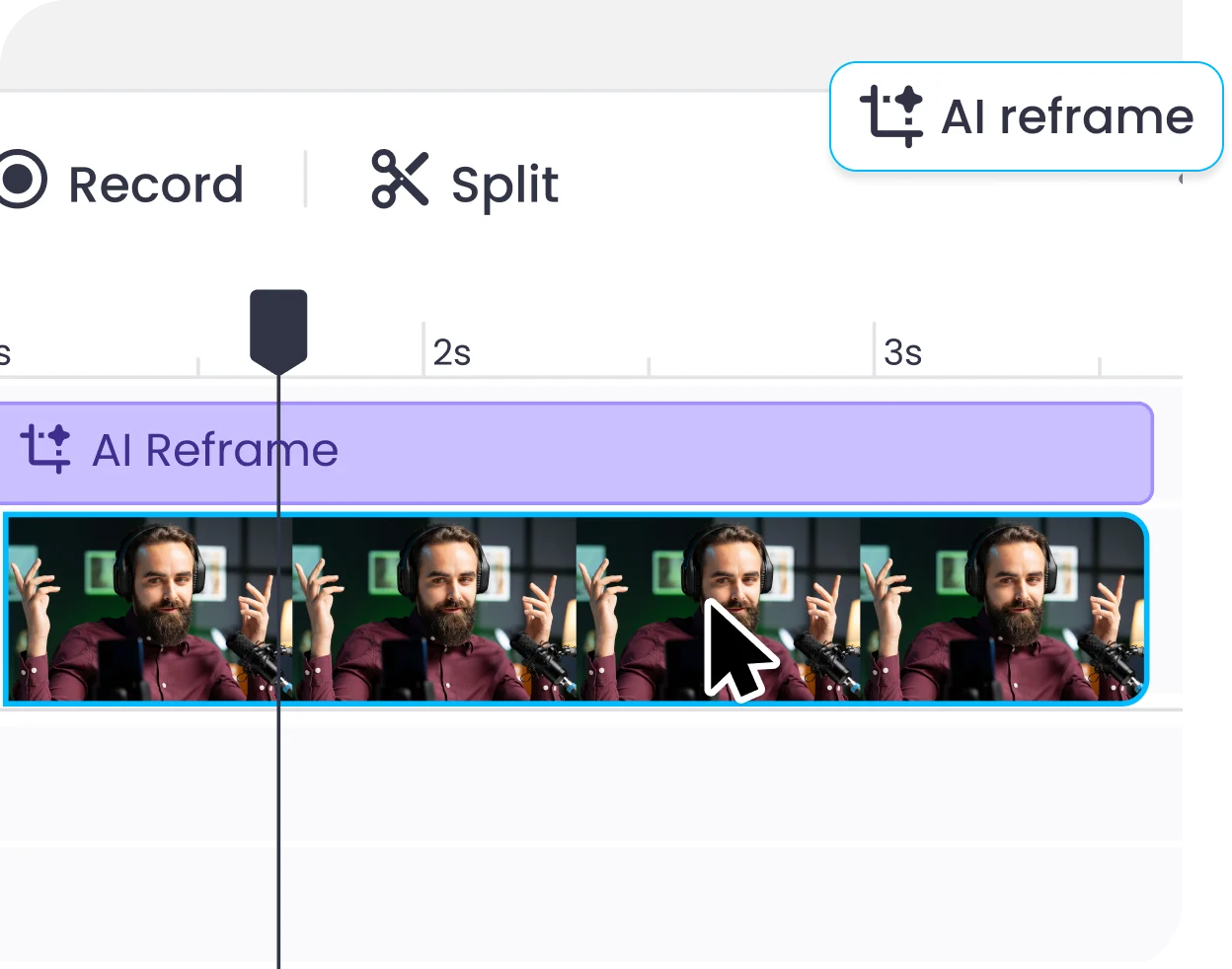
Smart reframe tracks speakers automatically and keeps subjects in focus without manual cropping or keyframing. You can still fine-tune the frame anytime in our all-in-one AI video editor.
One video can be converted into vertical, square, or landscape formats in a single step, no re-editing required.
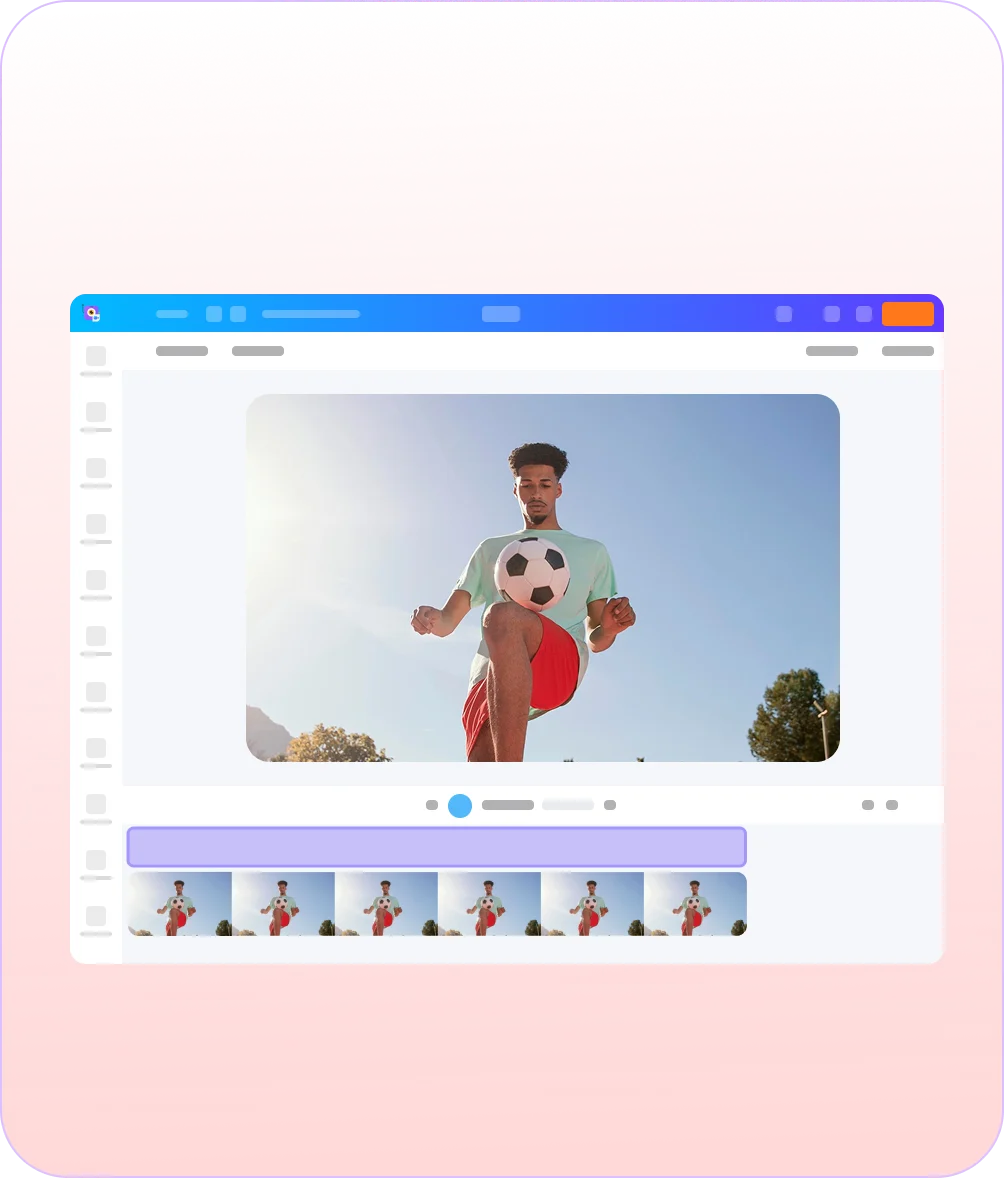
Reframe, add subtitles, insert B-roll, and dub audio, all in a single editor without switching tools. It keeps your entire workflow in one place so you can edit faster without exporting or switching apps.
Works directly in your browser, import videos from YouTube, Zoom, or Drive and get cloud-processed results quickly without downloads or delays.
4.7 (103)
AI video reframing automatically adjusts your video to fit different formats while keeping the main subject/speaker/object in focus. The video auto reframe tracks faces and movement, so you don’t have to manually crop every frame.
Manual cropping is fixed, so if someone moves, they go out of frame. AI reframing adjusts as the video plays, following the speaker or subject so everything stays centered.
Most tools apply basic reframing. Vmaker AI’s smart reframe video tool tracks multiple speakers more accurately and also works as a complete AI video editing solution, so you can reframe, edit, add subtitles, and export in one place.
Yes, absolutely. You can try the video auto reframe inside the editor for free before exporting, no credit card needed.
Yes, of course. You can add subtitles using the AI animated subtitle generator while using the smart reframe video tool, everything happens in the same workflow.
It works best for videos with people or movement, like interviews, podcasts, webinars, tutorials, and presentations. You can also repurpose them into short clips using a long to short video AI workflow.
Absolutely. You can automatically reframe videos for vertical formats like YouTube Shorts, Instagram Reels, and TikTok. AI video reframing adjusts the frame to keep speakers, faces, objects, or key actions centered while converting landscape videos into vertical clips.
No. The smart reframe video tool keeps your video quality intact, so the final output stays sharp and clear.
Yes, you can. Batch processing is available on select plans, so you can apply video auto reframe to multiple videos in one go.
Yes, of course. While the smart reframe video tool handles everything automatically, you can tweak the framing anytime if you want more control.
AI Video Editing Tool
AI Video Generator
AI Avatar Generator
AI Subtitle Generator
AI B-Roll Generator
Text to Video AI
Video Enhancer AI
Audio to Video AI
AI Clip Maker
AI Video Background Remover
AI Highlight Video Maker
AI Video Dubbing
AI Document to Video
PDF to Video
PPT to Video
Script to Video AI
AI Human Video Generator
AI Reel Generator
Repurpose Video AI
Podcast Clip Generator