Create Clear, Engaging Split-Screen Videos Without Complex Editing
Edit side-by-side videos faster by placing two clips on one canvas. No manual syncing, no complicated layouts.
Start Creating Now
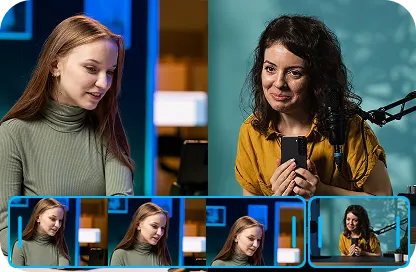
Fast Editing Workflow
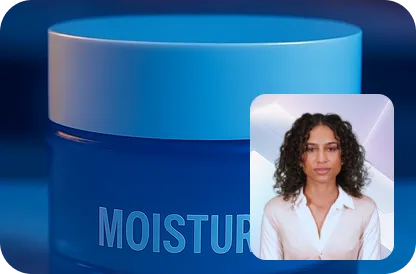
Stronger Narrative Impact
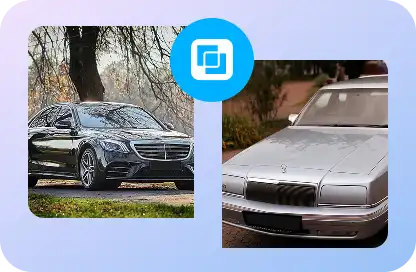
Stronger Visual Comparisons
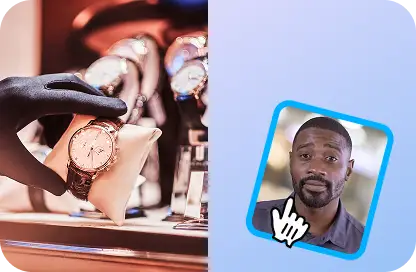
Less Manual Assembly
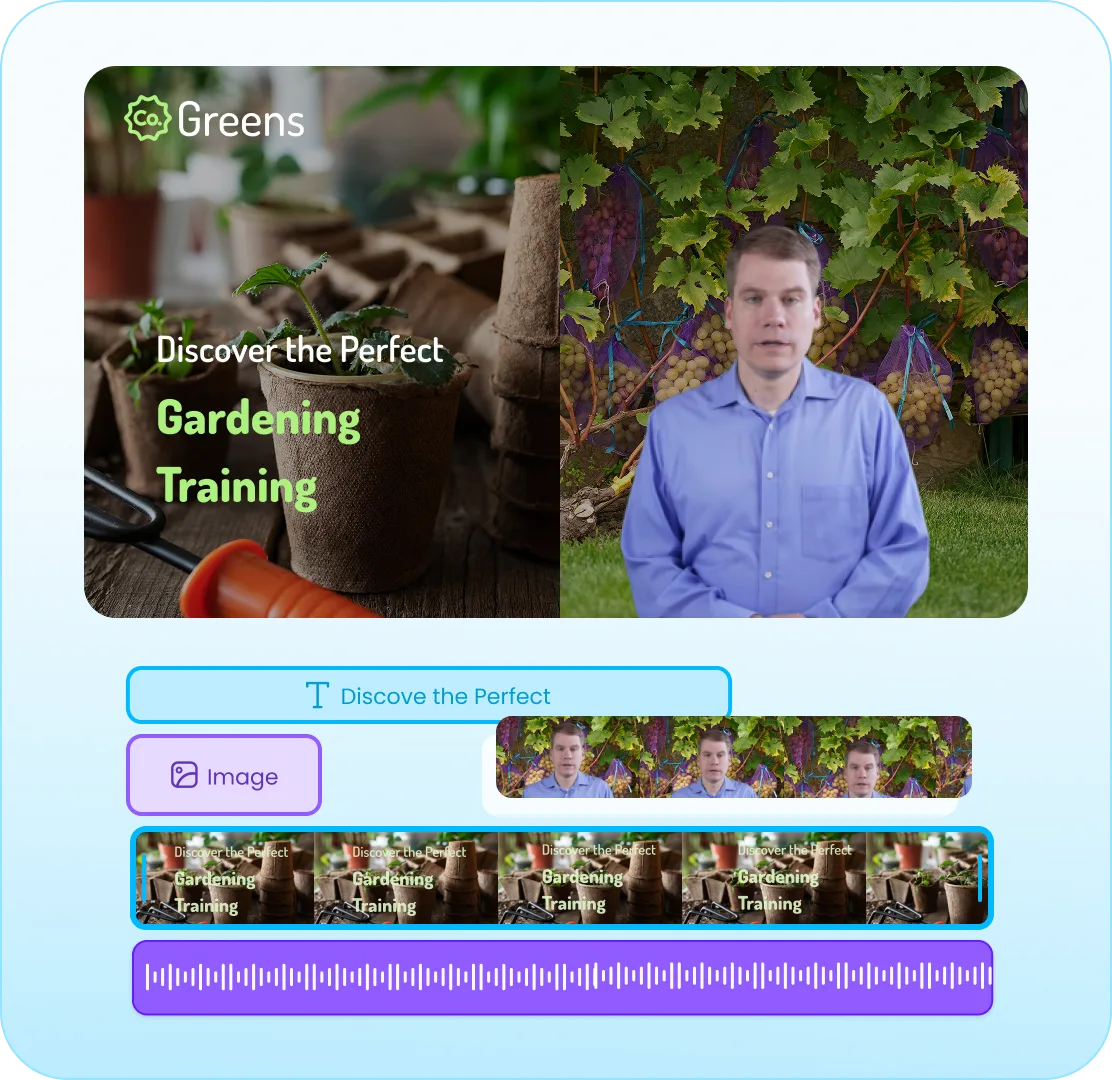
Dynamic Split-Screen Layouts
Choose side-by-side, stacked, picture-in-picture, or shaped frames designed for comparisons, reactions, and dual-perspective storytelling, without manual layout work.
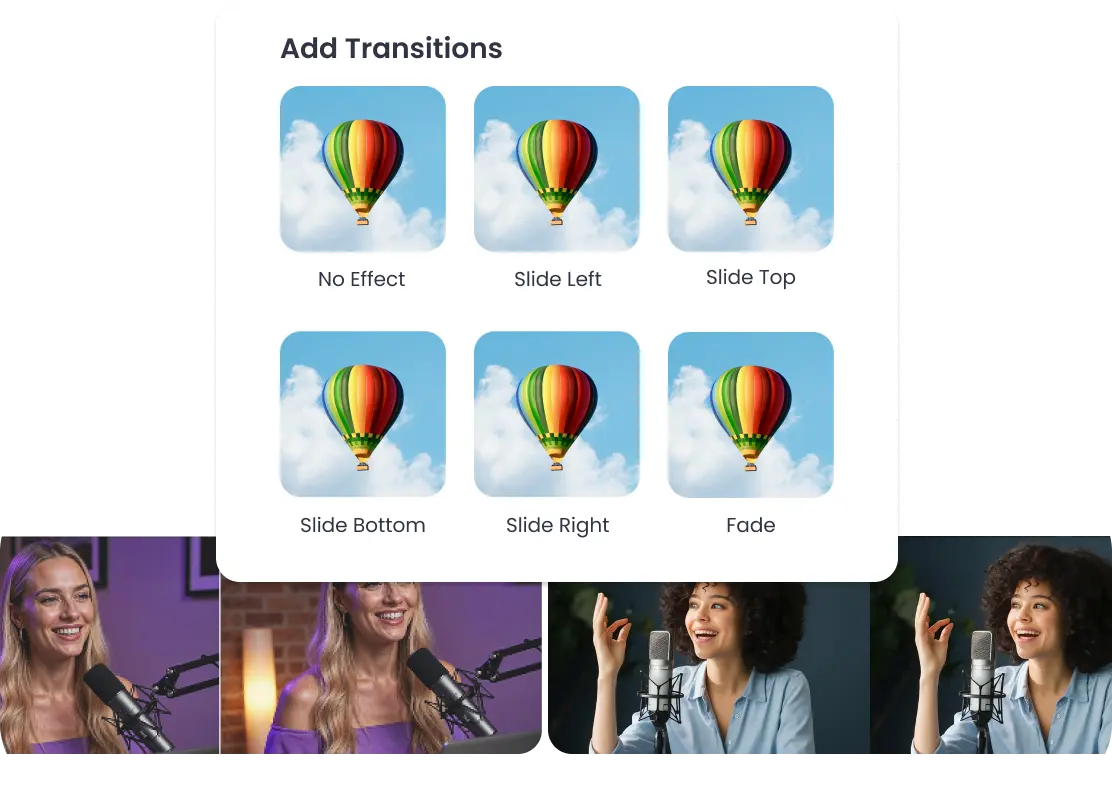
Motion Graphics Transitions
Apply smooth transitions and subtle motion between scenes so split-screen changes feel intentional, not abrupt.
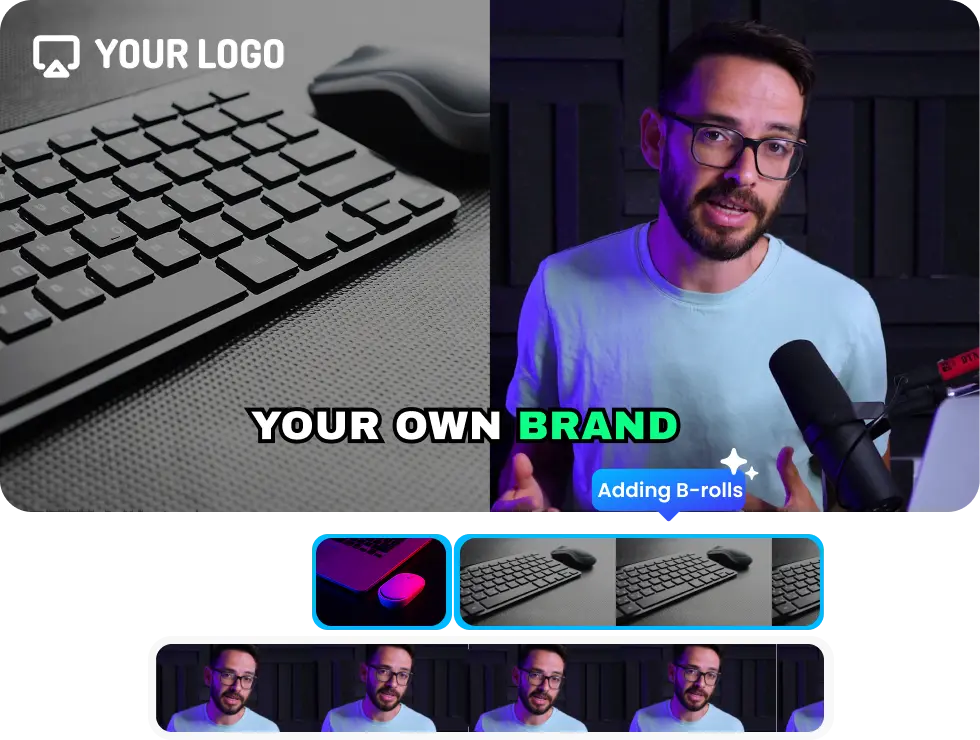
Media & Visual Enhancements
Add B-roll, product images, screenshots, or brand elements directly into the split-screen layout to support your story without extra shoots.
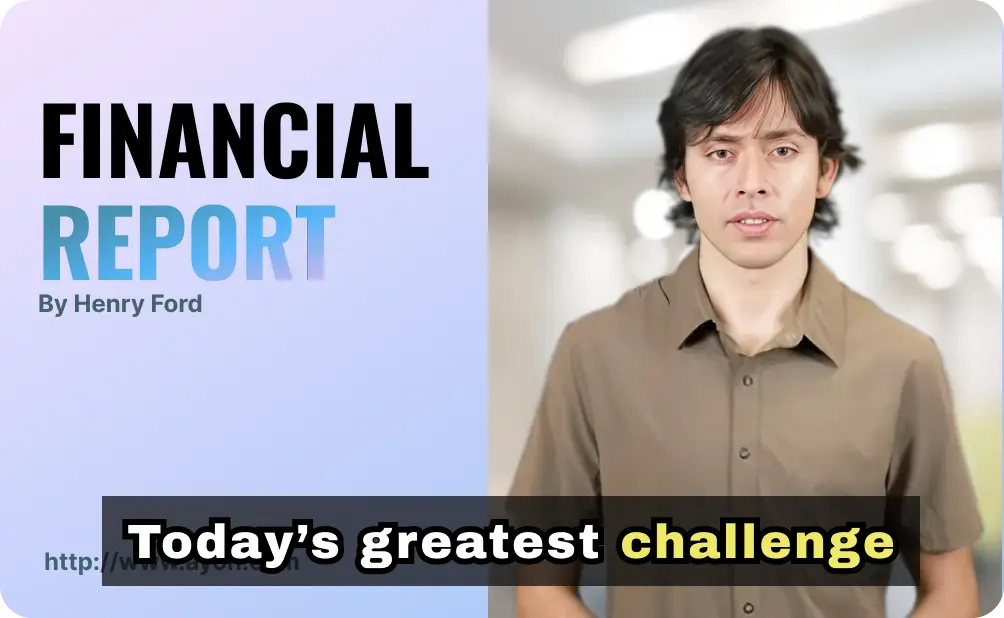
Subtitles & AI Avatars
Generate captions automatically or add avatars to explain, react, or narrate, useful when you don’t want to record yourself on camera.
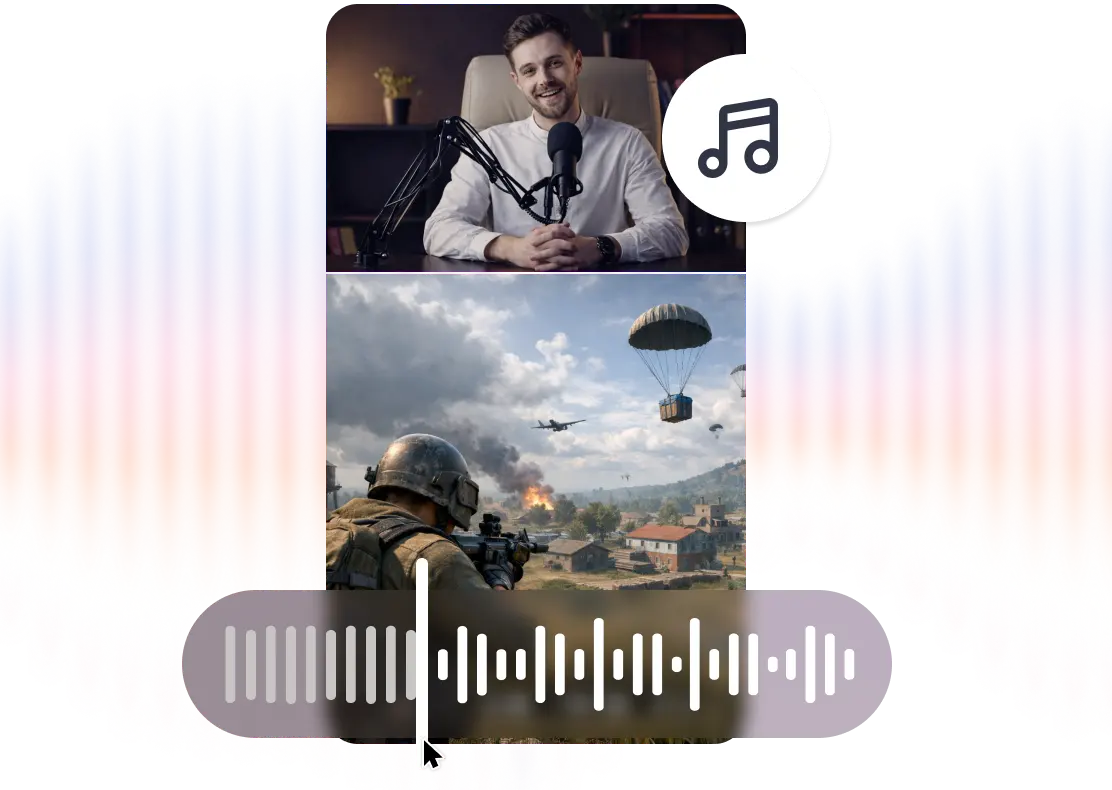
Smart Audio & Music Mixing
Control Adjust volume, mute, or prioritize audio from either clip so dialogue and background sound stay clear and balanced.
Create Your Split Story in 3 Simple Steps
Step 1
Upload Your Clips
Add two videos you want to show together, reaction, comparison, or dual-angle footage..
Step 2
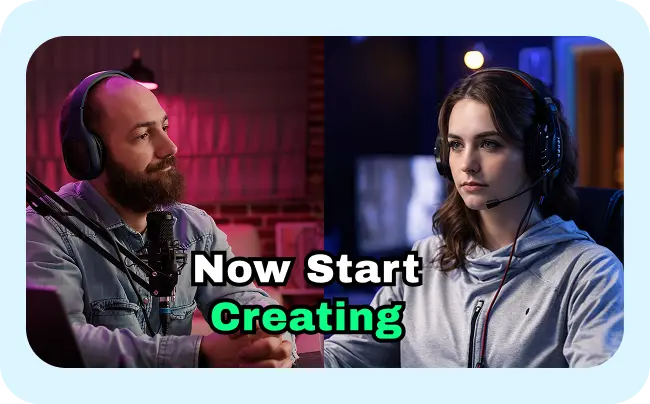
Arrange on the Canvas
Resize clips, choose layouts, add subtitles, logos, motion elements, or B-roll, all visually editable in one place.
Step 3
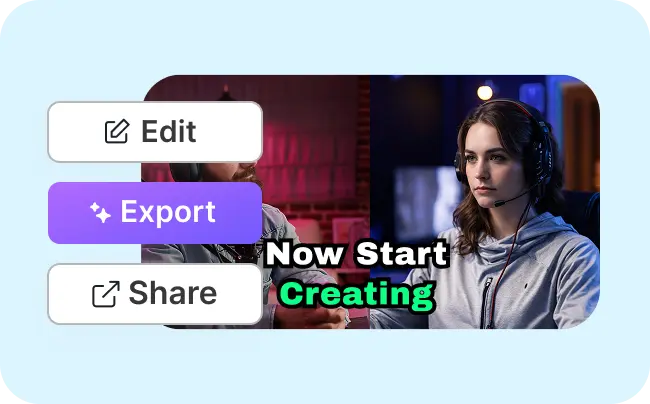
Export & Share
Download platform-ready videos for Reels, TikTok, Shorts, or YouTube without reformatting.
The Complete Split-Screen Video Experience
Designed for Social
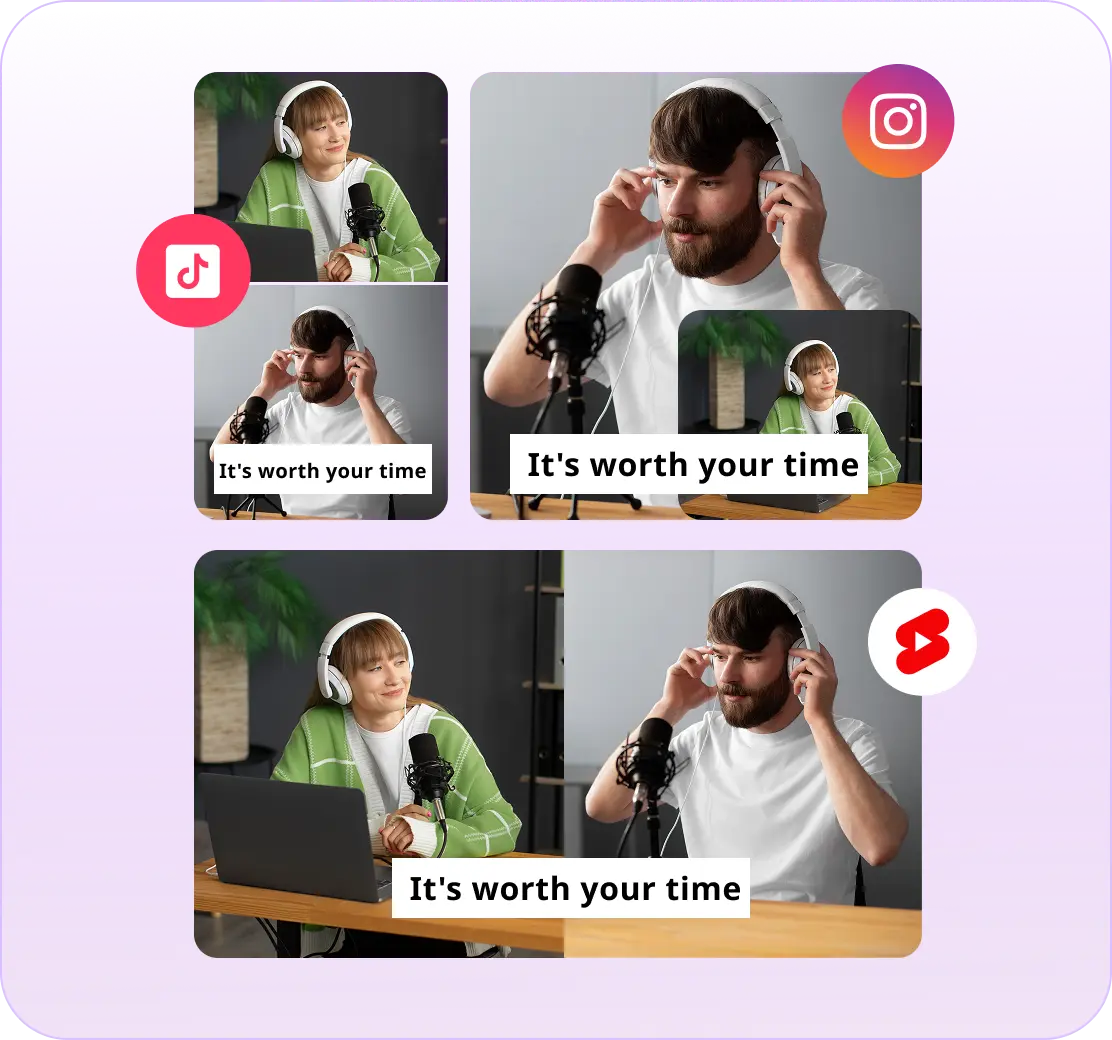
Create vertical, square, or landscape split-screen videos that fit each platform without redesigning layouts.
Powerful for Comparison Content
Make it easy for viewers to understand differences, reactions, or progress by showing visuals side by side.
Brand-Ready
Apply logos, colors, captions, and overlays inside the editor, no additional software required.
Why YouTube Creators & Brands Love It
Frictionless Editing
Helps to create polished split-screen videos without advanced editing skills or complex timelines.
Production Cost Savings
You can repurpose existing footage instead of booking studios, reshooting content, or hiring external editors.
Story-Driven Output
Keeps your message focused by showing both visuals together instead of cutting back and forth.
Crafted for Every Type of YouTube Creator
Marketers & Brands
Show product comparisons, before-and-after results, or feature breakdowns without long edits.

Travel Creators
Show locations, perspectives, or itineraries side-by-side, no extra camera crew needed.
Creators & Influencers
React to trends, compare products, or tell two-part stories clearly in one frame.
Dual-View Editing Made Easy

Flexible Split-Screen Layouts
Switch between layouts instantly and highlight the most important visual elements without rebuilding scenes.

Scene & Motion Control
Add transitions and motion effects that guide attention and keep viewers engaged.

Independent Audio Control
Manage sound from each clip separately so voices and music never compete.

All-in-One Editing Platform
Upload, edit, and export split-screen videos in one workflow, no tool switching required.
Some snippets from Customer's Love
4.7 (103)
FAQs
A video showing two clips at once which will be perfect for comparisons, reactions, demos & storytelling.
No, all you have to do is just upload, choose layout, export.
Yes, you will have the aspect ratio option before starting to edit the video in the editing canvas.
No, the video doesn’t reduce or affect the quality.
Yes, adjust, mute, or prioritize sound from either video.
Explore More Video Tools
AI Video Editing Tool
AI Video Generator
AI Subtitle Generator
AI B-Roll Generator
Text to Video AI
Video Enhancer AI
Audio to Video AI
Long to Short Video AI
AI Clip Maker
AI Video Background Remover
AI Highlight Video Maker
AI Video Dubbing
AI Document to Video
PDF to Video
PPT to Video
Script to Video AI
AI Reel Generator
Repurpose Video AI
Podcast Clip Generator