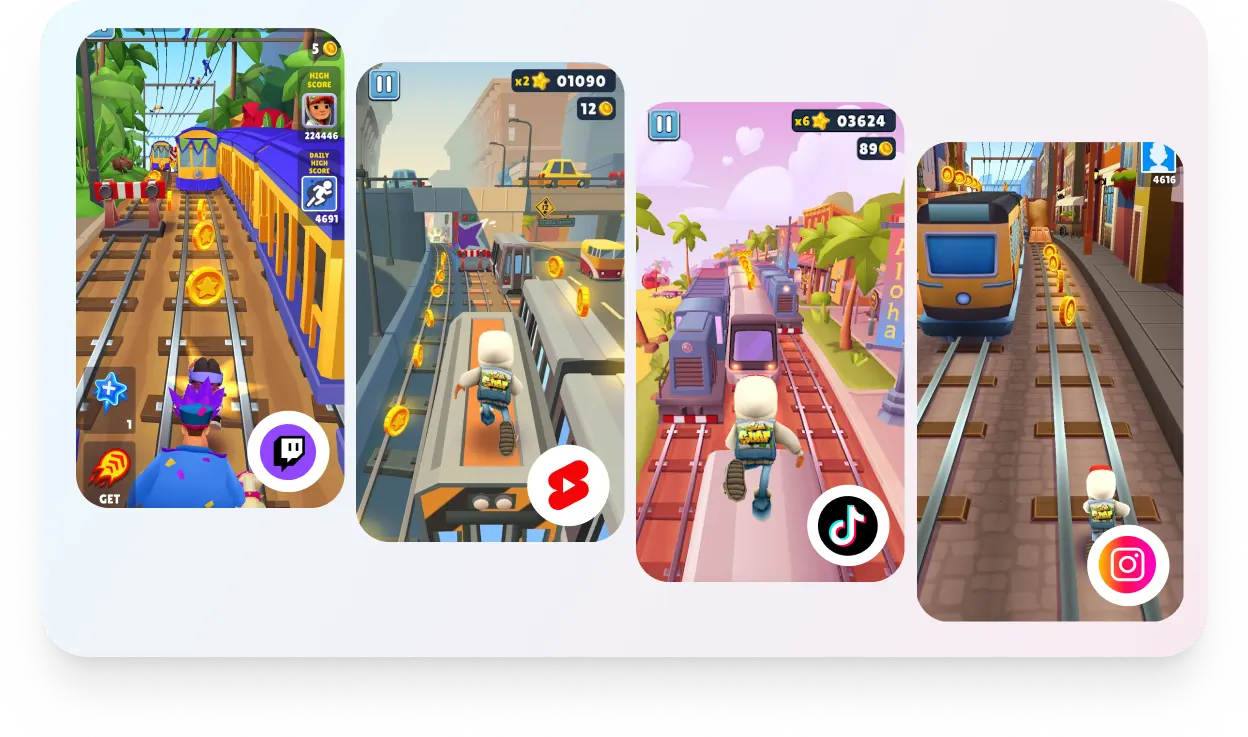
How to Create Twitch Clips in Simple 3 Steps?
clip-step-1

Step 1

Upload Your Video

Get started with the video in the feature.long to short video
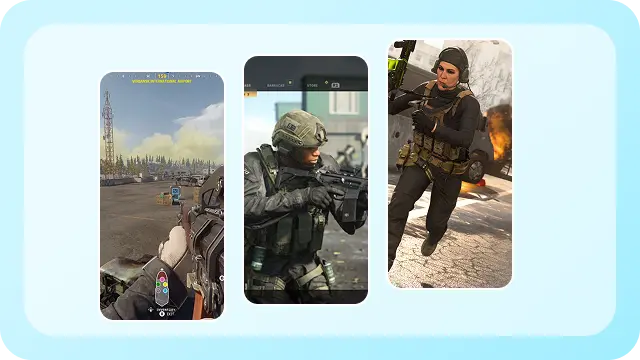
clip-step-2

Step 2

Generate Clips

AI analyzes the full video and delivers multiple short clips it generates across social platforms.
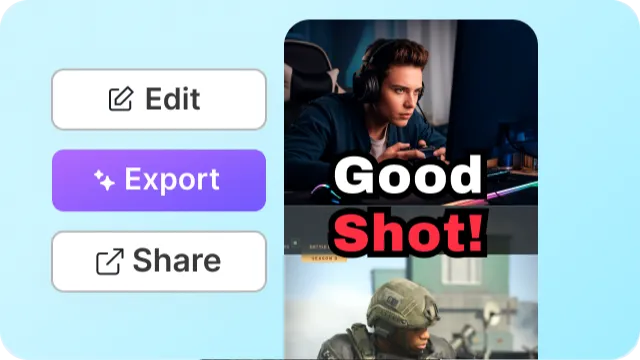
clip-step-3

Step 3

Enhance Clips

Make quick edits, add captions or b-rolls, and prepare for publishing across social channels.

Pricing POV

Opus Clip

$15 /month

Vizard AI

$14.5 /month

Facecam + Gameplay layout
AI Dubbing 20 Languages
Screen Recording Included
Clip Storage Not stated Forever
Social Publishing Unlimited 6 Accounts

Before vs After Using Twitch Clip Maker

Before
Before using Twitch Clip Maker
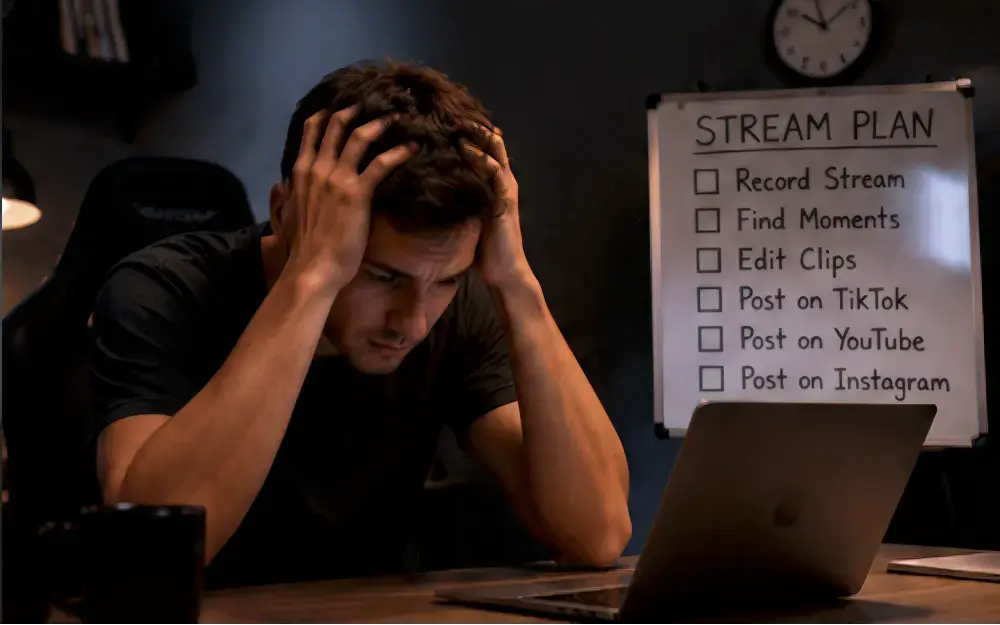
  • close 3-hour stream with no posts
  • close Slow growth across platforms
  • close Manual editing for hours
  • close Inconsistent posting schedule
After
After using Twitch Clip Maker
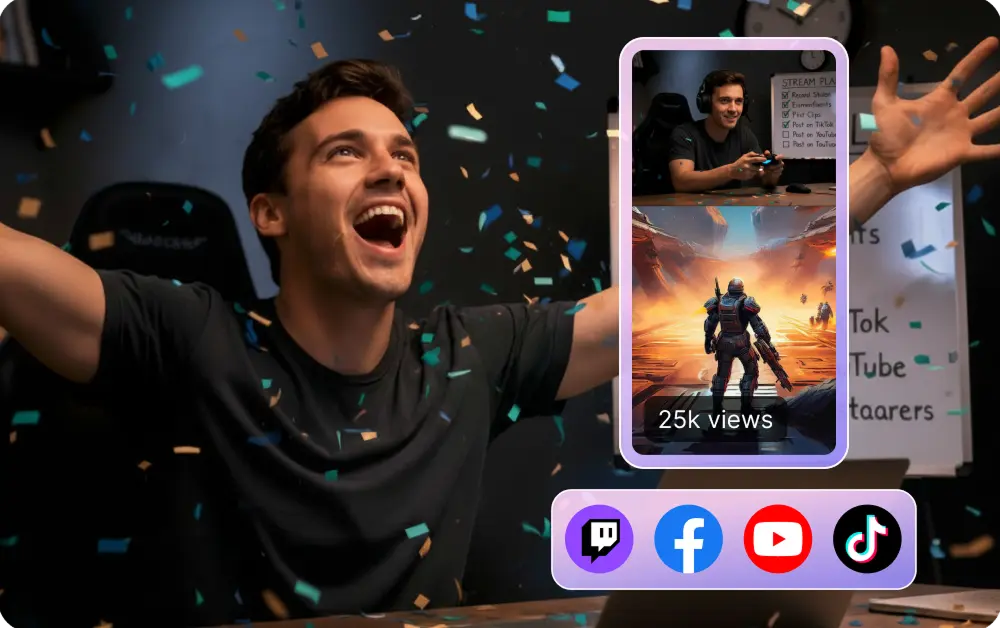
  • check 20+ clips generated automatically
  • check Daily posting across all platforms
  • check Growth across TikTok, YouTube & Instagram
  • check AI-powered editing in minutes

All-in-one AI editor Built for Creators Who Want to Automate Editing

ai-highlight-detection-for-gamers

AI Highlight Detection for Gamers

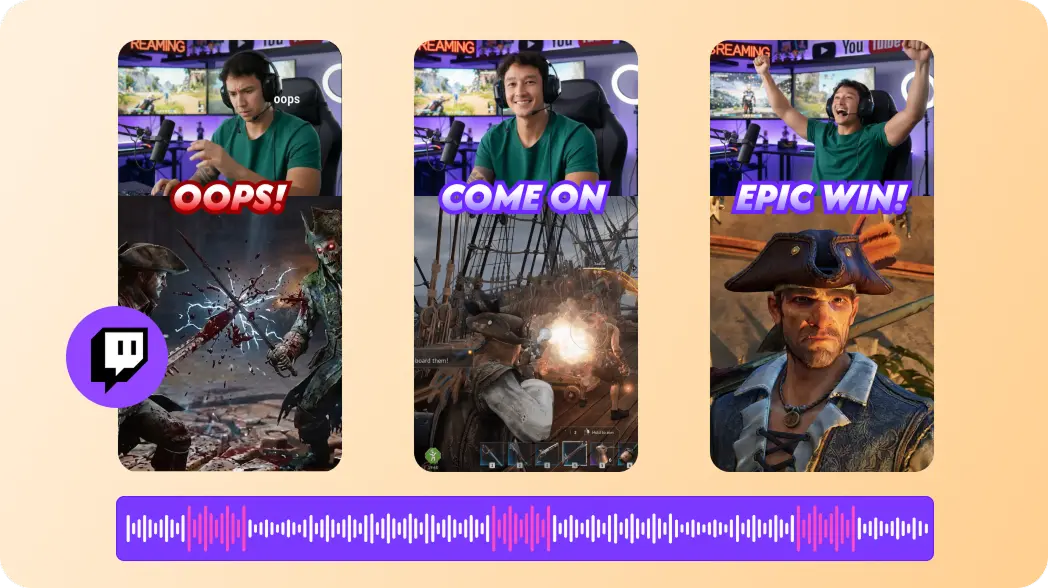
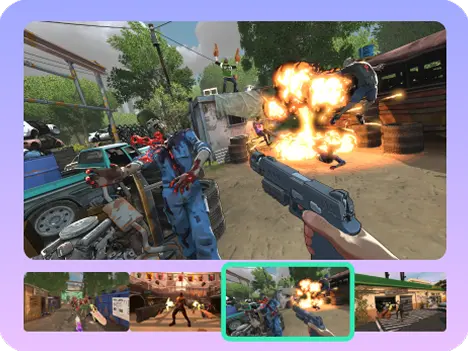
The AI short clip generator focuses on creating a highlight momentum by analyzing audio spikes, reactions, crowd noise, and visual action peaks. Our stream highlight clipper generates gaming specific moments as twitch auto clips.

refram-your-twitch-clips

Reframe Your Twitch Clips

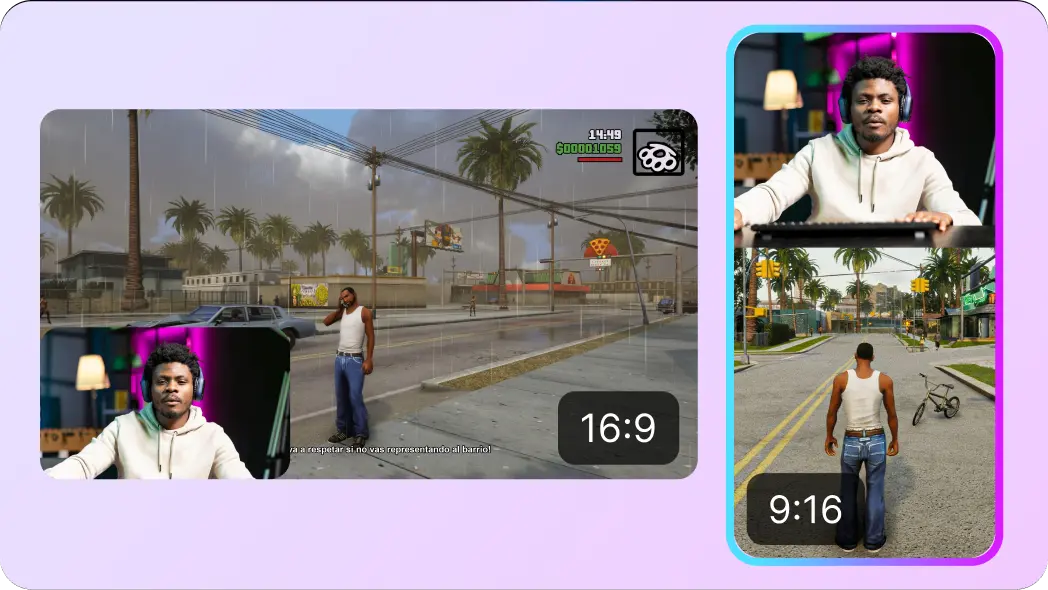
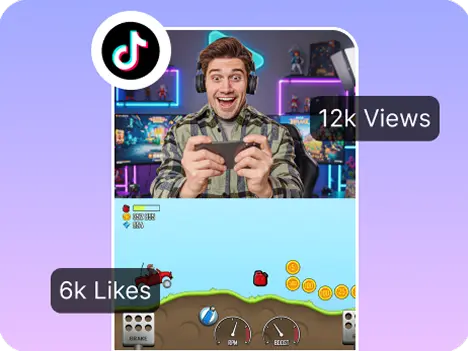
Our AI clip generator focuses on auto-reframing of horizontal videos (16:9) to vertical clips (9:16) optimized for gaming video layouts. Vmaker AI's AI reframe changes the framing by having facecam top, gameplay bottom, or side-by-side and picture-in-picture layouts according to the needs of gamers.

prompt-base-ai-twitch-clip-maker

Prompt-Based AI Twitch Clip Maker

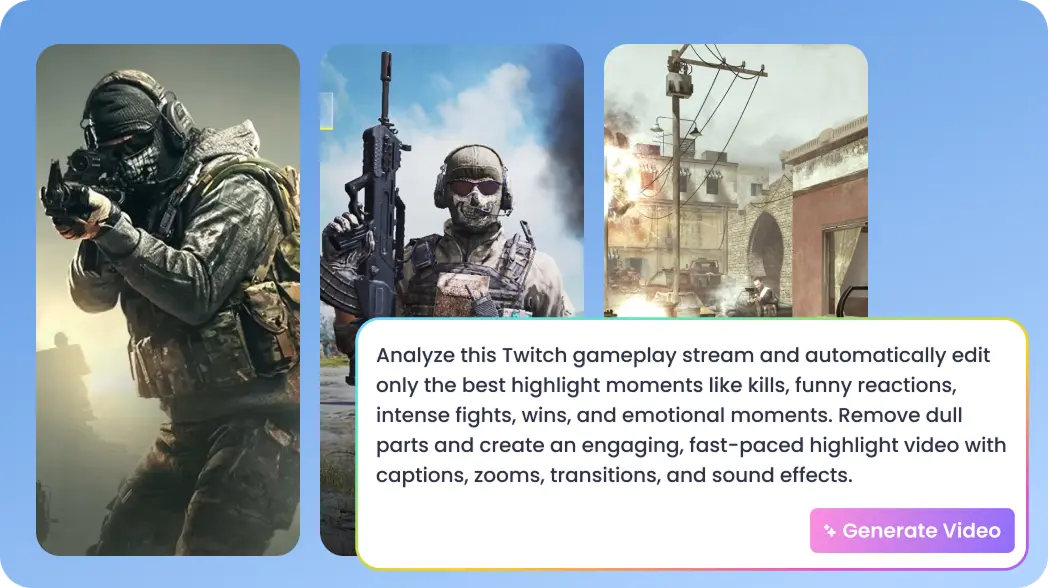
Tell the AI what to look for, clutch wins, headshots, or the moment that interests the game, and the AI twitch clip maker instantly into clips.

gameplay-commentary

AI That Understands Your Gameplay & Commentary

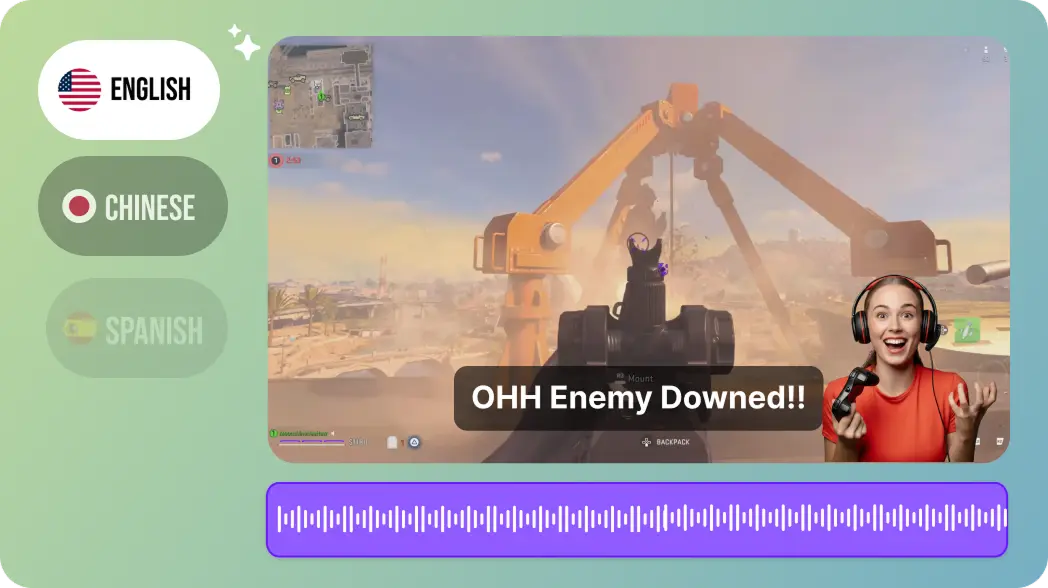
From chaotic team comms to fast-paced reactions, our AI captures the perfect audio & language by understanding the context. It cleans up speech and generates accurate subtitles matching your gameplay and reactions.

Not Just Clips, The Right Clips

What Makes This AI Clip Maker Different from Others?

Hooks in First 3 Seconds

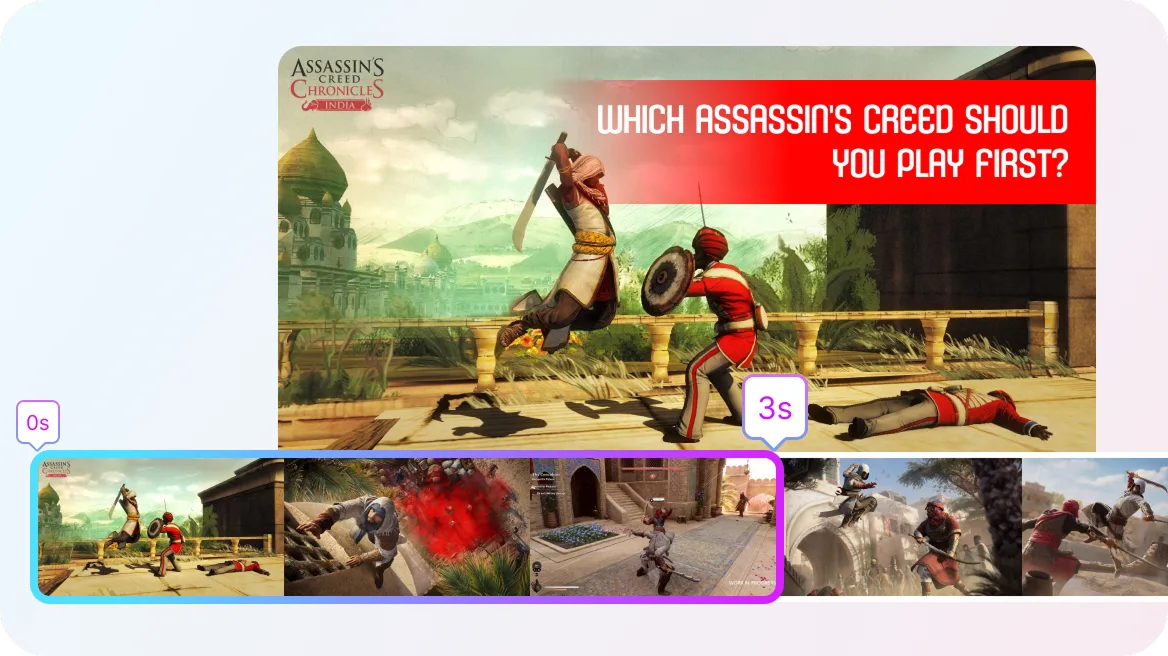
Be it a very heated game with headshots, perfect win, or a perfect race, you have to capture the audience's attention within 3 seconds. Else the content is yet another victim for scroll. Vmaker AI’s short clip generator picks up the hook with emotional AI intelligence and gives an intro with the hook.

hooks-in-first-seconds

Captions for Higher Watch Time

Around 85% people watch videos muted with captions. If your video doesn’t have a caption, your retention rate falls down. Animated subtitles in Vmaker AI captions the video with trendy fonts and styles.

captions-for-higher-watch-time

Framing Your Video to Appropriate Social Platforms

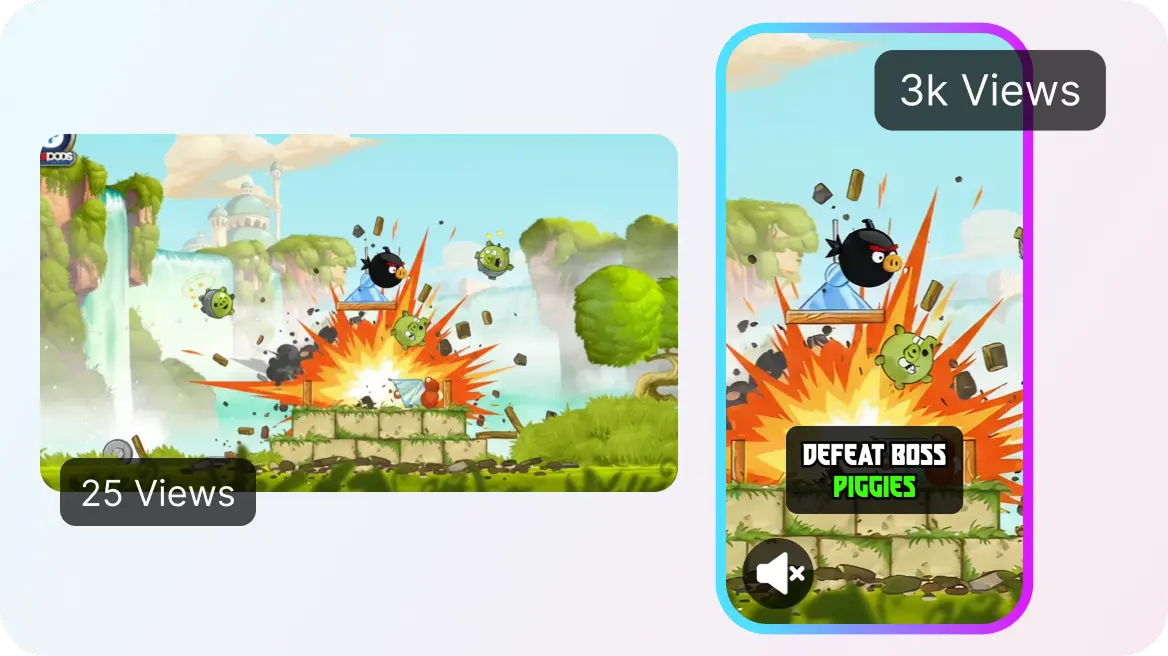
Reframing your video in vertical makes it visually appealing for social media platforms and easy to watch for viewers with fewer distractions. By this you can increase the time spent on video, likes, and sharing.

framing-your-video

Convert Any Content Into Short,
Shareable Clips With AI

clip-twitch-moments-for-tiktoks

Clip Twitch Moments for TikToks

Get your funniest reactions, clutch plays, and high energy moments that's ready-to-publish on TikTok.

vod-highlights

VOD Highlights

Don't let hours of game played content unused. Get the most exciting moment automatically, for your Twitch VODs.

gaming-montages-in-minutes

Gaming Montages in Minutes

Whether it's a win, fail, or funny moments, combine all your best clips without complex editing tools.

twitch-to-youtube-shorts

Twitch to Youtube Shorts

Convert your long streams into short clips for Youtube shorts, to stay consistent without building content from scratch.

Why Do Most Streamers Use
Vmaker AI's Twitch Clip Maker?

complete-content

A Complete Content Workflow

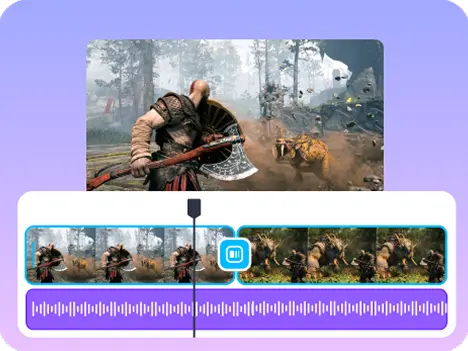
Starting from short clip generation, to adding animated subtitles, AI B-rolls, audio, BGMs, intro's, and outros in a complete content workflow. All in one platform.

streams-social-branding

From Streams to Social Branding

You can add your logos, brand colors, and fonts of your brand to the editing suite and add them for branding consistency across platforms.

collaboration-with-gamers

Collaboration With Gamers

You can add people to the workflow for editing the clip and enhancing it without downloading and sharing it across.

Built for Streamers!

Gaming Intelligence

Opus Clip

Vizard AI

Kills/Headshots Detection   Audio peaks detection aligned with visuals   Visuals with audio with clip anything Not mentioned
Reaction & Crowd Noise Detection   Emotion spikes analysis   Sentiment and audio cues   Audio
16:9 to 9:16 AI Auto Reframe   Yes, auto-tracks objects and actions precisely while moving   Yes, optimized for gaming layouts   Auto resizes to any ratio
AI Dubbing   35+ Languages with lip-sync to deliver content globally   Not mentioned   Not mentioned
AI Generated Subtitles   75+ Global Languages Subtitle Generation   Caption generation is available   Caption generation is available
In-built Editor   All-in-one-roof editor to add b-rolls, BGMs, intros and outros, transitions, and more   Not available on free plan   Full editor on free

Some snippets from Customer's Love

  4.7  (103)

Twitch Clip Maker FAQ

You can either paste a URL or just upload your long stream, and the AI twitch clip maker converts the long videos to short clips, and AI analyses your content to find the best moments, and twitch streams to clips.

Of course you can convert a twitch VOD into clips automatically without scrubbing hours of footage online. The twitch VOD clipper scans for highlights like reactions, gameplay peaks, and key moments, then turns them into short clips.

To turn a twitch clip to TikTok, you need to convert your long footage into vertical format (9:16) in AI clip maker reframing, and add AI animated subtitles, AI generated hooks, BGMs, intros & outros, for better engagement on the platform.

Absolutely, with Vmaker AI’s long to short clip generator, you can twitch clips to YouTube shorts automatically resizing your clips to vertical format, trimming it to ideal length and adding captions.

Yes that’s what this is all about. The advanced AI creates twitch auto clips to capture gaming specific moments like headshots, kills, and follows. As a stream highlight clipper, the AI zooms and reframes plays, reactions, and chats, perfectly with AI reframing.

Yes, you can try out Vmaker AI’s twitch clip maker for free, and edit the video accordingly. Free downloaded videos contain watermarks.

Most tools act as twitch clip maker or basic clip generator, but Vmaker AI’s AI twitch clipper provides AI dubbing, editing, captioning, and publishing directly, all in one roof. It helps you build a full content pipeline making it one of the best twitch clip makers.

Yes, with modern AI technologies, you can add a facecam, create dynamic layouts that include facecam and gameplay. With AI reframing, the video automatically adjusts itself placing your facecam and gameplay in optimal positions.

Any types of games and formats are supported in shortclip generators. From FPS and battle royale to casual stream, reaction content, and just chatting sessions, these tools are designed across to work in different formats.

Yes, many tools combine twitch highlight maker features with AI dubbing. As an AI twitch clipper, Vmaker AI allows you to translate your video into 35+ global languages, helping you reach a wider audience.

Explore More Video Tools