|
What Value |
Vmaker AI $18 /month |
Opus Clip $15 /month |
Vizard AI $14.5 /month |
|---|---|---|---|
| Expression & Emotion Clipping | Tone, face, and reaction detection |
||
| Prompt-Based Clip Search | |||
| AI Dubbing | |||
| Subtitle Translation | 120 Mins/Month | ||
| Upload Limit | 50 GB || 1000 Minutes | ||
| Export Quality | 1080 p | 1080 p | 4K |
| Integration & Direct Publishing | Unlimited | Unlimited | 6 Accounts |
What Makes This AI Clip Maker Different from Others?
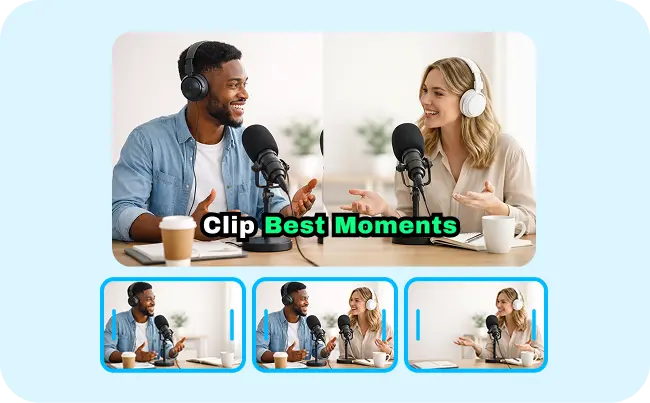
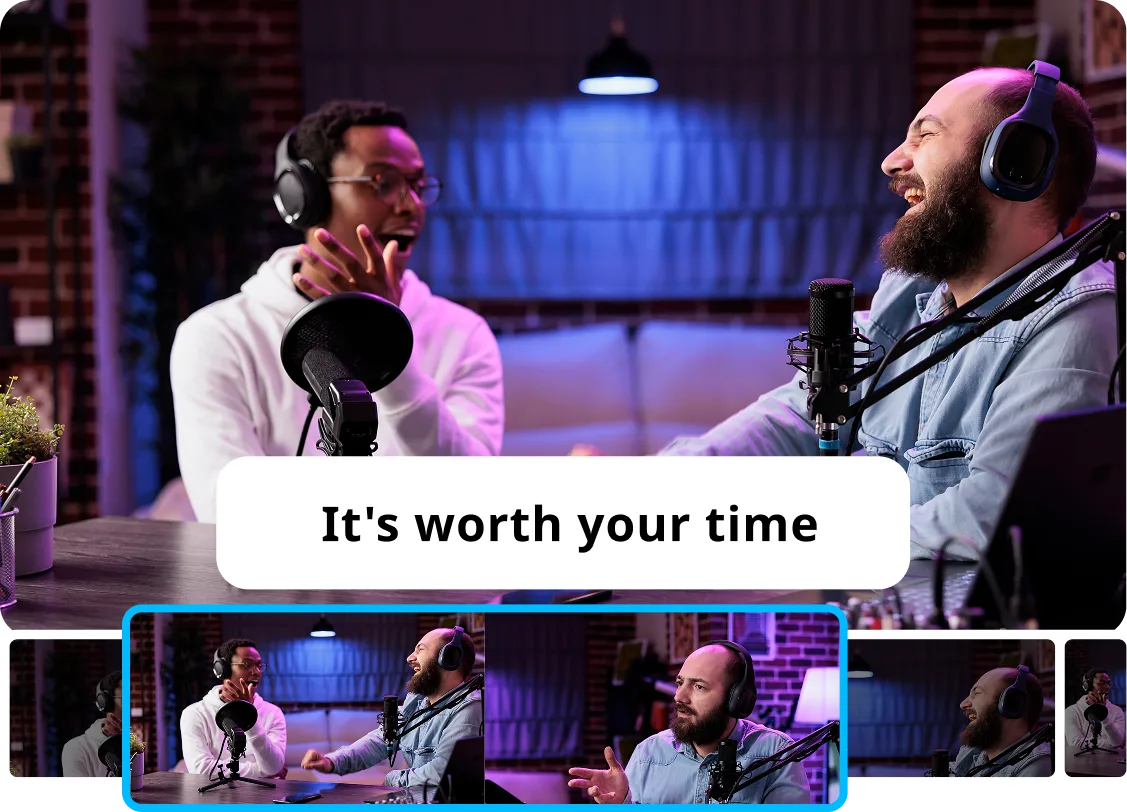
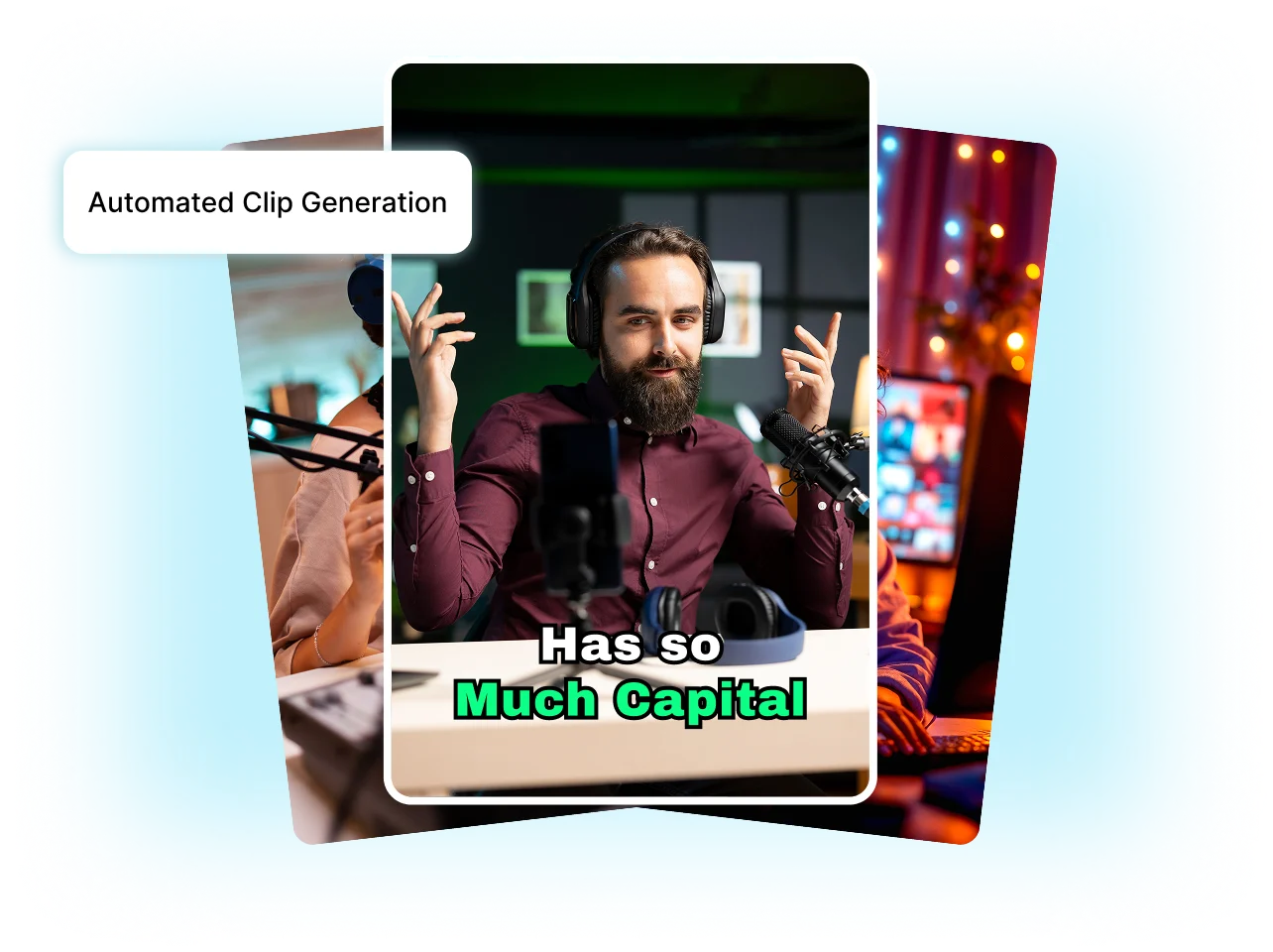
Vmaker AI’s audio and scene based clipping detects tone, emotions, and visual peaks to generate short clips that are share worthy.
Every clip opens strong as hook-first clips perform better across YouTube shorts, Instagram reels, and TikTok. Vmaker AI reads your full transcript, scores every sentence for full potential, and pulls the strongest line, anywhere from your footage.
Want a particular moment from your video? Enter a prompt and Vmaker AI clips the exact short moment you are looking for.
|
Feature |
Vmaker AI |
Opus Clip |
Vizard AI |
|---|---|---|---|
| Free Plan | (5GB video storage, free AI editing access, and 5 minutes export limit with watermark) | (60 credits/month, no free editing available) | (60 credits/month with full editing access included) |
| Expression & Emotion Detection | Tone & face | Partial Audio + visual cues | |
| Prompt-Based Clip Search | Semantic Searches Across Full Transcript. Understands intent not just keywords. | Text, Visuals & Audio Prompts. Finds scenes, actions, and events specified. | |
| Hook Add-On | Full transcript scored for hook potential | Hooks generated based on virality of scenes | |
| Non-Audio Video Detection | |||
| Transcript-Based Editing | |||
| AI Reframing | |||
| AI Generated B-Rolls |
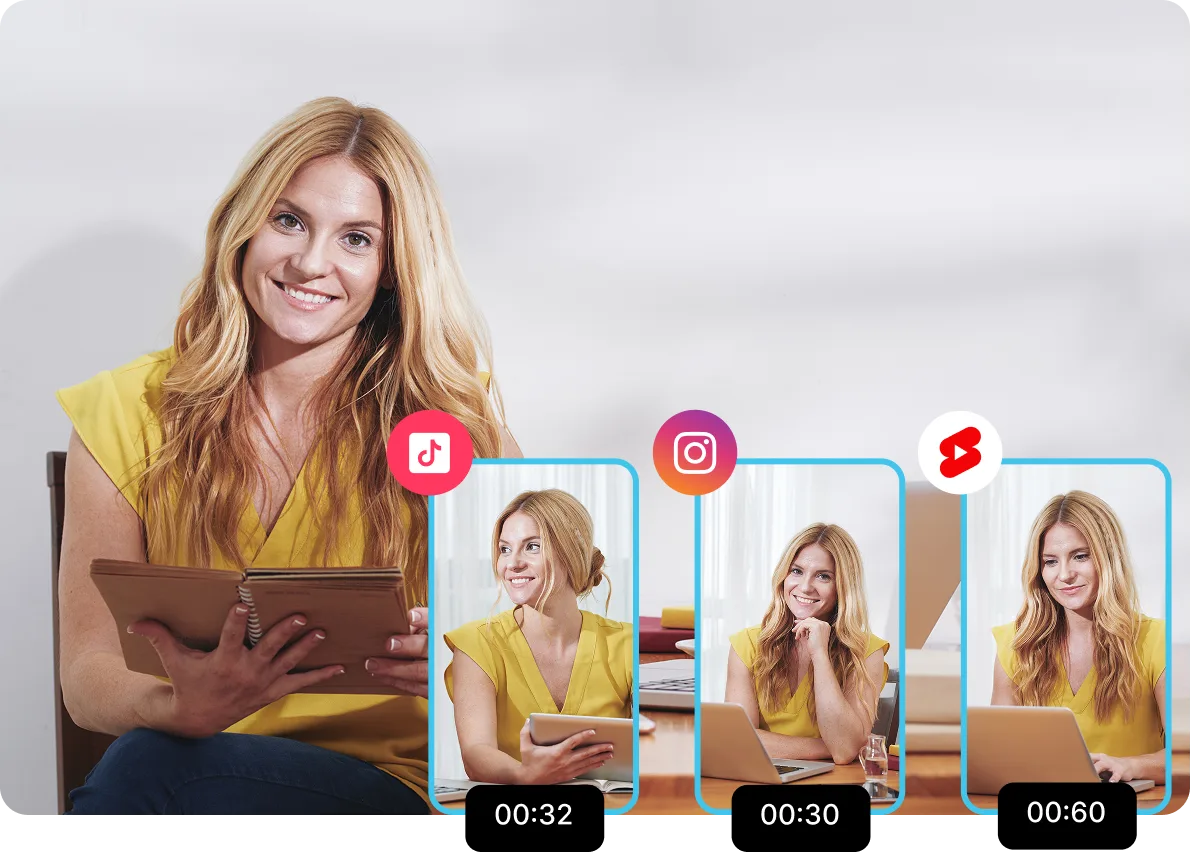
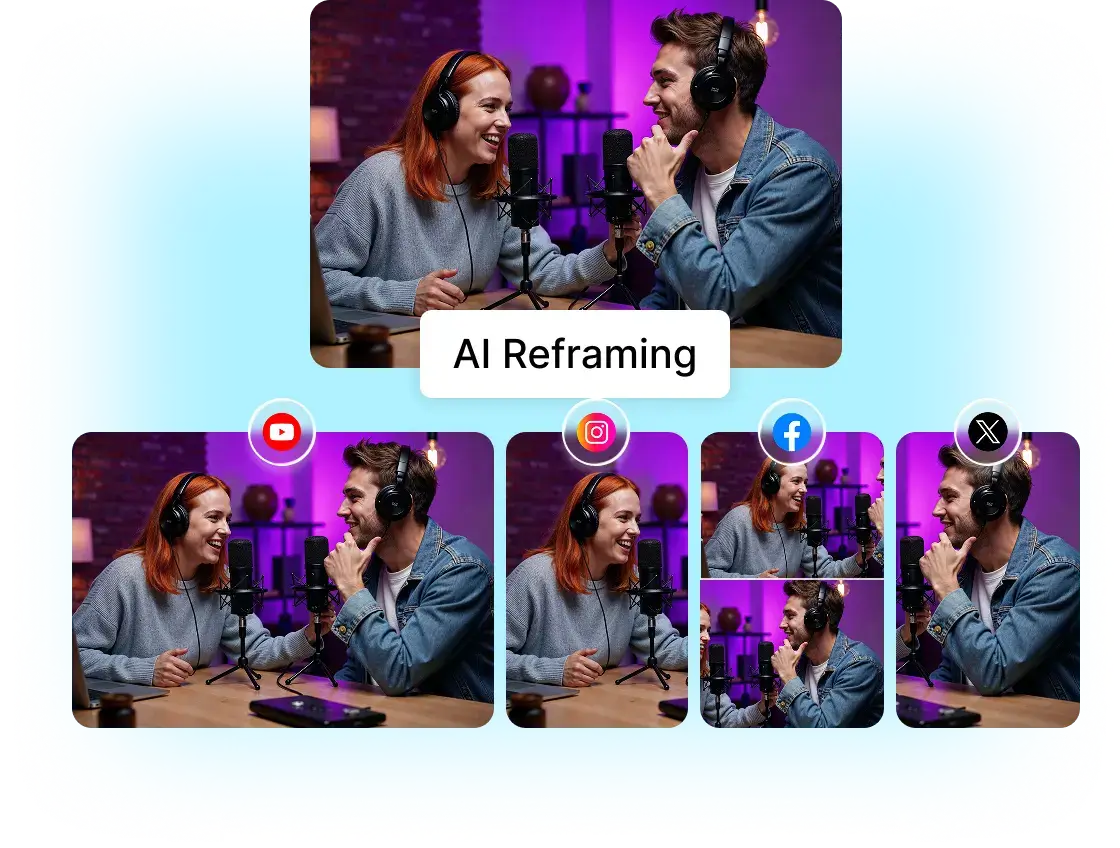
Multi speakers or objects moving around? Our AI reframing focuses on the right object, person or scene based on the video type and scene context.
Get started
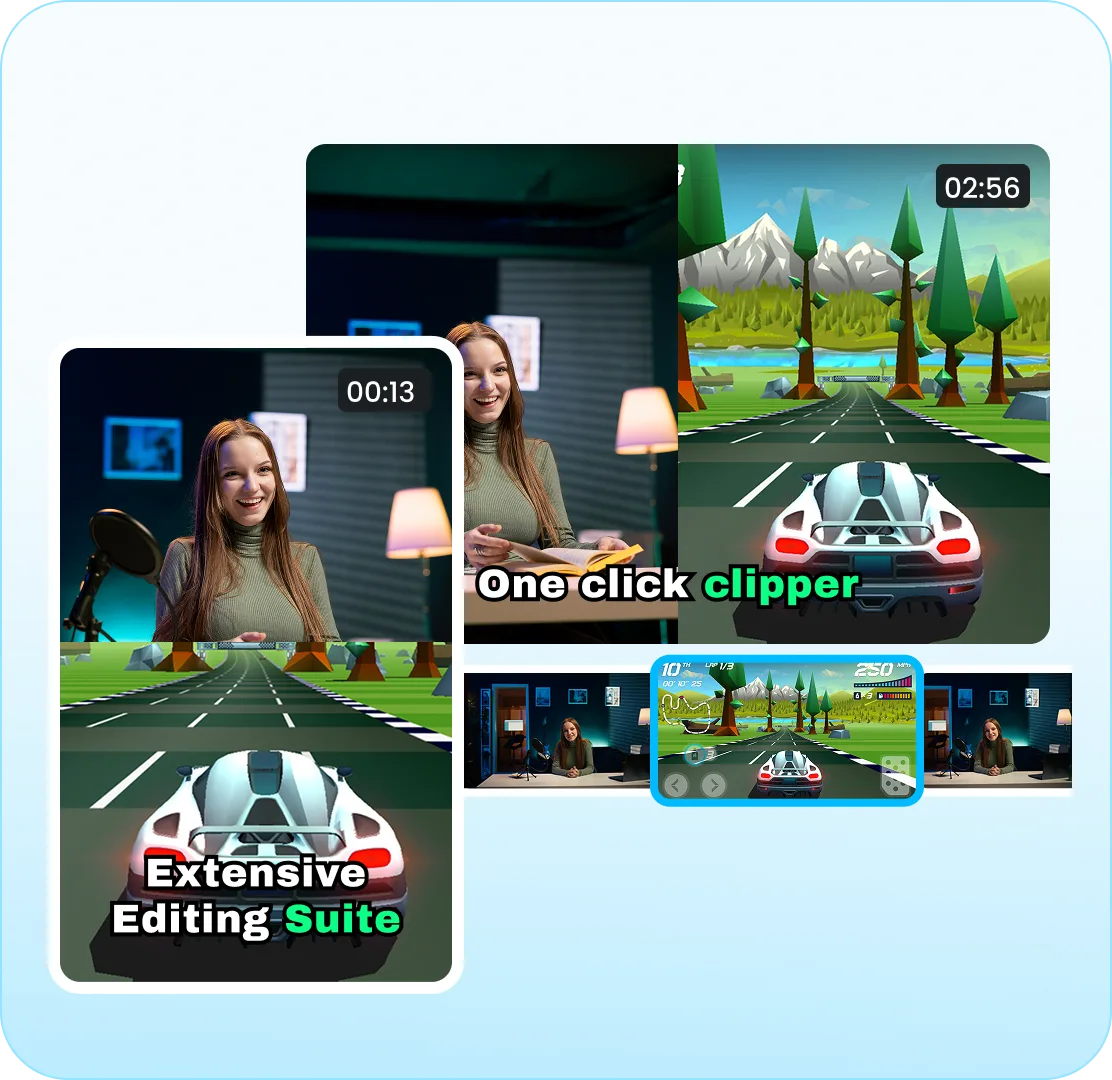
Clipping is just the start, once your long videos are turned into short clips, Vmaker AI gives you control to edit videos to match your vibe.
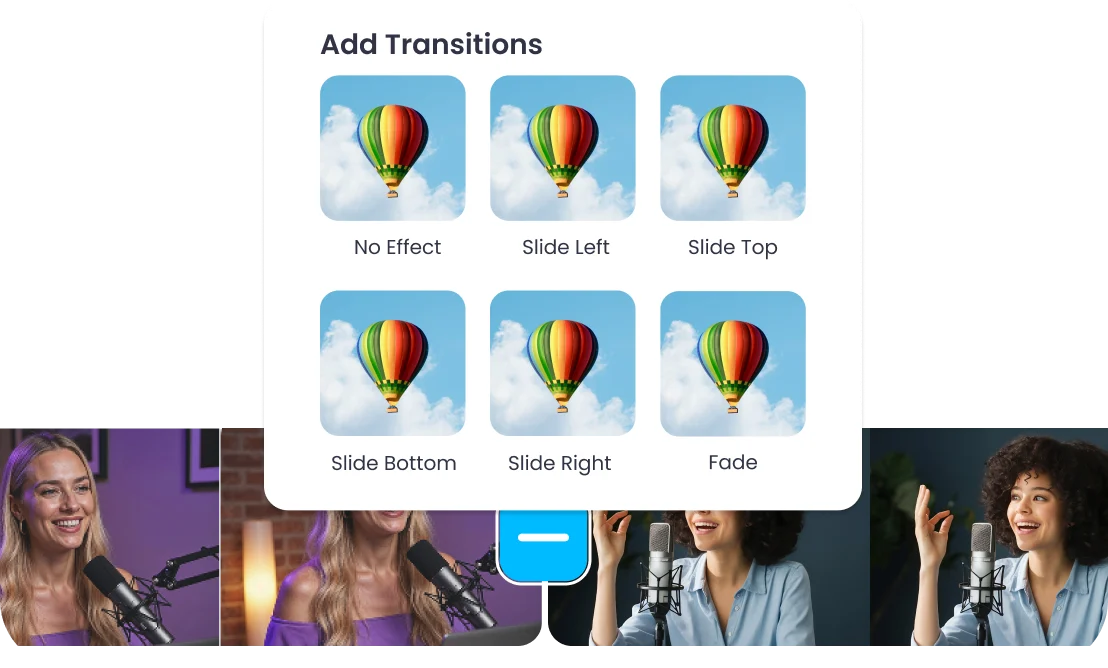
Add subtle shifts, smooth fades, and perfect transitions that make your AI clips look intentional without jarring jumps and no amateur feel edits. Transitions are what makes a 60-second long clip feel like ‘it was meant to be a clip’, not just a cropped footage.
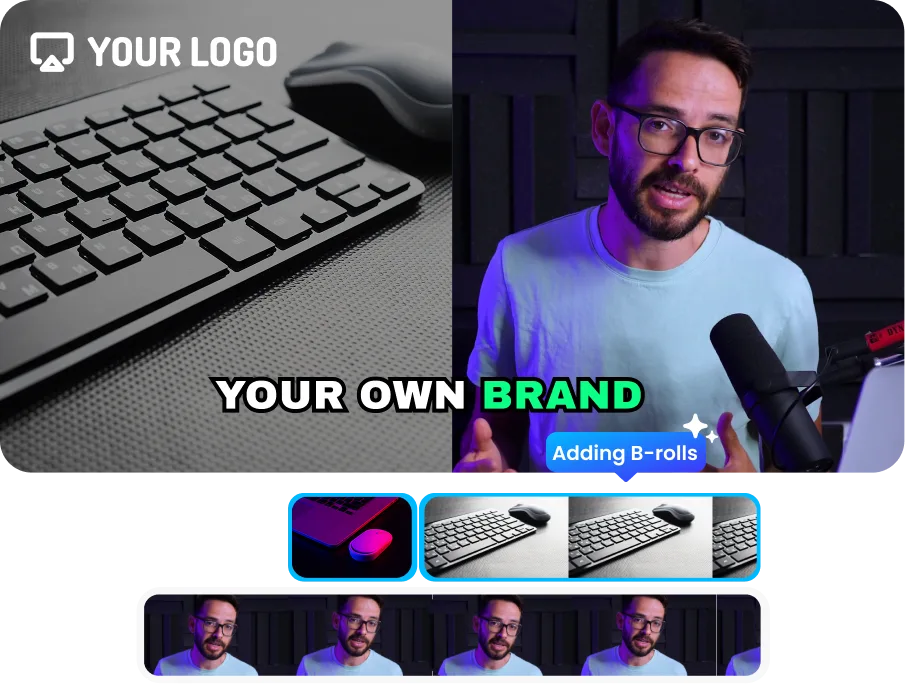
It can be a podcast, a webinar, or a TEDx talk, but to catch viewers attention, add AI generated B-rolls to clips to catch the eyes and show what’s being said visually. It also covers awkward moments, pauses, or reactions that makes the whole video feel more like a content and less like a recording.
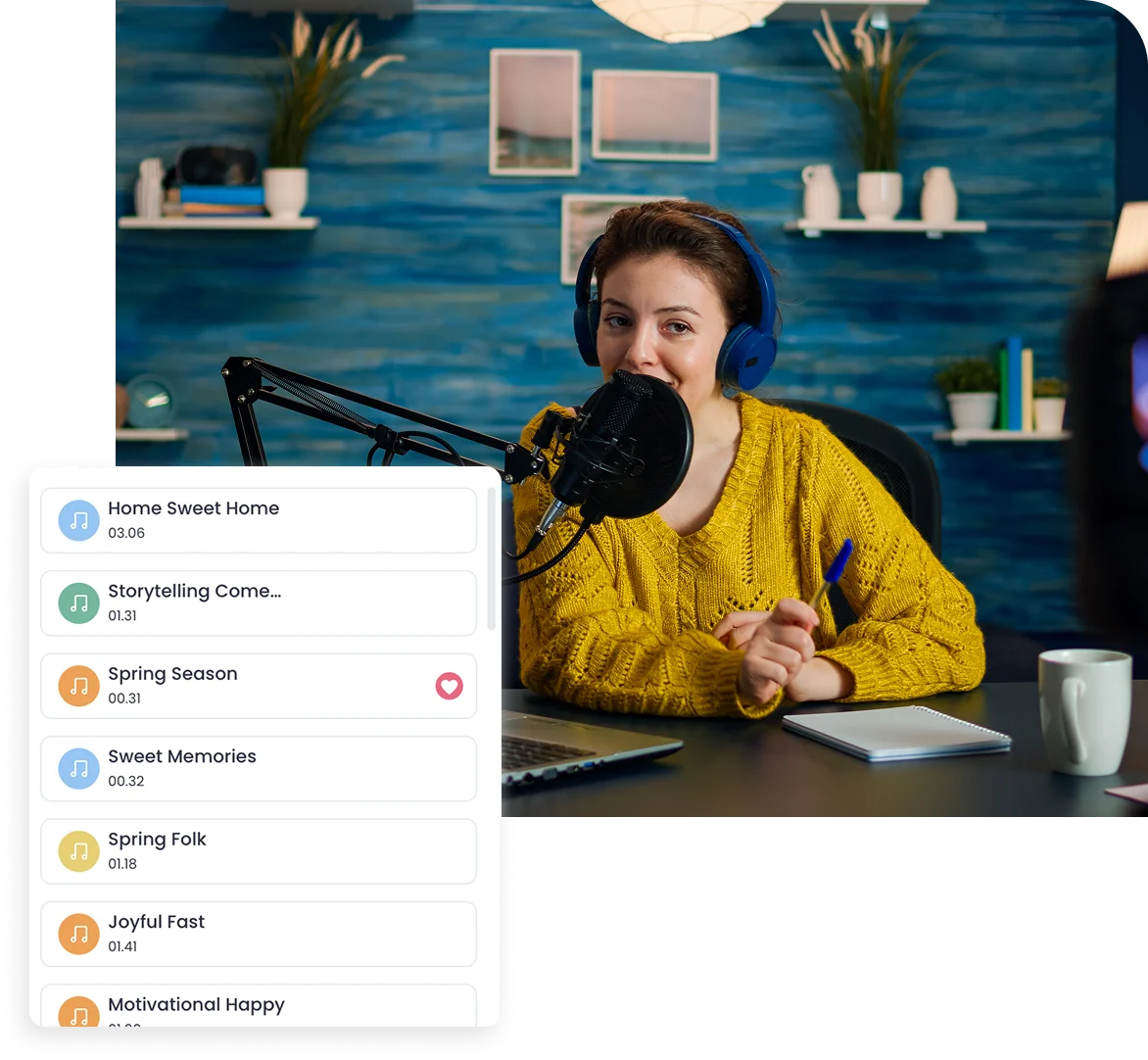
Pick a vibe and drop music from our AI Editor’s in-built library so that your clip lives beyond the first few seconds. Music sets the emotions before even a single word is said. It enunciates the difference between a clip that feels flat, and the one that pulls viewers in. AI short clips with the right BGM gets pushed harder by the algorithm.
Set your fonts, colors, logo, intros, and outros once. All you need is to just drag and drop them for every clip generated from then. Set your branding on point.
Running a channel with editors or content team? Set up a shared workspace with your team members, and keep everyone working on the same project. And avoid 'which version did you send me?' back and forth.
Just connect your TikTok, YouTube, and Instagram to Vmaker AI, and directly publish your videos without juggling between platforms and devices.
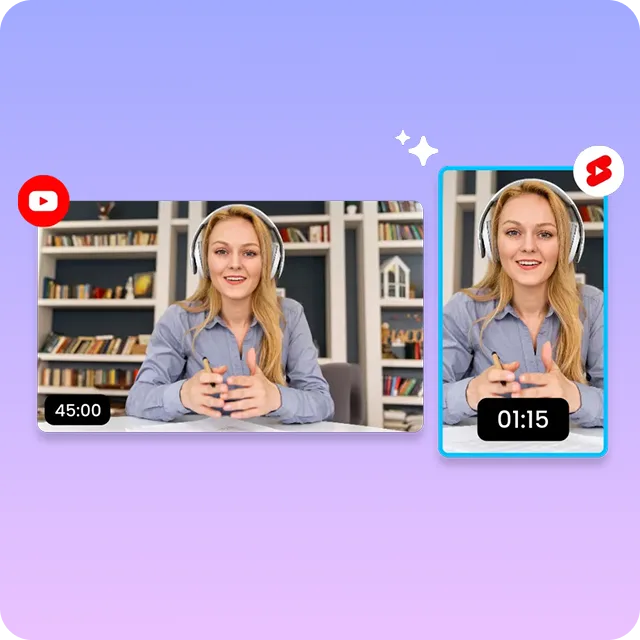
Turn long Youtube videos into short clips by uploading the video and letting Vmaker AI’s Youtube clip maker pick highlights, generate subtitles, and format clips for shorts instantly. Good for repurposing tutorials, interviews, vlogs, and educational content.
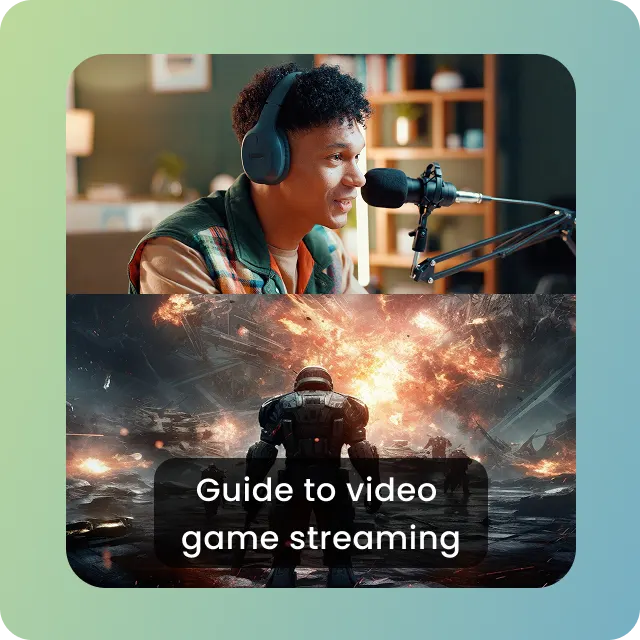
Clip twitch streams without having to scrub through hours of long footage. The twitch clip maker detects key reactions, highlights, and viral moments in minutes. Ideal for gaming, reaction videos, and shareable moments for social media.
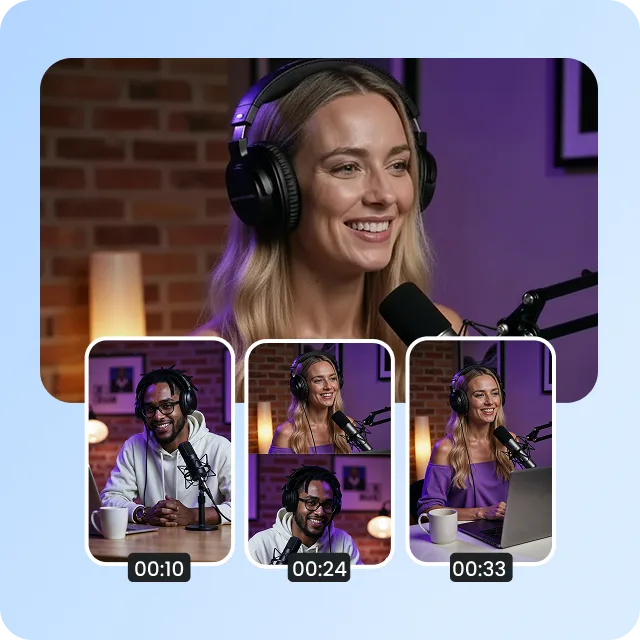
Convert podcast into any form of engaging clips with an AI podcast clip generator. You get quotable highlights, emotional moments, and key takeaways instantly. Perfect for audio snippets, audiograms, and thought leadership content.
Create shareable and usable clips from webinar or training sessions to share internally for knowledge distribution. Perfect for smooth internal communication, breaking long sessions into micro-learning content, and highlighting summaries.
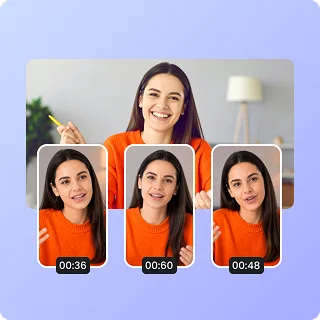
Break your educational content into shorter clips by identifying key explanations, step-by-step instructions, or any key takeaways. Great for how-to guides, tutorials, online courses, explainer videos, workshops, and masterclasses.
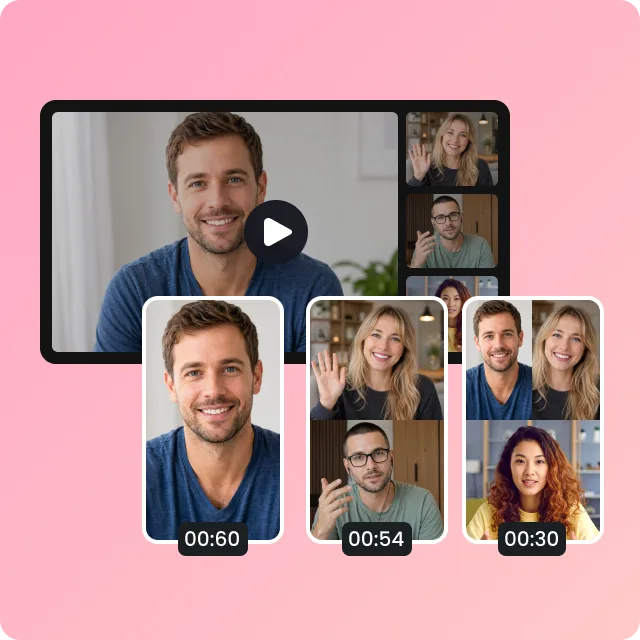
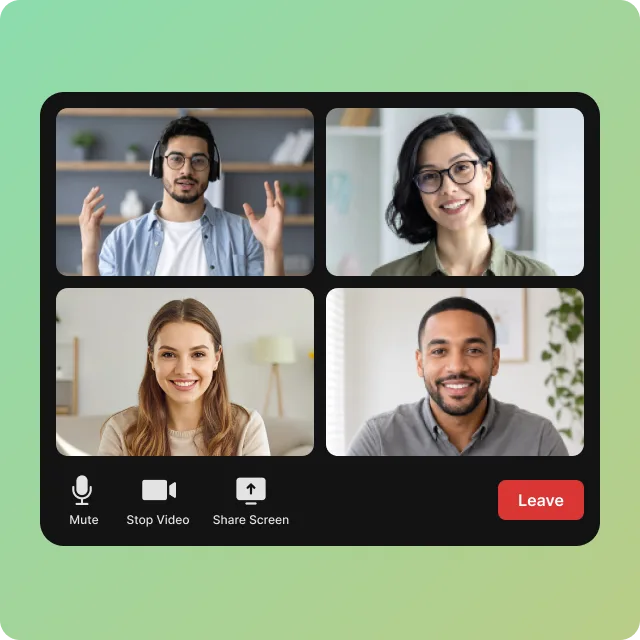
Convert long meetings and zoom recordings into concise highlight clips. Pass on key decisions and summaries that reach quickly. Important for team updates, stakeholders, summaries, and documentation.
4.7 (103)
An AI clip maker is a tool that helps content creators convert long form videos into short clips without any hassle. It identifies share-worthy social clips that do not require manual effort or editing.
You can use Vmaker AI's free AI clip generator by pasting the YouTube link or uploading the video. The YouTube clip maker finds highlights, generates captions, and converts your videos into short clips for YouTube, Instagram, and TikTok.
Yes. Most tools offer a free plan to try, and with Vmaker AI you can upload and generate clips for free, and even edit them.
An AI video clipping tool works best with content that has clear speech and engaging moments. Podcasts, gaming, tutorials, webinars, interviews, and product demos work especially well with AI clipping.
Yes. You can clip Twitch streams using an AI Twitch clip maker. It detects key reactions, highlights, and engaging moments from long live streams without manual searching and editing.
With AI clipping you only upload a video, and the AI finds the most share-worthy moments. Manual editing and trimming is time consuming and costly. You have to analyze the best highlights, cover up awkward pauses, and decide which platform each clip suits best.
Yes. With Vmaker AI you can repurpose video content by adding subtitles in 75+ languages and dubbing videos in 35+ languages to reach a wider audience globally.
It depends on the length of the video. The longer the video, the more clips you get. Many tools generate 5 to 15 clips optimized for engagement.
An online video clipper supports uploads from your device and from platforms like YouTube, Instagram, and TikTok, and works with common formats like MP4 and MOV.
Yes. An AI podcast clip generator turns podcast episodes into shareable clips or hooks. Upload your episode in Vmaker AI's short clip generator and the AI extracts key moments, quotes, and highlights.
AI Video Editing Tool
AI Video Generator
AI Avatar Generator
AI Subtitle Generator
AI B-Roll Generator
Text to Video AI
Video Enhancer AI
Audio to Video AI
Long to Short Video AI
AI Clip Maker
AI Video Background Remover
AI Highlight Video Maker
AI Video Dubbing
AI Document to Video
PDF to Video
PPT to Video
Script to Video AI
AI Human Video Generator
AI Reel Generator
Repurpose Video AI
Podcast Clip Generator