Turn Your Podcast Episodes Into Scroll-Stopping Clips Instantly
Upload your full podcast video and get 2–4 ready-to-share clips with animated subtitles, AI-picked highlights, and smart reframing that keeps speakers perfectly in view, no manual editing.
Start Creating Now
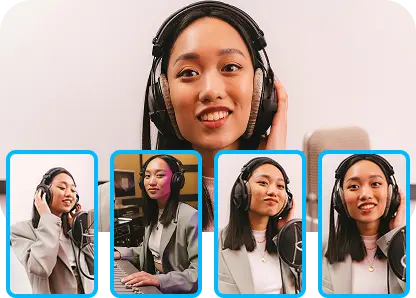
Create 2–4 clips from one episode

Upload long videos up to 50GB | 3 hours max

No camera, no re-recording

Smart AI reframing for every clip
Cleaner Clips, Faster Publishing
Upload your podcast video, select the clip length, and let AI do the heavy lifting. It automatically detects highlights, adds animated subtitles, and gives you the short-clip script for precise control, all ready to publish.
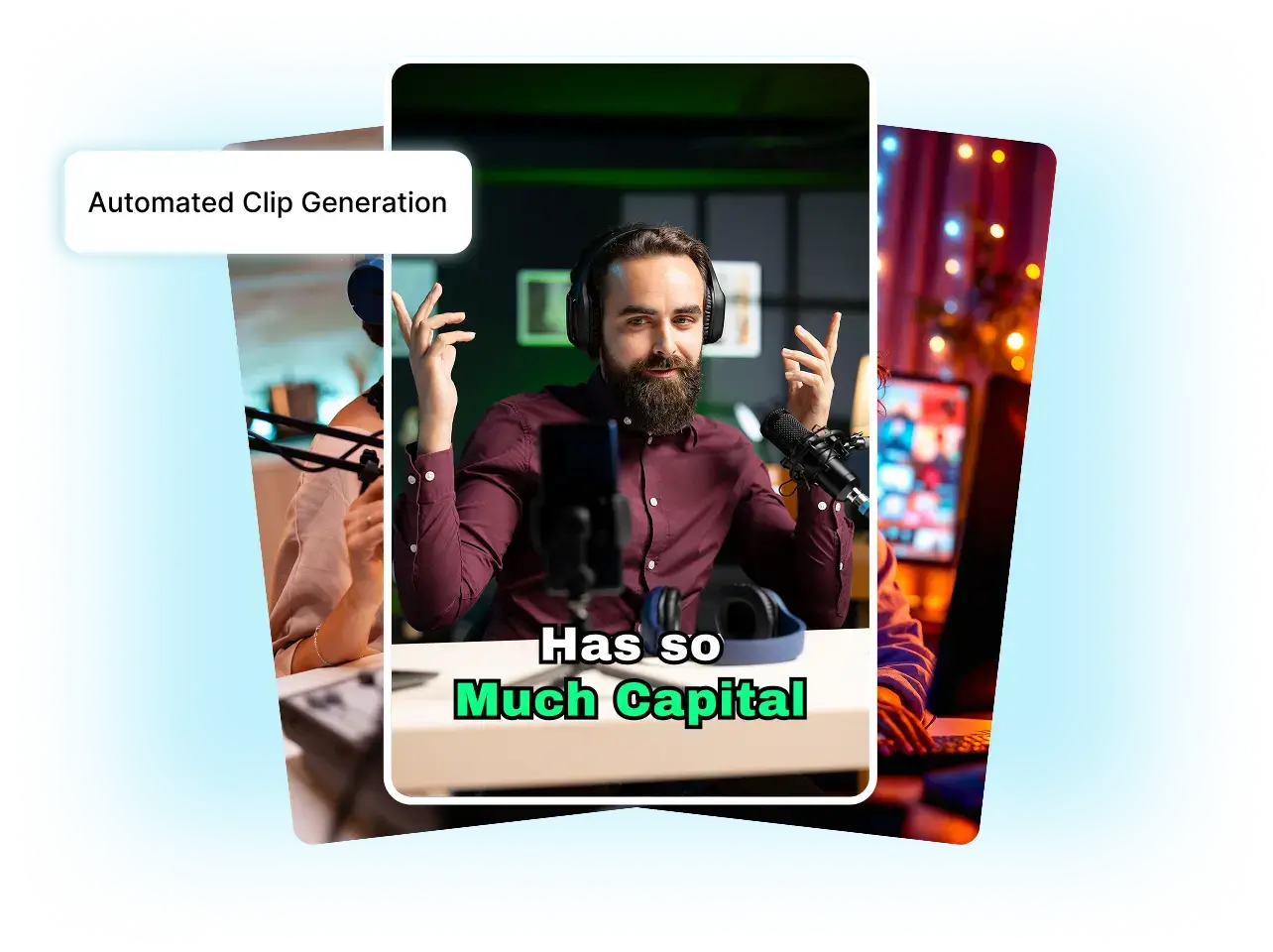
Automated Clip Generation
AI instantly picks the best moments from your episode and turns them into 2–4 short clips. You can also add your own keywords for AI to focus on specific topics.
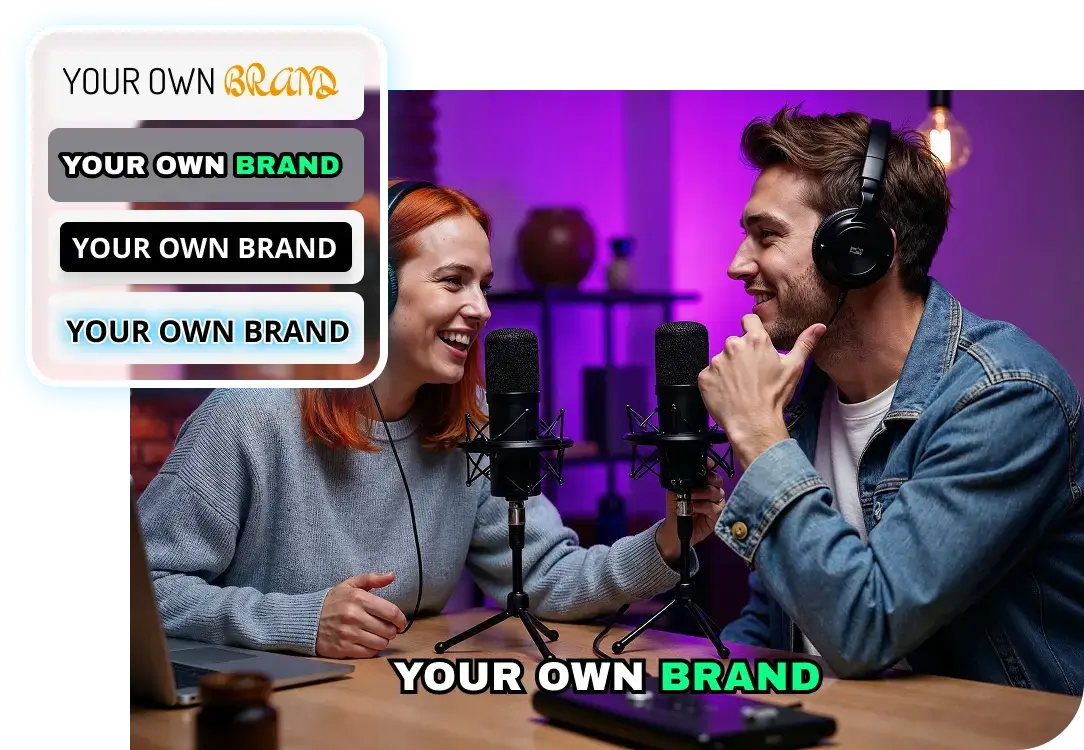
Animated Subtitles & Script Access
Every clip comes with editable animated subtitles and the full script. Fine-tune text, visuals, or remove content you don’t want, control is yours.
AI-Powered Social Recommendations
Get AI suggestions for where each clip will perform best across platforms, so your content reaches the right audience.
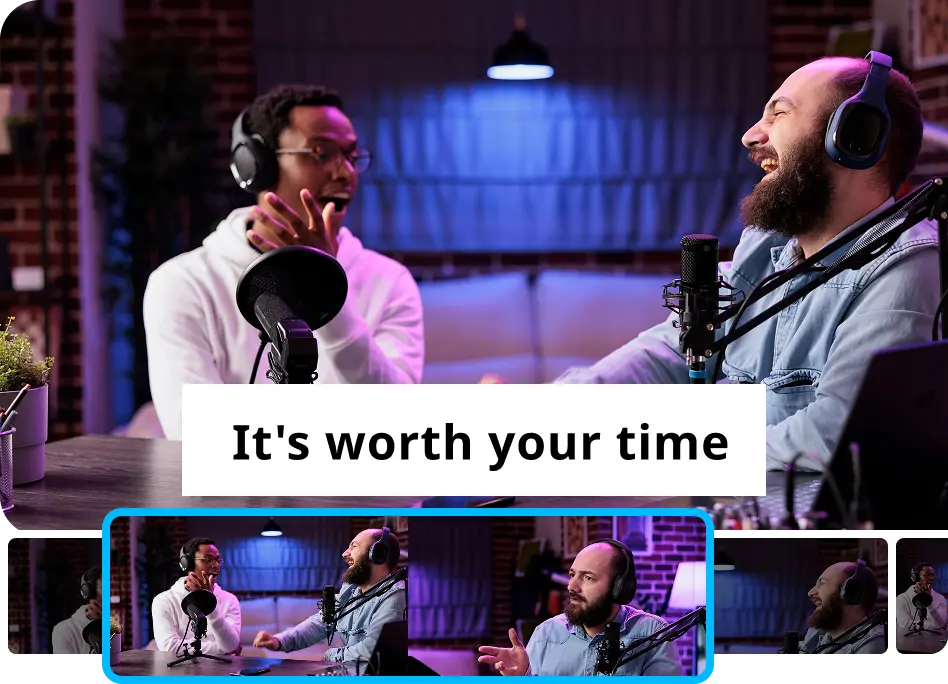
Flexible Clip Duration
Choose the perfect length for each clip, from quick 20-second teasers to 2-minute highlights, or even custom durations.
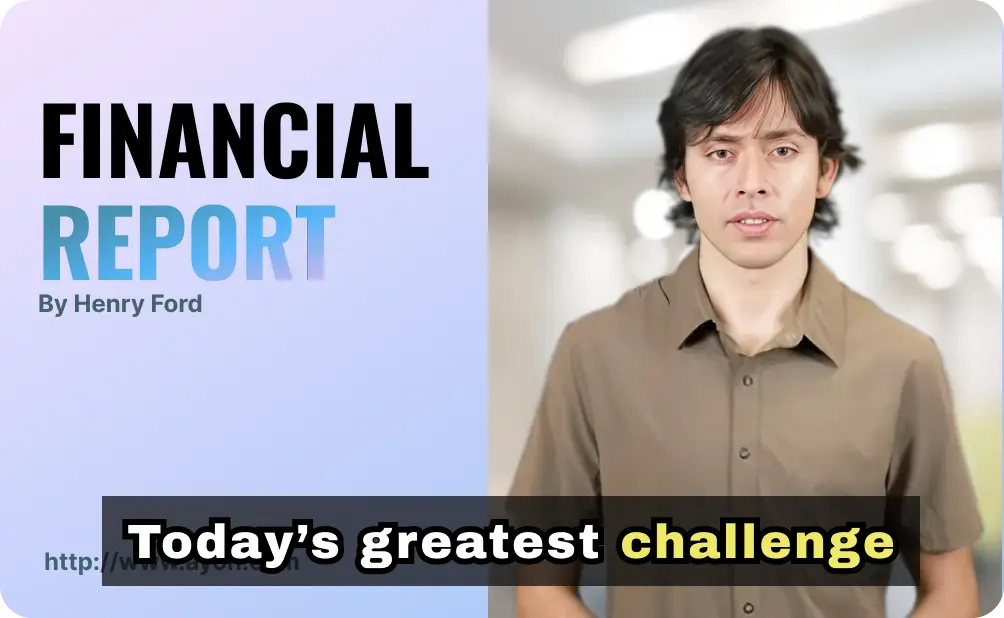
Seamless Editing
Edit visuals, subtitles, and clips directly in the project without timelines or complicated tools.
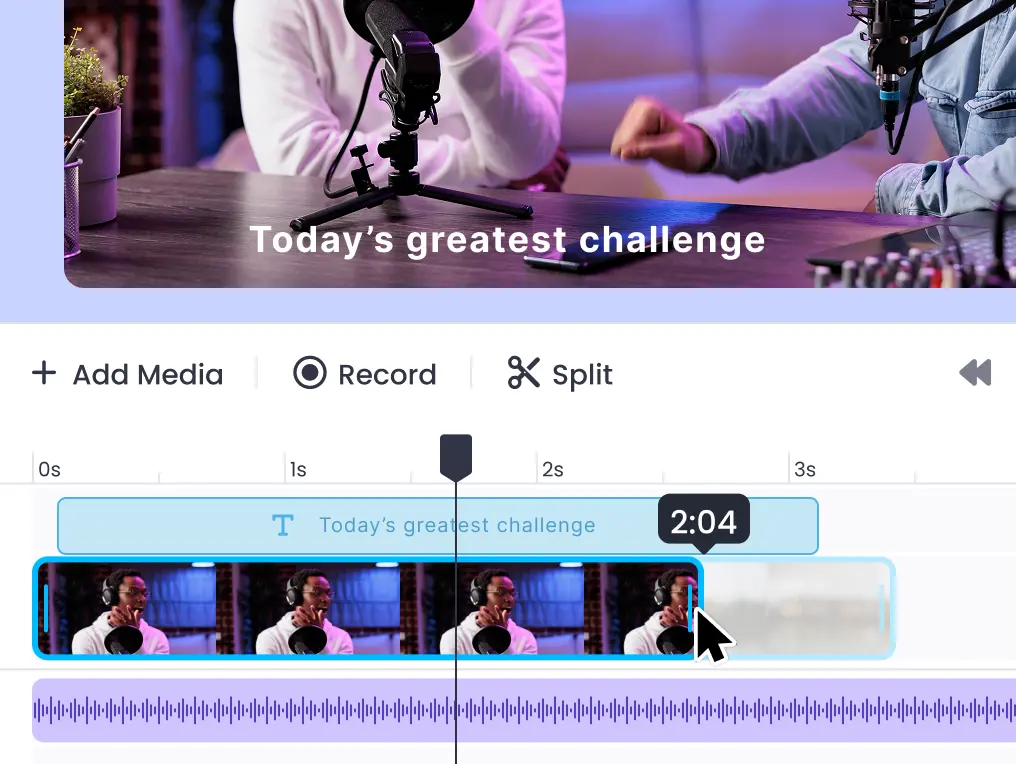
AI Reframing for Podcast Clips
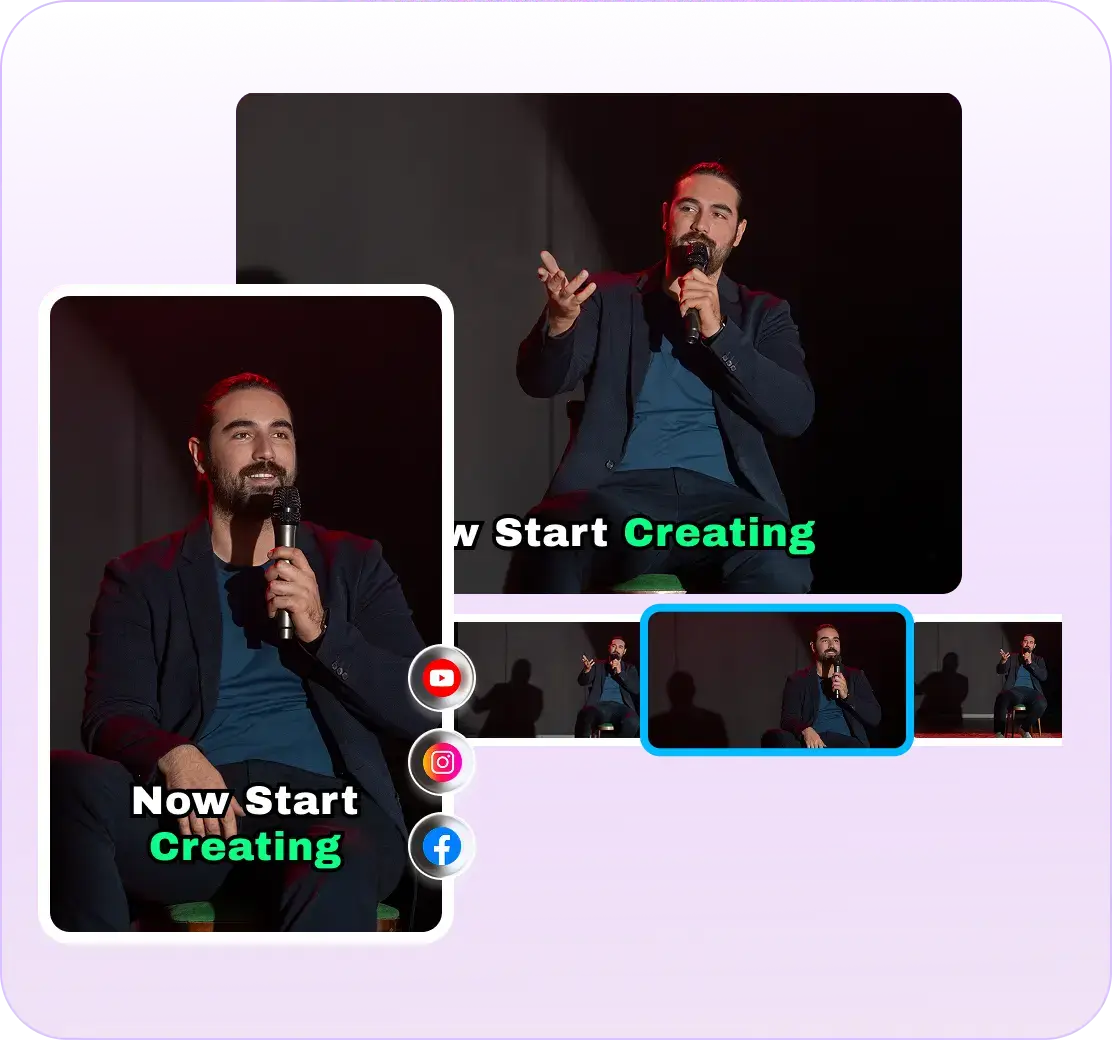
AI reframing automatically adjusts each clip for social viewing. The frame stays on the active speaker, and when multiple voices come in, it switches to a clean split view, so every podcast clip looks intentional, and never awkwardly cropped.
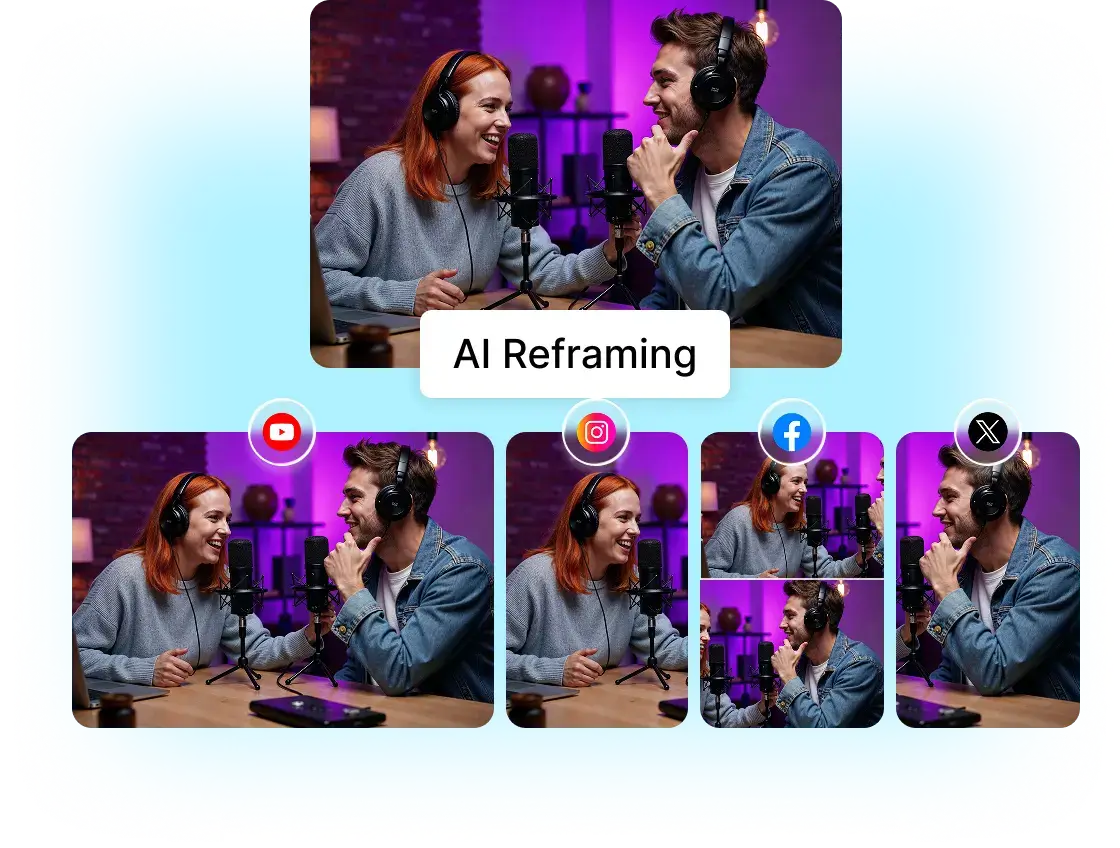
Create a Podcast Clip in 3 Simple Steps
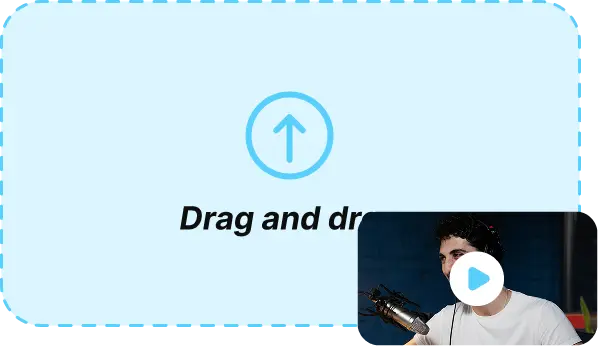
Step 1
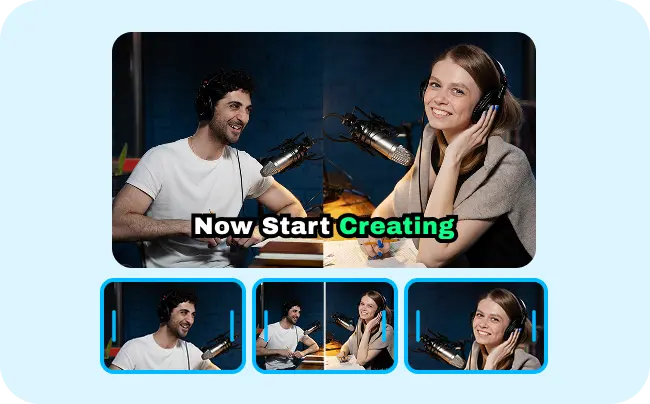
Upload Your Episode
Upload your podcast video (.mp4, .mov, or .webm) up to 50GB.
Step 2
Generate & Edit Clips
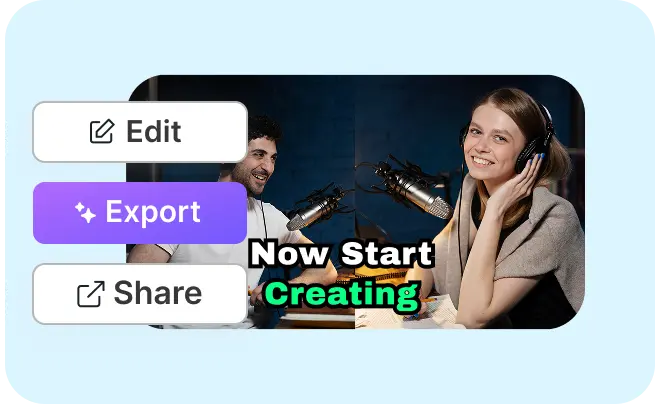
AI creates multiple clip options with animated subtitles and highlights. Edit text, visuals, or remove segments easily.
Step 3
Export & Share
Publish directly or export in your preferred format and aspect ratio. AI suggests the best socials to maximize reach.
Videos That Feel Purpose-Built
Turn one long episode into multiple short, platform-ready clips
designed to stop the scroll.
Automatic Clip Generation
Transform a single episode into multiple engaging clips without scrubbing through hours of footage.
Seamless Editing Experience
Animated subtitles, highlight edits, and visuals, all editable in one place.
Optimized Social Sharing
AI recommendations ensure each clip hits the right platform for maximum engagement.
Perfect For

Solo Podcasters
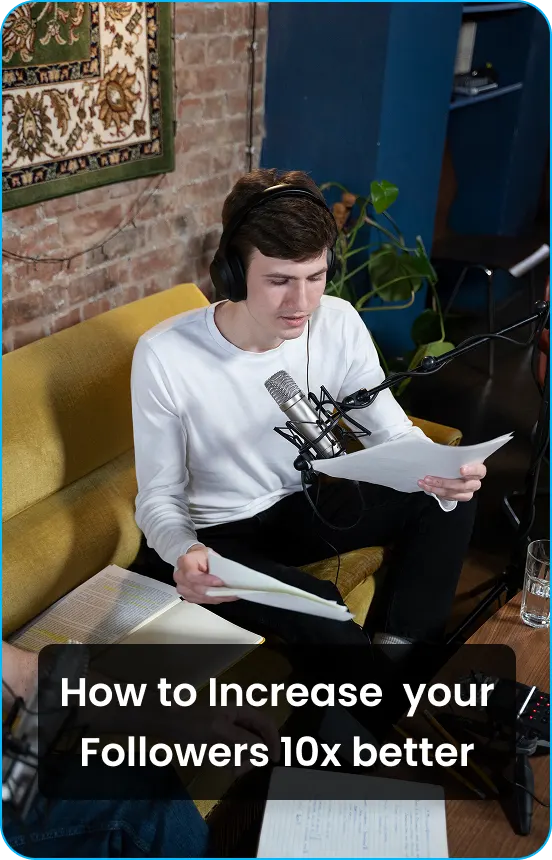
Turn your episodes into shareable clips without learning video editing.
Content Creators & Social Marketers
Repurpose long-form content into multiple short clips to grow reach and engagement.
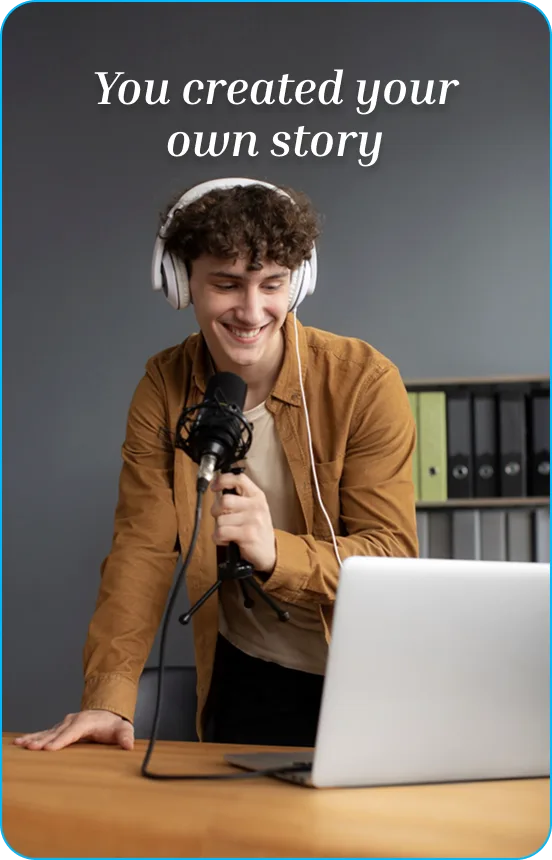
YouTube & Podcast Marketers
Highlight key insights or promotional snippets quickly with minimal effort.
Powerful AI Editing Suite
Trim & Cut Without Timelines
Adjust clip start and end points in the editing canvas.
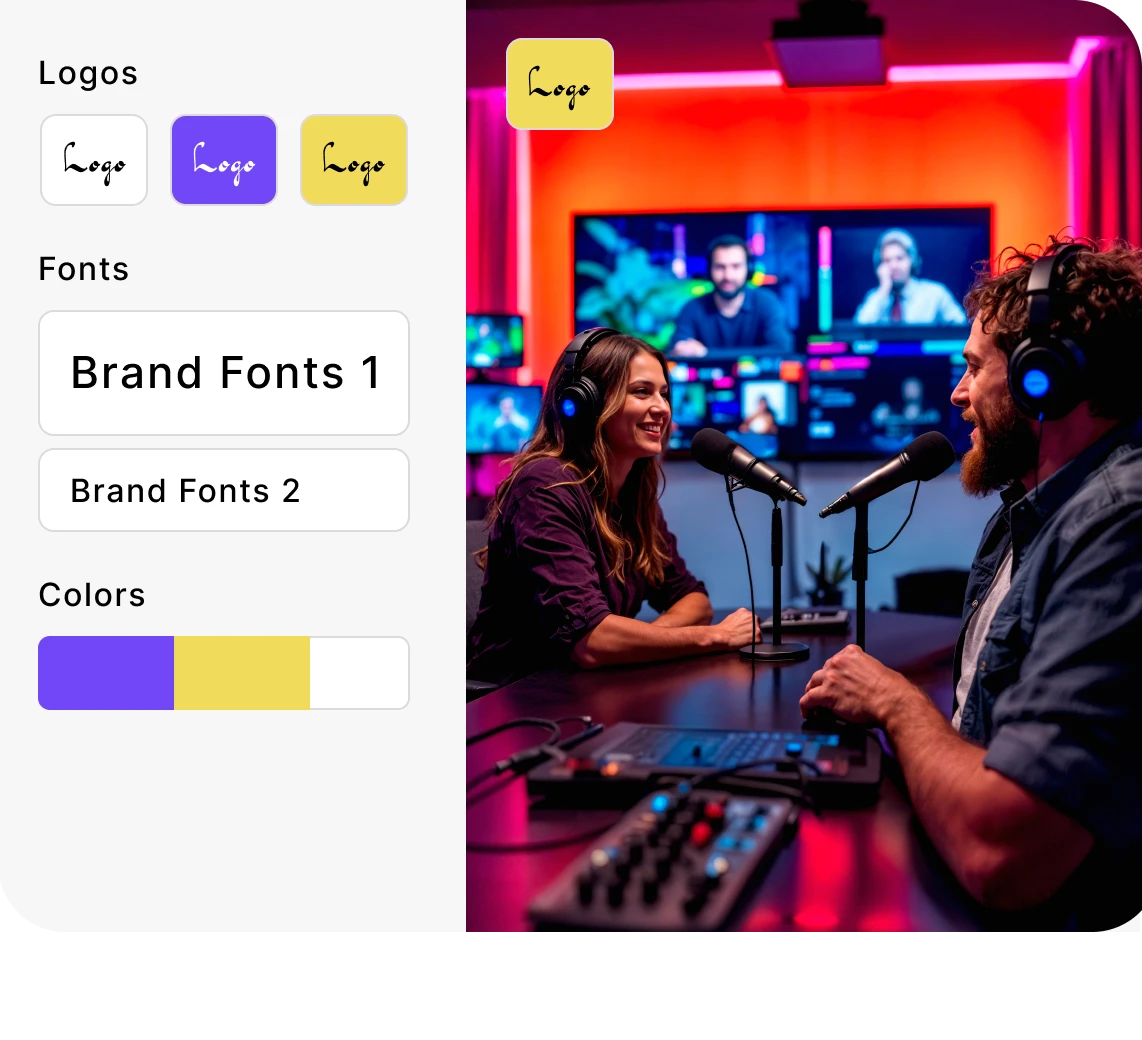
Animated Subtitles & Script Control
Edit captions, emphasize key phrases, and maintain engagement with easy-to-read subtitles.
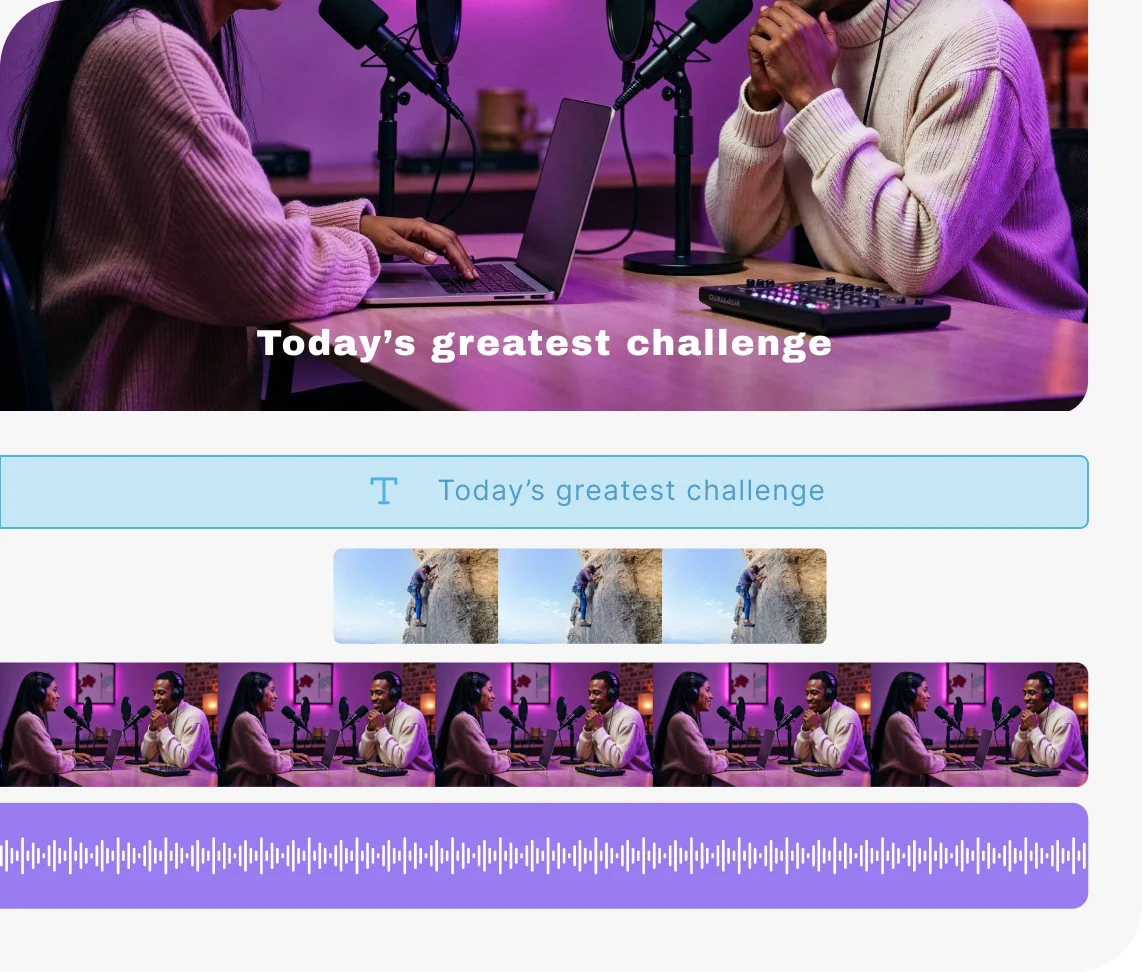
Custom Visual Enhancements
Overlay images, b-rolls, and graphics for professional-quality clips.
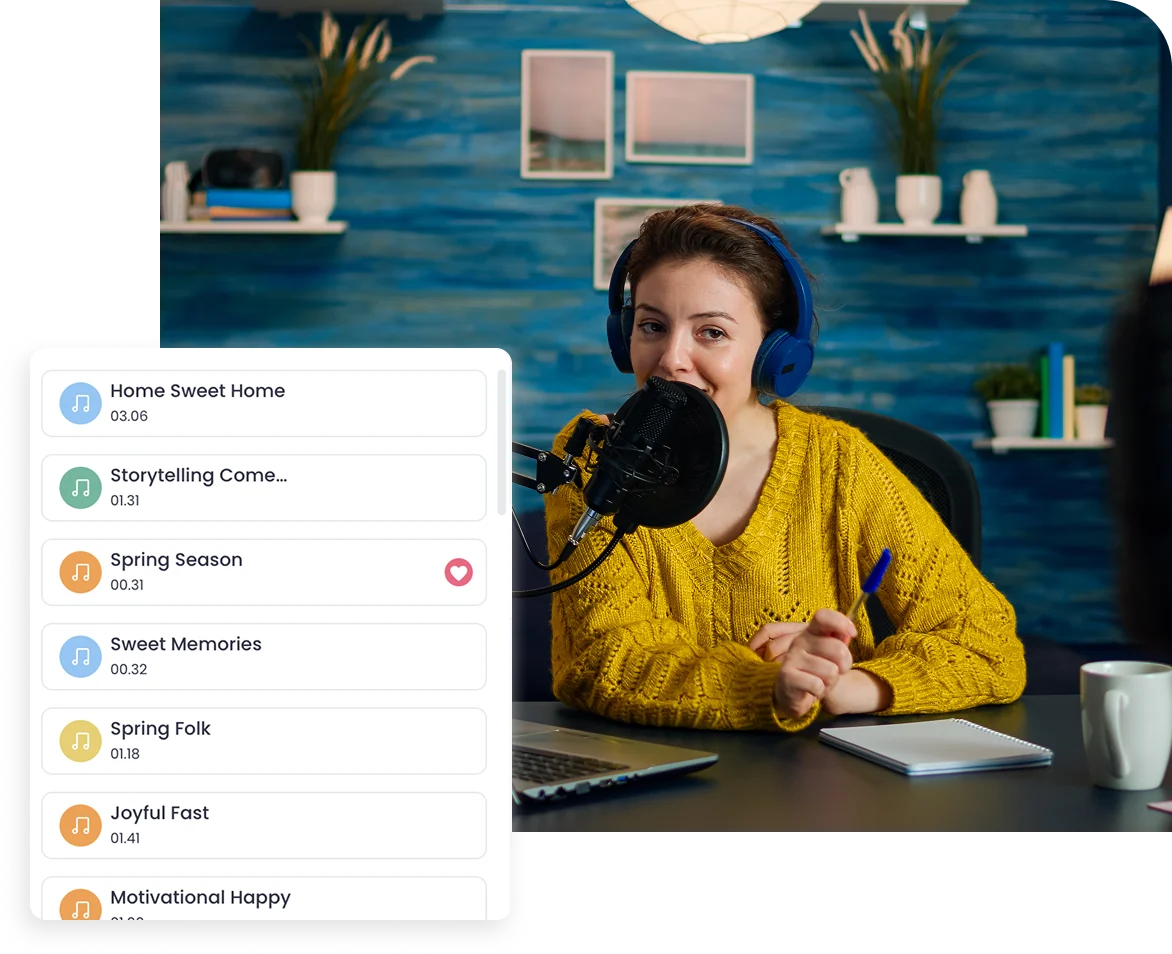
Some snippets from Customer's Love
4.7 (103)
FAQs
It uses Vmaker's long-to-short AI to transform full-length podcast episodes into 2-4 short clips with animated subtitles, keyword highlights, and social suggestions. You can edit text, visuals, or clip content directly.
Yes. Pick from preset ranges (20–40s, 30–60s, 60–120s) or create custom lengths.
.mp4, .mov, and .webm files up to 50GB and 3 hours in length.
Absolutely. Every clip comes with animated subtitles and a full script you can modify, along with visuals and b-rolls.
Independent podcasters, studios, content creators, and marketers who want to repurpose episodes quickly into social-ready clips.
Yes. You can generate podcast clips for free on Vmaker. For premium features like extended duration and higher resolution exports, paid plans are available.
Explore More Video Tools
AI Video Editing Tool
AI Video Generator
AI Subtitle Generator
AI B-Roll Generator
Text to Video AI
Video Enhancer AI
Audio to Video AI
Long to Short Video AI
AI Clip Maker
AI Video Background Remover
AI Highlight Video Maker
AI Video Dubbing
AI Document to Video
PDF to Video
PPT to Video
Script to Video AI
AI Reel Generator
Repurpose Video AI
Podcast Clip Generator