Long Videos to Short Videos with AI
Repurpose one long video into multiple short videos automatically.
It’s quick. It’s free. It’s the fastest way to turn long-form content into Shorts, Reels, and TikToks.

2,000,000+
Users


How to create viral shorts with Vmaker’s long video to short video AI
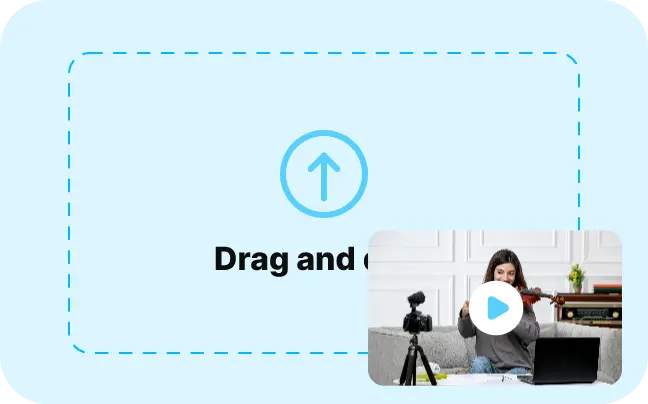
1. Upload Video
Upload a video or paste a link, then choose your aspect ratio (9:16, 1:1, or 16:9) and clip duration.
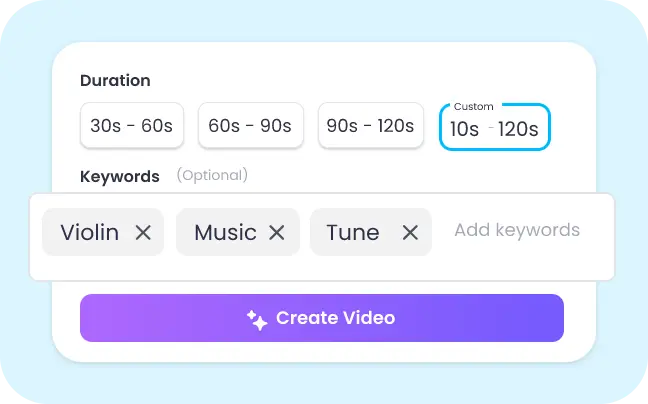
2. Repurpose with AI
Enter a prompt or keywords, and Vmaker AI identifies and extracts the best moments as shorts for YouTube, Instagram, and TikTok.
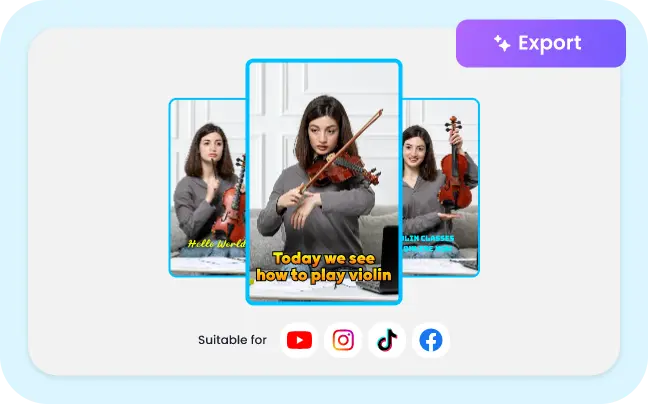
3. Customize & Export
Edit your shorts, add animated subtitles and effects, then export ready for YouTube Shorts, Instagram Reels, and TikTok.
What Is Long Video to Short Video AI?
Long video to short video AI is a video to shorts converter that analyzes a full-length recording, finds the moments most likely to hold attention, and turns them into vertical clips sized for YouTube Shorts, Instagram Reels, and TikTok. Vmaker AI scores every moment for hook strength and pacing, adds animated subtitles in 75+ languages, and reframes each clip to 9:16, 1:1, or 16:9. Upload a podcast, webinar, interview, or livestream up to 3 hours long and get ready-to-post shorts in minutes.
Why 250K+ Creators Use Vmaker’s Long to Short Video Converter

Keyword-Based Clips
Based on the keywords you add, Vmaker AI identifies the highlight snippets and converts them as short videos.

One-Click Repurposing
Convert long videos into short videos in just one click. Vmaker AI takes away the hassle of perfecting the video edits.

AI Auto-Captions
Short videos get generated with AI Subtitles, making it easy to share. You can customize the subtitles styles as well.

Virality Score
Every clip gets a virality score based on hook strength, pacing, and platform fit, so you know which to publish first for YouTube Shorts, Reels, and TikTok.

Custom Time
You can set custom duration for the short videos to be generated or choose from the preset timeframe like 20-40s, 40-60s, 60-120s, etc,.

Easy Resizing
Choose from any (16:9, 9:16, or 1:1) aspect ratio given or resize on your own. You can pick the orientation before or after uploading.

100% Editable
Vmaker AI has an extensive editing suite to add background music, texts, animations, and so on.
Win the short form video content game with Vmaker AI
Generate teasers from long videos
Upload your long videos, Vmaker AI will analyze it, pick highlights, and generate 2 or 3 short videos. You can export them or edit the short clips further.
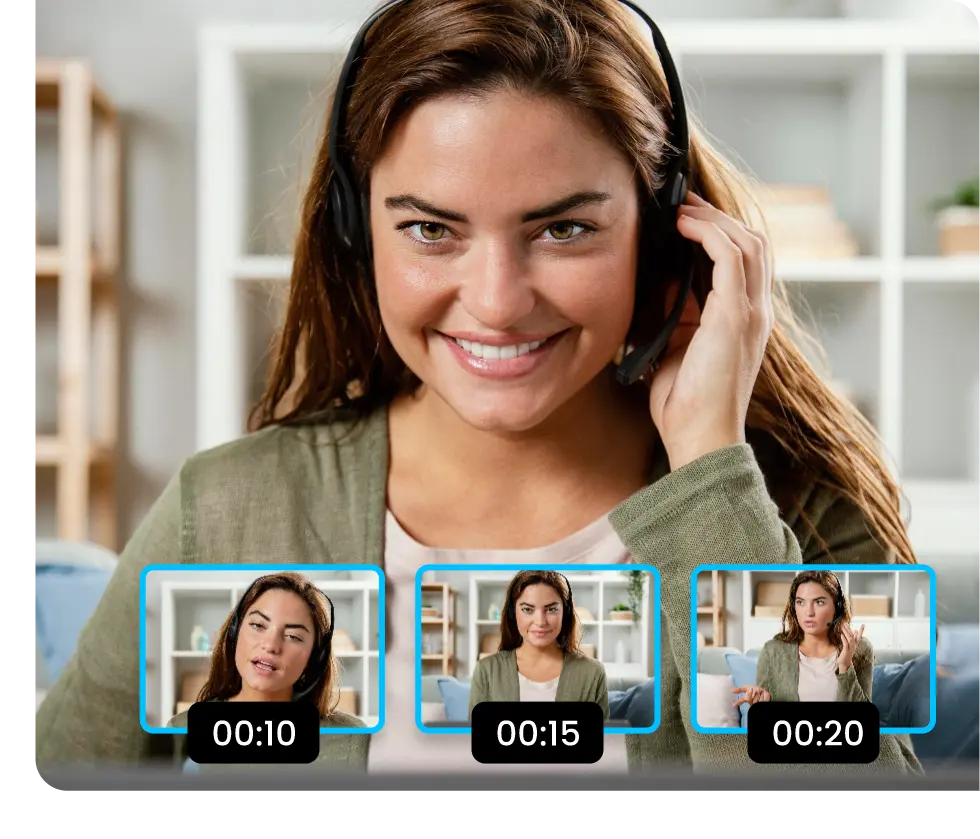
Repurpose Youtube videos
Repurposing long webinars, podcasts, live streams etc, into shorts. Upload your long-form Youtube video and let the Vmaker AI do its magic.
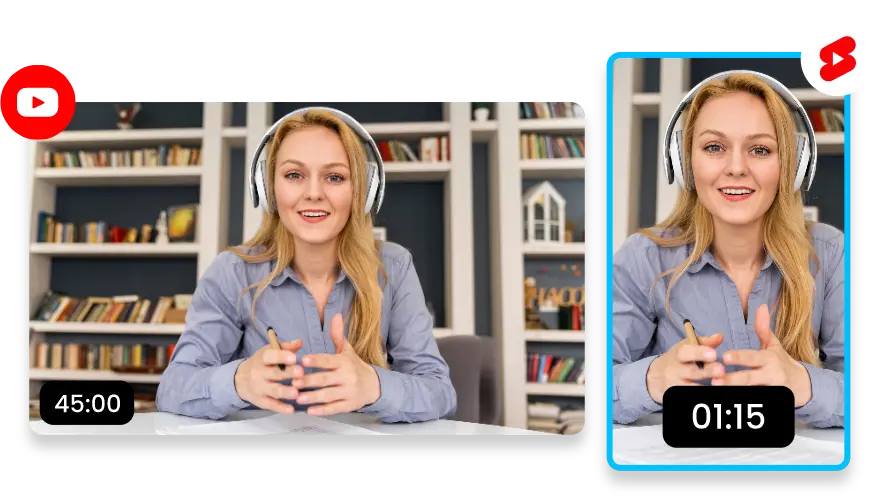
Create engaging short demos in minutes
Educate your employees, prospects, or anyone by converting long demo videos into short, snackable videos.
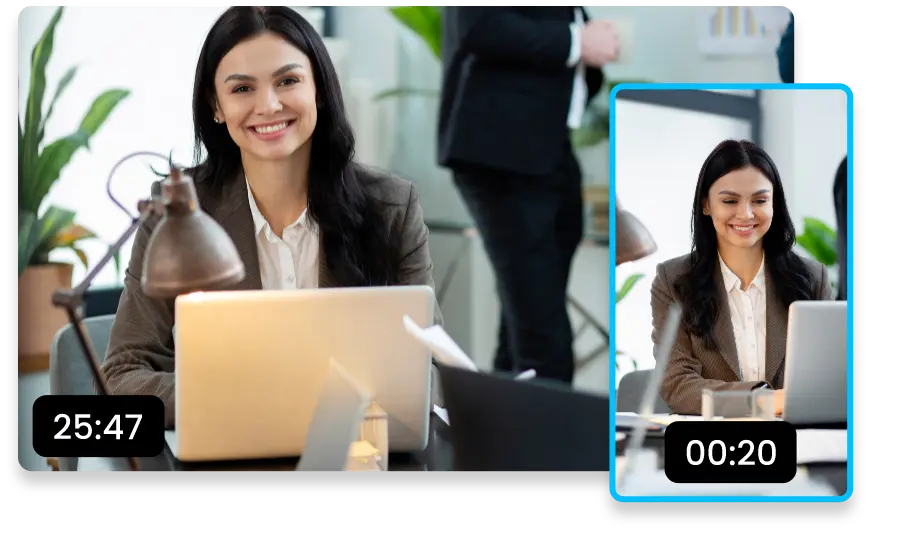
Dominate the #FYP on TikTok
Convert your long form videos into TikTok videos to hijack your doom-scrollers and make them your followers. Vmaker AI puts your video repurposing on auto-pilot.
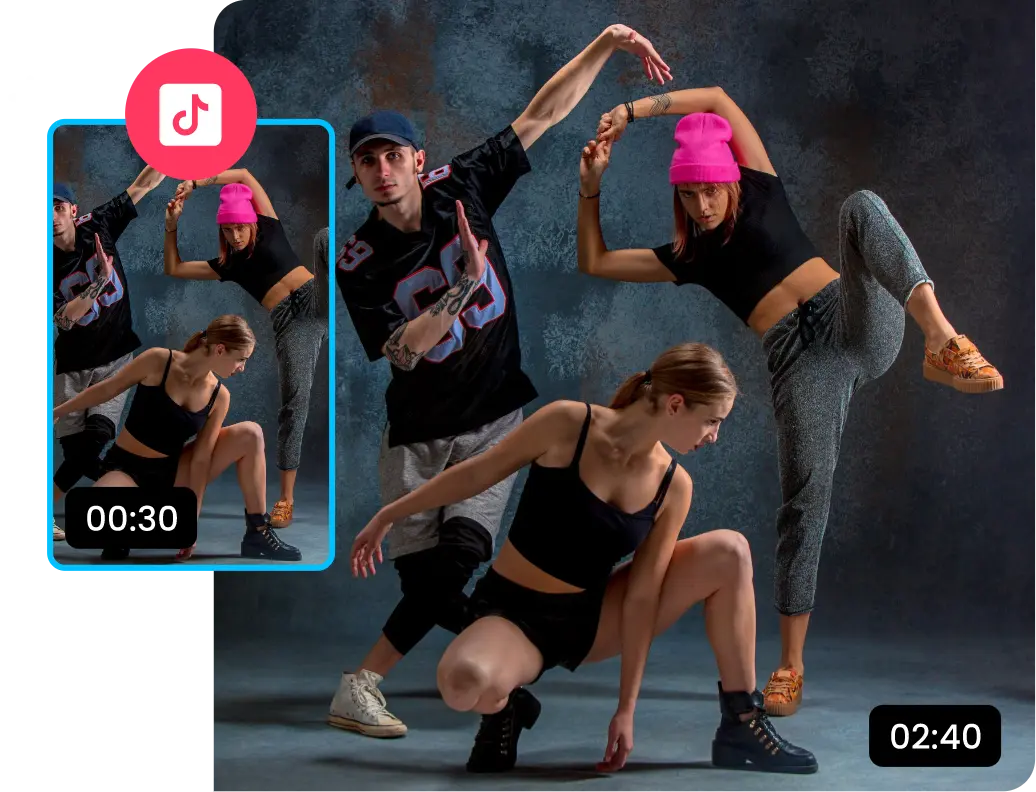
Boost audience engagement using auto-captions
Vmaker AI adds auto captions and transitions to your short videos that are perfect for your social media engagement.
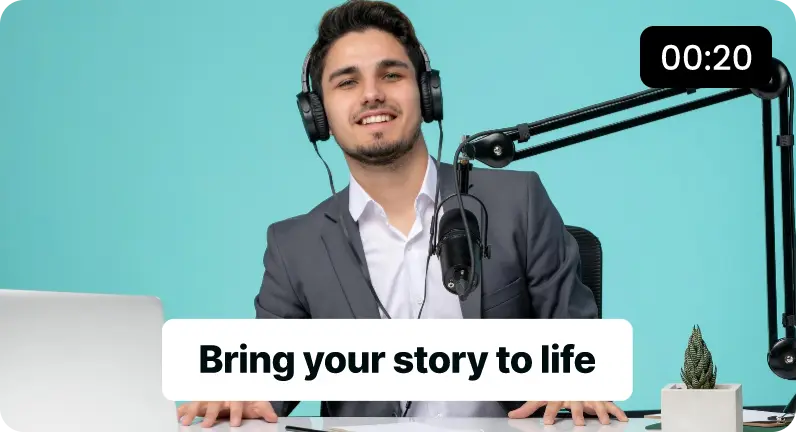
Make Viral Shorts in Half the time
You need not obsess over creating perfect short form videos anymore! Our AI clip maker converts trend-worthy shorts for your YouTube channel in no time.
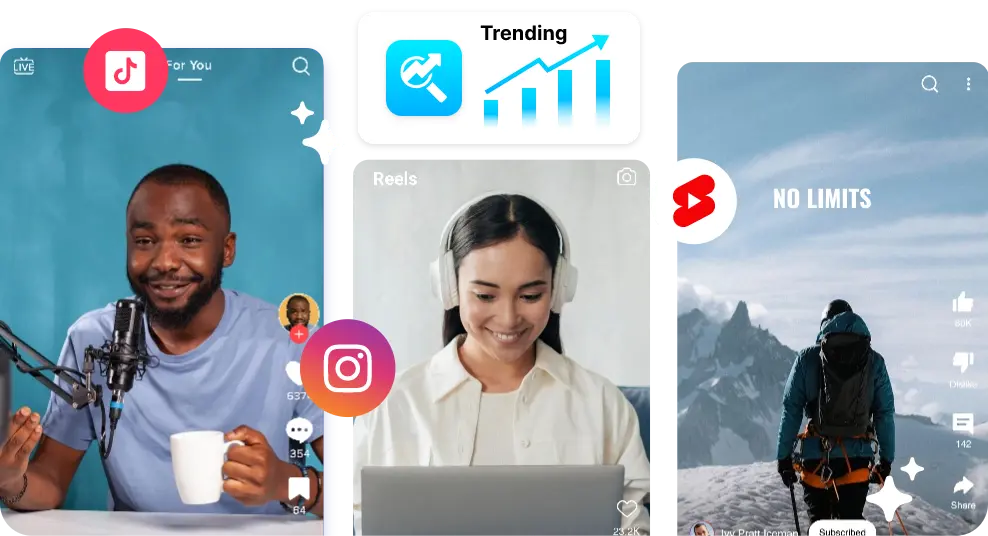
Algorithm-Approved Shorts for Instagram, YouTube, and TikTok
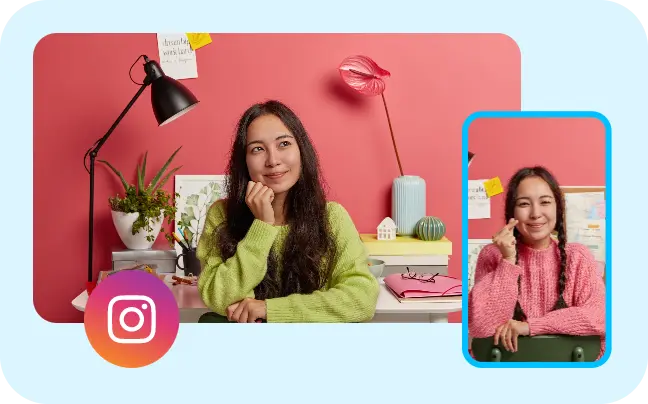
Long Videos to Instagram Reels

Long Videos to YouTube Shorts
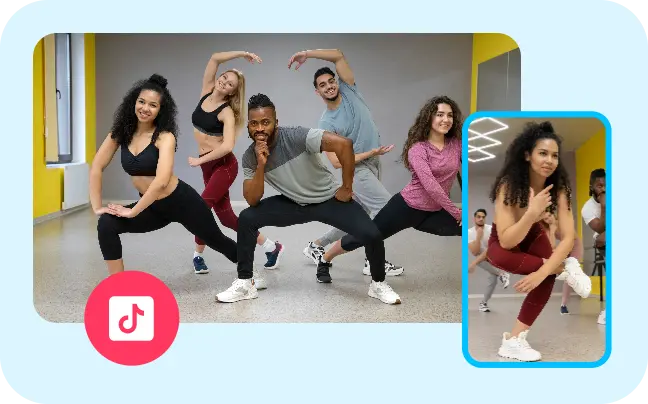
Long Videos to TikTok Videos
Our Customers Asked & We Delivered
4.7 (103)
Convert Long Videos into Impactful Short-form content using AI
Convert My Video for FreeFAQs
Any AI Shorts creator can convert your long videos into Shorts. We recommend using an AI video editor like Vmaker AI which saves you a ton of time. All you need to do is upload your video, select the long videos to short videos ai and wait for Vmaker to do its magic.
Here are the simple steps.
- Upload your video on Vmaker AI.
- Select the long form to short form AI and click on Repurpose button.
- Choose the duration of the videos and keywords relevant to the short videos you want to create.
That’s it! Vmaker takes care of it. There are multiple video editors that can do this for you. But we’d recommend using a reliable AI video editor like Vmaker AI.
Earlier, Vmaker allowed videos to be edited and downloaded without a watermark. Currently, videos downloaded on the free plan include a watermark.
A free short video maker is a tool that helps you create short-form videos like Reels, Tiktoks, and Shorts easily. In today’s day and age, when AI makes waves, there are multiple AI short video makers like Vmaker AI which can convert your long videos into short videos easily.
There are 2 ways to convert long videos into YouTube Shorts.
- i) You can manually edit, add subtitles, texts, background music, and so on.
- ii) Upload your long videos on Vmaker AI and make it take care of the rest.
Of course, you can. With an AI video editor like Vmaker AI, you can manually edit the short videos that AI generates. On Vmaker, once you click on the Edit Project button, you’ll be taken to the editing canvas where you can edit the short videos further down.
Yes! You can add background music and texts to your short videos on Vmaker AI. Once Vmaker AI converts the long videos into short videos, you can click on the Edit Project button, and click on the Music or Texts button on the left sidebar.
Vmaker AI video editor: It analyzes, understands, and picks the highlight moments of the long form videos and converts them into short form videos.
To repurpose YouTube videos for TikTok, you’ll need an AI Shorts Creator. There are multiple options in the market. We recommend a reliable AI video editor like Vmaker AI video editor. It clips your long videos and also adds transitions and subtitles.
Vmaker AI analyzes your long-form video, detects high-engagement moments, and turns them into multiple short clips automatically. It scores hooks, pacing, and speaker moments to find segments suited to YouTube Shorts, Instagram Reels, and TikTok. You can also prompt the AI with topics or keywords to generate clips around specific discussions.
You can upload MP4, MOV, or WebM files directly, or paste a link from YouTube, Google Drive, Dropbox, Vimeo, Loom, Zoom, Wistia, StreamYard, Riverside, Twitch, Twitter/X, and Facebook.
Yes. Export your Twitch VOD or livestream recording and Vmaker AI detects the standout moments to generate short gaming clips ready for Shorts, Reels, and TikTok.
Vmaker AI generates subtitles and captions in 75+ languages and supports dubbing in 35+ languages, so you can repurpose and localize clips for a global audience.
It depends on the length of your video, how much high-engagement content it contains, and the clip duration you choose. Longer videos with multiple discussions or highlights can produce several short clips from a single upload.
Yes. You can try Vmaker AI for free to generate short clips from long videos. To download and add additional features and higher export limits will require an upgrade.
Vmaker AI works best with content that has spoken audio, such as podcasts, interviews, webinars, livestreams, and presentations. The AI analyzes speech to find key moments and generate engaging short clips. Videos with no voiceover or spoken content may not generate clips, since the AI relies on audio context to identify highlights.
We recommend uploading videos at least 10 minutes long, since more context helps the AI find stronger highlights. Vmaker AI supports videos up to 3 hours, which makes it suitable for podcasts, webinars, interviews, and livestreams.
Explore More Video Tools
AI Video Editing Tool
AI Video Generator
AI Subtitle Generator
AI B-Roll Generator
Text to Video AI
Video Enhancer AI
Audio to Video AI
Long to Short Video AI
AI Clip Maker
AI Video Background Remover
AI Highlight Video Maker
AI Video Dubbing
AI Document to Video
PDF to Video
PPT to Video
Script to Video AI
AI Reel Generator