AI Video Background Remover
Remove video backgrounds without
green screen. Replace with images,
colors or videos from 10M+ assets.

2,000,000+
Users


How to Remove
Background from Video?

1. Upload your video
to Vmaker AI
Upload your video or pick one from the Vmaker Library. Click on the video clip on the timeline and click on the Settings button on the top menu.

2. Remove video background
Toggle the Background Remover/Green Screen button to automatically erase the background or enable the Chroma keying feature.

3. Change video background & Export
You can further edit your video, replace video background with color, image or any other video of your choice from the 10M+ stock library.
Forget Green Screens! Delete Video Background with AI
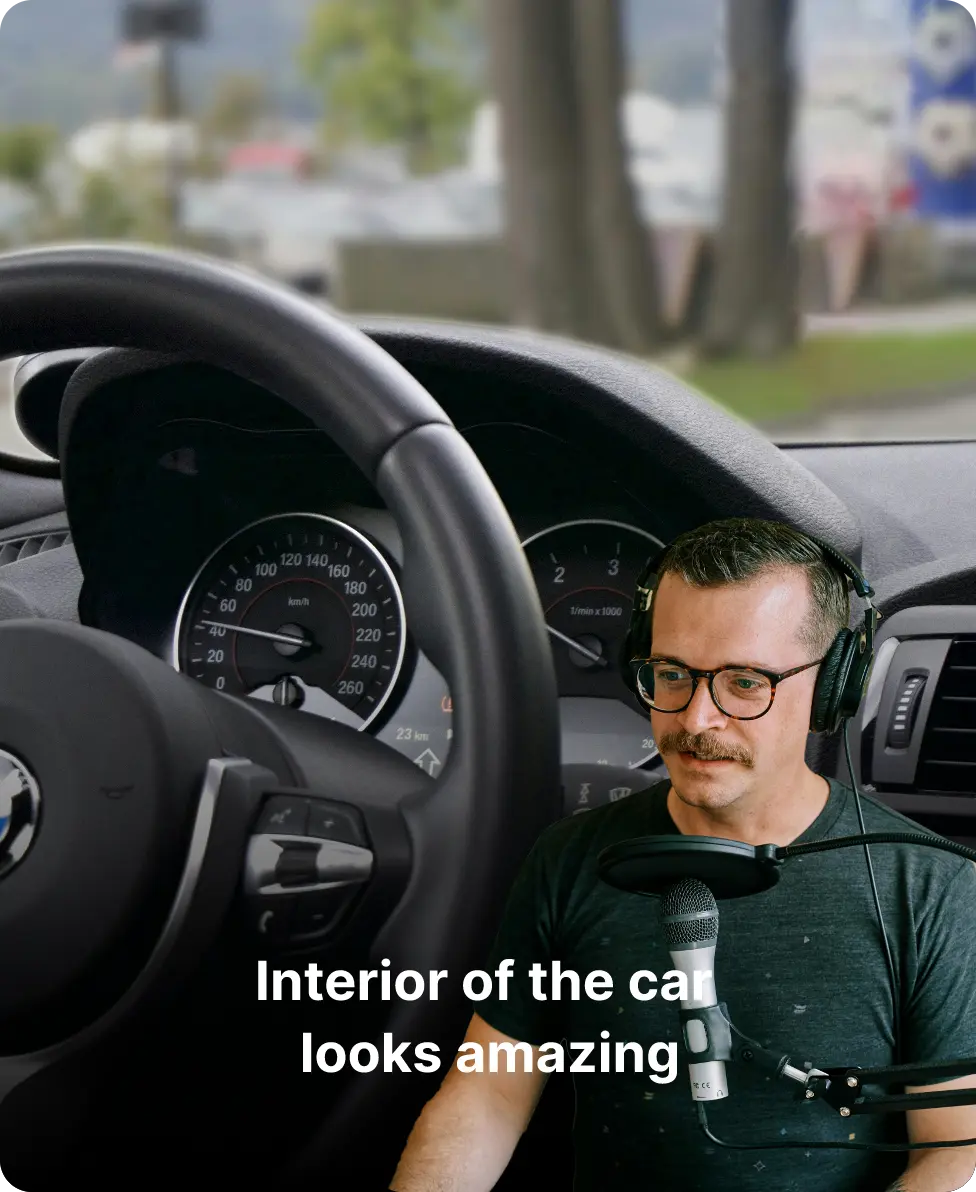
You do not have to go through the hassle of shooting a video with a green screen background. Sit on your porch or car (or even a cafe) and record your video, Vmaker AI Video Background Remover will erase the background automatically without compressing the video quality.

Why Vmaker’s High Resolution
Online Video BG Remover, the best?

Remove BG in a click
Just one click. No more manual efforts.

No more Green Screen
Background deleted with AI. No more green screen.

100% Accurate
Precision matters. No more ghosty videos.

Works in Real-time
Witness magic instantly. No more waiting time.

High Resolution
Ultra HD quality. No more blurring.

Change Video Background
Replace bg with images, videos. No more endless searching.
Learn More: Erase and Modify Video Backgrounds
Video on Video is the New Trend
Adding B-roll videos is good. But adding B-rolls in the background of your original video is even better. Get creative with stacking up videos over video.
Create Impactful Training Videos
Remove background from your talking head videos and replace them with screen recording or any other b-roll videos to create impactful training content.
Add Virtual Background to Videos
Erase messy looking backgrounds from your videos and change them with virtual backgrounds from the library of 10M+ assets.
Give a New Look to Your Old Videos
A surefire way to save your old videos from dying in your drive is to change the video background with trending visuals. Repurposing, done in one click!
Step Up Your Social Media Game
Social media aesthetics are ever-demanding. So, do not worry about setting up an eye-catching background. Now, changing your video background is a kid’s play.
Customers-Approved!
4.7 (103)
Remove the Video Background Using AI in Just One Click
Erase Video BackgroundFAQs
What is AI video background removal?
AI video background removal is the process of automatically removing the background of your videos in just a few seconds.
How does Vmaker AI video background remover work?
Vmaker AI video background remover automatically detects the main subject of your video and the background of your video separately. Then, it erases the background even if it doesn't have a green screen background.
How accurate is the Vmaker AI background removal process?
Vmaker AI video editor accurately removes the background without leaving out any spec of the original background traces. We work continuously to improve the performance of the editor and it only gets better and better.
What type of videos can I use with your remover?
You can use any type of video like talking head and live-action videos. To begin with, we'd suggest you try out a talking head video to understand how it works.
How can I change the background of a video online for free?
To change the background of a video, you first need to remove its existing background. So, we'd suggest you use an AI video background remover like the one in Vmaker AI Video Editor.
How do I make the background of a video transparent?
You can do that in a single click. All you need to do is upload your video to Vmaker AI Video Background Remover and click on the Remove Background or Green screen buttons and AI will remove the background in just a click.
Do I need a green screen to use your AI video background remover?
Not necessarily. Most of the video background removers in the market work with the Chroma Key tech. But Vmaker AI removes your video background even if it's the background of a crowded mall or a bright yellow wall of your co-working space.
Are there any privacy or security concerns with using the AI background remover?
Not exactly! An AI video background remover like Vmaker AI has all the security and privacy features air-tight.
What is the video quality like after background removal?
Vmaker video editor does not compromise on the quality of your video after removing the background. It remains as good as how it was when you uploaded the video.
Is AI video background removal suitable for professional use?
Of course, it is! Anyone who wants to create a professional-looking video but does not want the hassle of setting up a video or a green screen can try out the Vmaker AI video remover.
Explore More Video Tools
AI Video Editing Tool
AI Video Generator
AI Subtitle Generator
AI B-Roll Generator
Text to Video AI
Video Enhancer AI
Audio to Video AI
Long to Short Video AI
AI Clip Maker
AI Video Background Remover
AI Highlight Video Maker
AI Video Dubbing
AI Document to Video
PDF to Video
PPT to Video
Script to Video AI
AI Reel Generator