Turn Your PowerPoint Slides into Engaging Videos
One powerful platform to transform static slides into dynamic instructor-led videos bringing your content to life with AI avatars, realistic voices, and cinematic motion design.

Drag & drop files here
Supported file formats: .docx, .txt, .pdf, .pptxVmaker AI wins AI Startup of the Year Award!
Learn More
Convert PPT to Video Online for More Engaging Presentations
Bring Your Slides to Life, Instantly
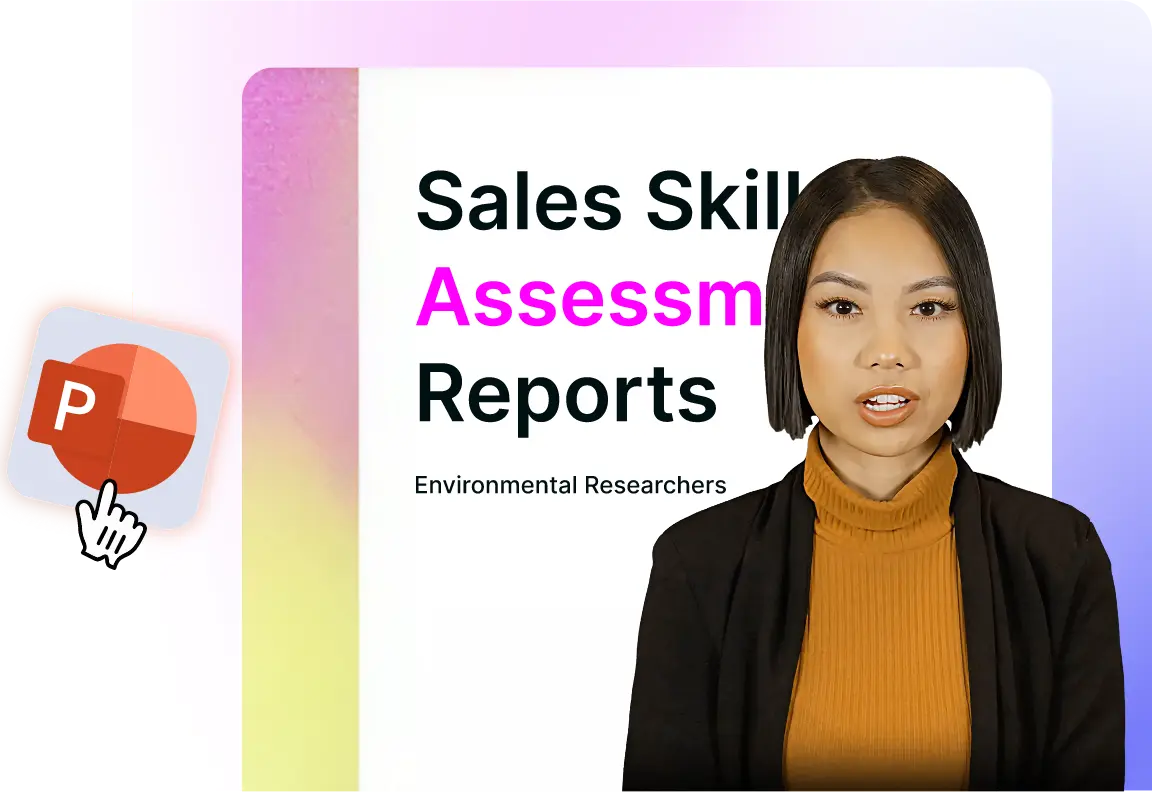
No more static text or endless bullet points. Vmaker AI converts your PowerPoint slides into dynamic, AI presenter-led videos that speak to your audience. Each slide becomes a story, with emotion, tone, and flow.
PDF to Video Converter with Intros & Outros
Add stunning intros and outros with avatars to give your videos a professional finish. Perfect for reports, corporate updates, or marketing presentations.
Let AI Narrate Your Story
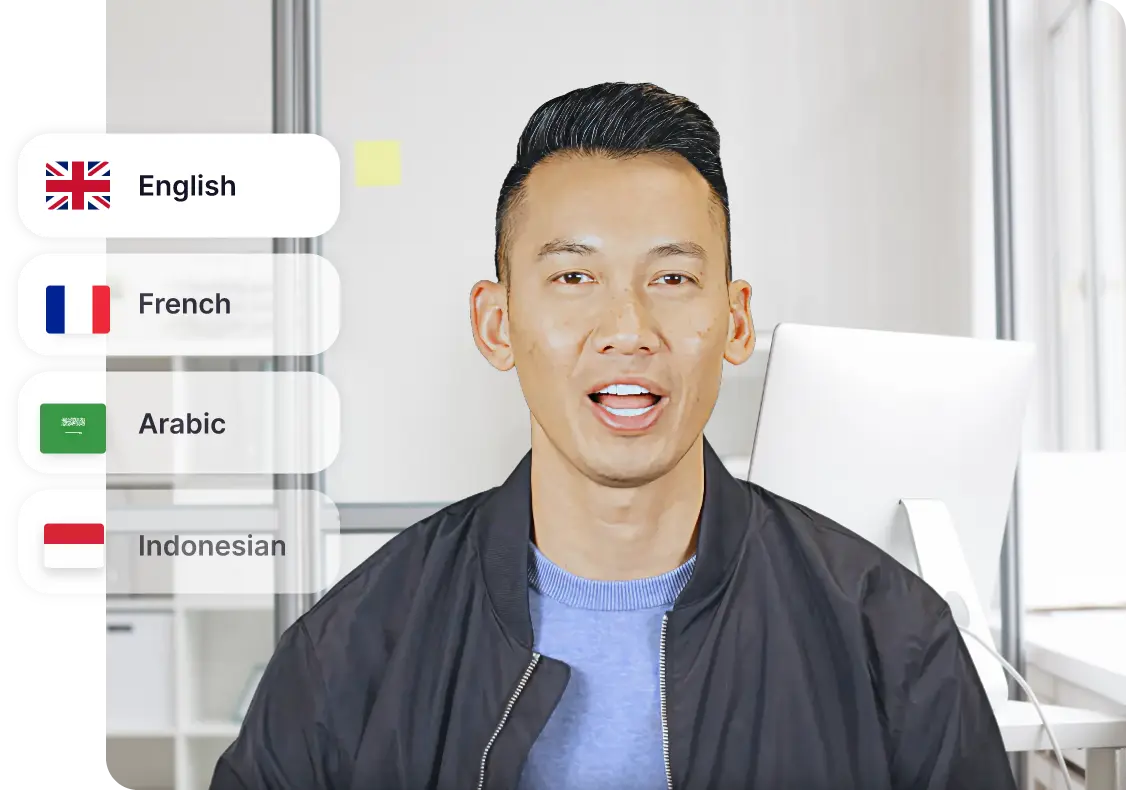
Turn speaker notes or text into clear, expressive voiceovers, available in 100+ languages and accents. AI matches tone and pacing to your content, ensuring every idea is communicated confidently and consistently.
Just 3 Steps Process
Step 1
Upload your PowerPoint
Drop in your PPTs or document, Vmaker AI automatically reads your content, speaker notes, and visuals to prepare your video.
Step 2
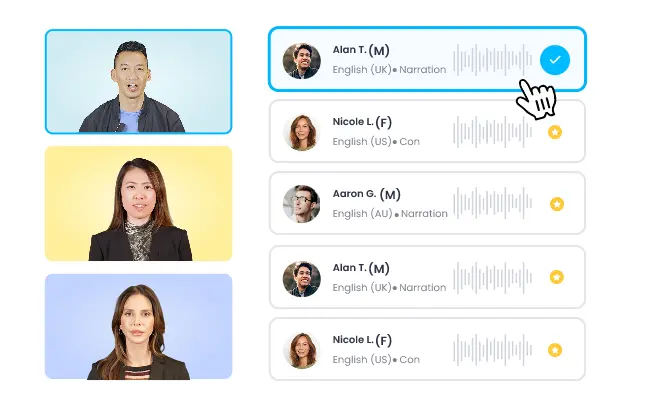
Add Your Presenter & Voice
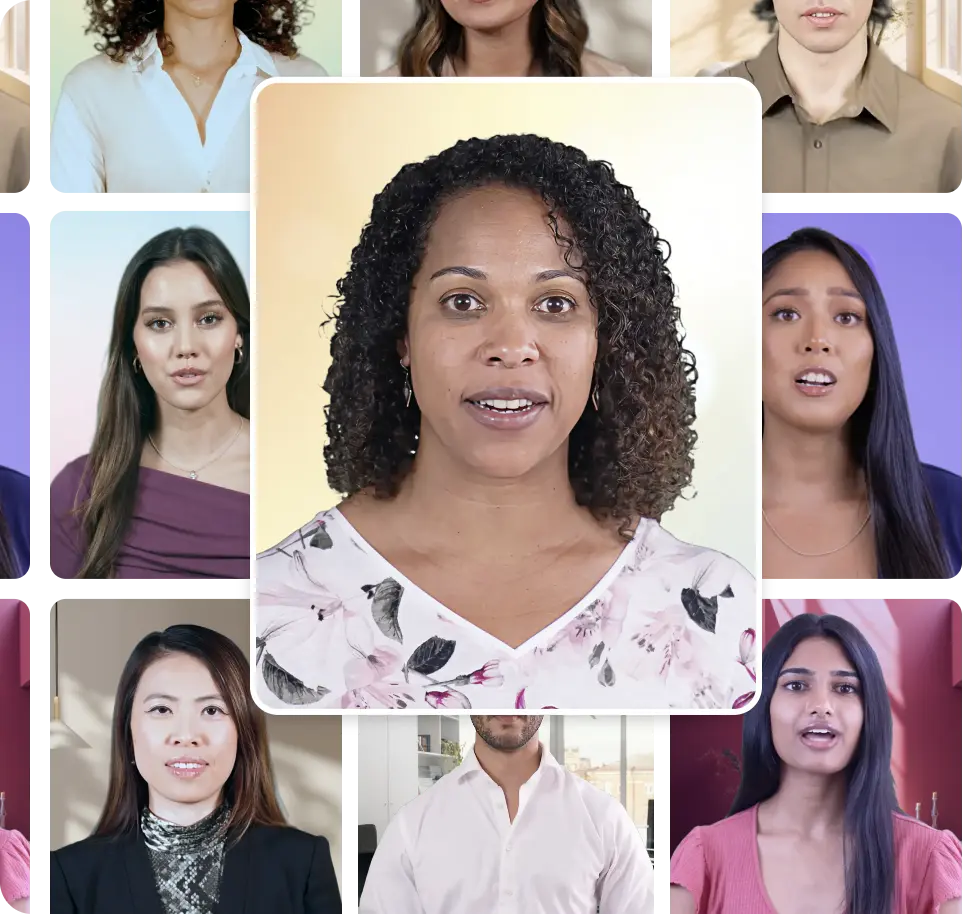
Choose from 100+ lifelike avatars and natural sounding voices in any language to narrate your slides.
Step 3
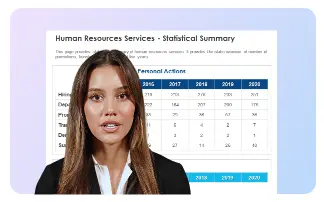
Generate and Customize Your Videos
AI brings your presentation to life with realistic talking head avatars, smooth pacing, transitions, and tone. Refine intros, outros, and design elements before publishing.
Watch Your Presentations Evolve into Experiences
Humanize Your Slides
Add AI avatars that speak with emotion, gesture naturally, and give your presentations a face your audience can connect with.
Add Depth With AI Voiceovers
Skip robotic narrations. Every word sounds human, natural, and aligned with your tone, in over 100 languages.
Edit & Personalize With Ease
Fine-tune your visuals, transitions, and tone with our AI-powered video editor that feels as simple as working on PowerPoint.
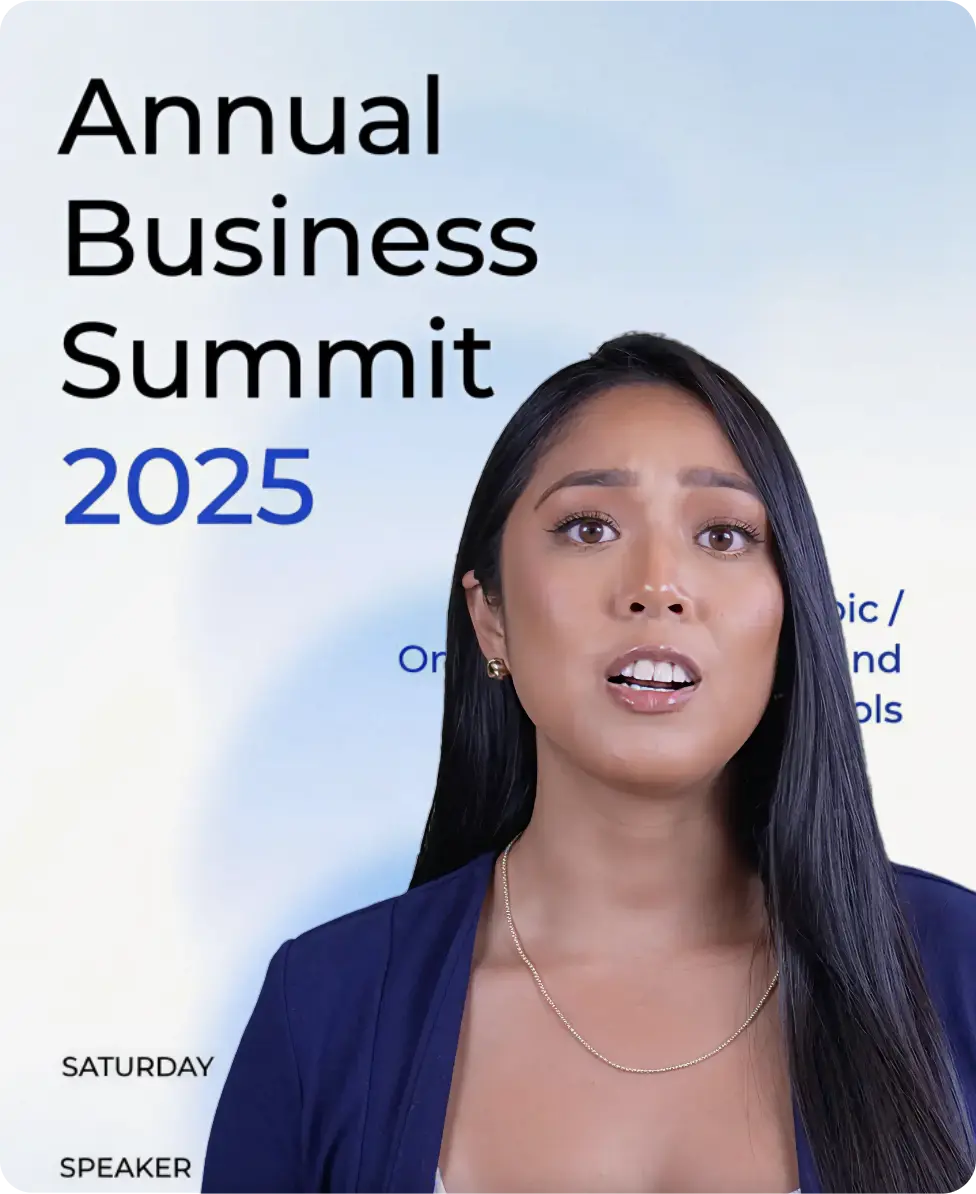
Create Impactful Intros & Outros
Start and end strong with custom avatar-led intros and outros that leave your viewers remembering your message.
Why Do Businesses Love This?

Reduces Trainer Effort
No need to record or appear on camera, AI avatars deliver your training or presentation professionally, saving hours of production time.

Improves Attention & Retention
AI-led videos mimic the style of instructor-led training (ILT), keeping learners more engaged and helping information stick longer.

Repurposes Existing Content
Turn old PowerPoint decks into fresh, high-quality videos, so your valuable training material never goes unused.

Easy AI Editing
Make quick adjustments to tone, visuals, or timing with an interface as simple as PowerPoint.
Designed for Every Industry

Corporate & Business
Turn your PowerPoint decks into presenter-led business videos for sales, training, or internal communication. Save executives time while maintaining professionalism and consistency across teams
Education & Training
Convert classroom slides or ILT sessions into engaging, AI-led explainer videos. Improve learner focus and retention while reducing instructor effort.
Content Creation & Marketing
Repurpose webinars, thought leadership decks, or explainer slides into branded video content, ready for YouTube, LinkedIn, or your website.
Can’t Believe People Actually Say these things!
4.7 (103)
FAQs
Yes. You can easily convert PPT to video online using our PowerPoint to video converter. Upload your PPT or document file, and the AI automatically turns your slides, visuals, and notes into a narrated video complete with AI avatars, transitions, and professional motion design.
Not at all. Our PPT to video AI offers 100+ lifelike AI avatars that can present your slides naturally. It’s ideal for trainers, educators, and business teams who want to create professional videos without recording themselves.
Yes. You can clone your own voice or face to make personalized PPT to video with AI avatars. This feature helps maintain authenticity while scaling video production efficiently.
It only takes a few minutes. Upload your slides, pick an avatar and voice, and our business presentation video maker instantly generates your video ready for preview and edits.
Yes. Once your PowerPoint to video with voiceover is ready, you can fine-tune visuals, transitions, and timing using the built-in AI editor. You can also add intros, outros, or music to align with your brand style.
All kinds: business decks, reports, training modules, and explainer slides. Whether it’s a corporate pitch or training video from PowerPoint, our PPT to video AI turns your slides into engaging, presenter-led videos that hold attention.
Absolutely. Teams can collaborate, reuse templates, and ensure consistent branding across videos. It’s perfect for corporate communication, marketing, and training, offering scalable video creation powered by AI presentation tools.
No more 50 page long documents! Turn any doc into videos in minutes
Upload Your FileExplore More Video Tools
AI Video Editing Tool
AI Video Generator
AI Subtitle Generator
AI B-Roll Generator
Text to Video AI
Video Enhancer AI
Audio to Video AI
Long to Short Video AI
AI Clip Maker
AI Video Background Remover
AI Highlight Video Maker
AI Video Dubbing
AI Document to Video
PDF to Video
PPT to Video
Script to Video AI
AI Reel Generator
Repurpose Video AI
Podcast Clip Generator