Free AI Highlight Video Maker
Create video highlights for YouTube Shorts, Instagram Reels, TikTok,
podcasts, webinars, sports videos, and more in minutes.

2,000,000+
Users


How to make a highlight video using Vmaker AI?
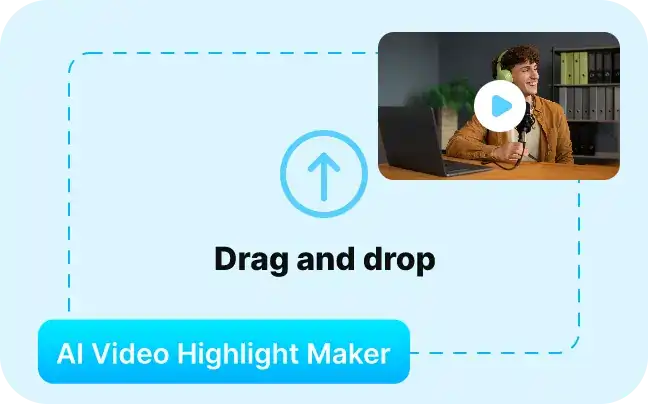
1. Upload your video
Paste Url or Upload your long from video. Ex: Podcast, interview, monologue, gaming, sports video.
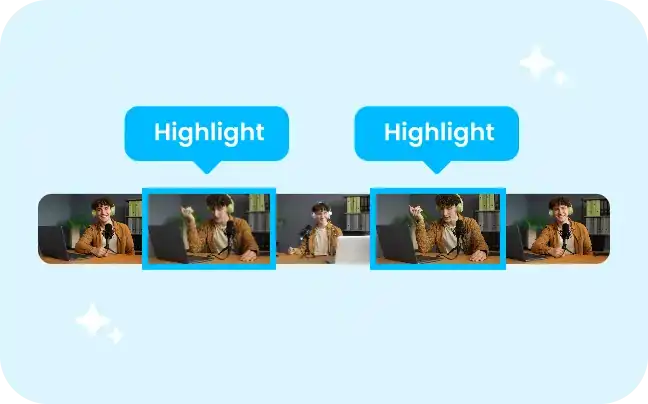
2. Generate Highlights
Choose preferred video length, moment preference with prompt / keyword.
3. Customize & Export
Customise video highlights with captions, B-rolls, AI voice, dubbing and AI reframing. Publish to socials or download to your device.
Why is Vmaker AI the best software to make highlight videos?
Create Highlight Videos of Any Length
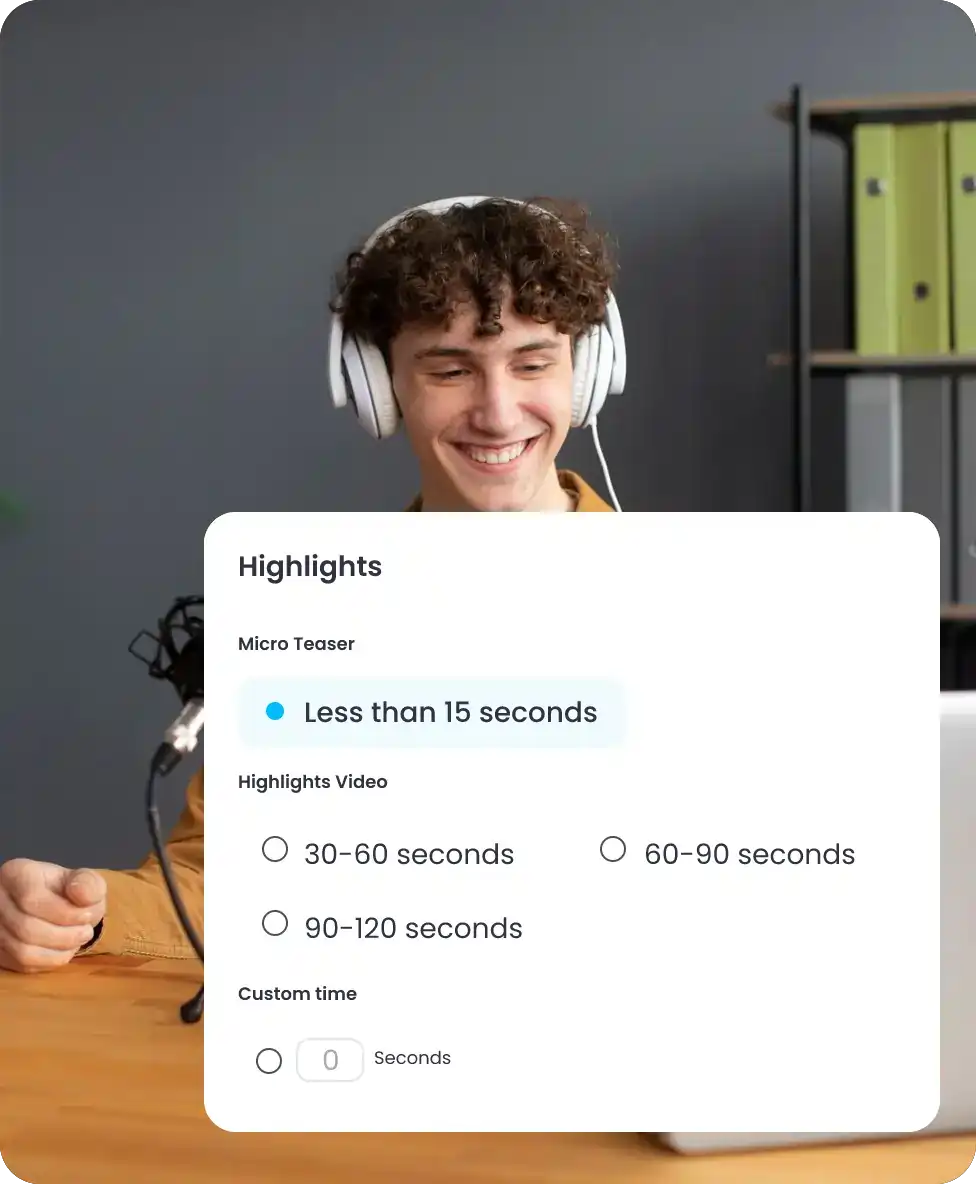
You can choose the length of your highlight video: Micro teasers ( 15 secs), Highlights (30-60 secs, 60-90 secs, 90-120 secs), or customize the length as you want.
Resize while you Generate
You can get to choose the aspect ratio of your highlight video between square, vertical or horizontal even before the video is generated.
Collaborate Online with Fellow Creators
It’s 100% online. You can share the video highlights project with your fellow creators and collaborate in real time.
Add Text, Effects, Subtitles and more
Your video highlight projects are loaded into a full fledged video editor where you can add text overlays, subtitles, effects, animations etc on your highlight video.
Automatically Add BG Music and Transitions
Vmaker AI automatically adds suspenseful or relevant background music along with sharp transitions to your highlight videos to make it more engaging.
Level Up Your Social Media Game With Video Highlights
Create Captivating Intros for your Youtube Videos
Automatically turn long-form content into short highlight clips that work perfectly as YouTube Shorts, teaser videos, and promotional content.
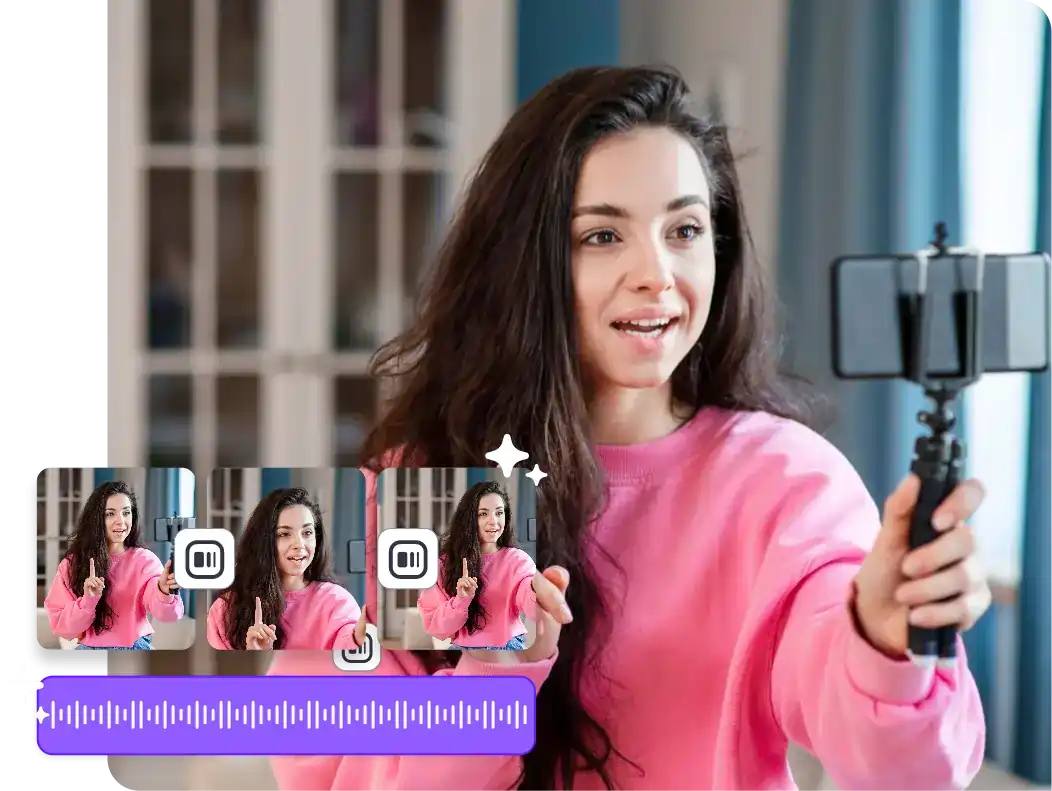
Repurpose Long Videos into Bite-Sized Content
Convert podcasts, webinars, interviews, tutorials, and livestreams into short-form clips for TikTok, Instagram Reels, YouTube Shorts, and social media.
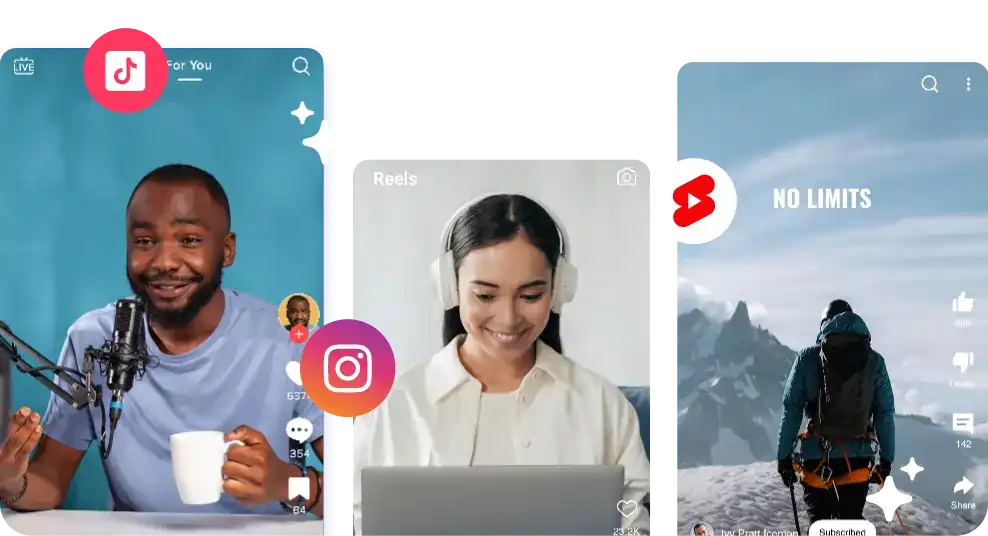
Create Sports Highlights for free
Upload sports videos with commentary and automatically generate highlight moments, reactions, and key plays within minutes.
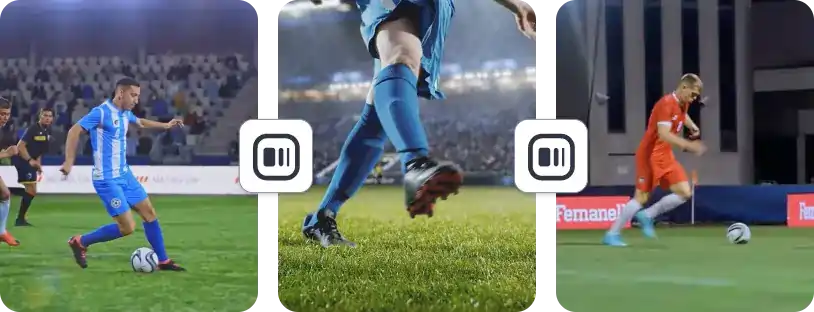
Create Podcast Teasers Automatically
Vmaker AI identifies the best moments from podcasts and converts them into short teaser clips for TikTok, Reels, Shorts, and social sharing.
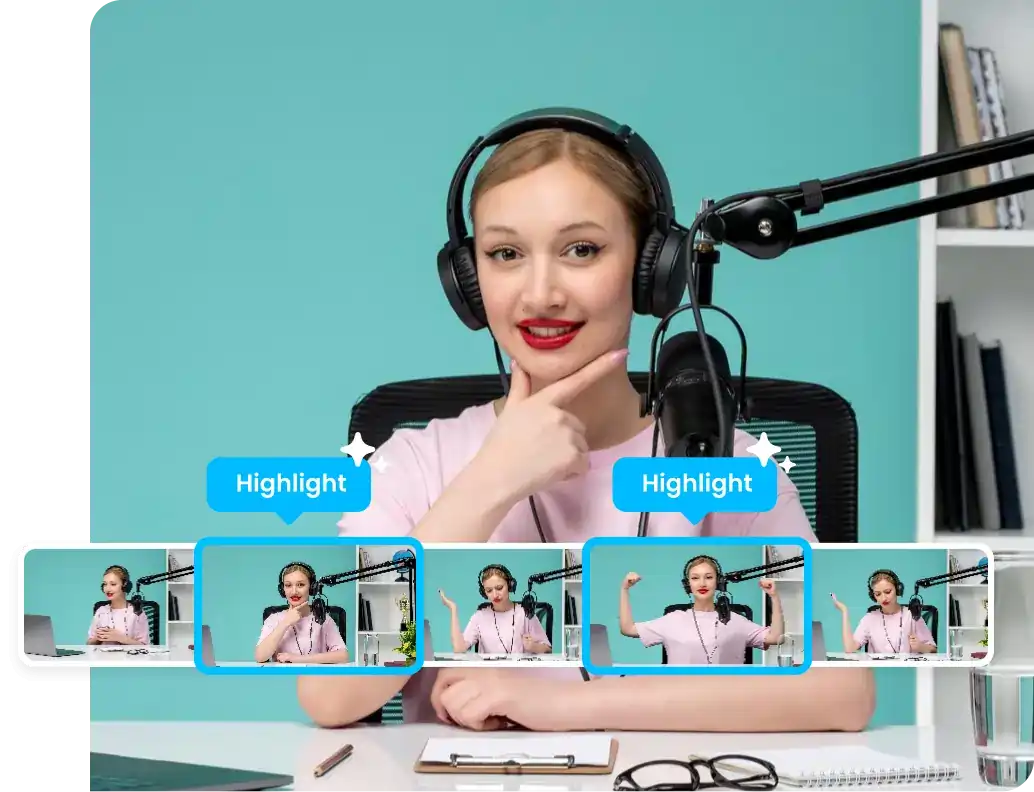
Video Highlight Maker For
Your Enterprise - 10X Your
Engagement Rate

L&D
Teasers for Training Videos

Product Marketing
Highlights from Webinar Recording

Social Media Marketing
Repurpose Product Demos into Social Media Snippets

Sales
Short Highlights of Client Testimonials in Outreach.
Create Course Teasers in 1 Minute
Course teasers help capture your audience’s attention, build anticipation, and drive more course enrollments. But creating compelling teaser videos manually can be time-consuming. Vmaker AI Video Highlight Maker simplifies the process by automatically turning videos of any length into engaging course teasers in under a minute.
Create Course Teasers with AICustomers-Approved!
4.7 (103)
The World’s First AI Highlights Generator. Key Moments, Stitched Together.
Create HighlightsFAQs
An AI Highlight Video Maker helps you turn long videos into short highlight clips automatically. It detects important moments, engaging sections, reactions, and key takeaways from podcasts, webinars, interviews, sports videos, tutorials, and other long-form content.
Using Vmaker AI video editor, all you need to do is upload a long-form video, select the duration of the highlights you want to create, and that’s it, you can generate postable amazing video highlights in no time.
Of course! Making highlights of a video is easy when you have an AI Video Highlights Generator like Vmaker AI.
Absolutely! On Vmaker AI, you can customize the video highlights generated by AI. Once the highlight video gets generated, you’ll be taken to the project canvas. Then, you can customize the highlights by adding text, elements, transitions, subtitles, and more.
Of course, you can! Once Vmaker AI generates highlights, you can add music, text, AI subtitles, elements, etc, as needed. You can pick background music from the Music Library to suit the video as needed.
Vmaker data is encrypted in transit using 256-bit encryption. So, your data is safe.
Getting more views on social media is all about capturing the audience's attention. So, a sizzle reel that Vmaker AI Highlight Generator creates is a surefire way to create viral-worthy video highlights.
Upload your sports or gaming video along with the commentary and upload it on the Vmaker AI Highlights generator. Then, it clips the highlights of the sports videos that you can easily post on every social media platform.
Yes. Upload a long video and Vmaker AI automatically identifies key moments and converts them into short highlight clips for TikTok, Instagram Reels, YouTube Shorts, and social media.
Yes. The AI generates subtitles and captions automatically to improve accessibility, retention, and silent viewing across social platforms.
Yes. Vmaker AI detects engaging podcast moments and converts them into short teaser clips optimized for social media sharing.
Yes. Vmaker AI automatically reformats videos into vertical aspect ratios for TikTok, Reels, and Shorts while keeping subjects centered.
Explore More Video Tools
AI Video Editing Tool
AI Video Generator
AI Subtitle Generator
AI B-Roll Generator
Text to Video AI
Video Enhancer AI
Audio to Video AI
Long to Short Video AI
AI Clip Maker
AI Video Background Remover
AI Highlight Video Maker
AI Video Dubbing
AI Document to Video
PDF to Video
PPT to Video
Script to Video AI
AI Reel Generator
Repurpose Video AI
Podcast Clip Generator