Contents
10 Best 4K Screen Recorders For Windows and Mac
4K video stores 4x more pixels than 1080p. Each frame holds more detail, and the result looks sharp even on large displays.
4K footage also gives you more room to crop, zoom, and edit without losing quality.
That is why 4K screen recorders are in high demand right now.
To help you pick the right one, here are the 10 best 4K screen recorders.
1. Vmaker
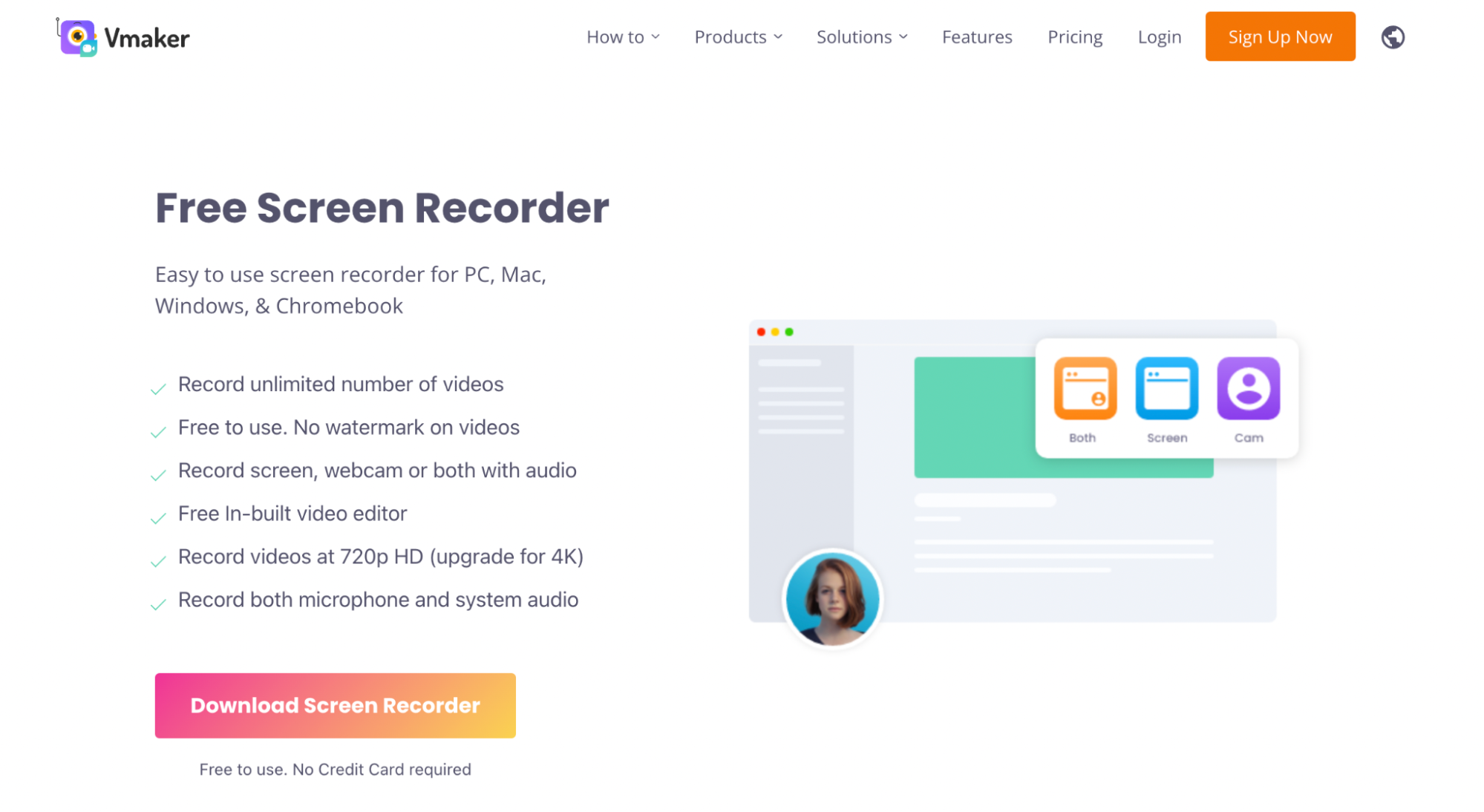
Vmaker is a 4K screen recorder with filters, frames, and virtual backgrounds built in. It supports multiple recording modes and works well for educational screencasts, product videos, training videos, how-to videos, and video presentations.
Compatibility:
- Screen Recorder for Mac
- Screen Recorder for Windows
- Screen Recorder Chrome Extension
- iOS Screen Recorder
- Recording scheduler
- Screen annotation tools
- Built-in AI video editor
- Workspace collaboration
- Unlimited recordings
- Watermark-free
- Video insights and analytics
- Replaceable webcam backgrounds
- Background noise filter
- Direct upload to YouTube and Twitch

- The iOS app is in beta
2. OBS Studio
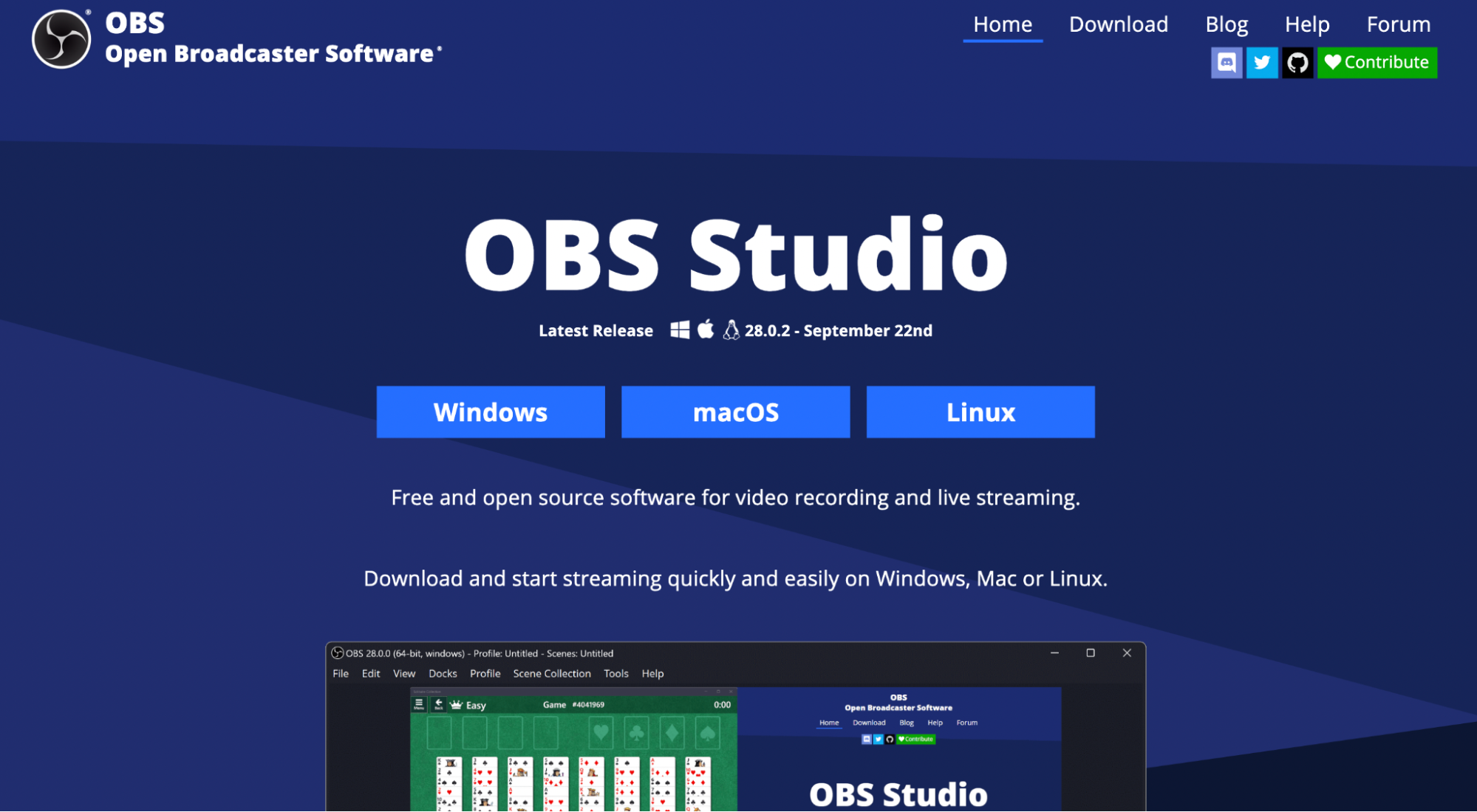
OBS (Open Broadcaster Software) is a free, open-source screen recorder that supports unlimited 4K recording. The standout feature is the customisable UI layout, which power users tend to like.
Compatibility: Windows, Mac, Linux.
Pros- Customisable transitions
- Pro-grade audio mixing tools
- Customisable UI layout
- Can lag on heavy workloads
- Steep learning curve for beginners
3. Bandicam
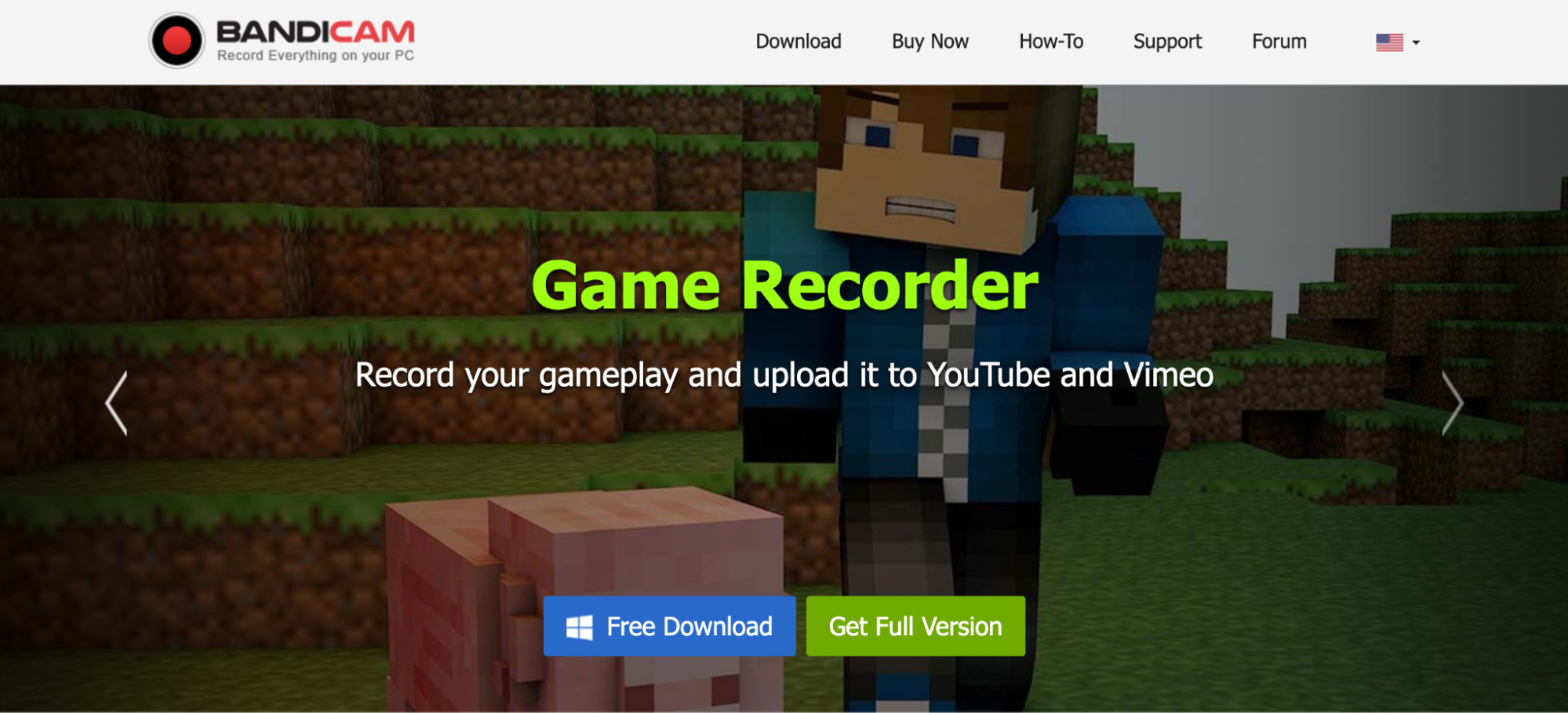
Bandicam is a closed-source 4K screen recorder with three recording modes:
- Screen recording mode (records your computer screen)
- Game recording mode (records and live-streams gameplay)
- Device recording mode (records from HDMI devices and webcams)
Compatibility: Windows only.
Pros- Recording scheduler
- Multi-screen recording
- Add animations during recording
- Direct export to Facebook and YouTube
- Lacks pro editing tools
- Can lag at times
4. NVIDIA ShadowPlay
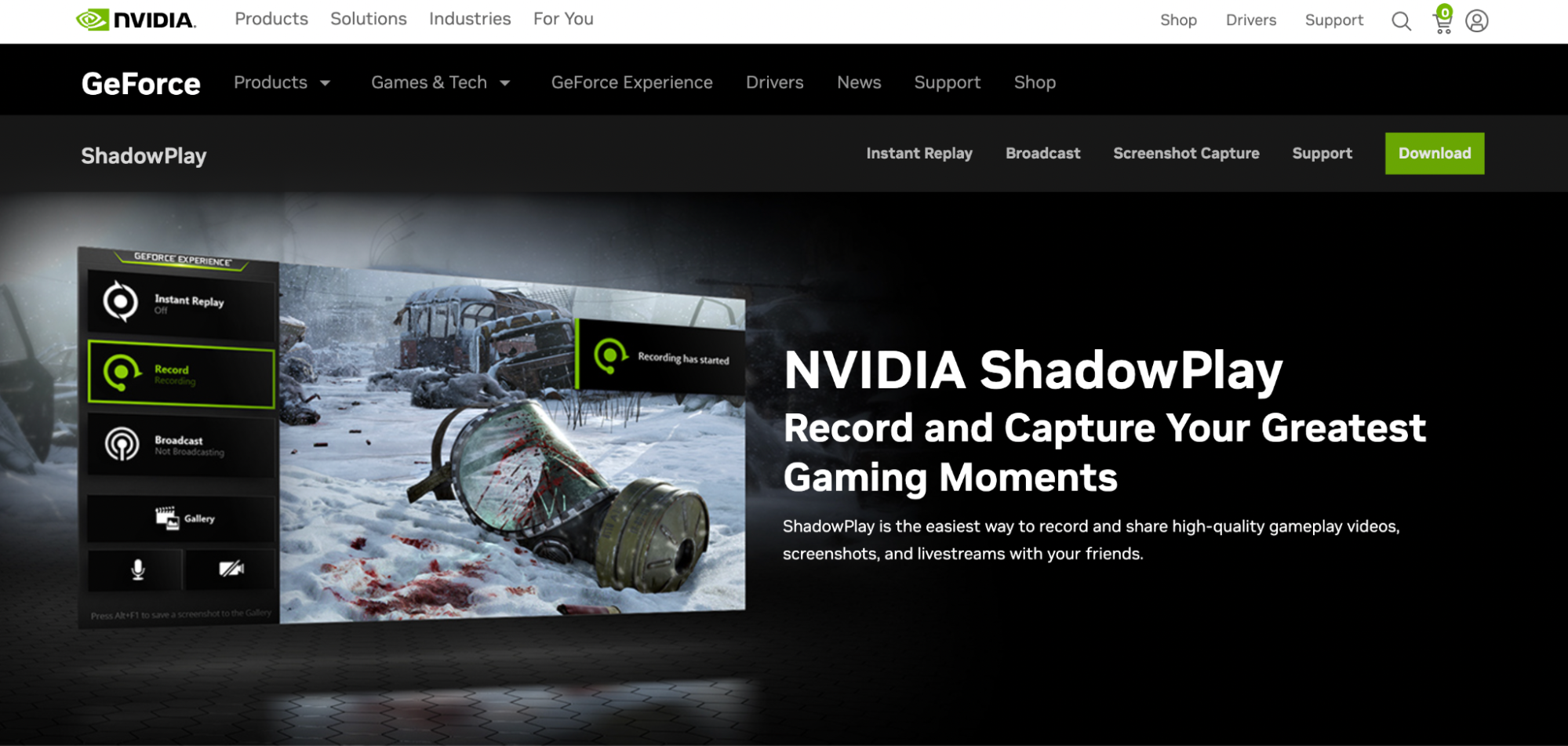
NVIDIA ShadowPlay is a 4K screen recorder built for game capture. It also supports live streaming and lets you record up to 30 minutes straight.
The app is hardware-accelerated, so it runs in the background once a game launches.
Compatibility: Windows only.
Pros- Multiple keyboard shortcuts
- Quick upload options
- 4K recording at 60 fps
- Requires an NVIDIA graphics card
- Not ideal for general screen recording
5. Action
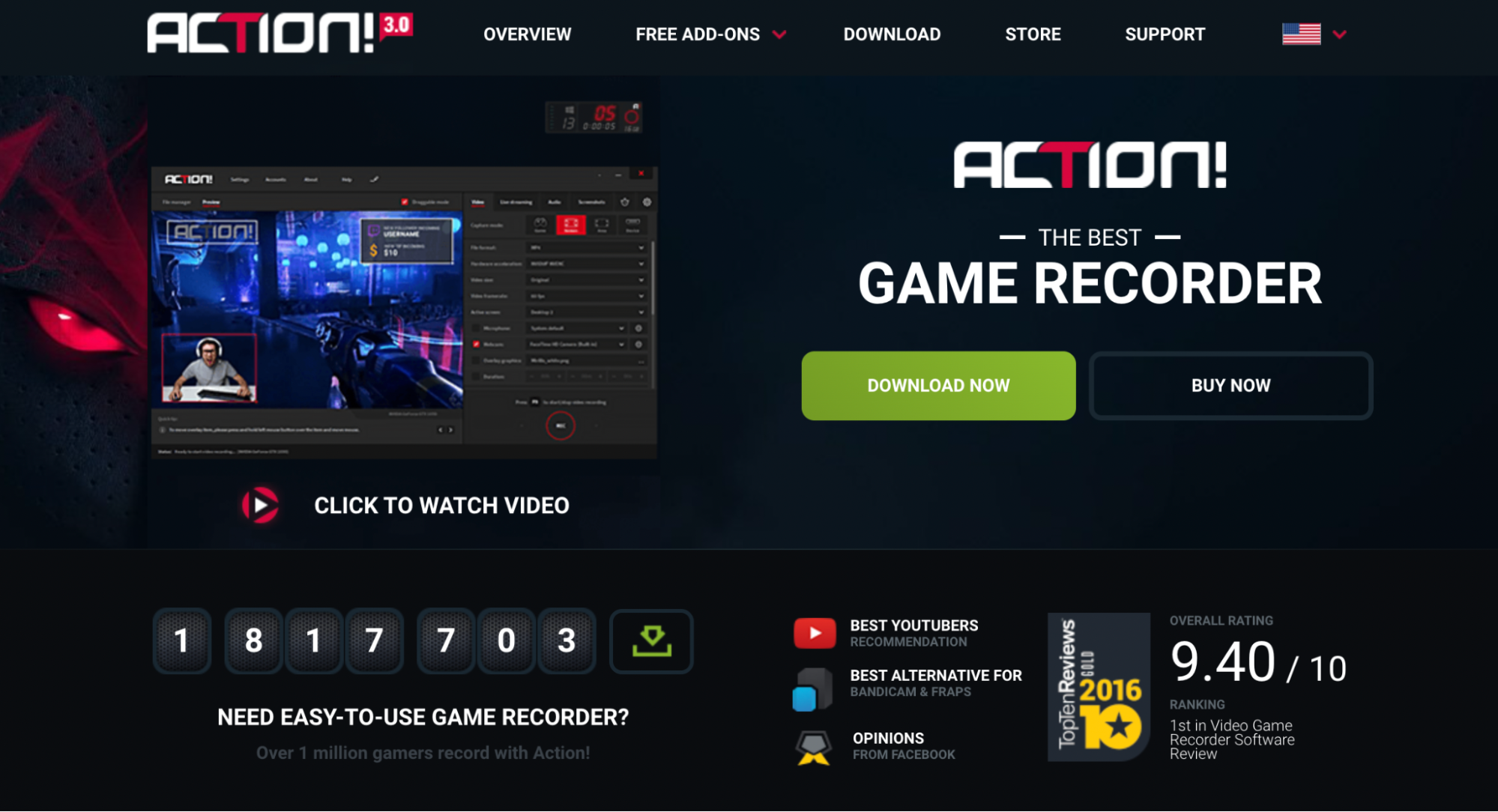
Action is a 4K game recorder with a wide set of built-in tools. It records gameplay with minimal CPU and GPU load, with no dropped frames.
Compatibility: Mac only.
Pros- Light on system resources
- Clean, easy interface
- Strong editing features
- Smartphone control for video recording
- No bitrate adjustment
- No custom frame rate option
6. Camtasia
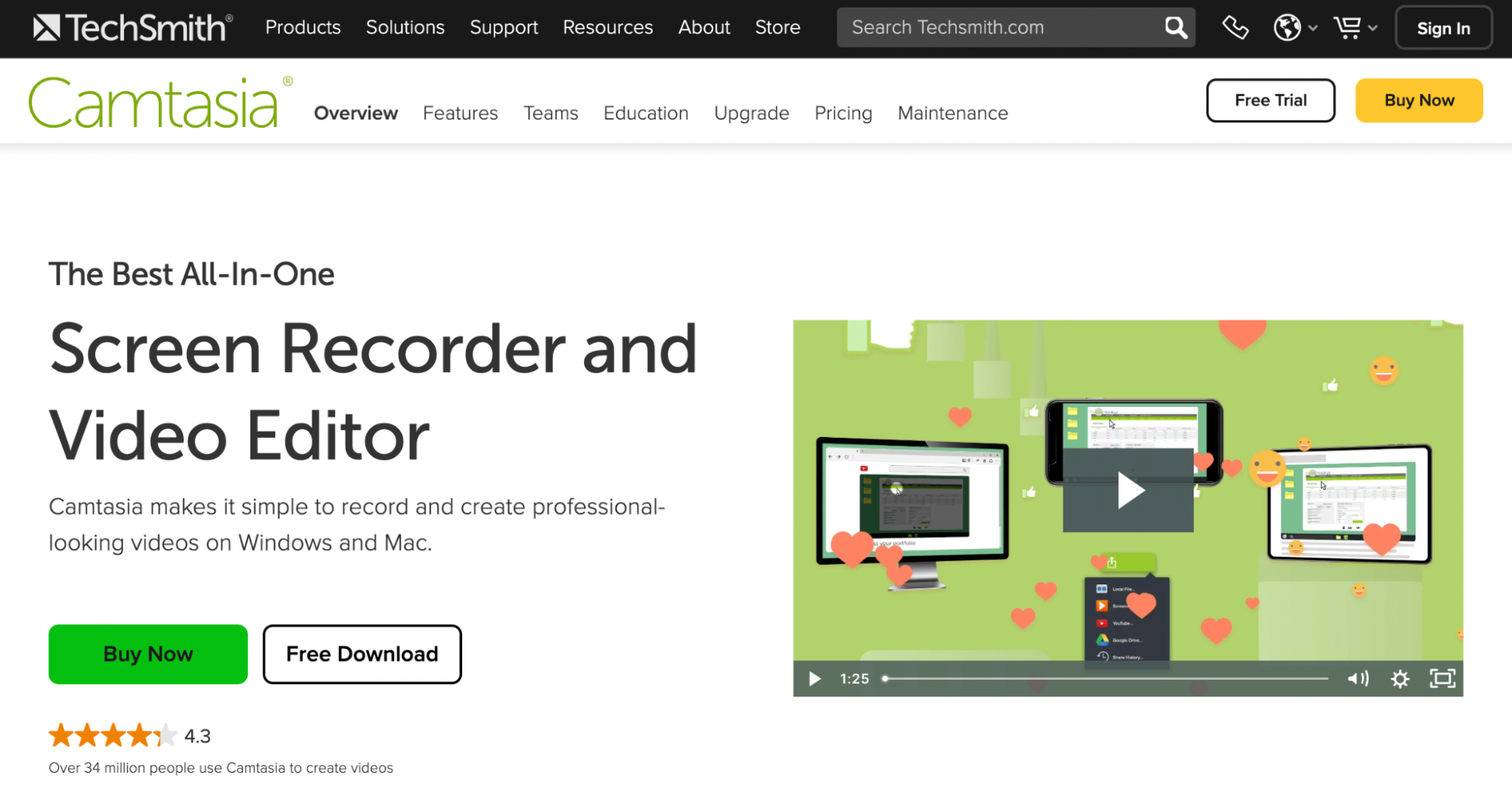
TechSmith's Camtasia is a premium 4K screen recorder and editor. It records both screen and webcam, and is well-suited for video lessons, meeting recordings, product demos, video presentations, and webinars.
Compatibility: Windows and Mac.
Pros- Built-in video editor
- Speech-to-text translation
- PowerPoint integration
- Replaceable backgrounds
- Direct upload to YouTube and Vimeo
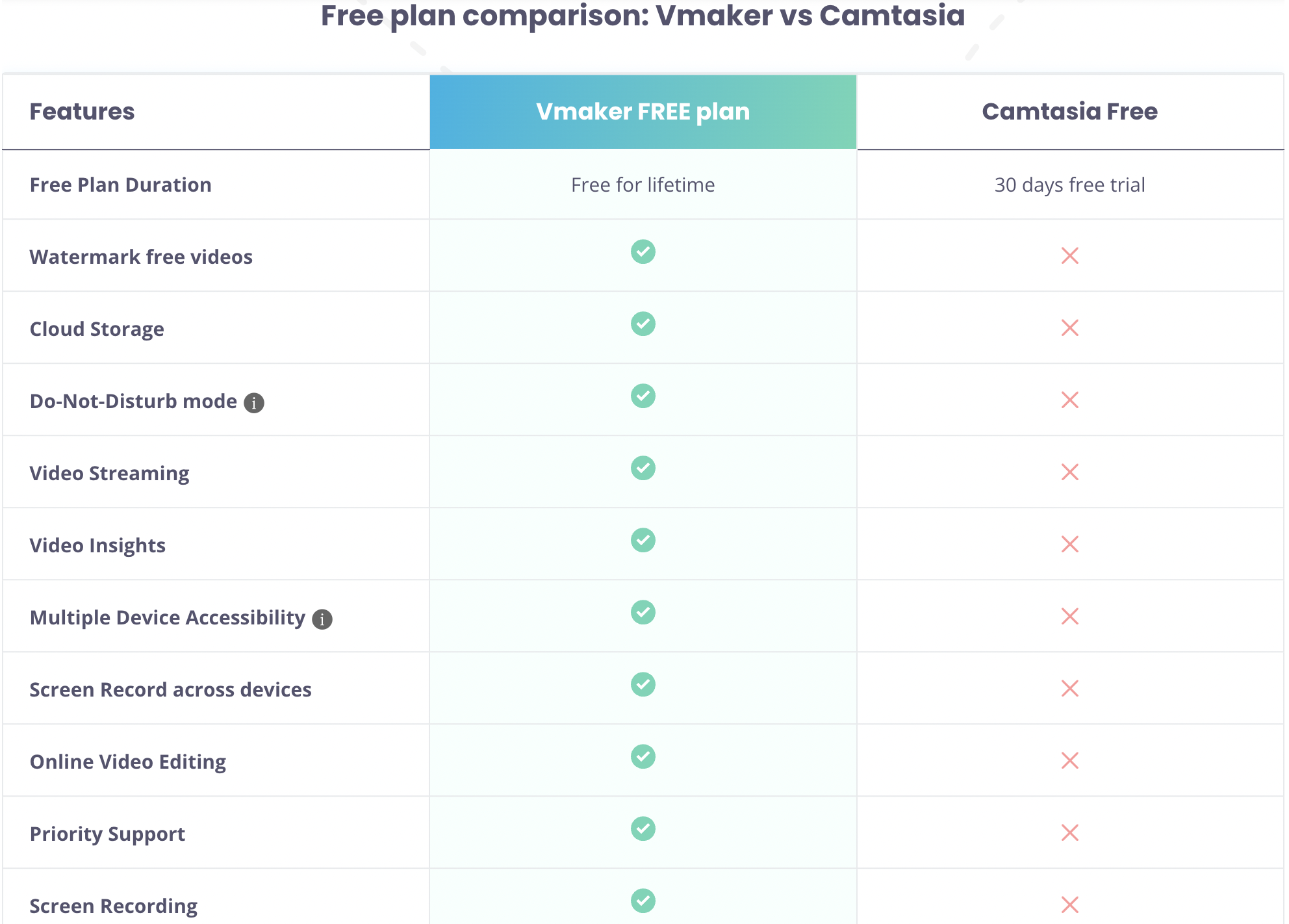
- Watermark on the free trial
- No cloud storage
- Expensive compared to alternatives
See a full Vmaker vs Camtasia comparison:
7. Snagit
Snagit is another TechSmith product. While Camtasia targets long-form, planned content like tutorials and product demos, Snagit is built for short, lightweight clips: quick feedback videos, micro-training, internal walkthroughs.
Compatibility: Mac and Windows.
Pros- Builds GIFs and how-to videos from a series of screenshots
- Quick and easy sharing
- Built-in editor
- Only suited to lightweight recording
- Pricey relative to other options
- 4K at 60 fps and 30 fps not supported
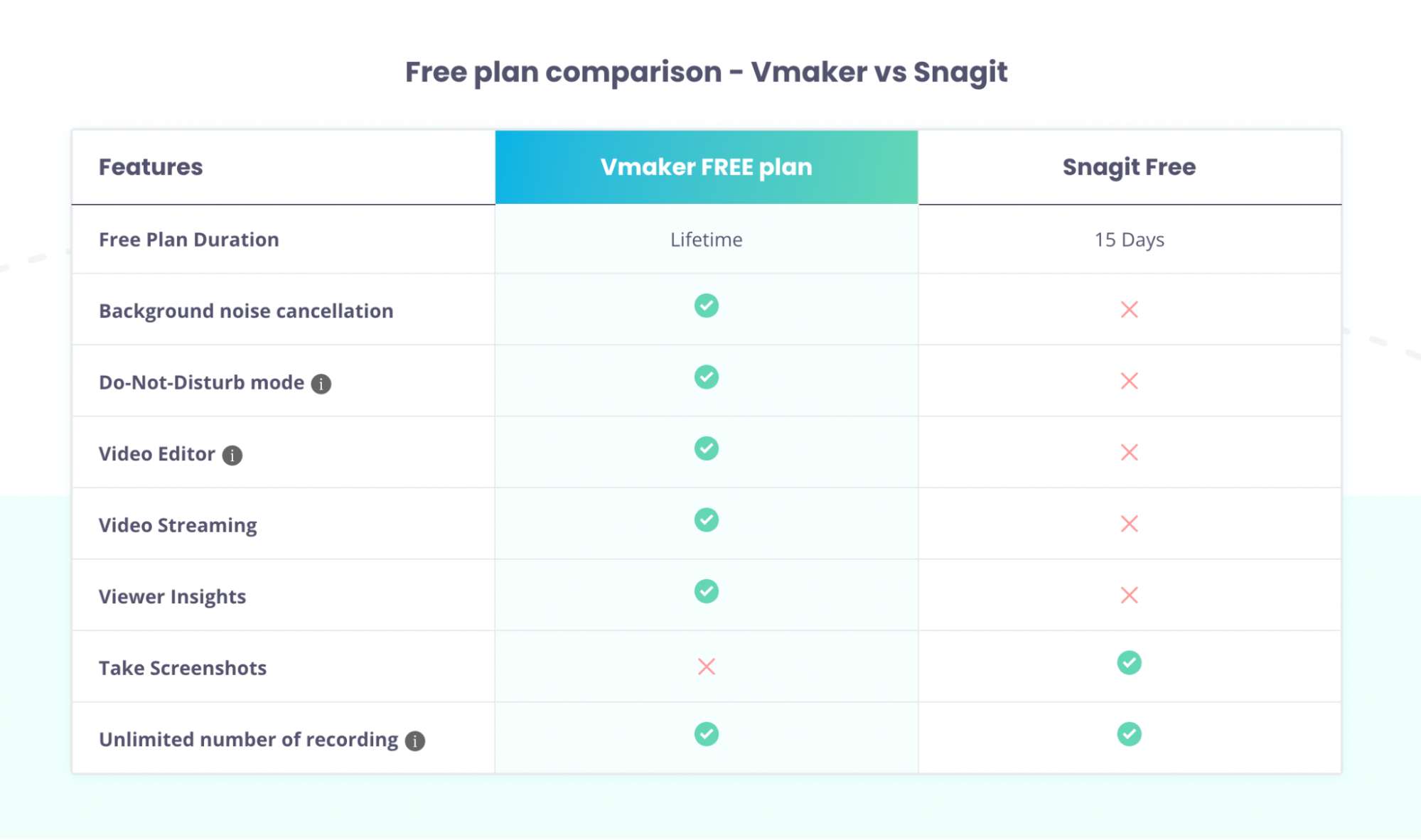
See a full Vmaker vs Snagit comparison:
8. ShareX
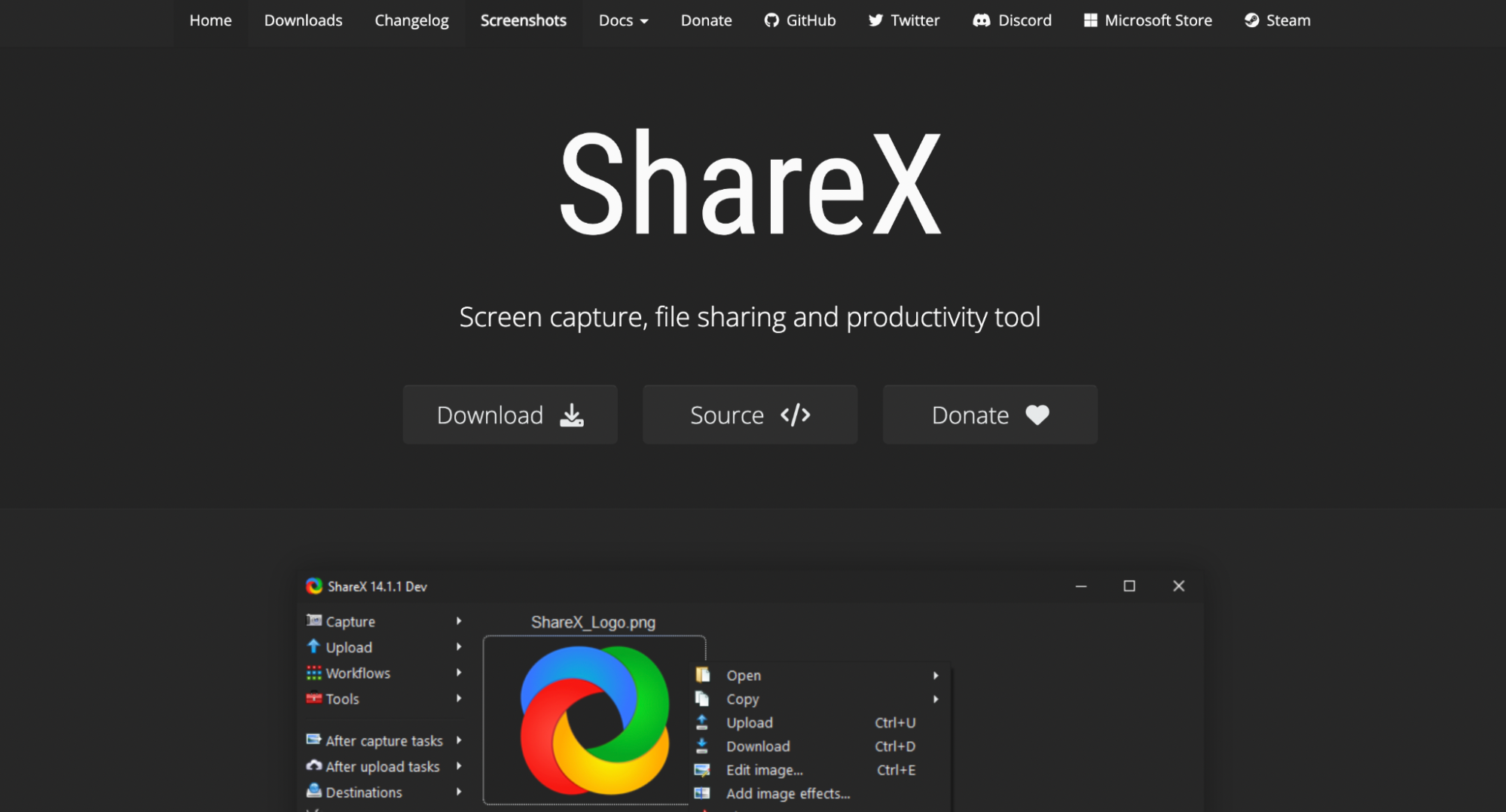
ShareX is a free, open-source tool that captures and records any section of your screen. It also lets you upload text, images, and other files to a wide range of supported destinations.
Compatibility: Windows only.
Pros- Single-key access to most actions
- Lightweight and easy to use
- Not ideal for game recording
- Interface looks dated
9. Icecream Screen Recorder
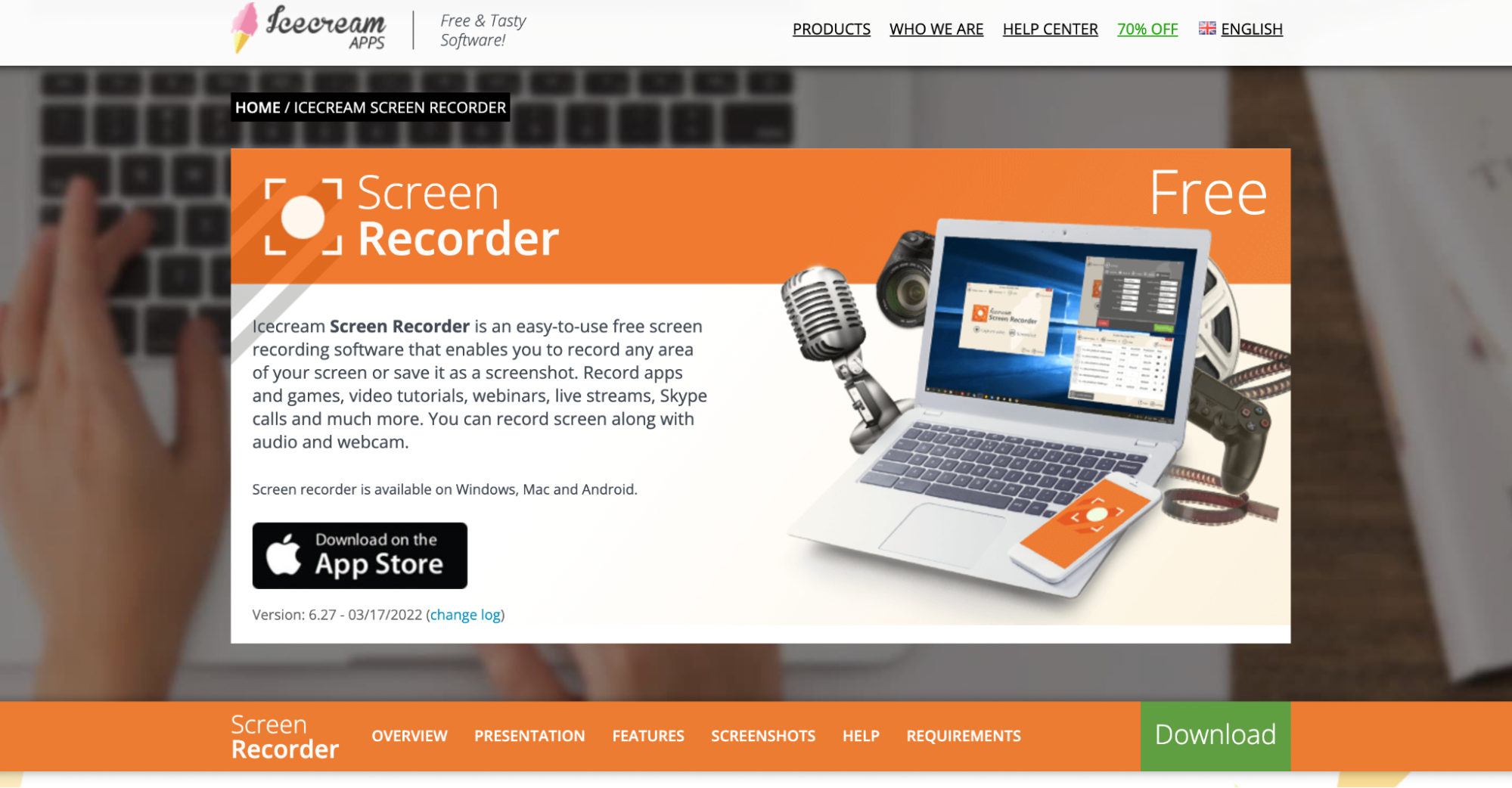
Icecream Screen Recorder is a 4K recorder that handles games, video tutorials, meetings, and webinars. It records screen and webcam together, and supports direct upload to YouTube, Google Drive, and Dropbox.
Compatibility: Mac, Windows, Android.
Pros- Recording scheduler
- Custom branding options
- Adjustable recording speed
- Screen annotation tools
- On-screen hotkey display
- Free version is feature-limited
- Watermark on free plan, paid upgrade required to remove
10. RecMaster
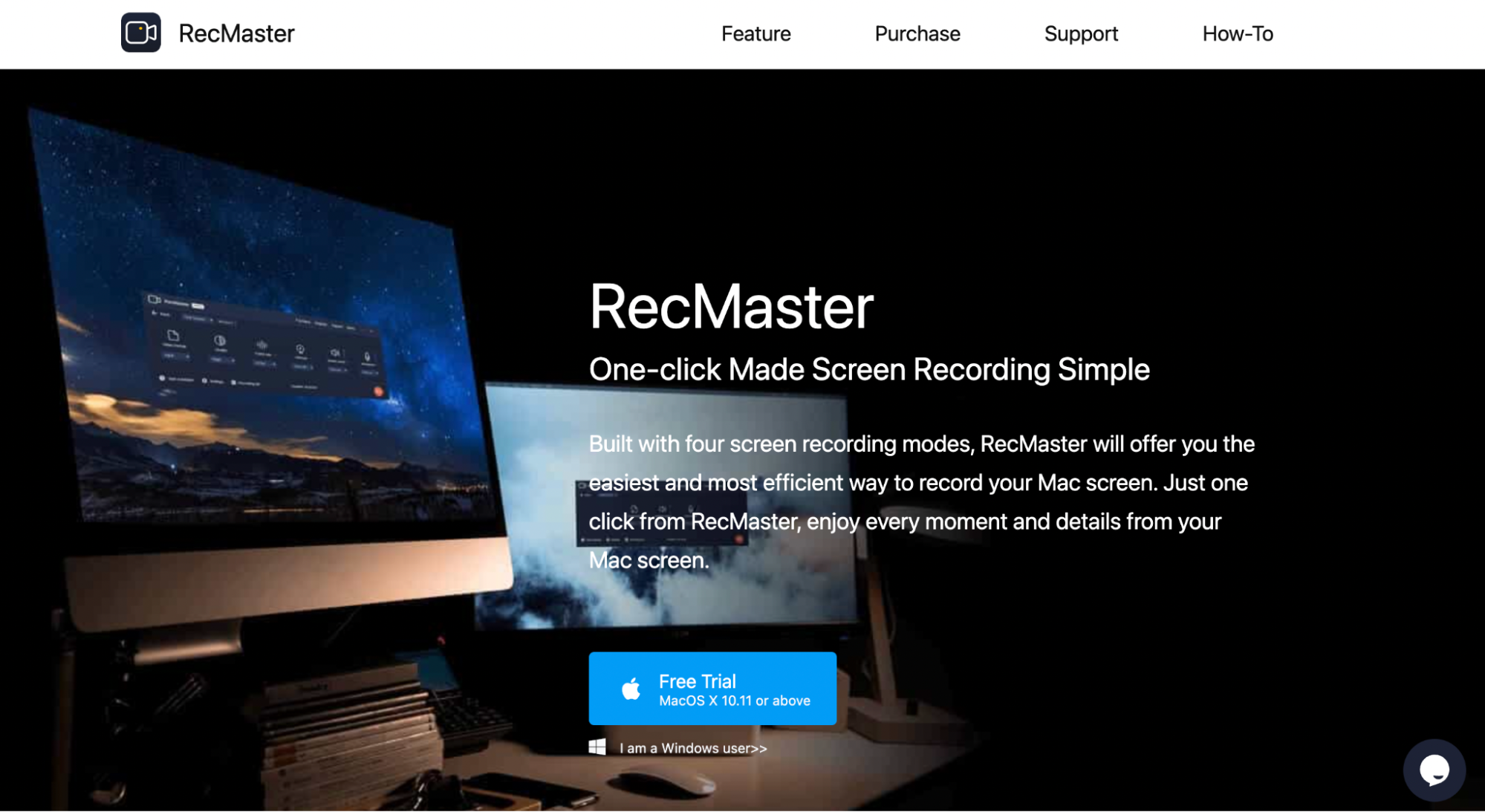
RecMaster is a 4K recorder for video presentations, screencasts, software tutorials, and gameplay capture. It offers seven recording modes.
Compatibility: Windows and Mac.
Pros- Picture-in-picture and HD recording
- Mouse enhancement features
- Built-in editor
- No recording time limit
- No background noise filter
- No voice-over recording
| Product | OS | Editing Tools | Recording Scheduler | Price |
|---|---|---|---|---|
| 1. Vmaker | Win, Mac, iOS | Yes | Yes | Free & Paid |
| 2. OBS | Win, Mac, Linux | No | Yes | Free |
| 3. Bandicam | Win | No | Yes | $39.95/year |
| 4. NVIDIA ShadowPlay | Win | No | No | Free |
| 5. Action | Mac | No | Yes | $19.77/year |
| 6. Camtasia | Win, Mac | Yes | Yes | ~$349 (one-time) |
| 7. Snagit | Win, Mac | Yes | Yes | ~$60 |
| 8. ShareX | Win | Yes | No | Free |
| 9. Icecream Screen Recorder | Win, Mac, Android | Yes | Yes | $29.95/year |
| 10. RecMaster | Win, Mac | Yes | No | $24.95/year |
Recommended Reading:
How to Record High-Quality (up to 4K) Product Demo Videos for YouTube
How to Screen Record on Windows 11 with Sound
How to Screen Record on Windows with Voice
How to Screen Record on Windows 8 with Mic