
Tanoy Chowdhury - April 26, 2026
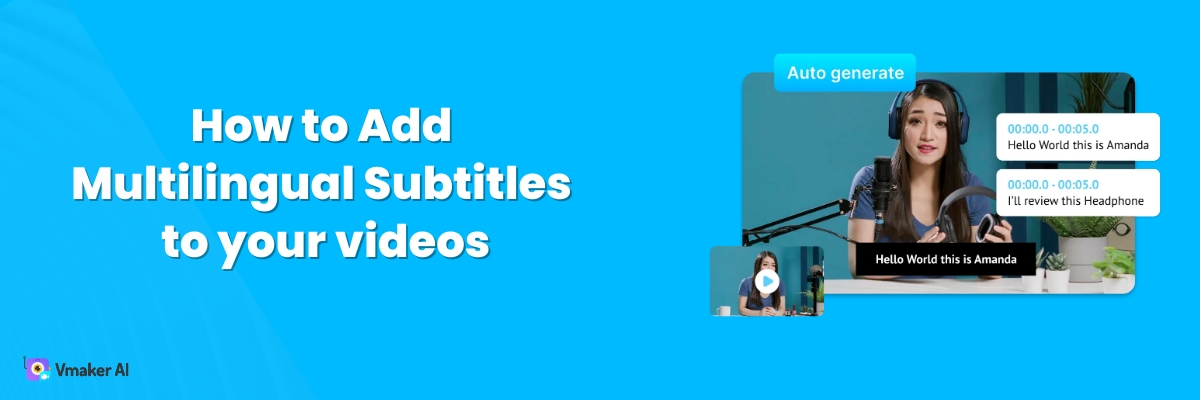
There are two cases where multilingual subtitles add real value to a video. First, when you want to translate a foreign-language video into your own. Second, when you want to translate your own video into a foreign language. If either of these is your goal, this blog will help. We will show you how to […]

Kaviyakavi Baskaran - April 23, 2026
An Ultimate Guide You Will Need To Create Amazing Videos On YouTube YouTube is now the easiest way to learn anything for free. If you want to teach a topic on YouTube, your video has to stand out. The fastest way to do that is to make the viewer’s experience better. This guide shows you […]

Saravanan Pandurangan - November 3, 2025
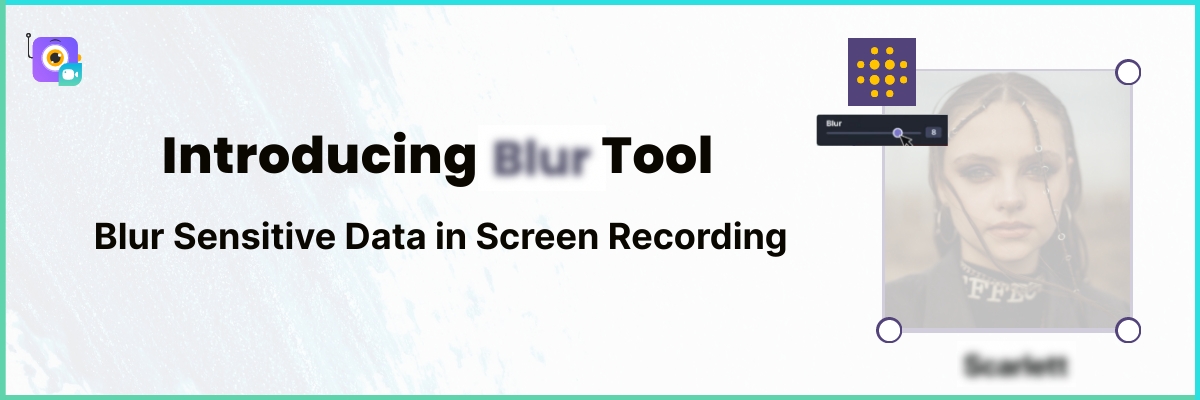
Do you really want to expose all your sensitive data when you record a tutorial or share a screen with others? Probably not. If you create screen recordings often, your screen might show things you don’t want strangers to see. Emails, passwords, account IDs, addresses, card numbers, CVVs, social security numbers. All kinds of private […]
Tanoy Chowdhury - May 29, 2024
Adding captions to your screen recordings is like customer delight. It’s like getting a complimentary upgrade to business class seating. Who would not like that? Captions help your audience follow what you’re saying in the video. It makes their job easier. Especially if your audience base is from different countries, and they do not follow […]

Rithu V - May 27, 2024
Want to turn a flat Google Slides deck into a video presentation people actually watch? You are in the right place. This post shows you how to turn your Google Slides into a video presentation with voice-over, music, and subtitles. If you are working with a PowerPoint deck instead, try Vmaker’s PPT to video tool […]