Best Animation Websites in 2026 to Create & Edit Animations!
Animation is no longer locked behind expensive software or professional studios. It is something anyone can access today.
You can create engaging visuals right from your browser using simple, web-based tools and ready-made animation libraries.
With so many options available, creating everything from character animations and motion graphics to full explainer videos is now quicker and more straightforward.
In this article, we'll explore some of the best animation websites and animation libraries that make it easier to create high-quality animated content without heavy software or steep learning curves.
Browser-based animation tools
Animation Libraries & Assets
Let's get started!
Browser-Based Animation Tools
If you want to create animations without dealing with downloads or complex software, browser-based tools are the easiest place to start.
They run entirely online and are designed to be simple and fast, which is perfect for turning ideas into videos in minutes.
1. Animaker
Animaker is a powerful browser-based animation maker that helps you create videos quickly without needing prior animation experience.
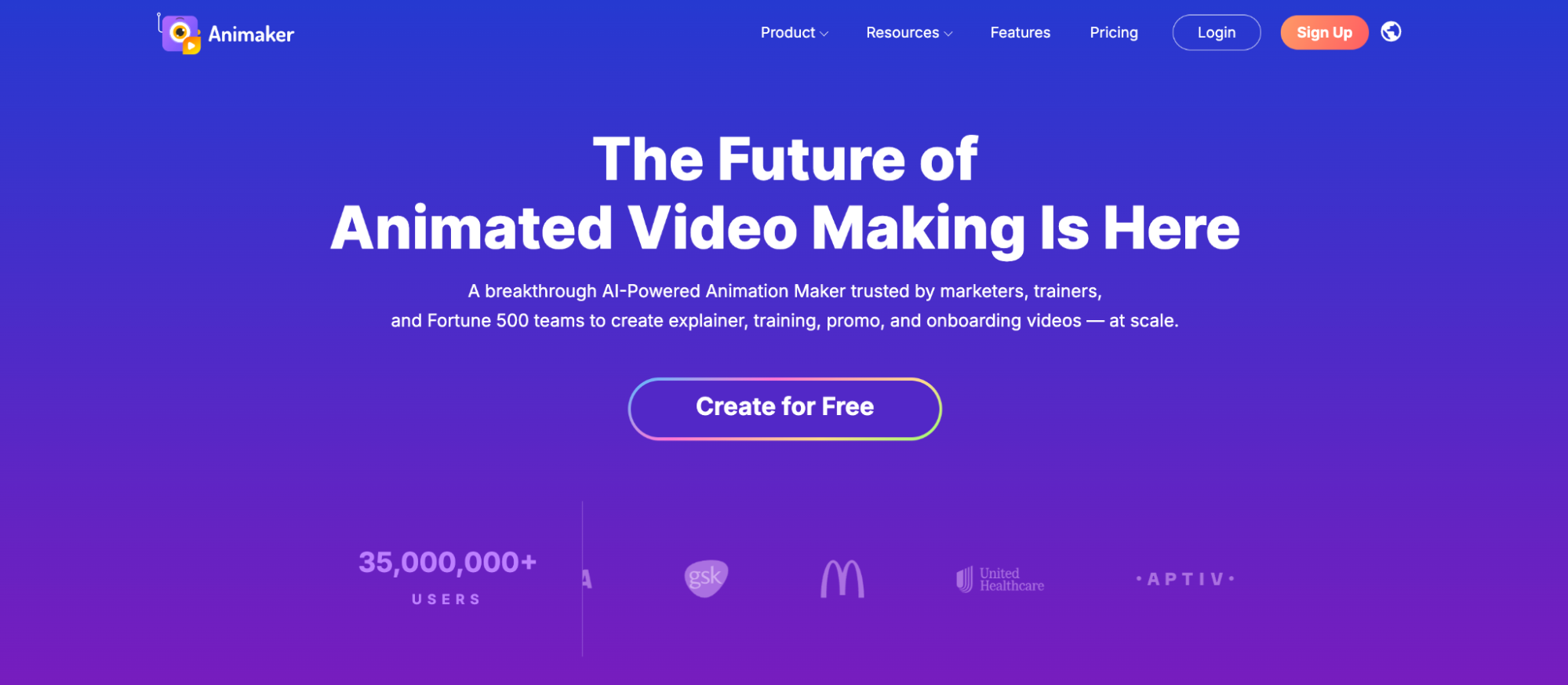
It comes with a simple drag-and-drop interface, prebuilt templates, and a large library of characters and props, making it beginner-friendly.
What makes Animaker stand out is its well-rounded feature set built for hassle-free content creation.
Its strong AI capabilities support different types of video creation, from explainer videos and whiteboard animations to infographics, training content, quizzes, and short-form clips, helping you create faster without starting from scratch.
Overall, Animaker works as an all-in-one animation software that fits a wide range of use cases, from marketing and training to storytelling and content creation.
Pros:
- Large asset library (characters, props, stock images, videos, music)
- Supports multiple video styles
- AI-powered features (voiceovers, subtitles, video generation)
- Auto-lip sync and character customization
- Advanced editing capabilities for full customization
- Real-time collaboration for teams
Cons:
- Watermark in the free plan
2. Canva
Canva is a popular browser-based design platform that also works as a simple animation tool.
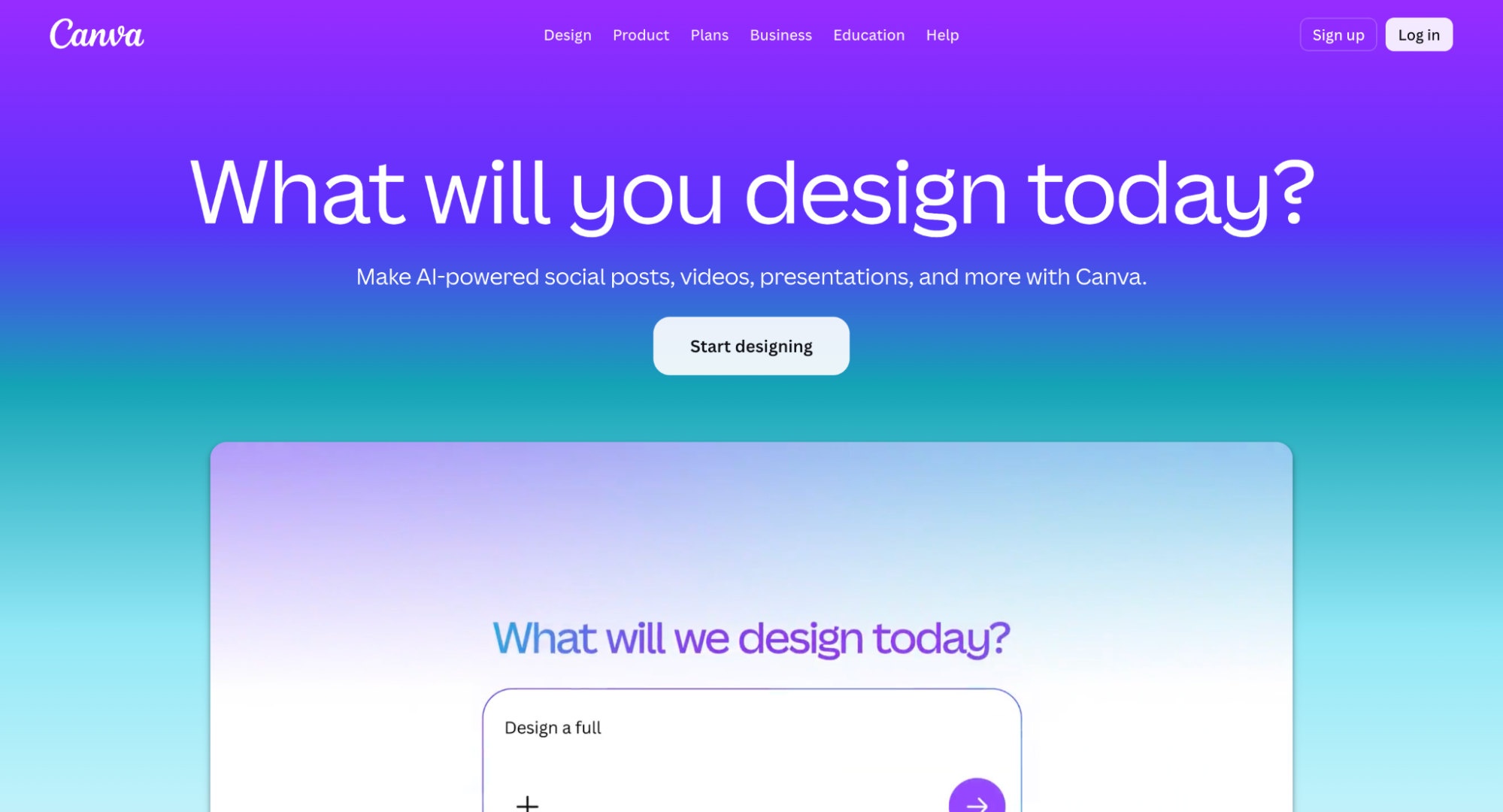
It comes with preset animation effects that can be added to elements or entire pages in just a few clicks, making it easy to add motion without any complexity.
However, Canva leans more toward design than animation. So, it is best suited for lightweight visuals and simple motion, rather than detailed or highly customized animation work.
Pros:
- Huge template and asset library
- Quick animations with one-click effects
- Real-time collaboration features
Cons:
- Limited animation control and customization
- Not ideal for complex or character-based animations
3. Powtoon
Powtoon is a web-based animation tool that allows users to quickly create animated videos and visuals using a simple, slide-like workflow.
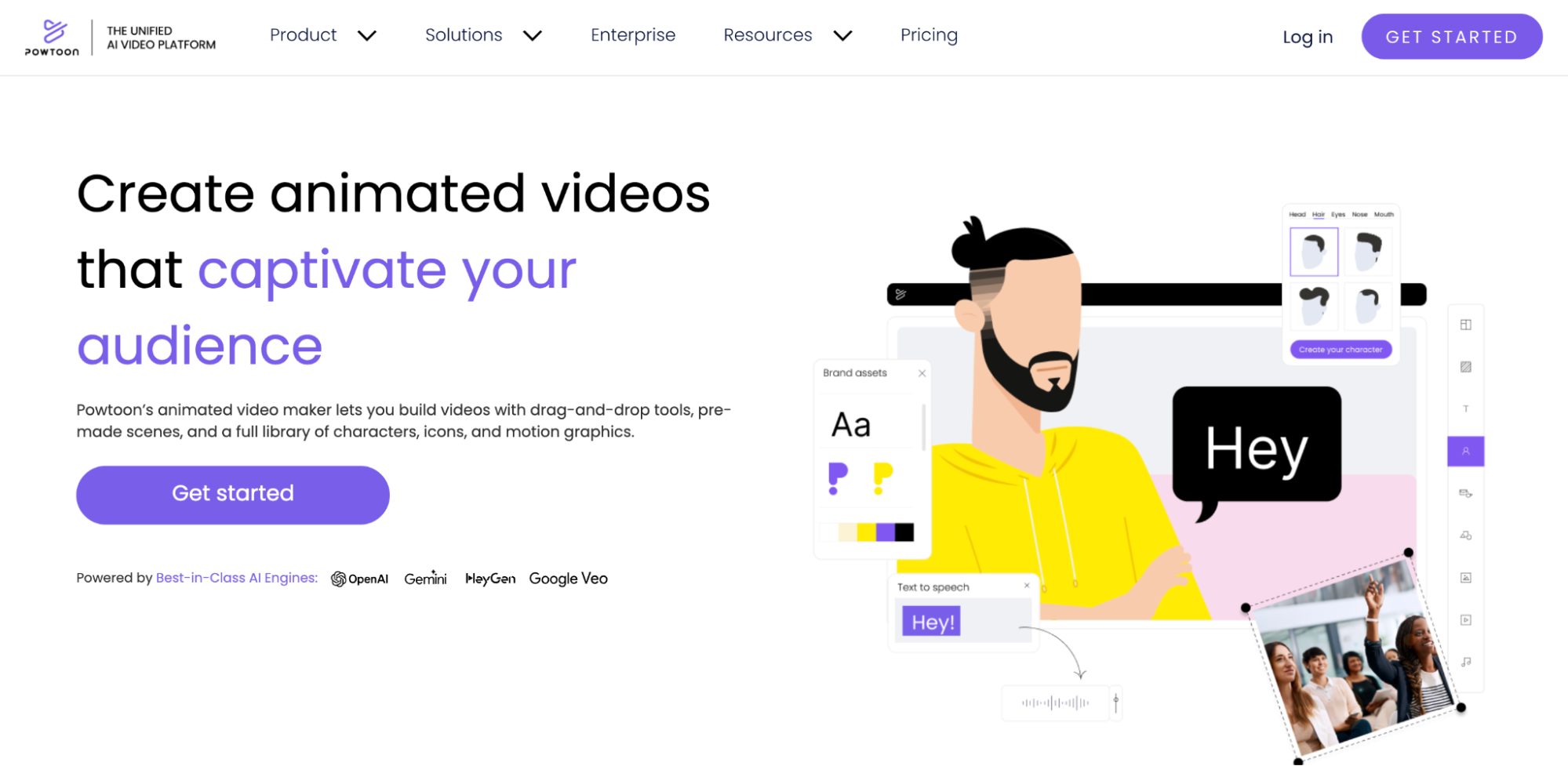
The platform keeps things simple with a drag-and-drop editor, ready-made templates, and a library of characters, props, and scenes.
Powtoon relies heavily on templates, which can sometimes make videos feel similar unless you spend time customizing them.
It is best suited for presentation-style content rather than highly detailed or creative animation projects.
Pros:
- Strong focus on presentation-style videos
- Good range of templates
- Voiceover and basic animation controls included
Cons:
- Limited customization when compared to other tools
- Free plan includes watermark and export restrictions
- Animations can feel template-driven if not customized well
- The asset library is smaller compared to some competitors
Animation Libraries & Assets
Not every animation needs to be built from scratch, and not everyone has the time or skills to sit and create them all. This is where animation libraries come into the picture.
Instead of creating every frame, you can pick high-quality animations, customize if needed, and then add them across your videos, websites, apps, and presentations.
1. Lottiefiles
Lottiefiles is a go-to platform for lightweight animations. It is widely used for UI animations like loading screens and micro interactions that need to feel smooth without slowing down performance.
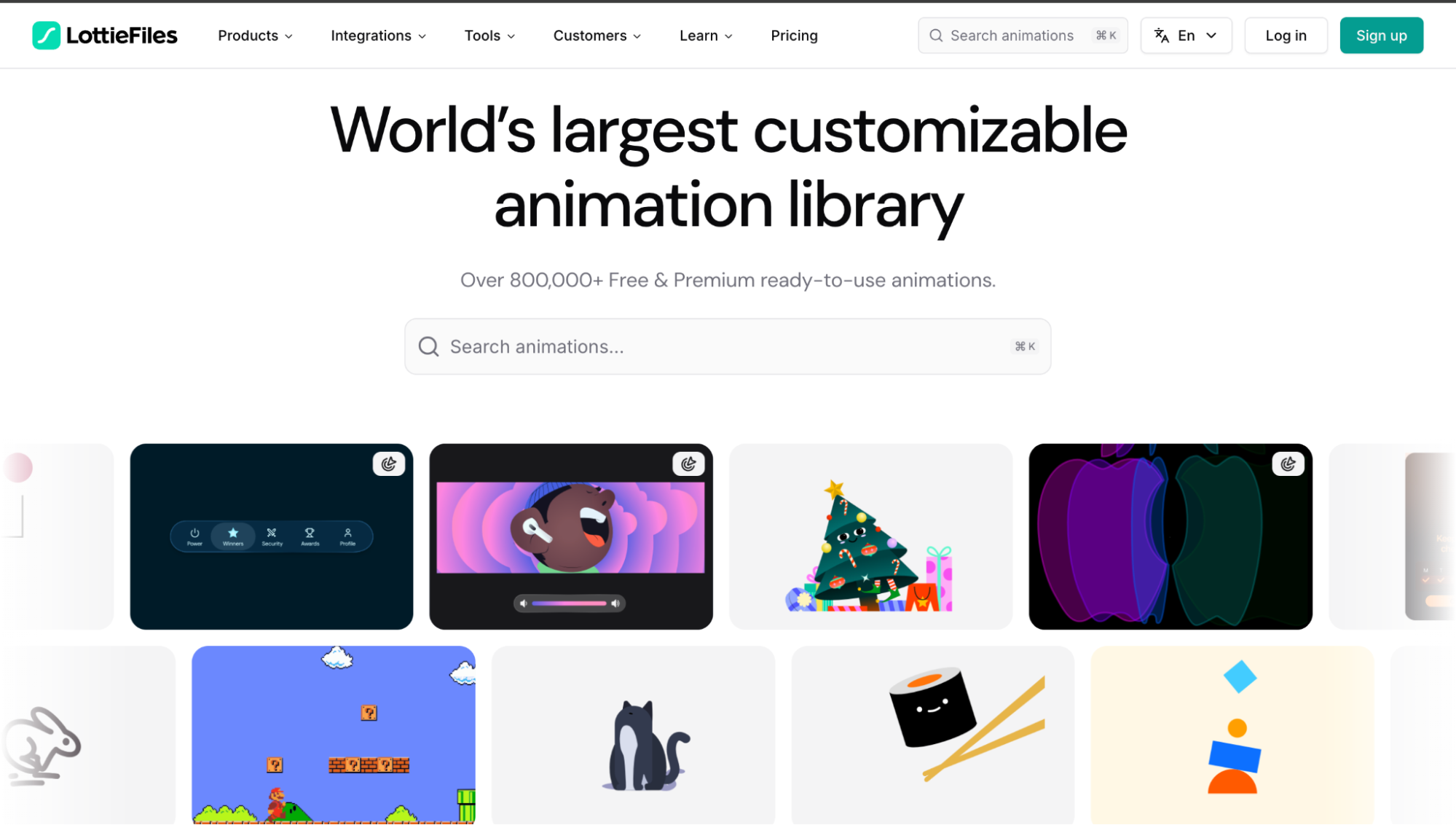
What makes the platform powerful is the format itself - Lottie Format. It is a JSON-based animation file that keeps file sizes small while maintaining quality.
This means that the animations load quickly across different screen sizes and work without any lag across platforms like web, iOS, and Android.
Pros:
- Lightweight, fast-loading animations
- Maintains quality across different screen sizes and devices
- Ideal for UI/UX use cases
- Easy to integrate into web and mobile projects
- Supports customization through JSON files
Cons:
- Not suitable for full-length or complex video animations
- Requires some technical understanding for advanced use
2. Mixkit
Mixkit is a ready-to-use animation library that is built for speed and convenience. It offers free animated backgrounds and short clips that can be dropped directly into videos without editing from scratch.
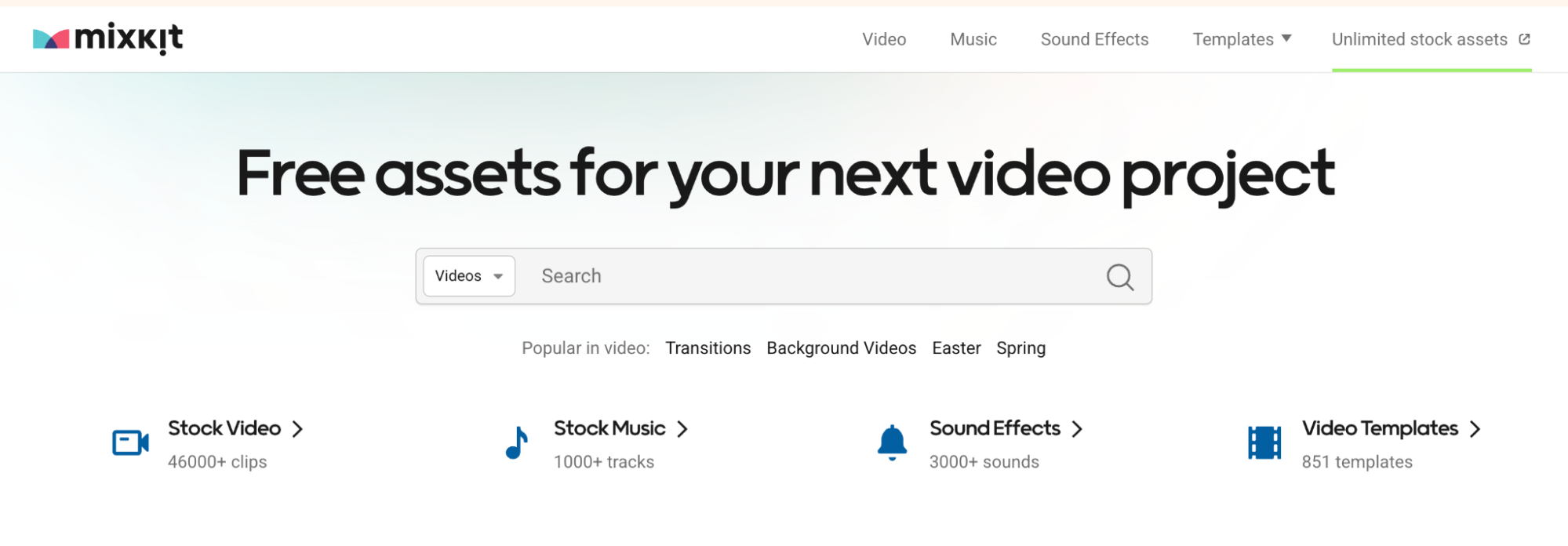
The assets are straightforward, easy to download, and require minimal setup, making it a practical choice for quick content creation.
Pros:
- Offers ready-made motion graphics and animation clips
- Quick downloads with no sign-up needed
- Useful for enhancing videos without creating them from scratch
Cons:
- Limited customization options
- Smaller library compared to paid platforms
- Assets may look repetitive if widely used
- Not ideal for branded content
3. Pixabay
Pixabay goes beyond just images and videos by offering a wide range of animated visuals.
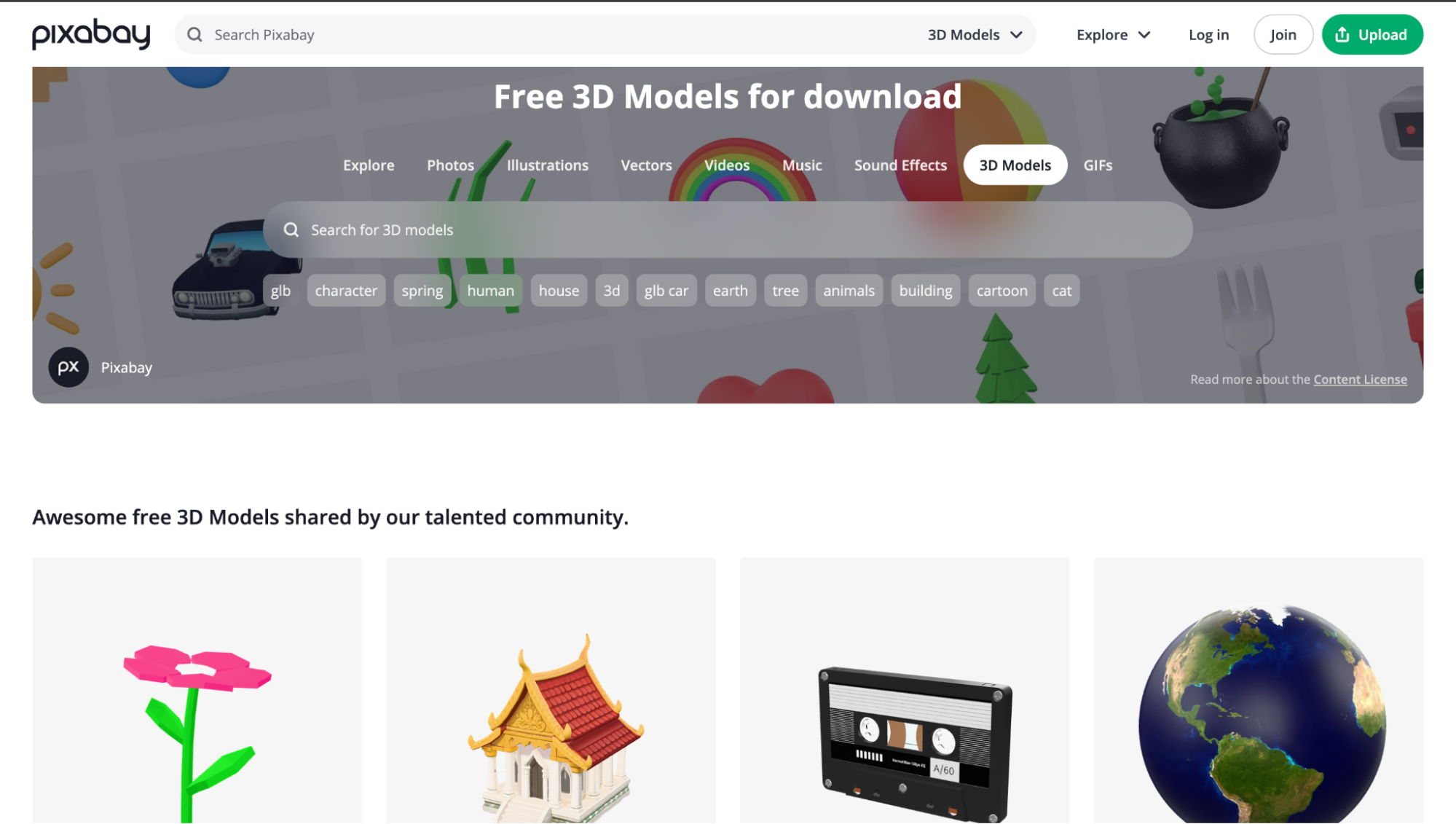
One of the biggest advantages is its accessibility - everything is royalty-free and available for both personal and commercial use, giving you a large pool of assets you can use freely without worrying about licensing complexities.
Pros:
- Large collection of free animated visuals and backgrounds
- Free for both personal and commercial projects
- No sign-up required for downloads
Cons:
- Less focused on dedicated animation assets
- Quality can vary across assets
- Limited ability to modify assets
- Finding the right content may take some filtering
This is all about browser-based animation tools and animation libraries. If you are looking to build full videos, browser-based tools give you structure and speed.
Or if you're looking to enhance existing content, animation libraries offer quick, ready-made visuals you can plug in instantly.
Explore a few, experiment with what fits your workflow, and you'll find that creating polished animations is a lot more straightforward than it used to be.