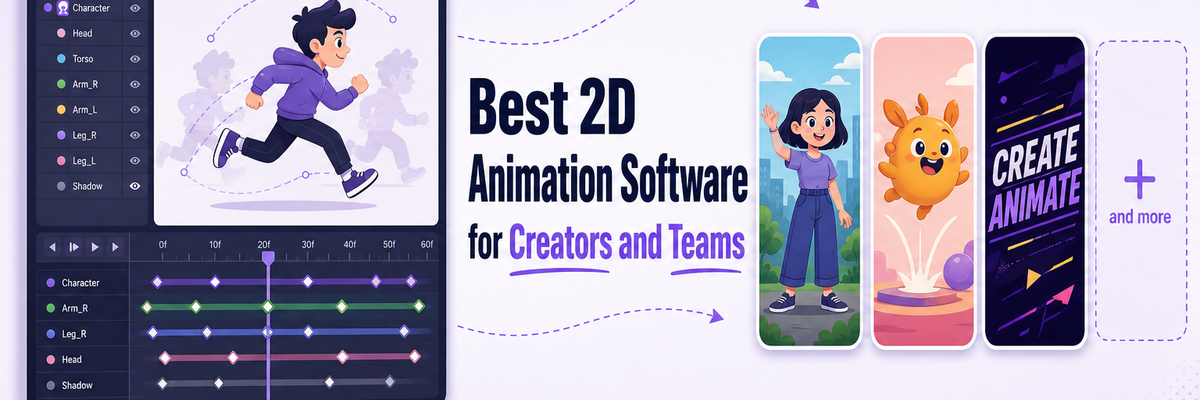
Best 2D Animation Software in 2026: Top Tools for Creators and Teams
2D animation has come a long way from traditional frame-by-frame sketches to AI-assisted creations.
As animation becomes more accessible, the number of available tools has also increased rapidly.
With animated content becoming a bigger part of modern video communication, many creators are now exploring dedicated 2D animation tools alongside their regular video workflows.
Some platforms focus on simplicity and speed, while others offer advanced features for professional animators and studios.
Choosing the right software can make a big difference in how efficiently you create, collaborate, and scale your content production.
In this article, we'll explore -
- What Makes a Good 2D Animation Software?
- Best 2D Animation Software in 2026
- Which tools to choose?
With that in mind, let's begin by looking at what to consider before choosing the best 2D animation software for you!
What Makes a Good 2D Animation Software?
A good 2D animation software should make the animation process faster, easier, and more flexible without compromising on quality.
Here are a few important things to look for before choosing a 2D animation software -
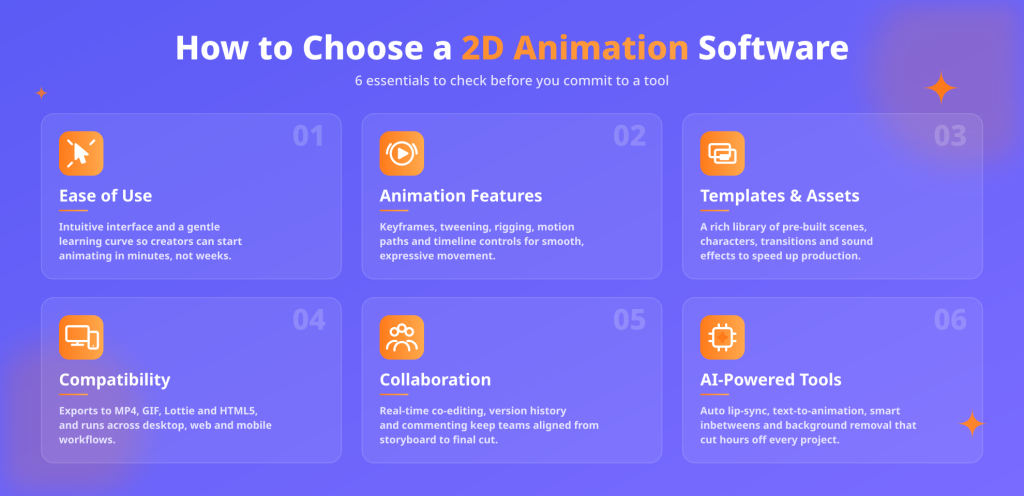
Ease of use - If you're new to animation, a clean and simple interface can make a huge difference. You shouldn't feel like you need a tutorial just to get started.
Animation features - This is where the real work happens. Look for things like character animation, motion presets, transitions, lip-syncing, and an easy timeline to work with.
Templates and assets - Ready-made templates, characters, backgrounds, and other assets can save you a lot of time, especially when you're trying to create content quickly.
Exports and Compatibility - Make sure your tool works well on desktop or switching between devices, and that it supports the export formats you actually need.
Collaboration and workflow support - If you're working with a team, features like cloud access, sharing, and real-time collaboration can make the process much smoother.
AI-powered tools - Many modern tools now come with helpful AI features like auto-animation, voiceovers, subtitles, and even turning text into full videos, which can speed things up quite a bit.
These are the kinds of features that really help you figure out whether a 2D animation tool will feel easy to use in practice, not just on paper.
Best 2D Animation Software in 2026
To make things easier, we've shortlisted some of the best 2D animation software and highlighted what each tool is best known for, who it's ideal for, and why users prefer it.
- Animaker
- Blender
- Adobe Animate
- CelAction
- Toon Boom Harmony
Let's get started!
1. Animaker
Animaker is an AI-powered, web-based 2D animation maker designed for both beginners and professional creators, heavily focusing on simplifying animation and video creation.

The software gives users the choice to create videos from scratch or generate one from prompts.
Its AI video generation categories range from promotional videos and corporate training to invitations and celebration wishes.
This makes Animaker an appealing choice to both business teams and everyday creators looking for a faster way to create videos.
Why users choose it?
- Beginner-friendly drag-and-drop editor
- AI-powered video and animation generation
- Large template and asset library
- Custom character creation support
- AI voiceovers and auto subtitles
- Cloud-based collaboration and editing
Best For
- Teams looking for a fast animation workflow.
- Marketing and social media videos
- Training and explainer content
- Beginners who want an easy-to-use animation platform
- AI-assisted video creation
2. Blender (Grease Pencil)
Blender is widely known as a 3D animation desktop software, but its Grease Pencil feature is great for 2D animation.
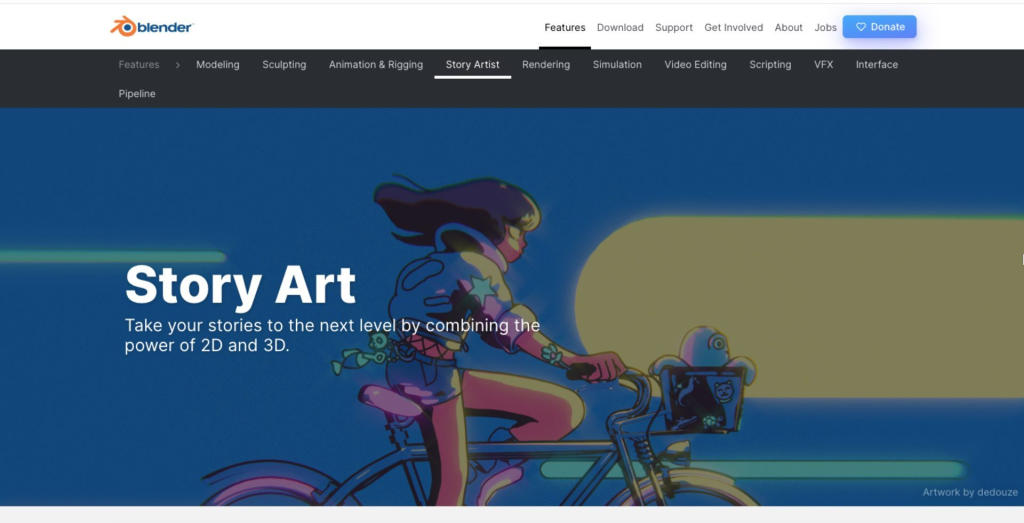
The software allows artists to draw and animate directly inside a 3D environment, making it easier to combine 2D and 3D elements within the same project.
As a free and open-source platform, Blender has become a popular choice among independent creators and illustrators.
Why users choose it?
- Grease Pencil tool for 2D animation inside a 3D workspace
- Advanced drawing and animation controls
- Strong rigging and compositing features
- Supports both 2D and 3D workflows
- Free and open-source
- Compatible with Windows, macOS, and Linux
Best For
- Intermediate and advanced animators
- Hybrid 2D and 3D animation projects
- Concept art and experimental storytelling
- Independent creators and studios
- Users looking for a free professional-grade animation tool
3. Adobe Animate
Adobe Animate, part of the Adobe Creative Suite, is a desktop 2D animation software widely used by intermediate to advanced creators.
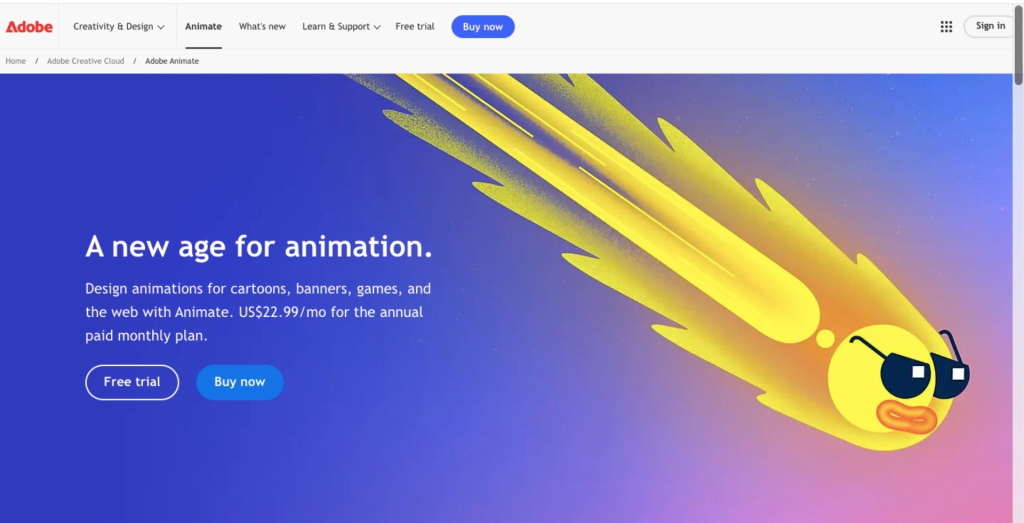
The software is commonly used for creating traditional character animations, interactive web content, ads, and other digital media projects.
Why users choose it?
- Supports frame-by-frame and tween-based animation
- Smooth integration with Adobe Creative Cloud apps
- Interactive animation support for web and mobile
- Extensive asset libraries
- Multiple export options and formats
- Compatible with Windows and macOS
Best For
- Users already familiar with Adobe tools
- Intermediate and professional animators
- Web and interactive content creators
4. CelAction
CelAction2D is a professional-grade desktop software for professional animators and studios handling large production workloads.
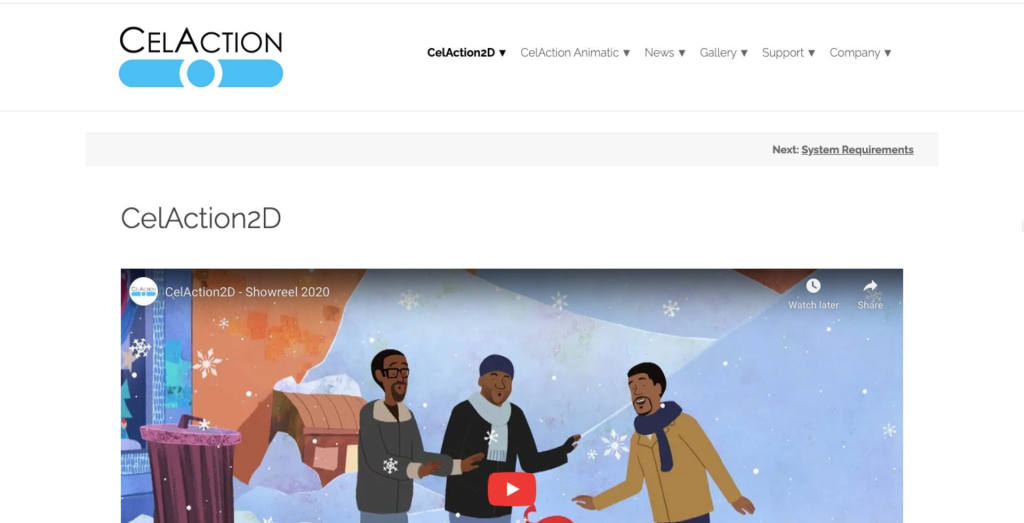
The software has been used to create well-known animated shows like Bluey, Peppa Pig, and Mr. Bean.
Compatible with Windows, CelAction2D uses rig-based animation system and helps big teams and studios manage complex animation projects more efficiently.
Why users choose it?
- Rig-based animation workflow
- Faster character animation production
- Advanced camera and scene controls
- Handles large animation projects efficiently
Best For
- TV shows and commercial production
- Large-scale animation projects
- Experienced animators and production teams
5. Toon Boom Harmony
Toon Boom Harmony is a professional 2D animation software widely used for TV shows, films, and games.
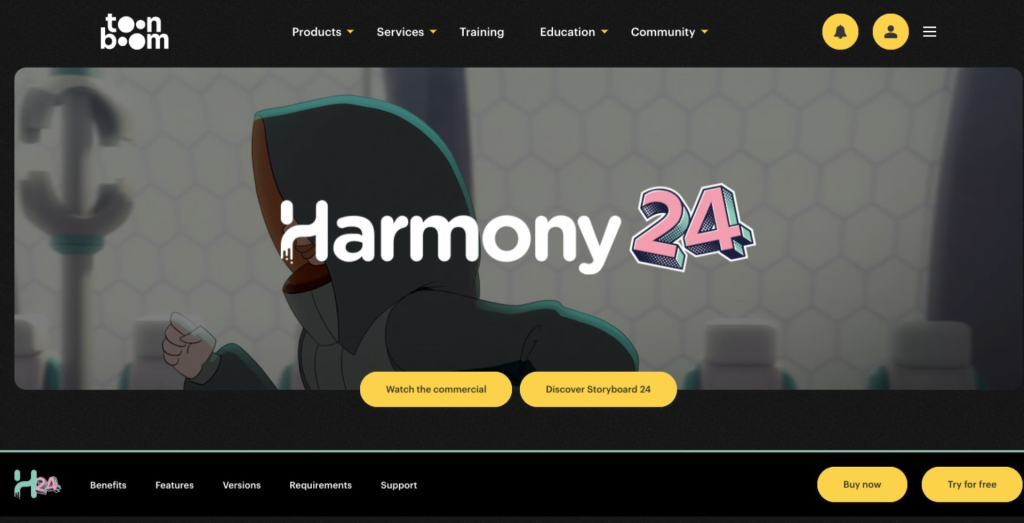
Known for supporting both traditional frame-by-frame and rig-based animation, it's often favored by studios and advanced creators.
Why users choose it?
- Supports both frame-by-frame and rig-based animation
- Color palette management system
- Dynamic camera movement support
- Vector-based drawing for scalable artwork
Best For
- Professional animators and studios
- Complex production pipelines
- TV, film, and game animation projects
Which tools to choose?
The right 2D animation software ultimately depends on your experience level, workflow, and the kind of content you want to create.
If you're looking for a beginner-friendly platform with AI-powered video creation, Animaker is a strong choice for fast content creation workflows.
For professional studio-grade animation, Toon Boom Harmony and CelAction2D are widely used for large-scale production projects and TV animation.
If you want more creative flexibility and a free open-source option, Blender offers powerful 2D and 3D animation capabilities through its Grease Pencil feature.
Meanwhile, Adobe Animate remains a popular choice for creators working on character animation, web content, and interactive media.
We hope this list helps you narrow down the best 2D animation software for your needs and find a tool that fits naturally into your creative workflow.