Contents
The right way to plan your training content
Editing and enhancing your training videos
Incorporating animations and visuals
Distributing and tracking your training videos
7 best practices for effective training videos
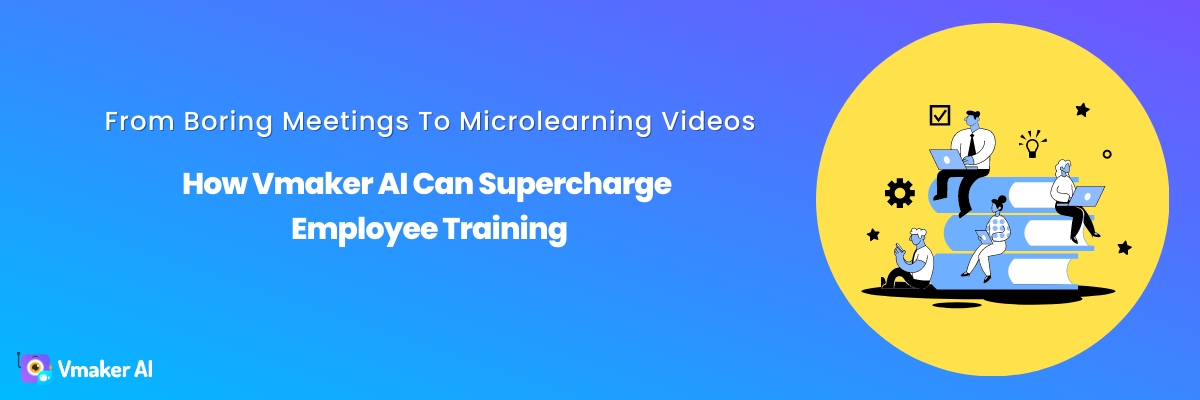
How Vmaker AI Can Supercharge Employee Training
Let's be real: employee training can feel like a chore for everyone involved. Learners struggle to stay engaged through another dry video that will soon be forgotten, while the creators are stuck figuring out how to make the material actually stick.
That is where a video maker like Vmaker AI comes in. It lets you craft professional, attention-grabbing training content without a full production crew. The result is training videos your workforce actually wants to watch, because they are genuinely engaging and easy to absorb.
Employee training does not have to feel like pulling teeth. With the right tools, you can finally produce engaging videos that resonate and inspire.
Let's get started.
3 types of training videos
Before we dive into video creation, let's look at the different types of training videos you can create with Vmaker AI:
- Instructor-led videos: A presenter delivers the training content directly to camera. Effective for introducing new concepts, providing overviews, or sharing personal experience.
- Screen recording videos: These capture your screen activity, making them ideal for demonstrating software, step-by-step processes, or troubleshooting.
- Animation training videos: Animated videos bring complex concepts to life, perfect for explaining abstract ideas, illustrating workflows, or adding visual interest.
Whichever type you choose, Vmaker AI has the tools to help you create a professional, engaging learning experience.
Benefits of using Vmaker AI
Vmaker AI is a powerful training video maker that simplifies the entire process, from recording to editing to distribution. Key benefits include:
- Easy to use: With an intuitive interface and drag-and-drop functionality, Vmaker is user-friendly even for those with limited video editing experience.
- Rich annotation features: Draw, highlight, and add text directly on your video to emphasise important points and guide your learners' attention.
- Seamless screen and webcam recording: The Vmaker screen recorder lets you record your screen, webcam, or both at once, giving you the flexibility to create a variety of training formats.
- AI video editor: No separate editing software needed. With the Vmaker AI video editor, you can turn raw footage into a publish-ready video in one click.
- AI video generator: Create human-like AI avatar videos from text, presentations, audio, or video as input using the AI video generator.
- Integration with Animaker: For those who want to add animation to their training videos, Vmaker AI integrates with Animaker, a powerful animation creation tool.
With these features and more, Vmaker AI helps you create and edit professional-quality training videos that engage and educate your employees effectively.
The right way to plan your training content
Before you start recording, plan your training content carefully so your videos are focused, organised, and aligned with your learning objectives. Here are the steps to follow:
- Identify your audience and goals: Understand who your learners are and what they need to achieve from the training. This helps you tailor your content and delivery style. The more specific the role you are training for, the more focused your content can be.
- Outline key topics and learning objectives: Break your training content into specific topics or modules, and define clear learning objectives for each. This helps you structure your videos logically and ensures all essential information is covered.
- Develop an engaging script: Your videos do not need a word-for-word script, but a well-planned outline or storyboard helps you stay on track and deliver your content clearly and concisely.
- Consider existing resources: Many organisations already use a learning management system (LMS) or HR platform with features for managing training materials. Explore whether these can streamline your content creation or delivery.
By investing time in proper planning, you will create training videos that are focused, relevant, and effective.
Recording with Vmaker AI
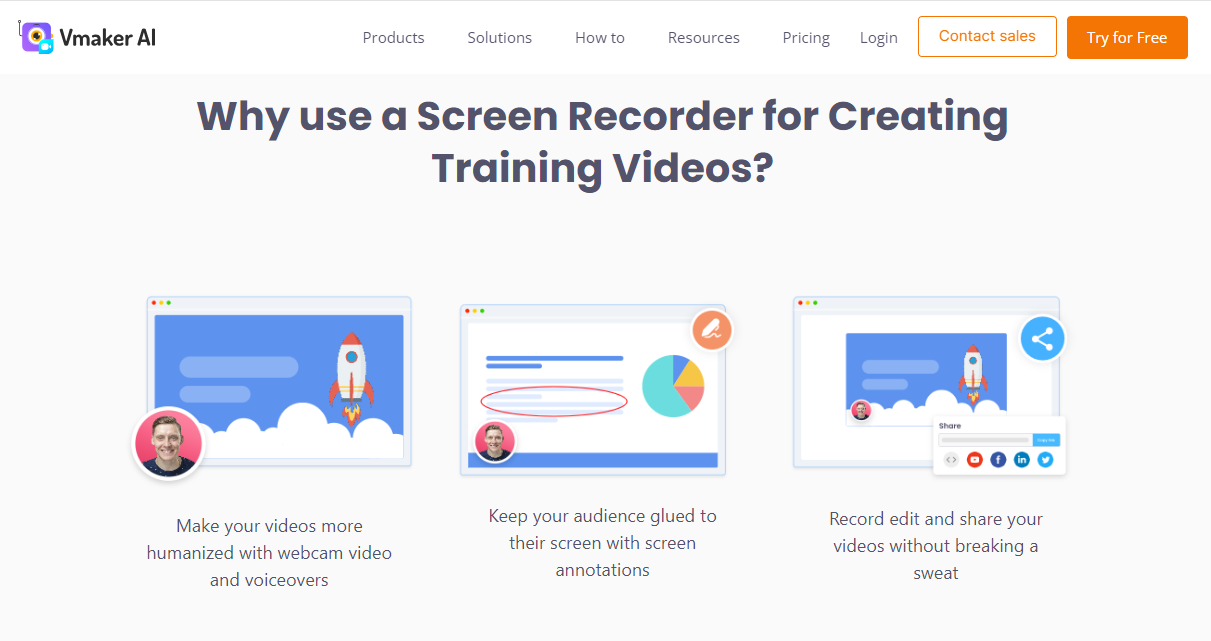
With your content planned, it is time to record. The Vmaker screen recorder makes this smooth and straightforward with its screen recording and webcam tools. Here is how to get started:
- Set up your recording environment: Choose a quiet, well-lit area and ensure your audio and video equipment (if using a webcam) is properly set up and tested.
- Use Vmaker's screen recording and webcam tools: The intuitive interface lets you easily select the area of your screen to record, and choose your webcam settings if you are recording yourself alongside the screen.
- Add annotations and highlights: As you record, use Vmaker's annotation tools to draw, highlight, or add text directly on your screen. This is useful for emphasising important points or guiding your learners' attention.
- Stop and review: After recording, review your video and make any necessary adjustments or re-recordings before moving to the editing phase.
With Vmaker's recording capabilities, you can create high-quality, professional-looking training videos that capture and convey your content effectively.
Editing and enhancing your training videos
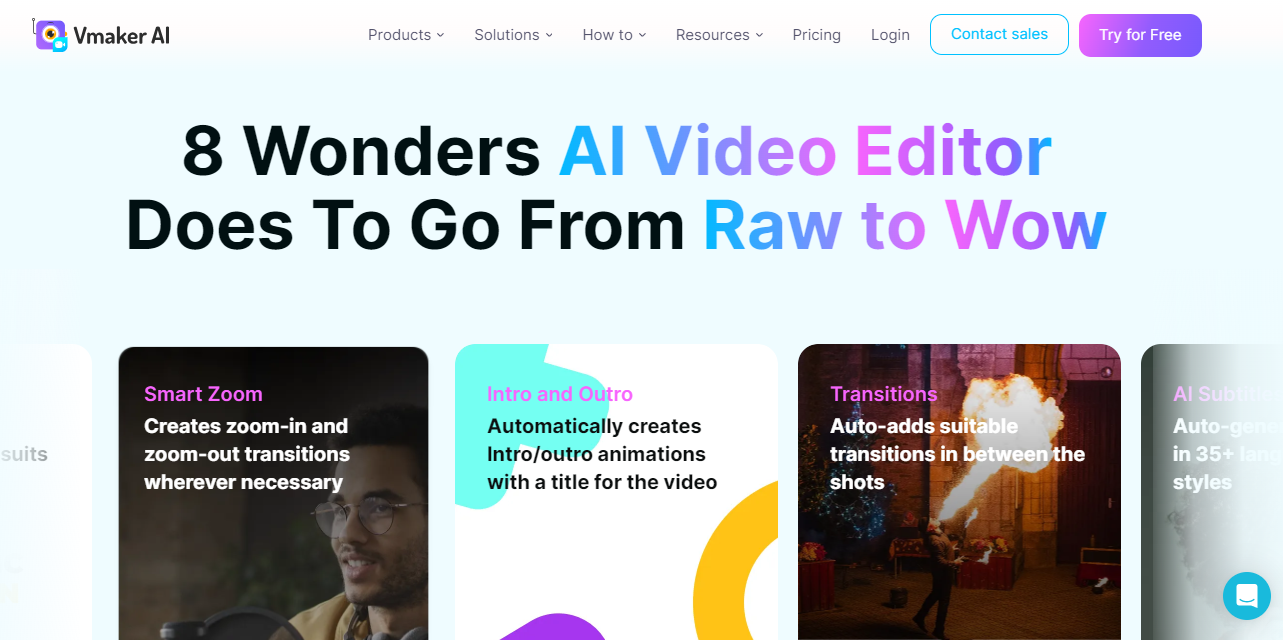
Once you have captured your raw footage, it is time to polish and refine your video with the Vmaker AI video editor. This is where you elevate your training videos:
- Raw to wow: Transform raw videos into polished creations in minutes. Vmaker AI automatically adds b-rolls, background music, transitions, effects, intros, outros, subtitles, and more, making your videos publish-ready in one click.
- Trim and rearrange clips: Remove unnecessary footage, rearrange segments for better flow, and keep your video focused and concise.
- Add transitions, titles, and graphics: Blend clips with smooth transitions and add professional titles and graphics to enhance visual appeal.
- Use the full editing suite: Make precise adjustments like adjusting audio levels, adding background music, or applying filters and effects for a polished, professional touch.
- Long-form to short: Convert your long-form videos into short clips for social platforms like YouTube Shorts, Reels, and TikTok in one click.
- AI video background remover: Remove the video background automatically without a green screen, and replace it with an image, video, or colour.
- Video highlights: Automatically generate video highlights from your long-form videos to use as intros or teasers.
Taking the time to edit and enhance your videos improves their quality and makes them more engaging and memorable for your learners.
Incorporating animations and visuals
Animations and visuals are powerful tools for reinforcing key concepts and adding visual interest. Vmaker AI's integration with Animaker makes it easy to incorporate animation seamlessly:
- Create animated segments with Animaker: Use Animaker's library of templates, characters, and assets to create eye-catching animated segments that explain complex ideas or illustrate processes clearly.
- Combine animations with screen recordings: Blend animated segments with screen recordings or instructor-led videos for a dynamic, visually appealing learning experience.
- Use visuals to reinforce key concepts: Incorporate charts, diagrams, and infographics to reinforce key concepts and make your training more memorable.
Used strategically, animations and visuals turn your training videos from information dumps into captivating, effective learning tools.
Distributing and tracking your training videos
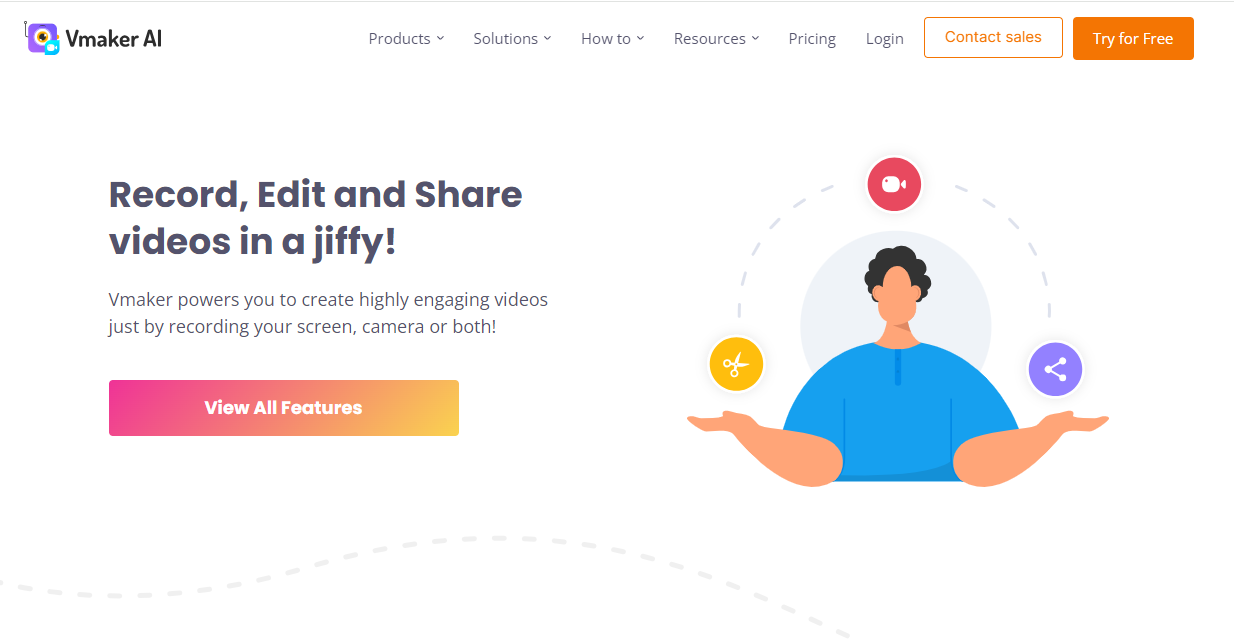
Once your training videos are complete, it is time to share them with your employees and track their effectiveness:
- Host and share your videos: Upload your videos to a secure, centralised location (such as a learning management system) for easy access and distribution.
- Gather feedback and analytics: Collect feedback from learners and track engagement metrics like completion rates and viewing times to gauge how effective your training materials are.
- Continuously improve your training materials: Use the feedback and analytics to identify areas for improvement, update your videos, and keep your training relevant and effective over time.
By leveraging Vmaker's distribution and tracking capabilities, you can ensure your training videos reach the right audience and gain insights to continually refine your training program.
7 best practices for effective training videos
Creating engaging, impactful training videos is both an art and a science. Vmaker AI gives you the tools, but it also helps to follow a few best practices:
- Keep videos concise and focused: Attention spans are short, so keep your videos focused on specific learning objectives. Break complex topics into shorter, digestible segments.
- Use a conversational tone: Avoid dry, monotonous delivery. A conversational tone makes learners feel part of a dialogue rather than passive recipients of information.
- Encourage interactivity and engagement: Incorporate interactive elements like quizzes, polls, or discussion prompts to keep learners engaged and reinforce their understanding.
- Leverage multiple media types: Supplement videos with written materials, infographics, or interactive simulations to cater to different learning styles.
- Continuously seek feedback and iterate: Regularly gather feedback and use it to refine your videos so they stay relevant, engaging, and effective.
- Optimise for search (SEO): Include relevant keywords in the video title, description, and tags so learners can find your videos more easily and your content is discoverable through organic search.
- Promote your videos: Share them on relevant social platforms, your company website, and any learning management systems you use to increase visibility and engagement.
By following these best practices and leveraging Vmaker AI, you can create training videos that resonate with your employees, driving better knowledge retention, increased engagement, and more successful training outcomes.
Conclusion
Creating engaging training videos is challenging, but with the right tools and approach it becomes a rewarding, impactful endeavour. Vmaker AI helps you craft professional-quality, visually engaging training videos that captivate your learners and drive better knowledge retention.
Follow the steps in this guide and you will be well on your way to mastering training video creation, ensuring your employees get the effective, engaging training they deserve.