Contents
What to Look for in Whiteboard Animation Software?
Best Whiteboard Animation Software
So, Which Whiteboard Animation Software Should You Choose?
9 Best Whiteboard Animation Software for Visual Creators in 2026!
Many people underestimate the power of a good whiteboard video.
Whether you're explaining a complex concept, training employees, teaching students, or promoting a product, whiteboard animations can make information easier to understand and more engaging to watch.
Their simple, hand-drawn style helps break down ideas visually, making them a popular choice across education, marketing, and business communication.
But not all whiteboard animation tools are created equal. Some focus on traditional drawing effects, while others offer advanced features like AI-powered video creation, custom characters, voiceovers, and ready-made templates.
In this article, we'll explore…
- What to Look for in Whiteboard Animation Software
- Best Whiteboard Animation Software
- Which Whiteboard Animation Software Should You Choose?
…and help you find the right tool for your needs. Let's get started!
What to Look for in Whiteboard Animation Software?
The best whiteboard animation software should make it easy to create engaging videos without requiring advanced design skills. Here are the key factors to consider:
Ease of Use - Look for a simple interface, drag-and-drop editing, and beginner-friendly settings.
Whiteboard Effects - Choose a platform that offers realistic hand-drawing animations and sketch-style effects.
Templates & Assets - A large library of whiteboard video templates, characters, and icons can speed up video creation.
Voiceover Features - Built-in voice recording or text-to-speech can help you create complete videos in one place.
Customization - The ability to edit colors, fonts, animations, and visuals helps maintain brand consistency.
Export Quality - Ensure the software supports high-quality video exports suitable for different platforms.
Pricing - Compare features and pricing plans to find a solution that fits your budget and needs.
Best Whiteboard Animation Software
The best whiteboard animation software should make it easy to transform ideas into engaging visual stories. Here are our top picks for 2026.
- Animaker
- Renderforest
- Powtoon
- Videoscribe
- Doodly
Let's go into each tool in detail!
Animaker
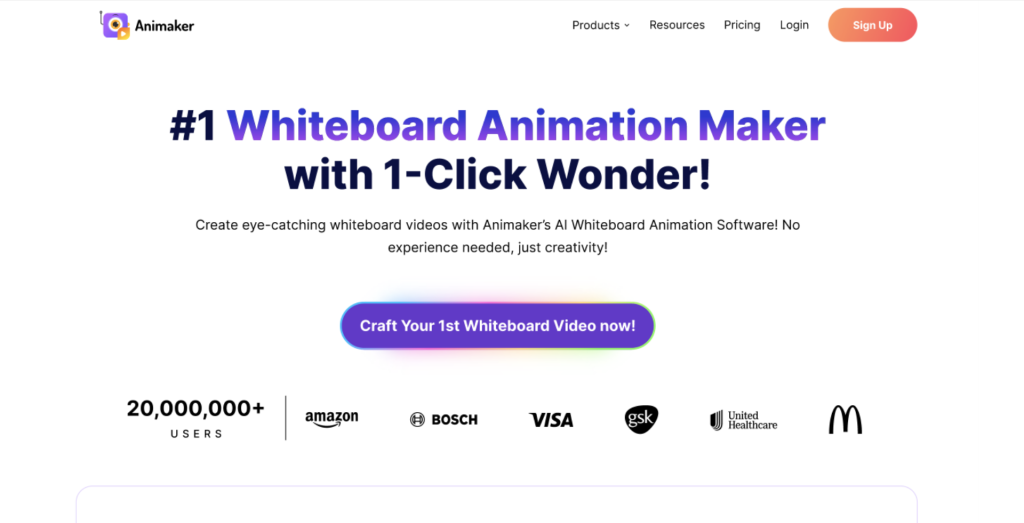
Animaker is an AI-powered animation software, and its Whiteboard video maker can create fully customizable whiteboard videos from a single prompt.
Key features
- Cloud-based platform
- Customizable whiteboard characters with editable outfits, hairstyles, and accessories
- Extensive library of whiteboard assets, props, and backgrounds
- Multiple hand styles and whiteboard animation effects
- Animated actions and expressions for characters
- Beginner-friendly drag-and-drop editor
Pros
- Suitable for beginners
- Allows creation of fully customized whiteboard characters
- Large asset library for faster video production
- AI Whiteboard video creation
Cons
- Some advanced features may take time to master
- Free plan includes watermarked exports
Renderforest
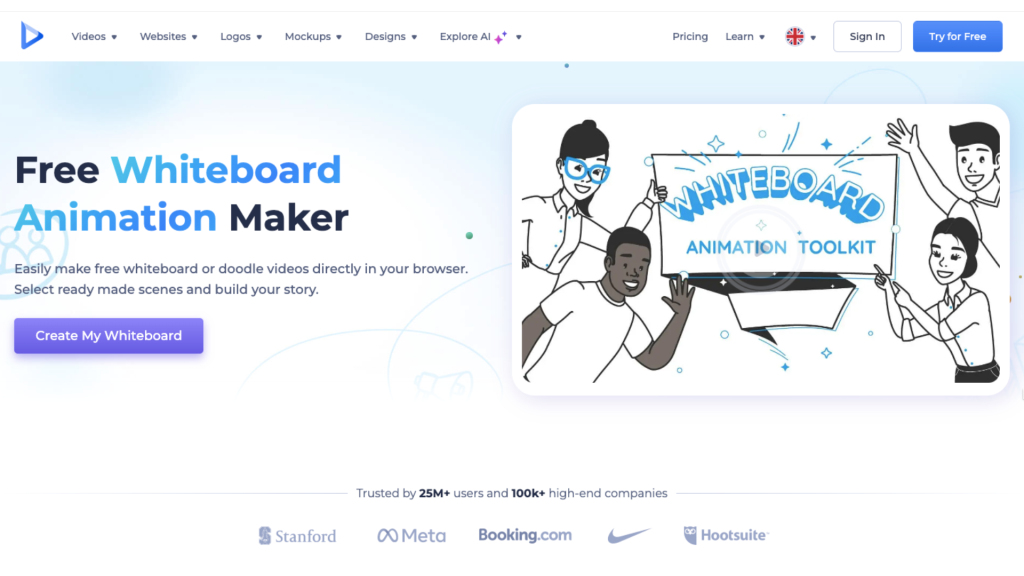
Renderforest is primarily known for its AI video generation capabilities, but it also helps users create engaging whiteboard videos.
Key features
- Whiteboard animation templates and scenes
- Cloud-based editing platform
- Multiple video formats and aspect ratios
- Access to a broader video creation suite
Pros
- Large collection of ready-made templates
- Suitable for users creating multiple types of video content
Cons
- Limited character creation options
- Scene customization is less flexible than specialized animation tools
Powtoon
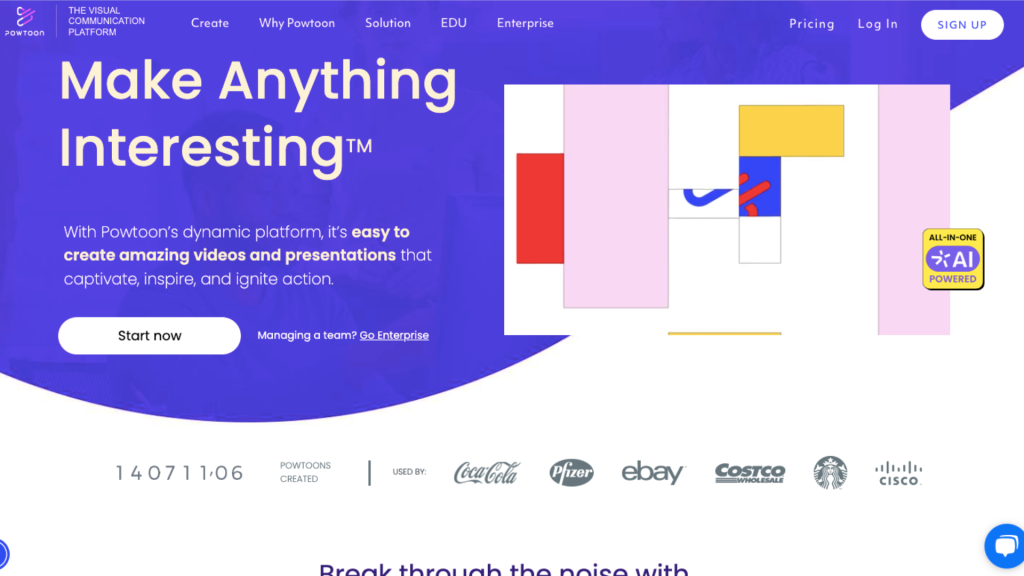
Powtoon is a video creation platform that can also help create whiteboard animations for presentations and marketing content.
Key features
- Whiteboard animation templates
- Multiple hand-drawing effects
- Built-in presentation and explainer video tools
- Animated characters and visual assets
Pros
- Easy to create presentation-driven videos
- Good selection of templates for business and education
- Suitable for non-designers
Cons
- Whiteboard effects are less realistic than dedicated whiteboard tools
- Character and asset options can be limited on lower-tier plans
Videoscribe
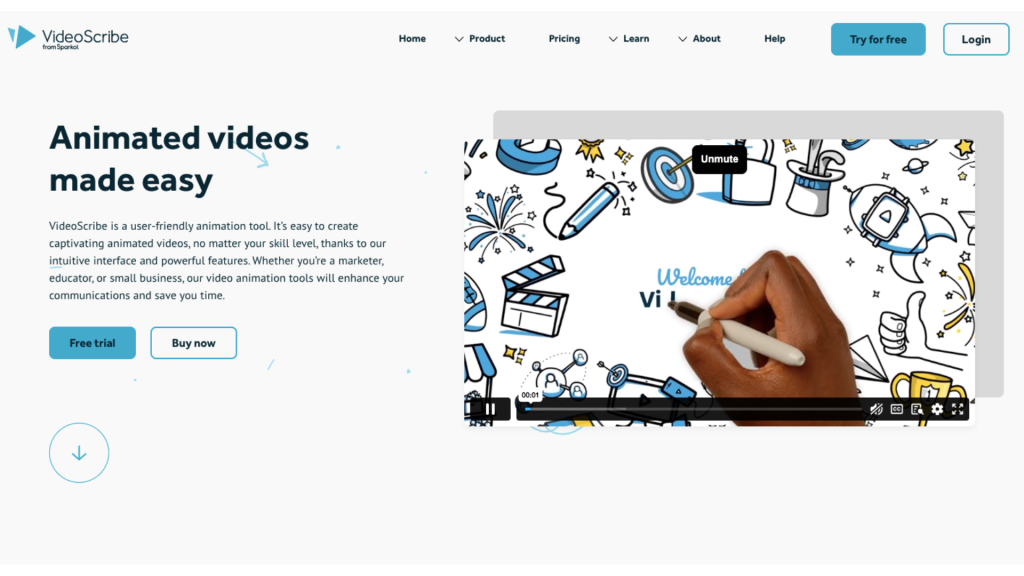
VideoScribe is a widely used tool known for its user-friendly interface, making it easy to create quick whiteboard animations.
Key features
- Dedicated whiteboard animation workflow
- Large collection of ready-to-use images and templates
- Adjustable drawing duration and animation timing
- Multiple hand-drawing styles
- Simple drag-and-drop editor
Pros
- Easy to learn and use
- Strong focus on classic whiteboard animations
- Good control over drawing speed and pacing
Cons
- Character animation capabilities are limited
- Asset library can feel dated compared to newer platforms
Doodly
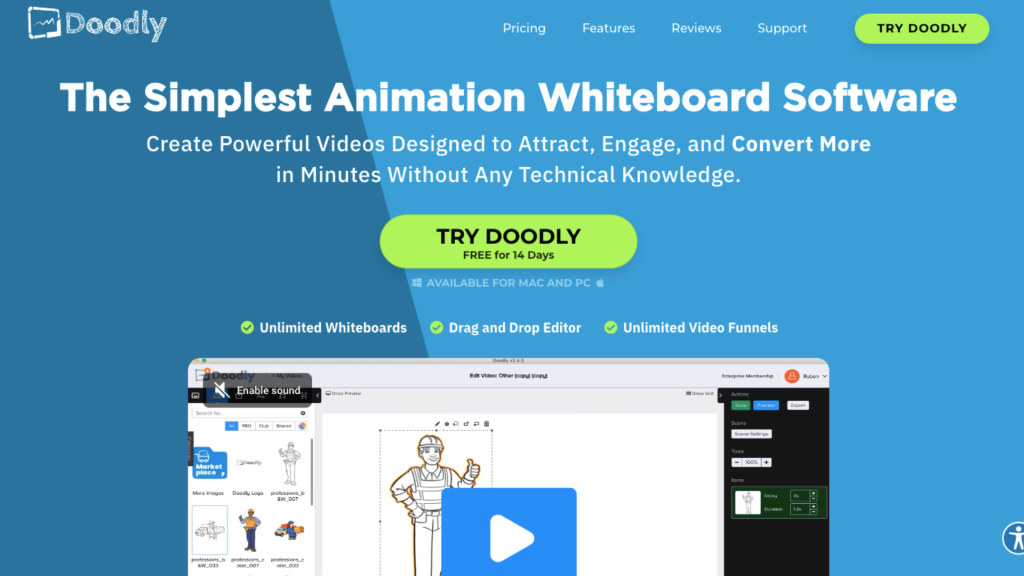
A popular whiteboard software, Doodly helps users create hand-drawn videos without any prior animation skills.
Key features
- Whiteboard, blackboard, and glassboard animation styles
- Multiple hand-drawing options
- Smart Draw technology for custom images
- Ability to import your own graphics
- Available on both Windows and Mac
Pros
- Designed specifically for whiteboard animation
- Easy-to-use interface
- Supports custom image imports
Cons
- Limited advanced animation capabilities
- Character actions and motion options are relatively basic
So, Which Whiteboard Animation Software Should You Choose?
Each tool on this list caters to a different type of user. Here's a quick breakdown to help you find the best fit for your needs.
Choose Animaker if…
You want an all-in-one platform with customizable characters, a large asset library, and the flexibility to create whiteboard videos from scratch or with AI, alongside other animation styles.
Choose Renderforest if...
You prefer working with templates to speed up the video creation process.
Choose Powtoon if...
You create presentation-style videos, educational content, or business explainers and need ready-made templates.
Choose VideoScribe if...
Your primary focus is creating traditional whiteboard explainer videos with realistic hand-drawing effects.
Choose Doodly if...
You're a beginner looking for a simple tool dedicated to creating whiteboard-style animations.
The right whiteboard animation software can make the difference between a forgettable explanation and an engaging visual story.
So, choose the tool that aligns with your workflow, and you'll be well on your way to creating compelling whiteboard videos.