Contents
Why Manual Clipping Became Difficult
How to Turn Long Videos Into YouTube Shorts Using AI?
How Top Creators Use Shorts for Discovery
Why AI Clipping Tools Became Essential for Modern Creator Workflows?
Popular AI Tools for Repurposing Long Videos Into Shorts
How to Convert Long Videos into YouTube Shorts Using AI (Creator Playbook for 2026)
Long-form videos are no longer discovered the same way they were a few years ago.
In 2026, YouTube increasingly uses Shorts as a discovery layer before viewers commit to watching full podcasts, interviews, webinars, or educational videos. Many creators now generate millions of views by isolating high-retention moments from longer conversations and redistributing them independently across Shorts feeds.
Creators like Chris Williamson, Huberman Lab, and Colin & Samir no longer treat Shorts as secondary content. Instead, Shorts have become one of the primary ways audiences discover their long-form videos.
That shift has changed modern creator workflows.
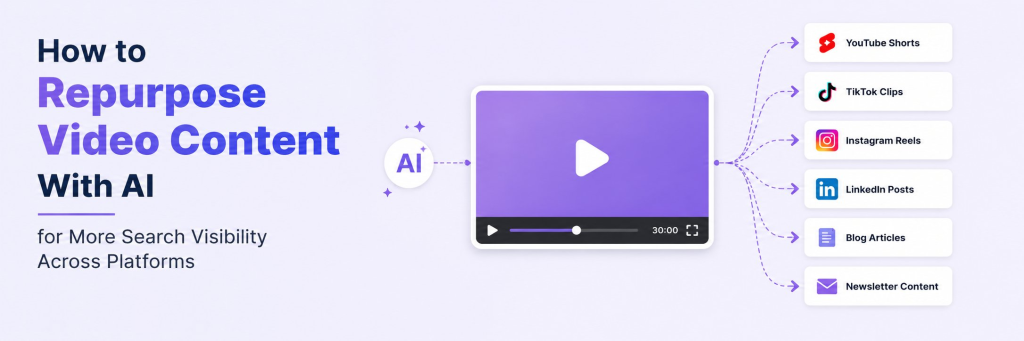
Instead of relying entirely on full episodes for growth, creators now repurpose one recording into multiple content formats:
- YouTube Shorts
- Reels
- TikTok clips
- Mid-length educational videos
- BTS snippets
- Platform-specific edits
But manually finding clips inside long-form videos is difficult to scale.
Reviewing hours of footage, identifying strong moments, adding captions, reframing videos vertically, and preparing clips for multiple platforms quickly becomes repetitive and time-consuming.
This is one of the biggest reasons AI clipping tools have become part of modern creator workflows.
Instead of manually editing every clip, creators increasingly use AI to:
- Detect high-retention moments
- Identify emotional or engaging segments
- Generate captions automatically
- Convert horizontal videos into vertical Shorts
- Prepare content for YouTube Shorts, TikTok, and Reels faster
Why Manual Clipping Became Difficult
As Shorts became a major discovery channel, creators started repurposing every long-form video into multiple short-form assets.
But manually reviewing hours of footage and preparing clips for multiple platforms quickly became difficult to scale, costing time and money.
Creators now need to:
- Find engaging moments from long videos.
- Add captions manually.
- Resize videos vertically.
- Maintain fast pacing for Shorts feeds.
- Export clips for multiple platforms.
This is why many creators now use AI clipping tools to automatically identify strong moments, generate Shorts faster, and streamline distribution across YouTube Shorts, Reels, and TikTok.
How to Turn Long Videos Into YouTube Shorts Using AI?
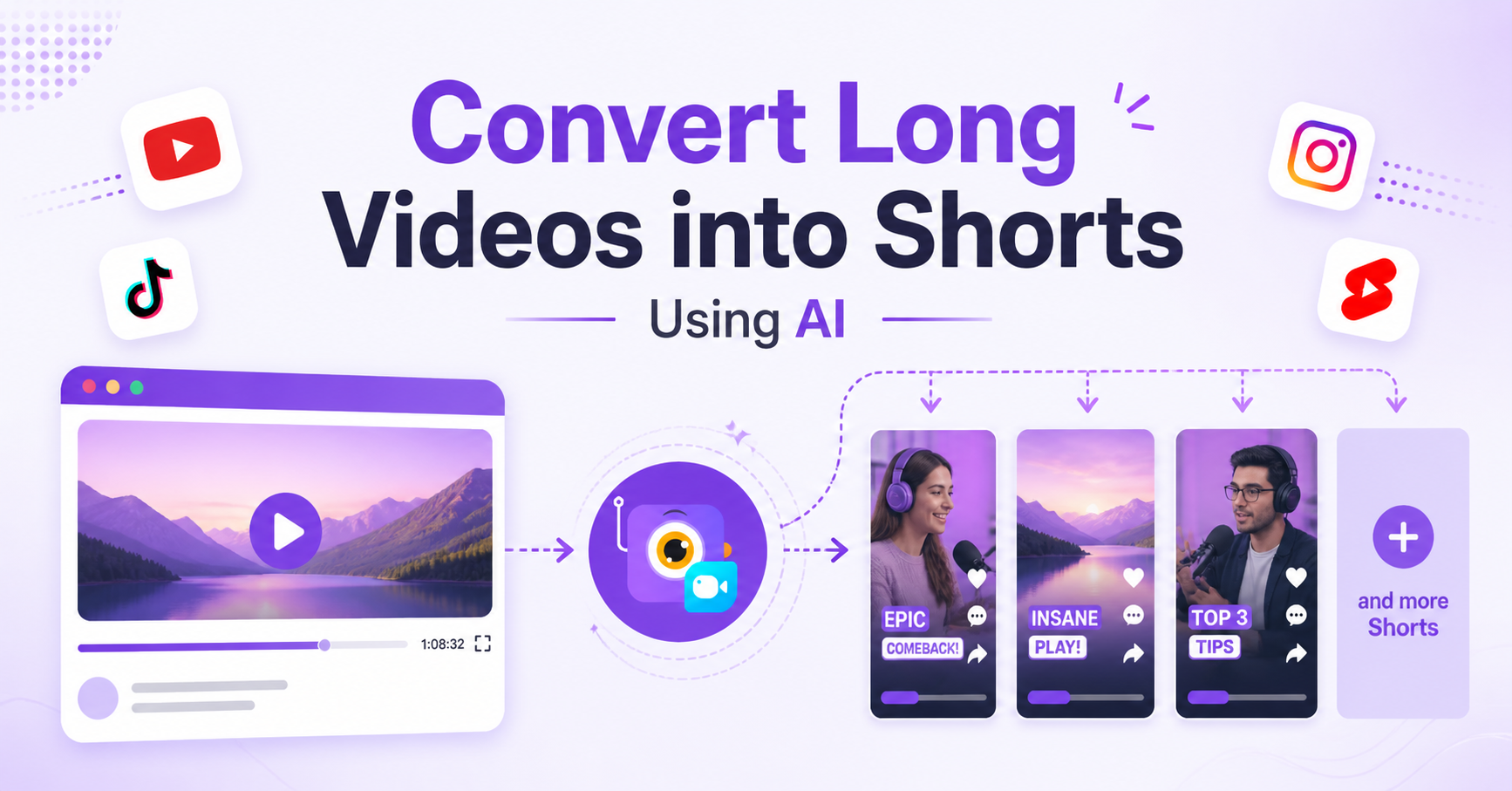
Modern AI clipping tools simplify the entire Shorts workflow by automatically identifying strong moments, formatting clips vertically, and preparing them for social distribution. Here’s what the workflow typically looks like using Vmaker AI.
Step 1: Upload Your Long-Form Video
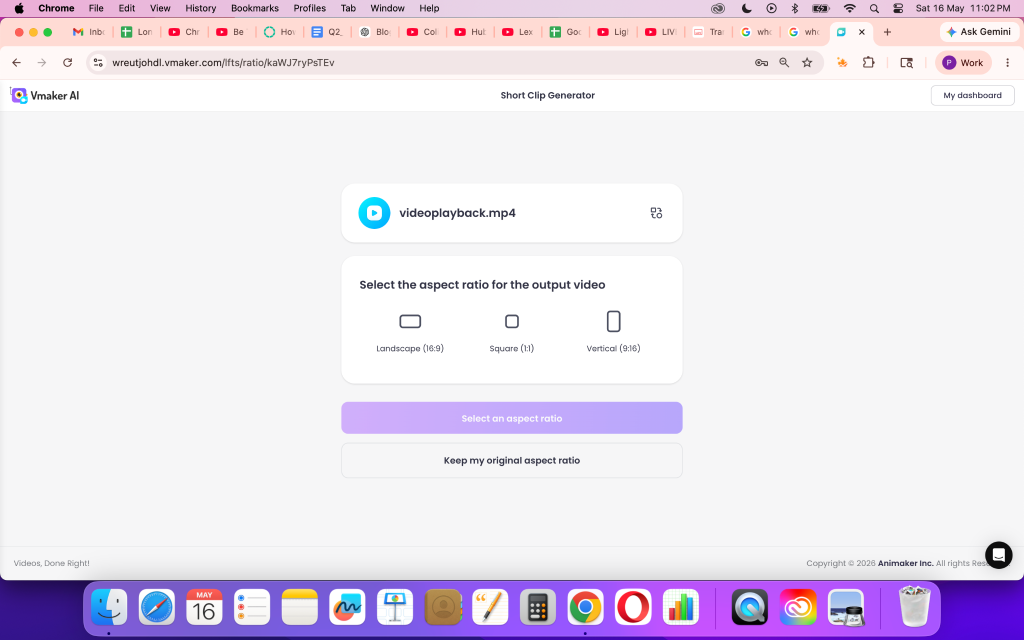
Log into Vmaker AI and upload your podcast, interview, webinar, gaming video, educational content, or any long-form recording.
Instead of reviewing the entire video manually, the AI begins analyzing conversational flow, engagement patterns, and speaking moments automatically.
Step 2: Choose the Format and Clip Length
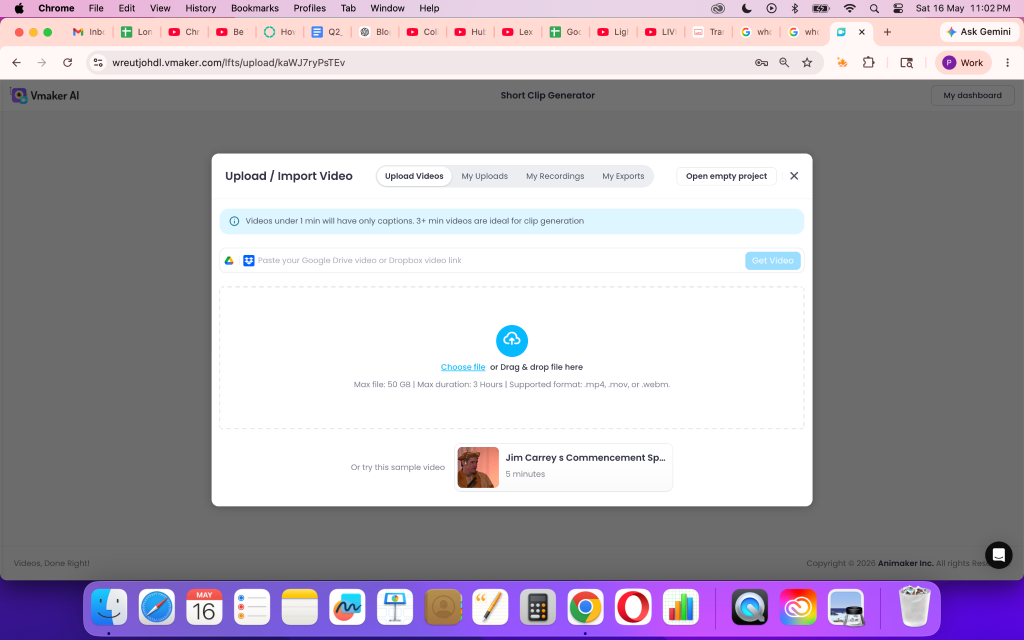
Select the platform format depending on where you want to publish:
- YouTube Shorts
- Instagram Reels
- TikTok
You can also choose the clip duration and aspect ratio based on your content strategy.
Step 3: Let the AI Detect High-Retention Moments
This is where AI clipping tools significantly reduce manual work.
Instead of searching through hours of footage, the AI identifies moments more likely to perform well inside fast-scrolling Shorts feeds.
Strong Shorts usually include:
- Sharp hooks
- Emotional reactions
- Fast context delivery
- Valuable insights
- Intense conversational moments
- Curiosity-driven statements
For podcasts and interviews especially, these moments often create stronger viewer retention because they interrupt scrolling behavior quickly.
Vmaker AI analyzes emotions, facial expressions, pacing, and conversational context to generate clips optimized for short-form discovery.
Step 4: Generate Captions and Vertical Shorts Automatically
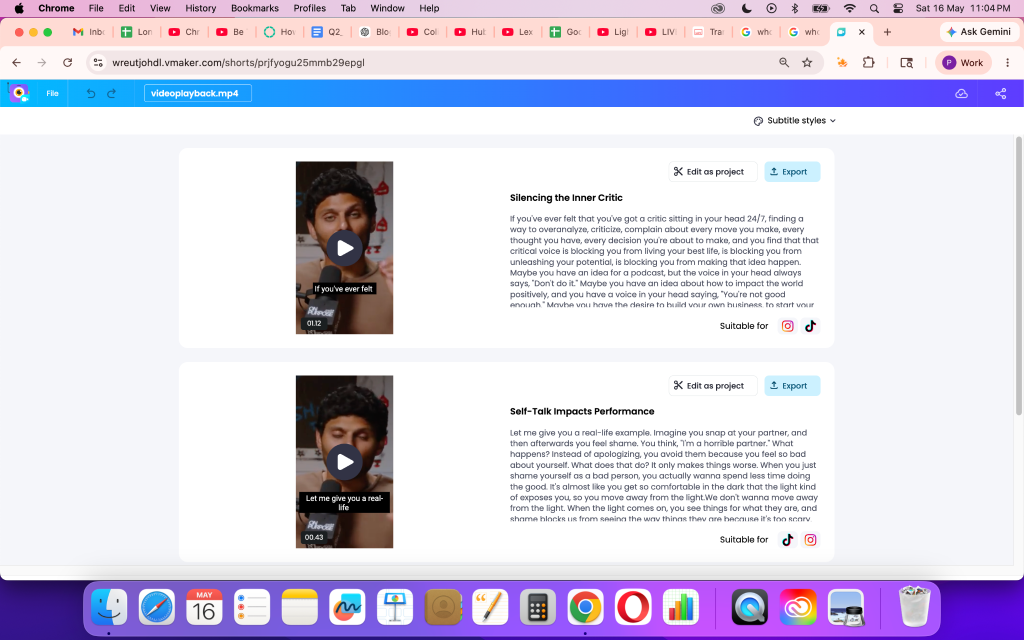
Once the clips are selected, the AI automatically:
- Adds captions
- Reframes horizontal videos vertically
- Adjusts layouts for Shorts feeds
- Optimizes clips for mobile viewing
This removes a major editing bottleneck for creators producing content consistently.
Step 5: Edit or Export Directly to Social Platforms
After the clips are generated, you can either:
- Export immediately
- Fine-tune clips inside the AI video editor
- Publish directly to YouTube Shorts, Instagram, or TikTok
This creates a much faster repurposing workflow compared to manually clipping and editing every Short individually.
How Top Creators Use Shorts for Discovery
The workflow itself is only one part of the strategy. What actually determines whether a Short performs well is the type of moment being isolated from the long-form video.
The biggest creators understand that Shorts are not random cutdowns. They intentionally extract moments that create curiosity, emotional engagement, fast learning, or strong viewer retention within the first few seconds.
That is one of the biggest reasons podcast creators, educators, and creator-focused channels have become highly effective at using Shorts for discovery.
Different creators use Shorts differently depending on their audience, content format, and retention strategy. They isolate specific moments designed to pull viewers deeper into the larger content ecosystem.
Chris Williamson Uses High-Retention Hooks for Discovery
Chris Williamson’s Shorts work because they immediately create curiosity within the first few seconds. Instead of clipping random podcast moments, Modern Wisdom isolates emotionally intense conversations, controversial opinions, and philosophical debates that retain attention quickly and encourage viewers to continue into the full episode.
Why the strategy works:
- Strong opening hooks
- Emotional intensity
- Curiosity-driven conversations
- High retention within first few seconds
Full Episode:
Example Short: https://youtube.com/shorts/8SLSiRj2R6E?si=IezKVoCkdiuNPKCX
Huberman Lab Uses Informative Curiosity Loops
Huberman Lab turns complex neuroscience discussions into fast-learning Shorts that still feel emotionally engaging. Instead of relying on viral reactions, the clips focus on actionable insights, scientific explanations, and curiosity-driven educational moments that make viewers want deeper context from the full episode.
Why the strategy works:
- High information density
- Educational curiosity
- Fast value delivery
- Clips work independently from full episode context
Full Episode:
Example Short 1: Watch the Short
Example Short 2: Watch the Short
Colin & Samir Use BTS and Creator Debates to Drive Viewers Into Full Episodes
Colin & Samir use Shorts as creator-economy discovery funnels. Their clips often combine behind-the-scenes podcast moments, creator debates, and platform discussions that create familiarity and curiosity around the larger interview.
Why the strategy works:
- BTS-style authenticity
- Creator-economy curiosity
- Debate-driven retention
- Shorts push viewers toward the full conversation
Example Short 1: Watch the Short
BTS Example Short: Watch the BTS Short
Why AI Clipping Tools Became Essential for Modern Creator Workflows?
As more creators started using Shorts as discovery assets instead of leftover content, repurposing workflows also became significantly more demanding.
A single podcast episode can now generate:
- Multiple Shorts
- Reels
- TikTok clips
- Mid-length educational videos
- BTS content
- Platform-specific edits
But manually identifying strong moments, formatting clips vertically, adding captions, and preparing content for different platforms becomes difficult to maintain consistently at scale.
This is one of the biggest reasons AI clipping tools became part of modern creator operations.
Instead of treating Shorts as post-production extras, creators now build AI-assisted clipping directly into their publishing workflow to speed up distribution and increase content output from a single recording.
Popular AI Tools for Repurposing Long Videos Into Shorts
| Tool | Best For | Strength |
|---|---|---|
| Vmaker AI | Fast long-form repurposing | AI identifies context-rich clips quickly while supporting editing, captions, and export in one workflow. |
| Opus Clip | Viral-style clipping | Strong at identifying high-retention social moments optimized for Shorts feeds. |
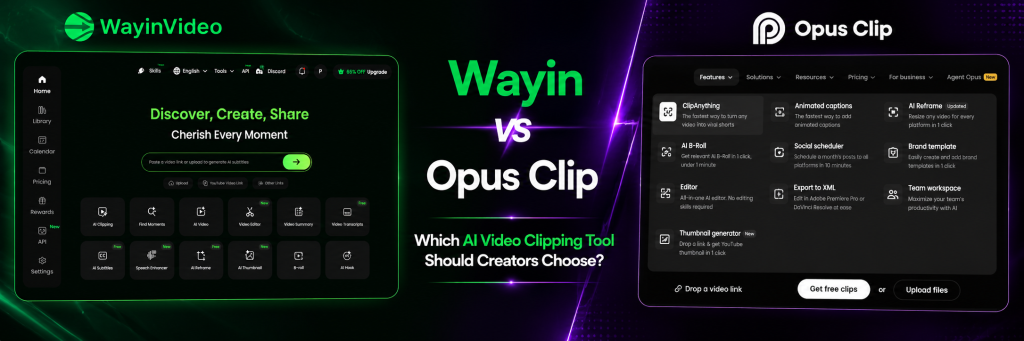
| Wayin | AI-powered short-form repurposing | Focuses on converting long-form videos into social-ready clips with automated captions and reframing. |
| Vizard AI | Podcast and interview clipping | Automatically detects conversational highlights and generates platform-ready Shorts quickly. |
Conclusion
The biggest shift in modern creator workflows is not that Shorts became popular. It’s that long-form content no longer depends entirely on the full episode for discovery.
Creators like Chris Williamson, Huberman Lab, and Colin & Samir now treat a single conversation as expandable content inventory. One podcast can generate multiple discovery surfaces across Shorts, mid-length clips, BTS content, Reels, TikTok, and long-form recommendations simultaneously.
That fundamentally changes how content scales.
Instead of creating separate content for every platform, creators increasingly extract multiple formats from the same recording, allowing one episode to continuously re-enter recommendation systems long after publishing.
And as this multi-format distribution model becomes standard, AI clipping tools are becoming less about convenience and more about managing content scale efficiently across modern creator ecosystems.