Contents
Quick Picks: Which AI Video Generator Fits Which Job
Top AI Video Generators in 2025
The Future of AI Video Generation: Three Clear Directions
Tips on How to Choose the Right AI Video Generator in 2025
Best AI Video Generators in 2025: A Practical Comparison for Real Business Use Cases
AI video generators are no longer experimental tools. In 2025, they're actively used by marketing teams, L&D departments, founders, and creators to produce training videos, social content, product explainers, and avatar-led presentations at scale.
But "best AI video generator" is a misleading phrase.
There is no single best tool. There are only tools that are best for a specific job.
Some are built for corporate training. Some are optimized for social speed. Some specialize in AI avatars. And some focus on turning documents and scripts into videos.
This guide is built for people who don't want a feature dump, but they want to choose the tool correctly to get their job done.
In this comparison, I break down the most widely used AI video generators based on:
- What they're actually good at.
- Where they break down.
- Who should and should not use them.
So instead of scrolling through generic lists, you can match the right tool to your real workflow.
Quick Picks: Which AI Video Generator Fits Which Job
- Best all-in-one AI video generator for training and business workflows: Vmaker AI
- Best for corporate training avatars: Synthesia
- Best for fast avatar-led and multilingual videos: HeyGen
- Best for turning scripts and blogs into videos: Pictory
- Best for creative and cinematic experimentation: Runway
- Best for creators editing video-first workflows: Descript
- Best for social marketing videos: InVideo / Lumen5
Top AI Video Generators in 2025
1. Vmaker AI: All-in-One AI Video Generation for Training Purposes
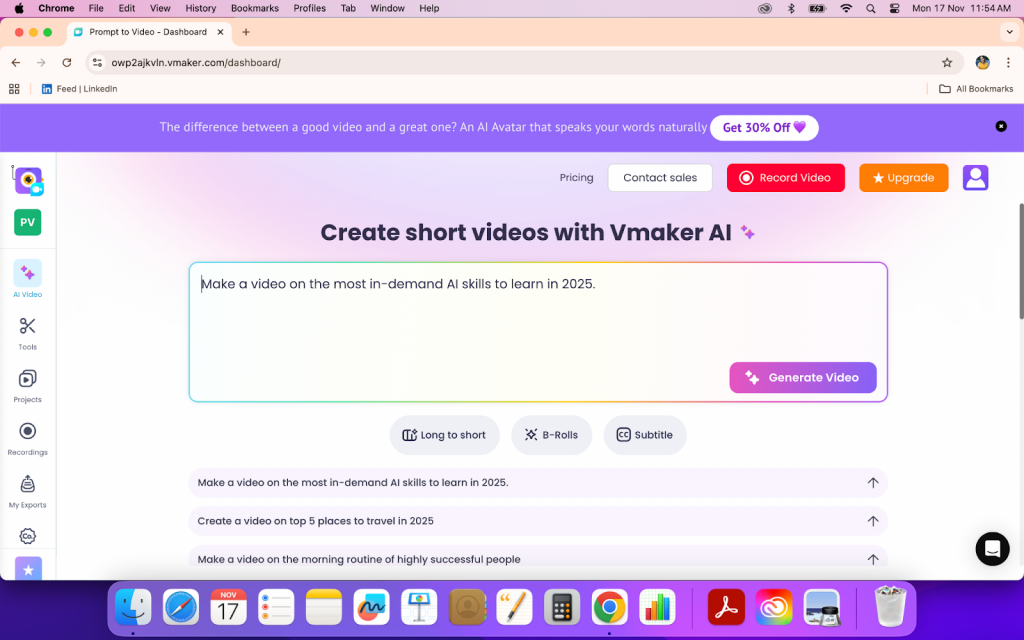
Vmaker is built around one idea: most teams don't need another flashy generator. They need a system that turns knowledge into video and keeps everything in one place.
Instead of specializing in only AI avatars or only generation, Vmaker combines document-to-video, script-to-video, URL-to-video, AI avatars, and editing into a single workflow. That makes it particularly relevant for training teams, product teams, and businesses producing video at scale.
Where Vmaker Performs Best
Vmaker shows itself in structured, repeatable workflows, turning documents into training videos, converting help articles into visual content, building onboarding libraries, and producing consistent internal or educational videos without stitching together multiple tools.
Where It Breaks Down
Vmaker is not built for experimental cinema or AI art films. Teams looking primarily for visual cinematic spectacles will find more depth in tools like Runway.
Best only if…
You are producing business videos regularly and want one system that covers generation, avatars, and editing instead of juggling disconnected tools.
Don't use this if…
Your main goal is artistic experimentation or highly cinematic storytelling.
2. Synthesia: AI Video Generator for Corporate Training and Internal Communication
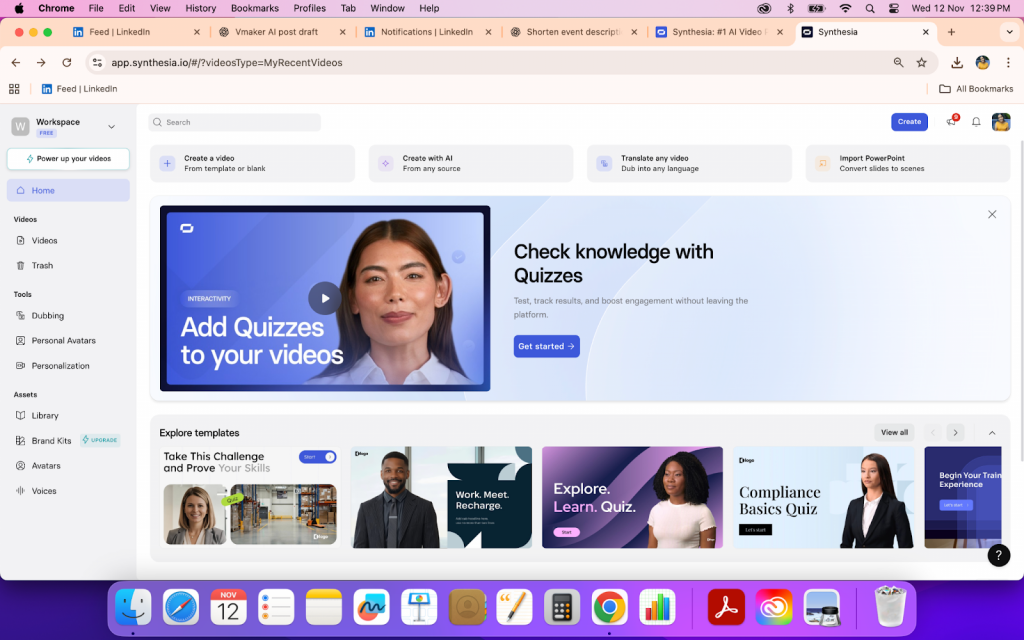
Synthesia is primarily built around AI avatar videos for structured communication. It's widely adopted in corporate environments for training, onboarding, product walkthroughs, and internal updates.
Where Synthesia Performs Best
Synthesia works well when the goal is to produce consistent, professional-looking avatar videos without cameras, studios, or presenters. It's commonly used for training modules, HR communication, compliance videos, and internal documentation.
Where It Breaks Down
Creative flexibility is limited. You are mostly working within presentation-style formats. It's not built for storytelling, social-first content, or cinematic visuals.
Best only if…
You need repeatable, scalable avatar-based videos for internal or educational use cases.
Don't use this if…
You want creative scene control, expressive performances, or marketing-style storytelling.
3. HeyGen: AI Video Generator for Fast Avatar-Led and Multilingual Content
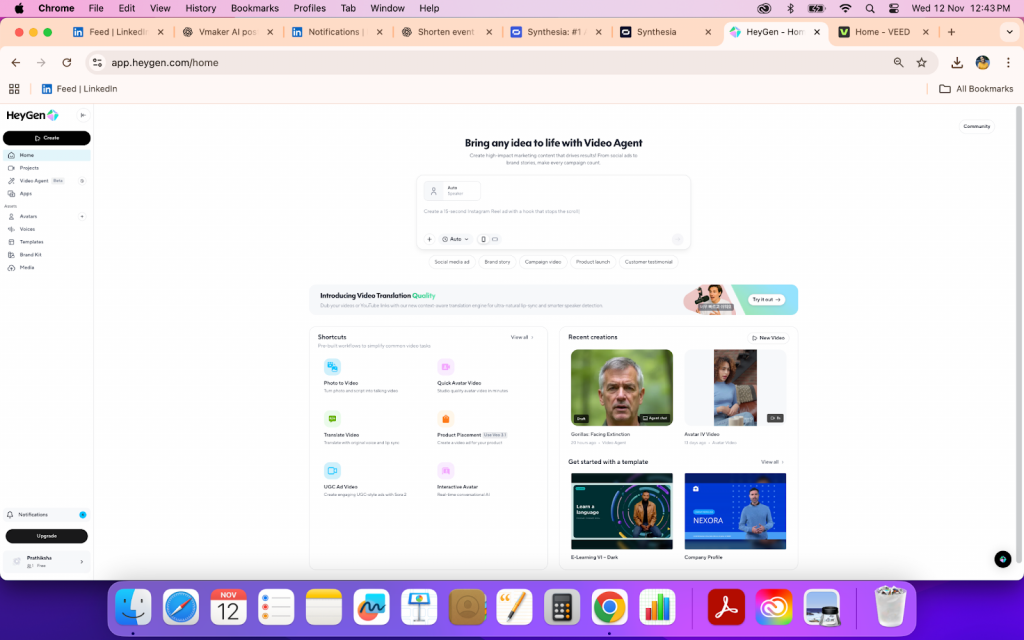
HeyGen focuses heavily on AI avatars, personalization, and quick-turn videos. It's often used by marketers, founders, and teams producing frequent short videos.
Where HeyGen Performs Best
HeyGen is effective for spokesperson videos, multilingual versions of the same content, quick marketing videos, and lightweight explainers. Speed and accessibility are its strengths.
Where It Breaks Down
Long-form storytelling, complex visual narratives, and deep editing control are limited. Emotional range and cinematic structure are not its focus.
Best only if…
Your priority is speed, volume, and avatar-based delivery over creative depth.
Don't use this if…
You need nuanced storytelling, strong visual direction, or highly customized production.
4. Pictory: AI Video Generator for Turning Scripts and Blogs into Videos
Pictory is built around converting text-based content into videos. It's commonly used to repurpose blogs, articles, and scripts into visual formats.
Where Pictory Performs Best
Pictory works well for marketing teams, content teams, and educators who want to quickly turn long-form text into short videos, summaries, or visual explainers.
Where It Breaks Down
You are largely dependent on stock-style visuals and templated structures. It's not built for original cinematic production or advanced motion control.
Best only if…
Your workflow starts from text and your priority is speed over originality.
Don't use this if…
You need precise creative direction, custom visuals, or advanced editing depth.
5. Runway: AI Video Generator for Creative and Experimental Workflows
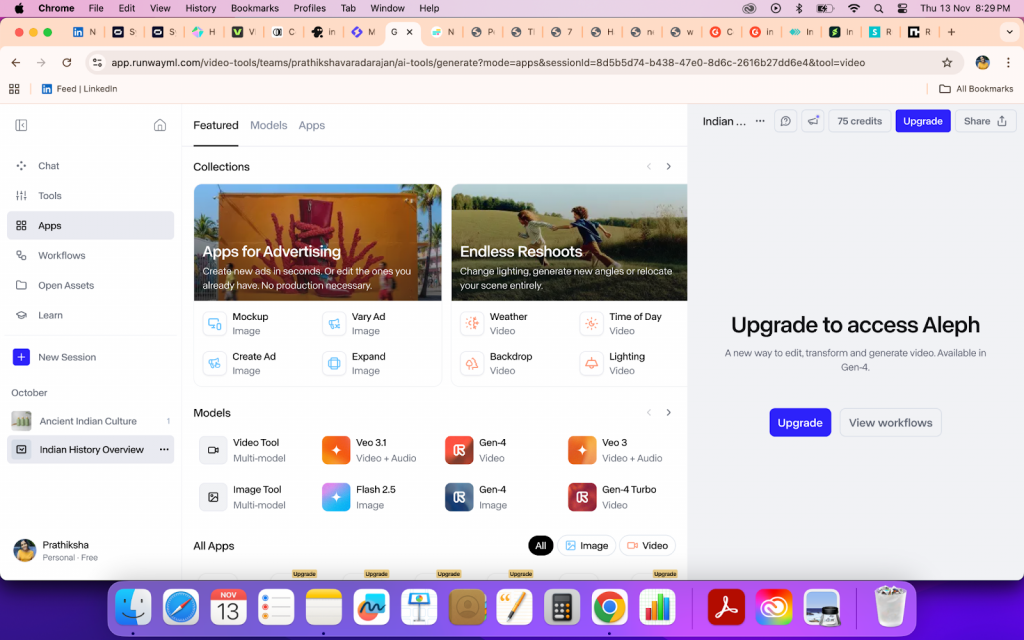
Runway sits in a different category. It's closer to a creative AI studio than a structured video generator. It's often used by designers, creators, and experimental teams.
Where Runway Performs Best
Runway excels at generative video, visual effects, background replacement, style experimentation, and creative exploration.
Where It Breaks Down
It is not optimized for training workflows, structured communication, or business video pipelines. There is also a higher learning curve.
Best only if…
You are exploring creative AI video, experimental content, or cinematic concepts.
Don't use this if…
You need repeatable, business-oriented video production.
6. Descript: AI-Powered Video Platform for Creators and Editors
Descript is primarily an editing-first platform enhanced by AI. It's widely used by podcasters, YouTubers, and creators who work with recorded footage.
Where Descript Performs Best
Descript is strong for editing spoken content, repurposing videos, removing filler words, overdubbing voice, and managing content-heavy workflows.
Where It Breaks Down
It is not designed for generating full videos from prompts or documents. Visual generation is limited.
Best only if…
Your workflow starts with recorded video or audio.
Don't use this if…
You need an AI-first video creation system.
7. InVideo / Lumen5: Best AI Video Generators for Marketing and Social Content
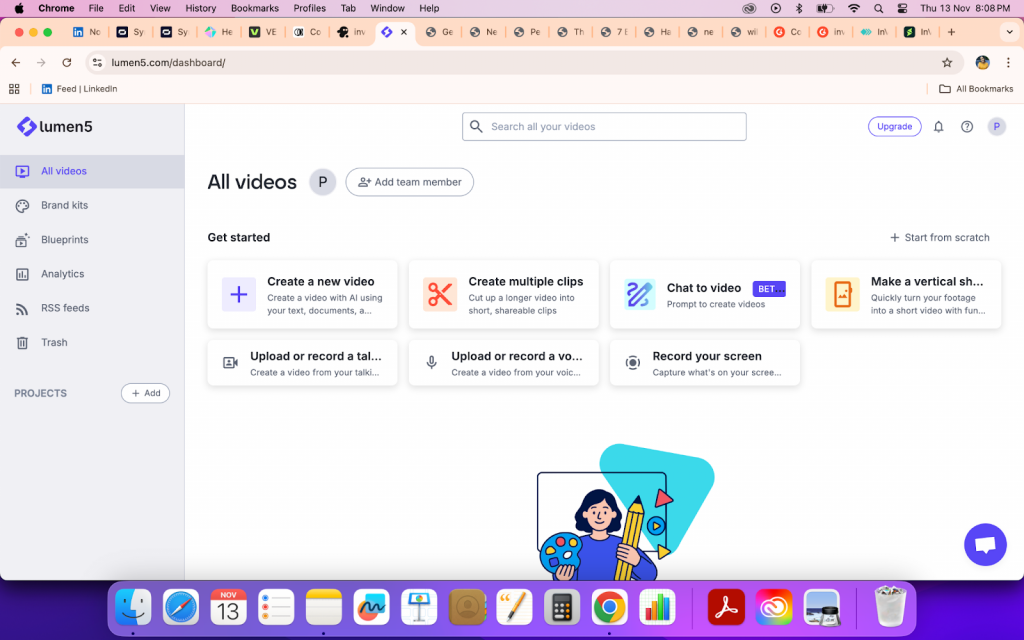
Platforms like InVideo and Lumen5 focus on template-driven marketing videos and social media production.
Where They Perform Best
They are useful for creating social ads, promo videos, short explainers, and brand content quickly.
Where They Break Down
Depth, customization, and originality are limited. Many outputs look templated.
Best only if…
You need fast, repeatable marketing videos at scale.
Don't use this if…
Your brand depends heavily on unique creative identity.
8. Colossyan: AI Video Generator for Structured Corporate Training Videos
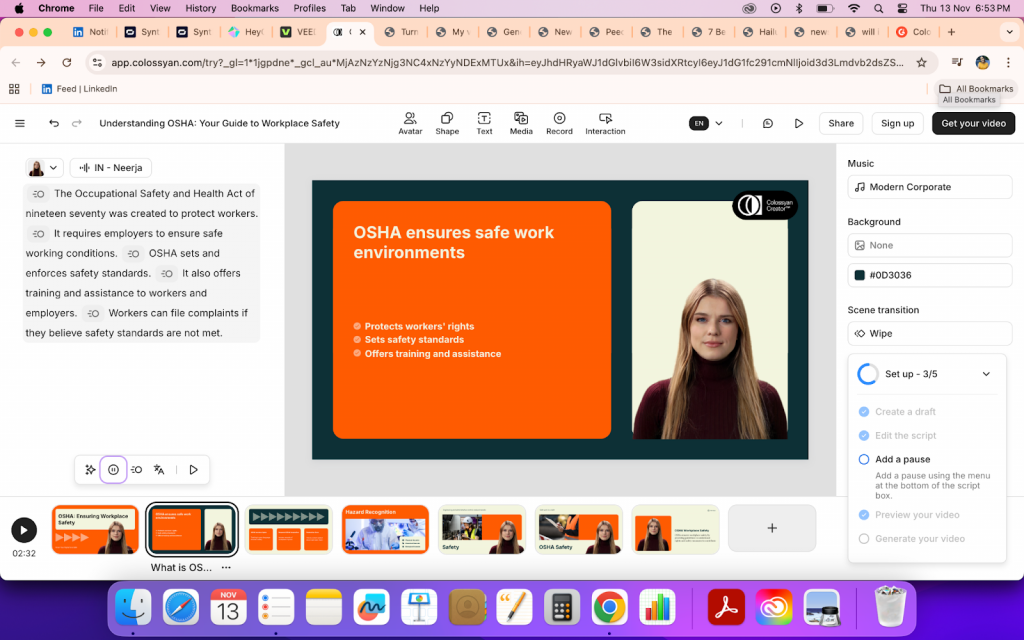
Colossyan is designed primarily for corporate training, onboarding, and internal communication. Its workflow is centered around turning scripts and documents into clean, presenter-style videos using realistic AI avatars.
Unlike broader platforms that mix editing, generation, and content repurposing, Colossyan stays focused on making structured training content easier to produce.
Where Colossyan Performs Best
Colossyan works well when teams need formal, consistent training videos: onboarding modules, compliance lessons, product walkthroughs, and internal announcements. Its templates and scene-based editor make it easy to organize information clearly.
Where It Breaks Down
Colossyan is less flexible for creators or teams who want to repurpose content, edit heavily, or manage varied video formats in one workspace. It is built for training videos, not end-to-end content systems.
Best only if…
Your main need is producing structured corporate or educational training videos with avatars.
Don't use this if…
You want one tool to handle generation, editing, content repurposing, and multi-format video workflows.
The Future of AI Video Generation: Three Clear Directions
| Direction | What's Changing | What This Means for Teams |
|---|---|---|
| Deeper integration into business workflows | AI video tools are embedding themselves into training systems, documentation pipelines, onboarding flows, and knowledge bases. Video is becoming part of how companies operate, not a separate creative task. | Teams will choose platforms that support repeatable production: document-to-video, collaboration, versioning, and content libraries. Workflow fit will matter more than flashy outputs. |
| Better visual realism and control | Avatars are becoming more expressive, scenes more consistent, and motion more natural. At the same time, users are getting finer control over pacing, emphasis, framing, and delivery. | The gap between "AI video" and "professionally produced video" will continue to shrink, making AI viable for customer-facing, educational, and branded content. |
| Tighter coupling between generation and editing | Generation is no longer a one-click output. Platforms are merging generation with editing, repurposing, and iteration in a single environment. | Teams will move away from tool-hopping. The winning platforms will let users generate, fix, localize, update, and repurpose videos without rebuilding from scratch. |
Tips on How to Choose the Right AI Video Generator in 2025
Tip 1: Define the job video is doing
Training, marketing, and creative workflows need fundamentally different tools.
Tip 2: Start from your real inputs
Choose platforms built for documents, footage, or prompts and not ones that force unnatural workflows.
Tip 3: Identify what cannot fail
Your decision should revolve around the one or two capabilities your videos depend on.
Tip 4: Decide if this is a tool or an operating system
Experimentation tools feel impressive. Operational systems remove friction at scale.
Final Thoughts
AI video generators have crossed out of novelty. They are becoming infrastructure.
The real question is no longer "what can this tool generate?" It is "what does this tool replace in my workflow?"
The right platform is the one that quietly absorbs the most work by turning documents into training videos, scaling internal communication, enabling teams to produce without depending on specialists.
If your use case involves structured communication, learning content, documentation workflows, or high-volume business video, your evaluation criteria should reflect that reality.
Choosing correctly at the start doesn't just save money. It saves months of tool switching, content migration, and broken processes.