YouTube Clip Maker
Paste a YouTube link or upload a video. The AI finds the best moments and makes captioned Shorts.

Trusted by 2M+ users: creators, marketers, educators, and businesses.



How to Clip a YouTube Video Online
Here's how to make a clip from a YouTube video in four simple steps. Most creators generate their first batch of clips in just a few minutes.

Step 1
Paste the YouTube Link
Drop any YouTube link straight into the YouTube clip maker, or upload from your device. No software to install, no downloading the entire video first.
Step 2
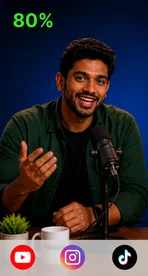
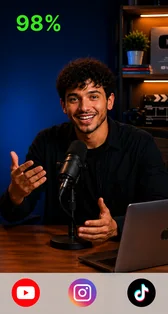
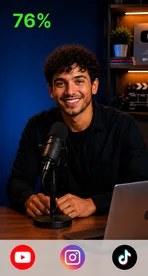
Let AI Find the Best Moments
The AI watches the whole video for you and pulls out the moments viewers stay for: punchlines, insights, quotable seconds. Prefer one best-of reel? The AI highlight video maker does that.
Step 3
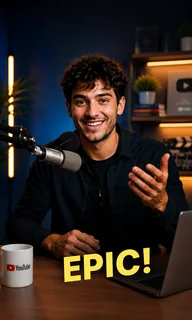
Preview, Edit if Needed
Your clips arrive ready to post: captions on, reframed, formatted. Happy with them? Publish. Want tweaks? Fine-tune the trim, layout, and text in the all-in-one AI video editor.
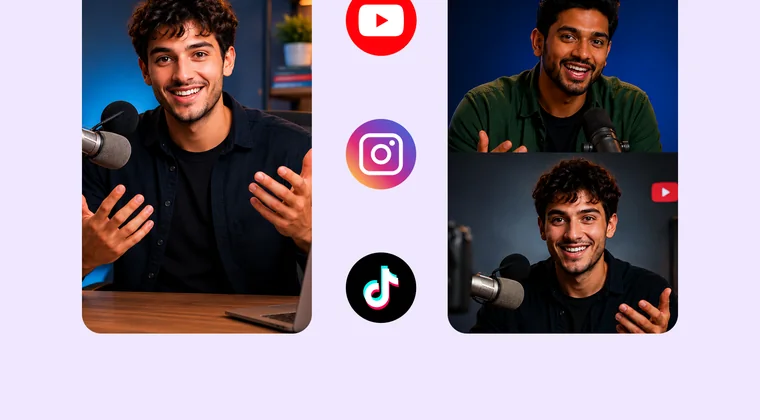 Download in HD
Step 4
Publish or Download
One click sends your clip straight to YouTube, or grab the HD file for anywhere else. Your project stays saved, so next week's clips are two minutes away.
What Is a YouTube Clip Maker?
A YouTube clip maker turns any long YouTube video into short clips which you can edit and publish anywhere. Instead of manually finding the right moments, you upload your YouTube link or file, and the AI identifies the story that is worth posting, creates multiple clips, and prepares them as ready-to-publish shorts.
YouTube's Clip Button vs Vmaker AI: What's the Difference?
YouTube's built-in Clip button lets you share a 5 to 60 second moment as a link inside YouTube. Vmaker AI creates downloadable video clips that you can edit, caption, resize, and publish as YouTube Shorts or anywhere else you post. The catch with the native route: no file and no editing.
Capability | YouTube Clip Button | Vmaker AI |
|---|---|---|
| Clip length | 5 to 60 seconds | Any length you set |
| Output | Shareable YouTube link | Downloadable video file |
| Editing | AI editing + built-in editor | |
| Vertical formats | Shorts, TikTok & Reels | |
| Captions | Auto captions in 75+ languages | |
| Works with content you own or license | Source video only | Uploads and links you have rights to |
| Best for | Sharing a moment | Repurposing content |
Everything You Need in a YouTube Clip Maker
Cutting a clip is only the first step. This online YouTube clip maker combines detection, editing, resizing, and localization in one workflow, so you don't need to switch between multiple tools.
AI Clip Detection
Find the moments worth sharing without manually scrubbing through hours of footage. This AI YouTube clip maker analyzes your video to identify hooks, questions, and key takeaways, and one 60-minute video typically yields 10 or more usable clips with natural start and end points.
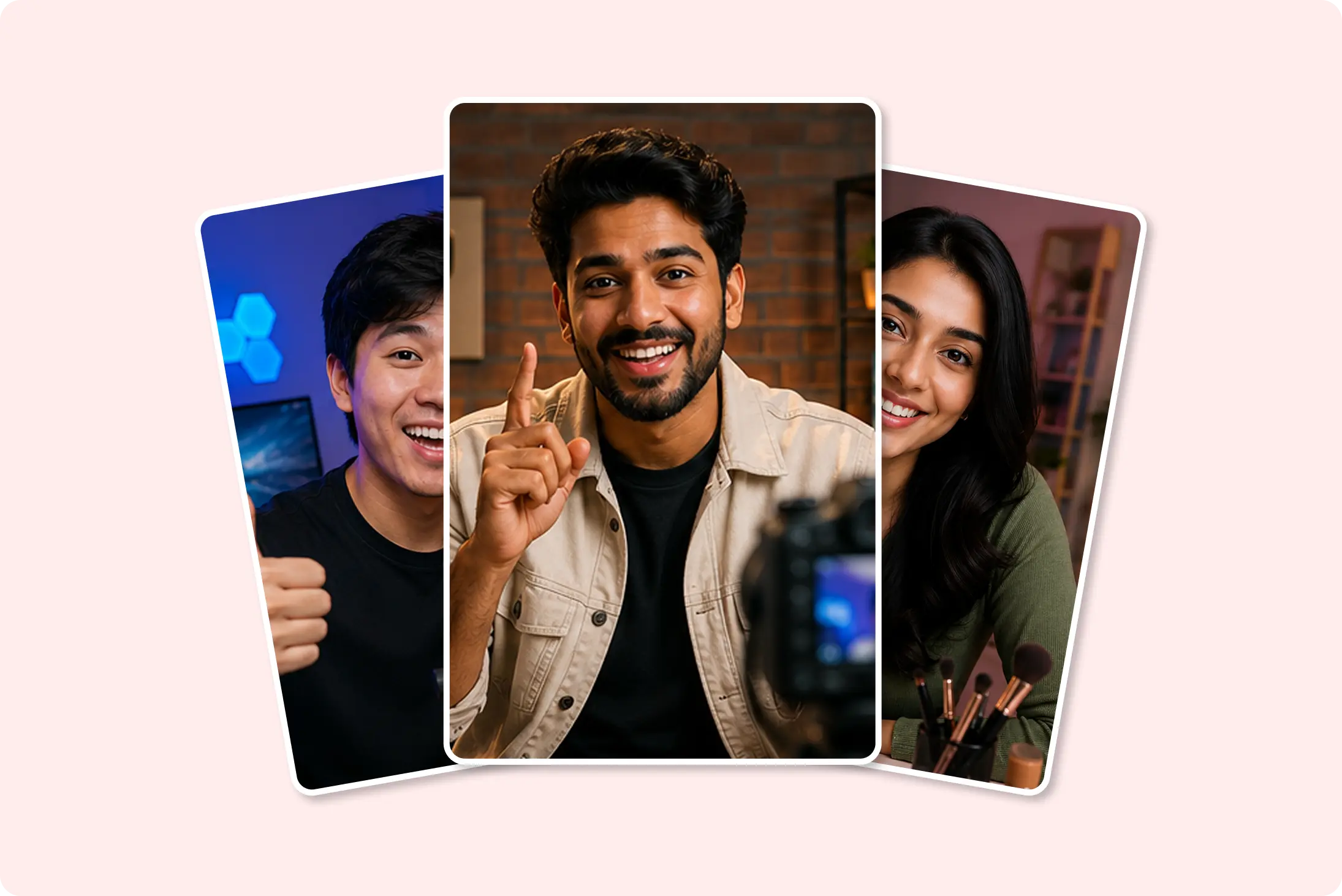
AI Reframe
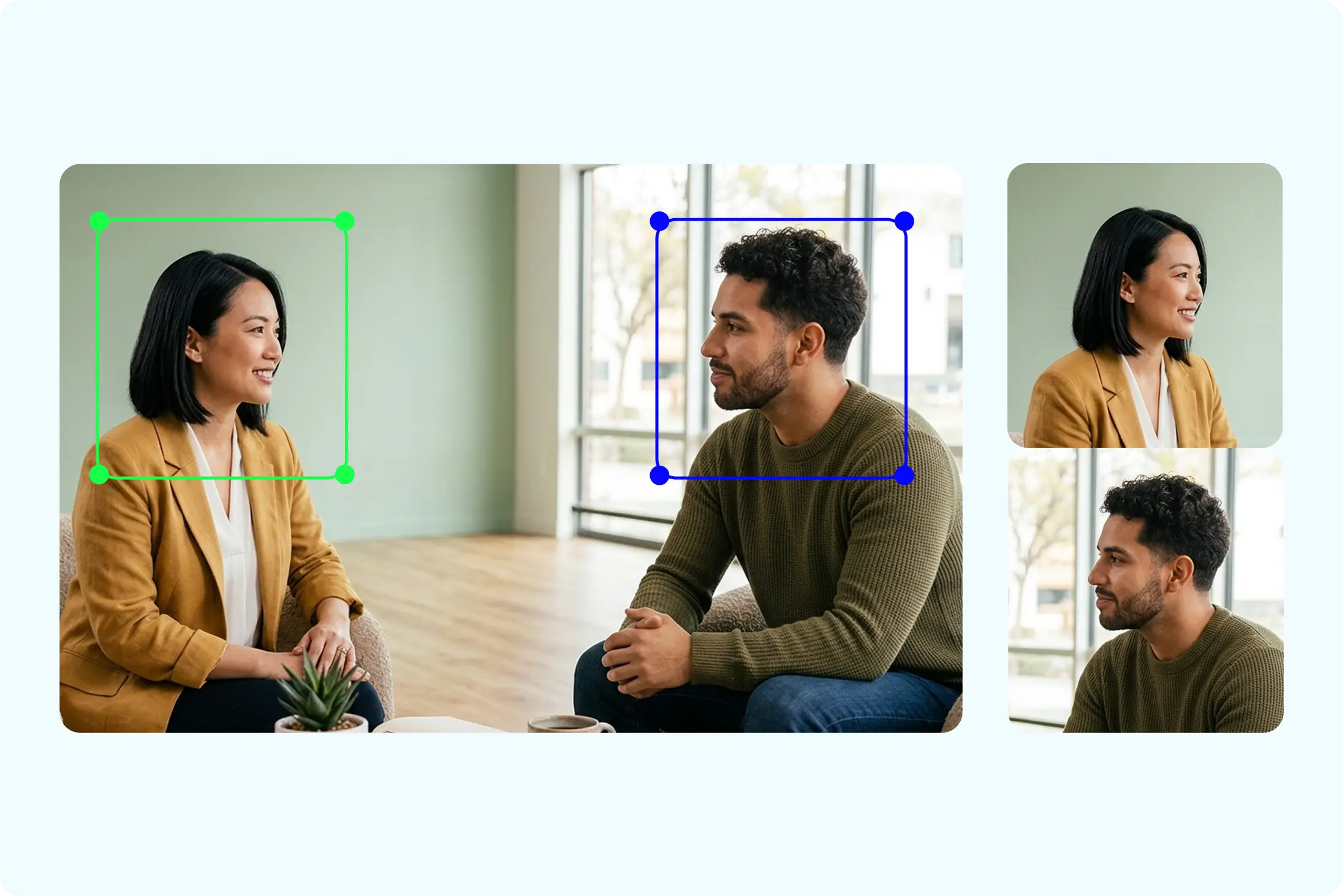
Turn landscape videos into vertical clips for Shorts, TikTok, and Reels. Smart reframe automatically keeps the speaker and important visuals in focus across different aspect ratios.
Auto-Caption Generation
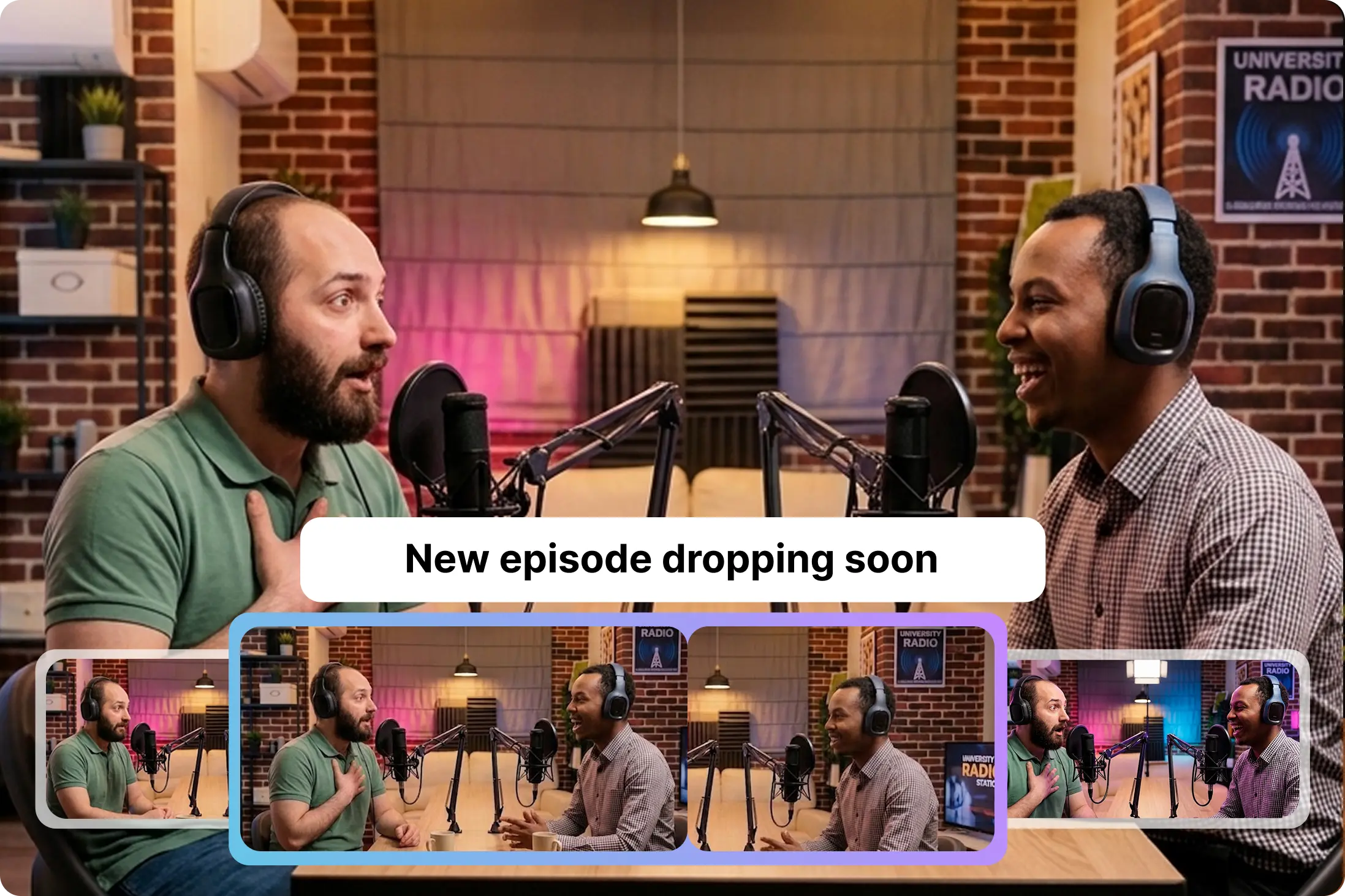
Make your clips easier to follow, even when viewers watch without sound. Generate captions in 75+ languages in one click and customize the text and style. Need the clip in another language entirely? AI dubbing covers 35+ languages.
See What You Get with Vmaker AI


How Vmaker AI Compares to Other YouTube Clip Makers
What Value | Vmaker AI $18 /month | Opus Clip $15 /month | Vizard AI $14.5 /month |
|---|---|---|---|
| Expression & Emotion Clipping | Tone, face, and reaction detection | ||
| Prompt-Based Clip Search |  | | |
| AI Dubbing | | ||
| Subtitle Translation | 120 mins/month | ||
| Upload Limit | 50 GB / 1000 minutes | ||
| Export Quality | 1080p | 1080p | 4K |
| Integration & Direct Publishing | Unlimited | Unlimited | 6 accounts |
Competitor pricing and feature availability verified on 29 July 2026 from each vendor's public pricing page. Plans change; check the vendor site for current details.
Built for Creators
Content Intelligence | Vmaker AI | Opus Clip | Vizard AI |
|---|---|---|---|
| Highlight & Peak Detection | Audio peaks aligned with visuals | Visuals with audio, clip anything | |
| Reaction & Laughter Detection | Emotion spike analysis | Sentiment & audio cues | Audio only |
| 16:9 to 9:16 AI Auto Reframe | Auto-tracks subjects precisely while moving | Yes, optimized for layouts | Auto resizes to any ratio |
| AI Dubbing | 35+ languages with lip-sync to go global | ||
| AI Generated Subtitles | 75+ global languages | Caption generation available | Limited free captions |
| In-built Editor | All-in-one: b-rolls, BGMs, intros, transitions | Not available on free plan | Full editor on free plan |
Who Clips YouTube Videos with Vmaker
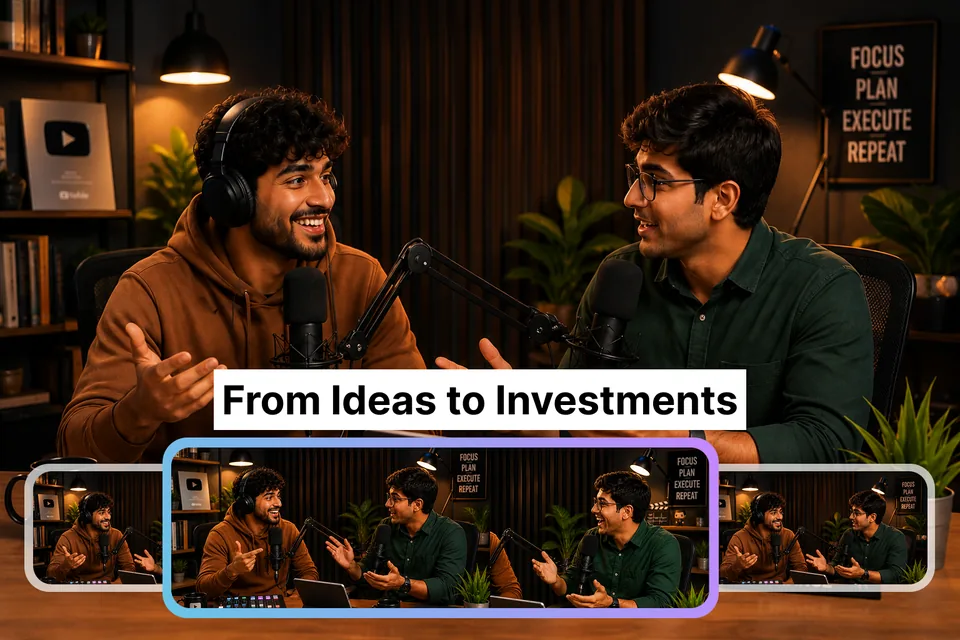
Podcasters
Cut full episodes into captioned clips for the week between releases. The AI pass surfaces the quotable moments so the editor is choosing between good options, not hunting for them.
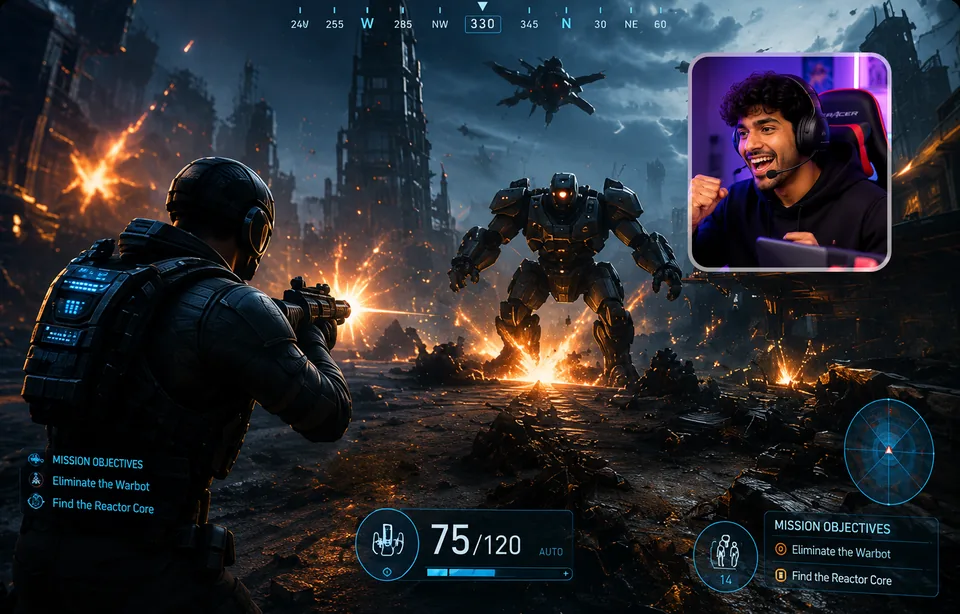
YouTubers and Streamers
Feed Shorts from long uploads and VODs. One upload becomes a batch of vertical clips that keep the channel active without new filming days.
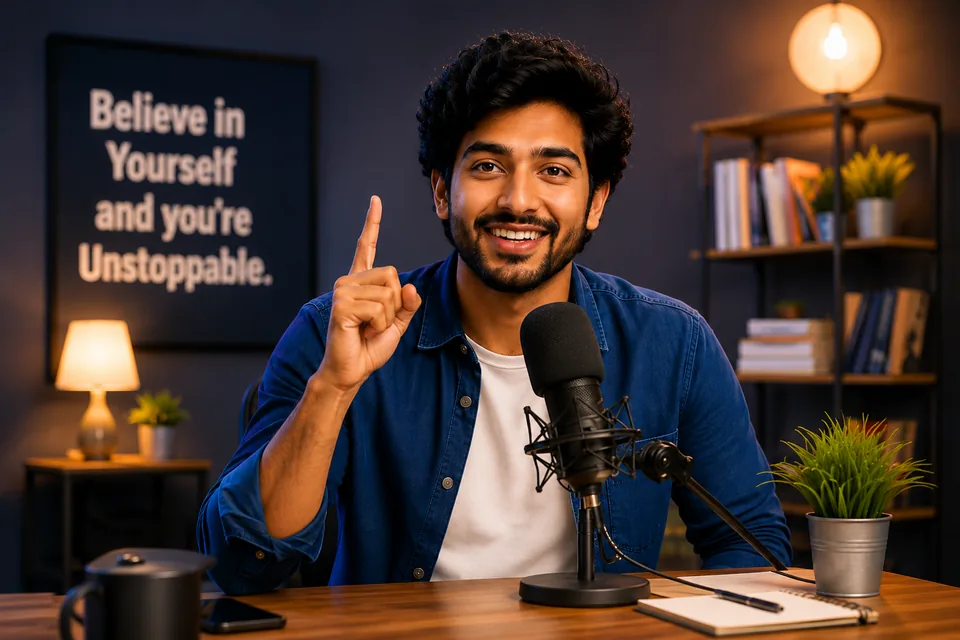
Educators and Trainers
Split lectures and webinar recordings into topic-wise clips, so students can find the five minutes they actually need.

Marketing Teams
Pull demo moments and customer quotes out of webinars for ads, landing pages, and social proof.
YouTube Clip Maker or YouTube Video Editor?
A YouTube clip maker cuts short segments out of an existing video, while a YouTube video editor builds the main video itself. Publishing a YouTube video doesn't have to be the end of your content: the YouTube video editor helps you create it, and the clip maker extends its reach by turning it into multiple short-form videos for every platform. Need both? Vmaker AI has you covered.
Loved by Creators Everywhere
YouTube Clip Maker FAQ
Paste the video's URL into Vmaker's YouTube clip maker, or upload the file. The AI splits the video into suggested clips. Pick one, trim the start and end points, add captions, and export. The whole flow runs in your browser, and a first clip usually takes under five minutes.
Yes. Vmaker's free plan lets you clip YouTube videos with no install and no card. Free exports include a small Vmaker watermark. Upgrade to any paid plan to export without a watermark. Plans are listed at vmaker.com/pricing.
YouTube's built-in Clip button is limited to 5 to 60 seconds and only creates a link that plays inside YouTube. In Vmaker there is no fixed limit: you set the start and end points, so a clip can be fifteen seconds for Shorts or several minutes for a lesson or highlight reel.
Only if you have the rights to use it. Clip your own uploads freely. For anyone else's content, get permission from the owner or stay within your country's fair use rules for commentary, review, or education. Vmaker gives you the tool; the usage rights are your responsibility.
No. Vmaker runs in the browser. Paste a YouTube link or upload your file, edit in the cloud, and export only the finished clips to your device. Nothing to install, and your projects stay saved in your workspace.
Yes. The AI scans the full video and generates a batch of clips in one pass, each with its own hook and caption track. For long podcasts, webinars, and streams, the long video to short video tool produces a week's worth of shorts from a single upload.
Yes. Resize any clip to 9:16 in one click and the smart reframe keeps faces centered. Add auto captions, since most viewers watch short-form video with the sound off, then publish to YouTube or export in HD. The 9:16 format plays cleanly on any other vertical platform too.
Yes. Vmaker auto-generates subtitles in 75+ languages, and you can edit the text, font, and colors before export. If you need the clip in another language entirely, AI dubbing covers 35+ languages.
Not with YouTube's native Clip feature. A native clip inherits the visibility of its source video and cannot be made private on its own. A clip you make with Vmaker is your own video file, so you decide where it lives and who sees it.
A YouTube clip maker is built around YouTube links and Shorts output, so it handles the paste-a-link workflow and publishes straight back to YouTube. A general AI clip maker works across any source, including Zoom, Twitch, and local uploads. Both use the same underlying Vmaker AI engine.
Explore More Video Tools
AI Video Editing Tool
AI Video Generator
AI Subtitle Generator
AI B-Roll Generator
Text to Video AI
Audio to Video AI
Long to Short Video AI
AI Video Background Remover
AI Highlight Video Maker
AI Video Dubbing
AI Document to Video
PDF to Video
PPT to Video
YouTube Video Editor
Script to Video AI
AI Reel Generator
AI Clip Maker
Video Enhancer AI
Repurpose Video AI
Podcast Clip Generator