Free AI Video Generator
Turn Ideas into Human-Like AI Videos in Over 120 Languages
Our AI video generator transforms your text, presentation, video, or audio into high-quality AI videos with voices, music, and subtitles in minutes. Create personalized videos with AI for free!

Vmaker AI wins AI Startup of the Year Award!
Learn More
How to turn your ideas into videos with our AI Video Generator
Text to AI Human
Avatar Videos
- Step 1:
Generate the script for your video with a prompt or type your own script. - Step 2:
Select the AI Avatar and voice that suits your video. - Step 3:
Click on the Generate button to have the AI Avatar Video generated within a full blown video editor.

Audio to AI Human
Avatar Videos
- Step 1:
Upload your audio file to Vmaker AI. - Step 2:
Select the Avatar from a library of 100+ characters that best suit your video - Step 3:
Click on the Generate button to get the AI human avatar video with your audio perfectly lip synced!

Presentation to AI
Avatar
based Training Videos
- Step 1:
Upload your Training presentation to Vmaker AI to generate the script for the video. - Step 2:
Finalize your video script and select your favorite AI human avatar for the video - Step 3:
Click on the Generate button to witness an AI instructor-led training video.

Screen Recording to AI
Avatar based Product Demos
- Step 1:
Upload your screen recording video (with voiceover) to Vmaker AI. - Step 2:
Select the AI avatar that you want to generate on top of your screen recording - Step 3:
Click on the "Generate" button to generate AI avatar based product demos.

100+ AI Avatars, 15+ Ethnicities, 120+ Human-like Voices, and Much More
Vmaker AI brings you everything you need to create AI videos. Vmaker AI's video generator is realistic and human-like avatars will make your videos amazing!
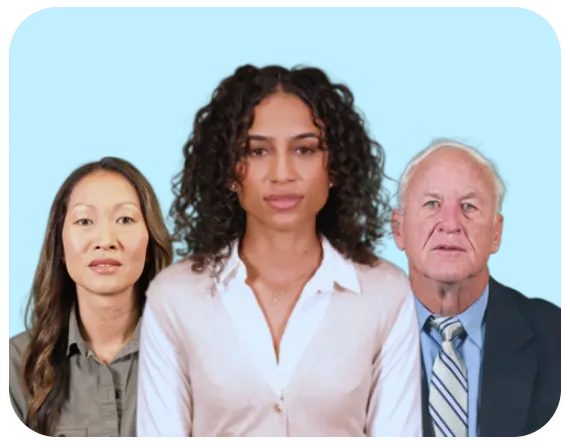
100+ AI Avatars
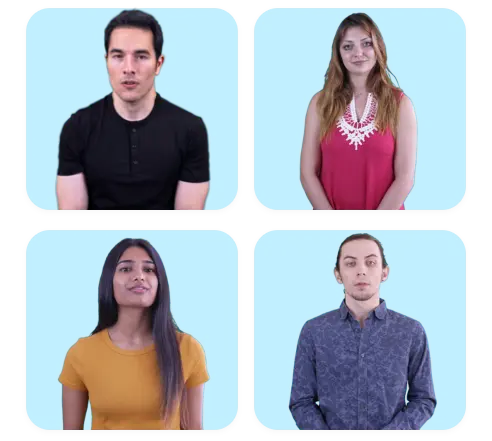
15+ Ethnicities
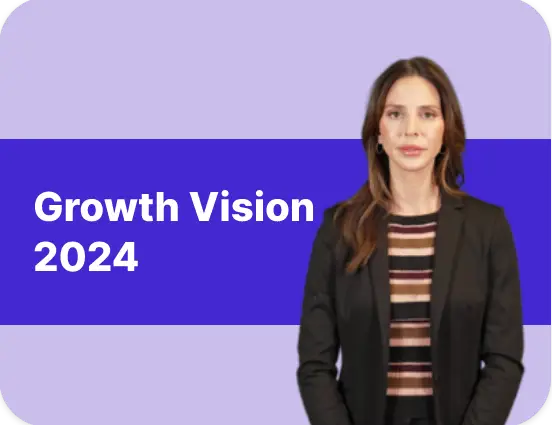
50+ L&D Templates
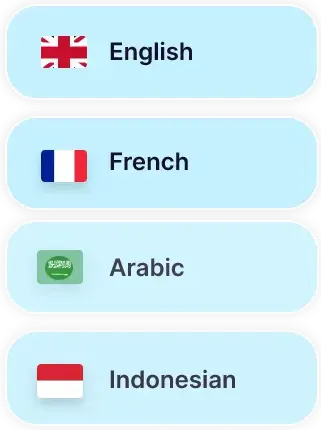
120+ Languages
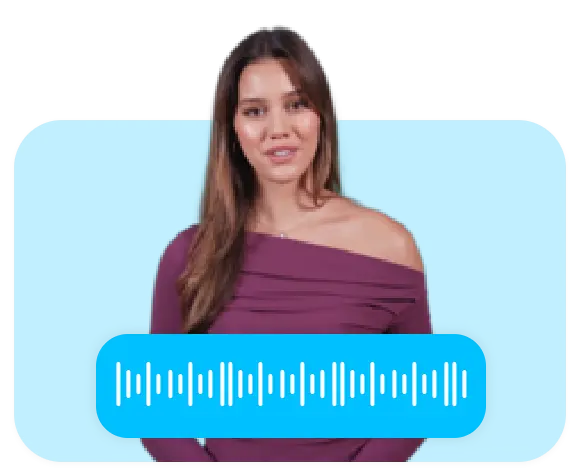
Custom Avatar + Voice
Tired of Shooting Videos Yourself? Try Vmaker AI Video Generator Instead!
No Camera or Microphone Needed
With our AI Video Generator, you can convert your texts into video in 2 minutes or less. Enter your script and generate AI videos for free.
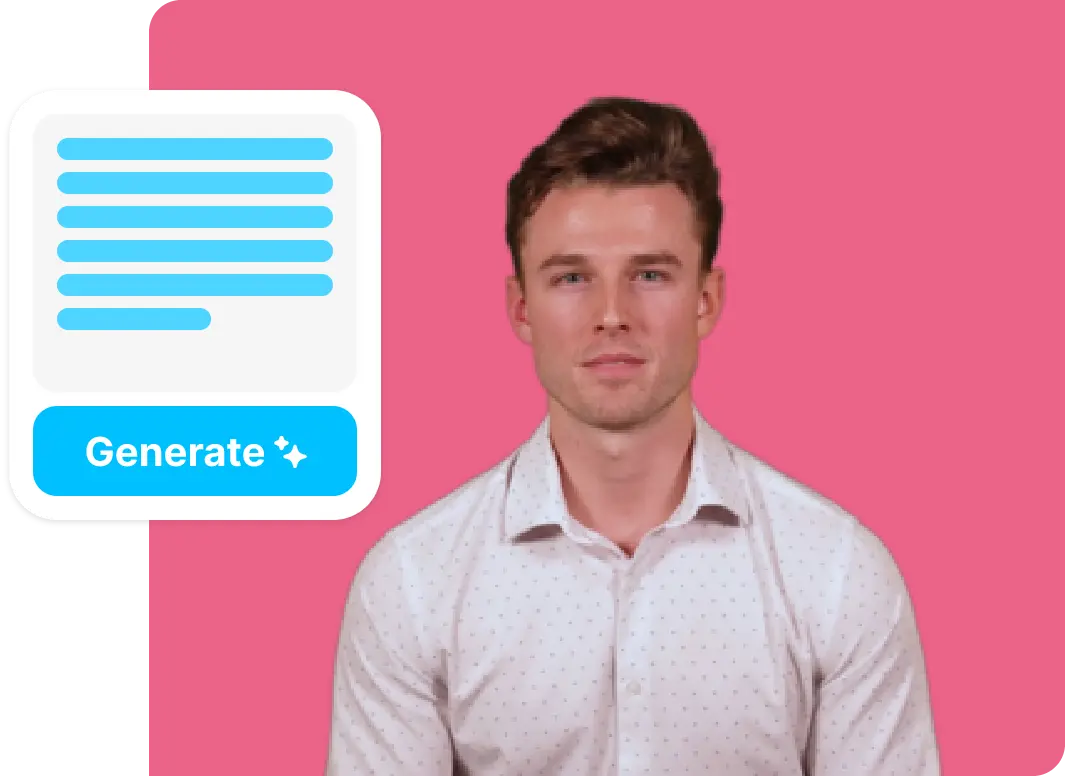
100% Customizable and Real-time Preview
Unlike other text to video generators in the market, Vmaker AI is 100% customizable. You can add elements, change texts, add subtitles, etc, to your videos.
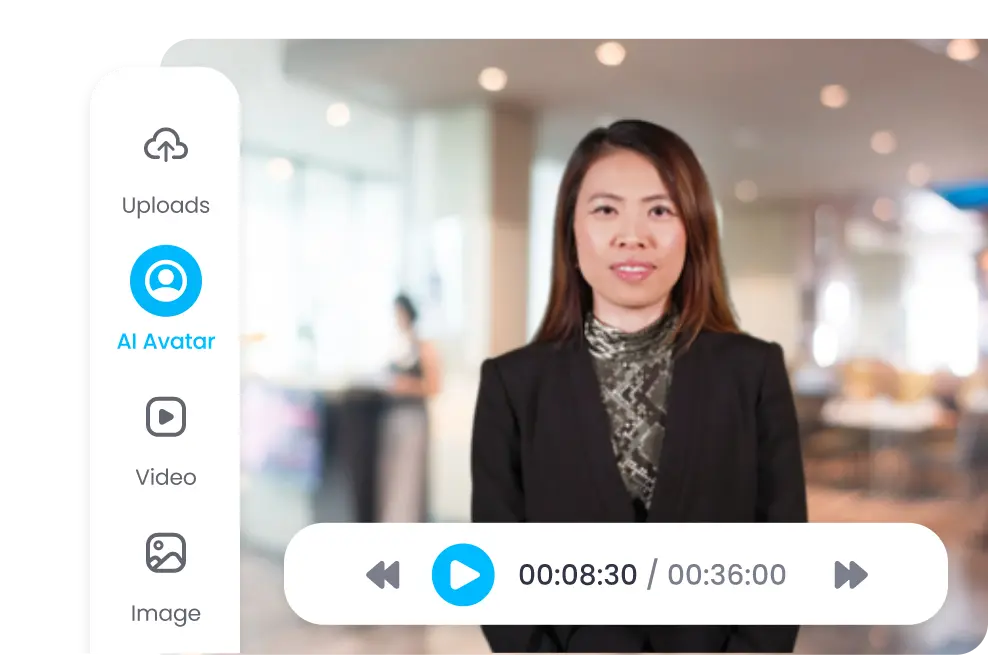
Realistic Expressions, Natural Accents, and Hand Gestures
No more robotic, emotionless, fake-feeling AI videos! With our Video Generator, you can create humane-looking AI videos with just a text prompt.
No learning curve. Just Start Creating
Complex video editing platforms are so in the past. Enter the text and start generating AI videos without going through 40 minutes of training videos.
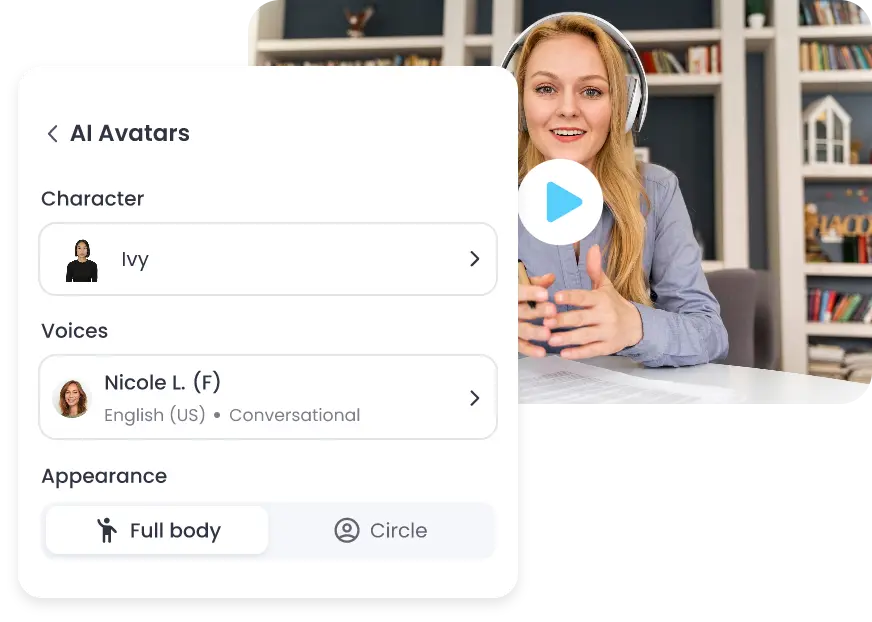
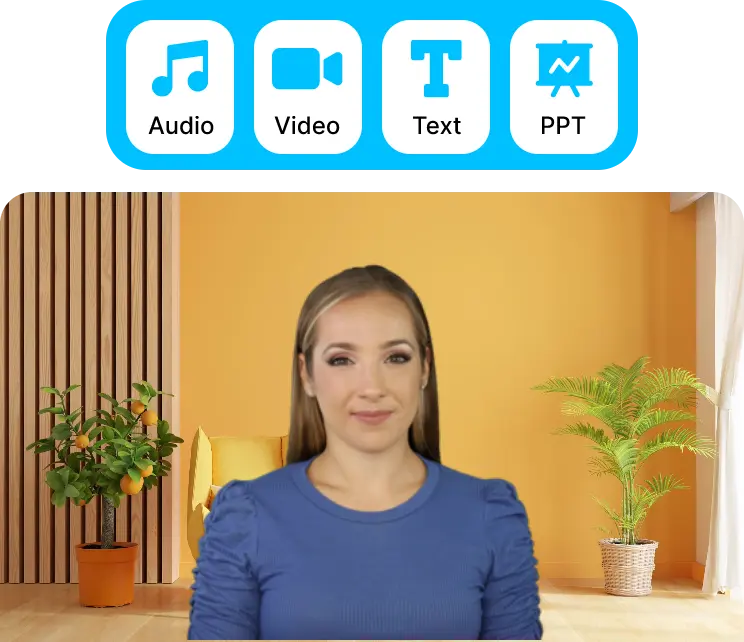
Turn anything into AI Avatar videos
Upload audio, video, text, presentations, etc. Vmaker AI understands your multimedia inputs and converts them into publish-ready AI Human Avatar videos.
9 Power-Packed Features to
Create Your AI Videos

AI Avatar Library
A library of 100+ avatars with natural facial expressions and hand gestures across 15+ ethnicities.

AI Voice
Our Video Generator comes with stock voices in addition to Amazon Polly and ElevenLab's Human-like AI Voice Library Integration.

Integrated Video Editor
The in-built AI video editor with an extensive toolkit makes it easy to customize AI-generated videos.

Stock Library
With 10M+ stock assets, you don't ever have to repeat the same images or video assets on your AI videos.

AI Subtitles
Generate and translate accurate subtitles in 100+ languages in just one click. It has 30+ presets and 50+ animations.

Screen Recorder
The in-built screen + webcam recorder come in handy for creating product training videos with AI Avatars.

Text to Speech
Convert your text into speech and add them as voiceovers to AI videos in a single click. Vmaker AI has 100+ AI voices to choose from

Multilingual Support
Vmaker AI can generate a single video with multilingual portions and also generate subtitles in the desired language.

Music and Effects
You can customize music and sound effects to the AI-generated videos to suit your video needs.
Generate your AI Doppelgänger that could speak like you!
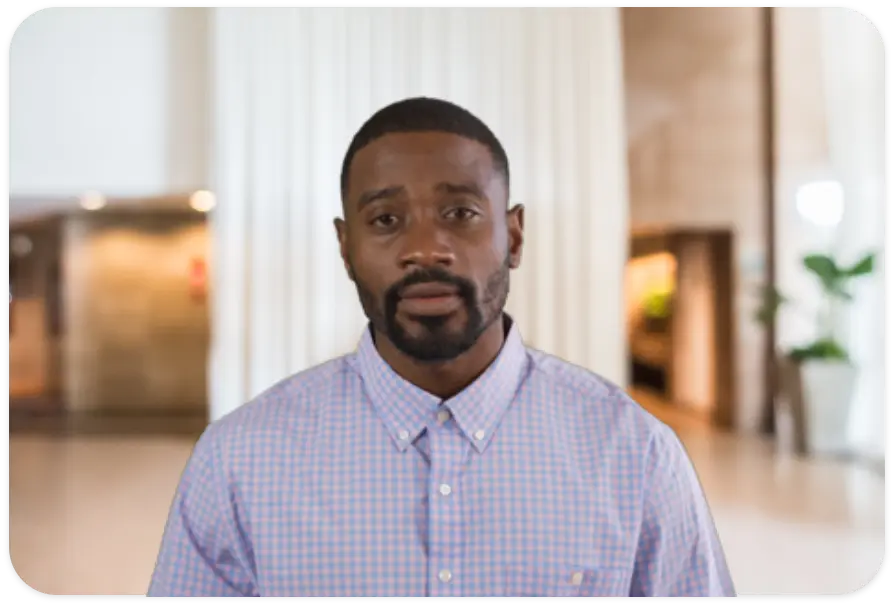
Instant Avatar:
No Training Required: Just upload a short video of yourself speaking.
Quickest TAT: Generate your custom AI avatar in minutes.
Personal Use: Reuse your avatar to create videos for social media, presentations, or personal projects.
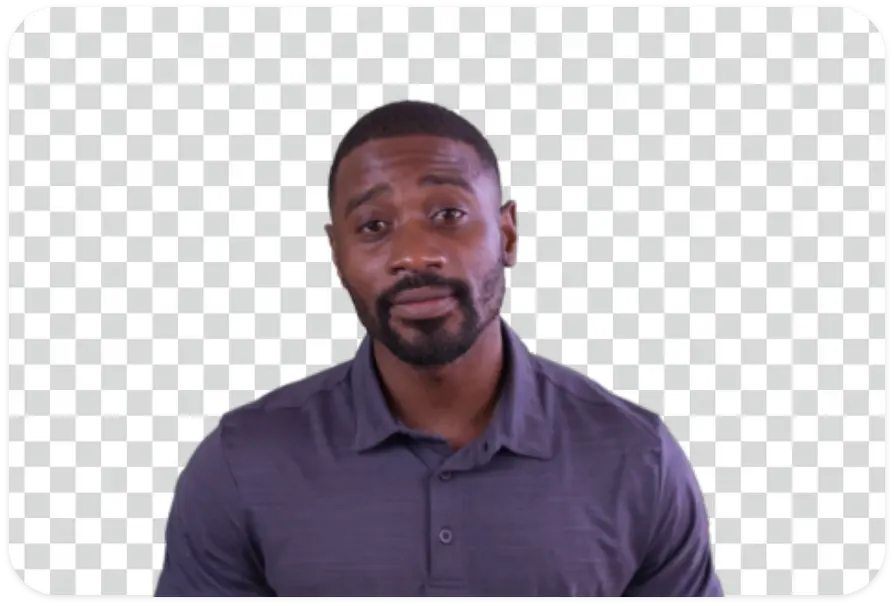
Studio Avatar:
10-min Training: Train our AI model with a 10-minute green screen video with your voice
Precisely Perfect: Get high quality AI avatars that could be customized to the fullest
Professional Use: Use these studio-quality AI avatars for marketing, education, or media production.
Create Talking Head Videos With 50+ Templates
(coming soon)Pick a template from our media library and start creating AI videos. From talking heads to screen recording videos, everything has a template on Vmaker AI.
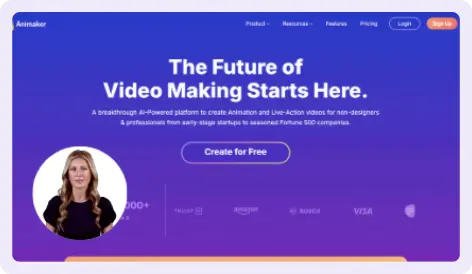
Product tutorials (Screen Recording + Ai avatar)
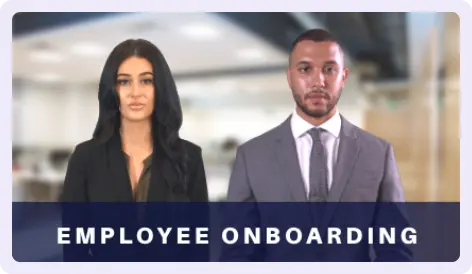
Scenario-Based Role-Play Learning (Multi Characters)
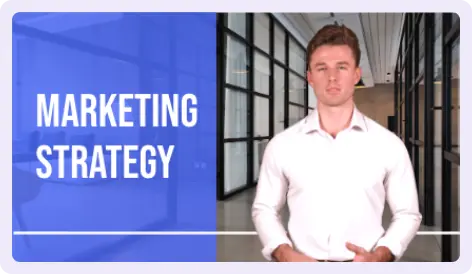
Company-Wide Compliance Training (Global Languages)
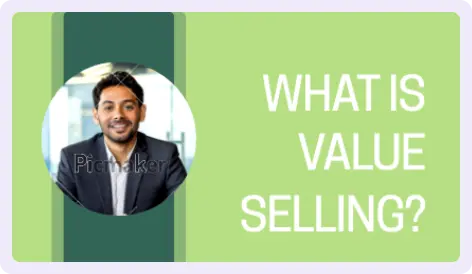
Microlearning Modules (Standalone Bite-Sized Videos)
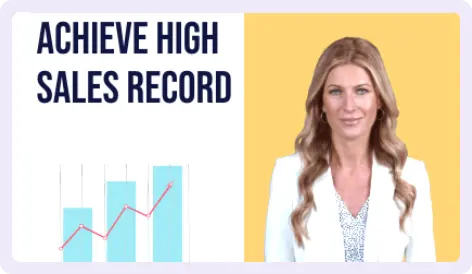
Explainer Videos (Complex Concepts to Engaging Visuals)
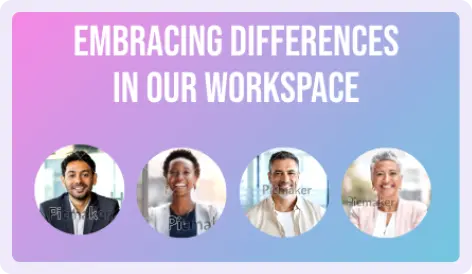
Diversity & Inclusion Training (100+ avatars with 15+ ethnicities)
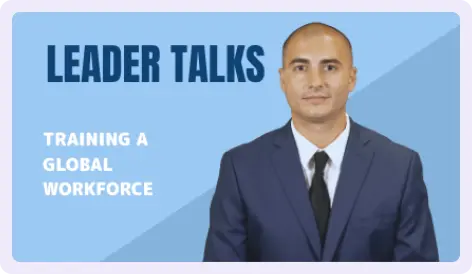
Global Workforce Training (120+ languages with multiple dialects)
Vmaker AI vs Other Video Generators
Vmaker AI's Video Generator |
Other AI Video Generators |
|---|---|
Comes with a Full-fledged video editor |
Limited editing options |
Fully customizable AI Avatars and their backgrounds |
Little to no options for customization |
Human-like voices |
Robotic voices |
Generates subtitles in 120+ languages, comes with 30+ presets and 50+ animations |
Generates subtitles in a few languages only. Subtitles styles can't be customized. |
Custom Avatars look like the perfectly-cloned versions |
Custom Avatars look different from the subjects' appearance |
No moderation rules for content |
Moderator bots incorrectly flag video content |
Perfectly synced AI Avatar facial expressionsand eyeball corrections |
These have to be manually adjusted with triggers |
Ideal for Training, Education, Support, Sales and Marketing Teams
Corporate Training
From Employee onboarding to soft skills training, you can create any training videos using our AI video generator. Creating AI videos even in the screen recording format is easier now
Customer Service
Educating your customers does not have to take a village. You can create professional-quality AI videos using any template available on this AI video generator. Or create your own.
E-learning and Education
Video learning has become an integral part of education. Step up your E-learning course materials with talking avatar AI videos along with screen recordings.
Marketing and Promotions
Generate non-repetitive and human-like videos for social media by entering your script. With an AI video generator, you can easily create faceless AI videos.
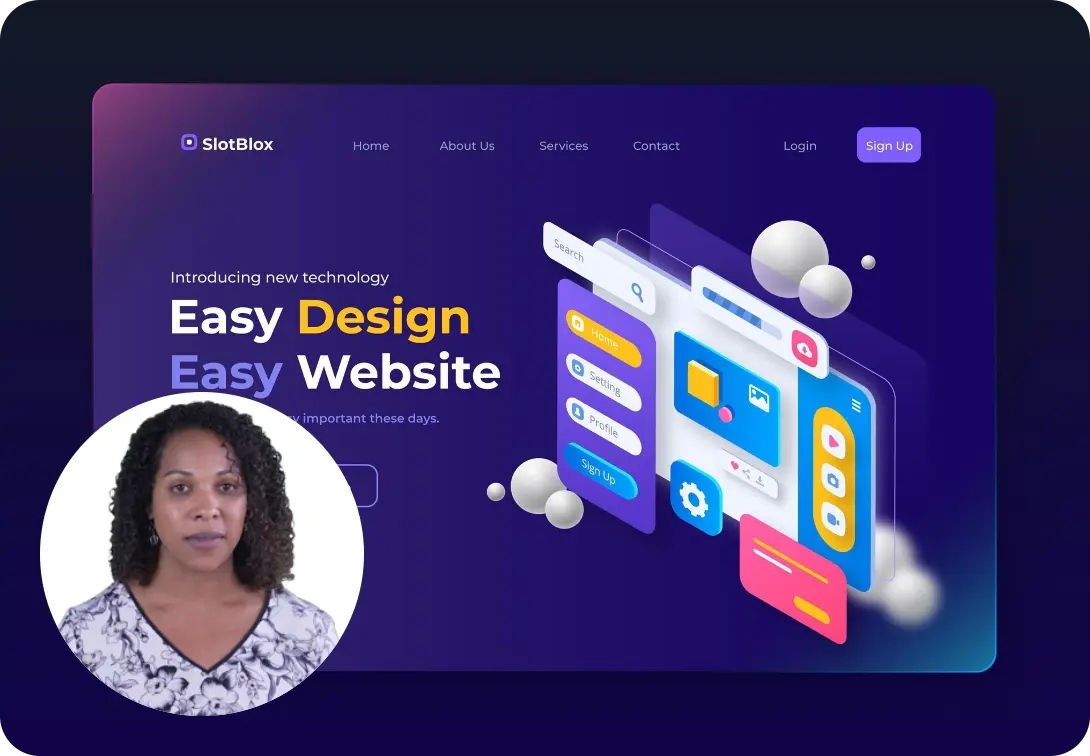
Some snippets from Customer's Love
4.7 (103)
FAQs
What is an AI video generator?
How does Vmaker AI's video generator work?
Vmaker AI's video generator works by converting text, audio, presentations, or videos into high-quality AI-powered videos. Here's a breakdown of how it works:
- 1.Input your content: You can provide text, a script, or even an existing video or audio file.
- 2. Choose your AI Avatar and Voice: Select from a variety of human-like avatars and voices available in 100+ languages.
- 3. Generate Videos: Once you've selected, generate the video.
- 4. Edit with AI: Once the AI processes the content, you can make further edits if needed using its built-in AI video editior.
- 5. Download or share: After finalizing the video, you can download it or share it across platforms.
Is there an AI that can generate videos?
Yes! There are plenty of AI tools in the market that can generate videos and they're called AI Video Maker. It can turn your text, presentation, product demo videos, and even audio files into AI videos. These AI-generated videos take only 2 mins to create!
How do I create AI videos for free?
Yes! You can generate AI videos for free using our AI video generator.
What kind of videos can I create with text to video generator?
With AI text to video generators, you can create live-action, instructor-led training video, animated, and AI avatar videos.
How long does it take to generate a video?
Using advanced AI Video Generators like Vmaker AI, it usually takes 2-3 minutes to make AI videos.
Can I customize the videos created by the AI Video Generator?
Yes! You can. Once you generate an AI video for you, you'll be able to edit and customize the video on the same editing dashboard. You can change the subtitles, add more elements, customize the text, and much more.
Can the AI Video Generator add subtitles to my videos?
Yes! All the AI video generators in the market can generate subtitles for your videos. This AI video generator can add subtitles and translate them into 120+ languages. It also comes with 50+ subtitle styles to suit your branding needs.
Is there an AI clip generator from YouTube?
Yes. You can create teasers, sizzle reels, and highlight videos from AI clip video generators. Vmaker AI clip maker identifies the best part of your long videos, stitches them into a meaningful teaser, and generates short clips suitable for YouTube Shorts, TikTok videos, and Instagram Reels.
Are AI-generated voices copyrighted?
No! The AI-generated voices on Vmaker AI are not copyrighted. You can download the AI videos and share them across any platform without facing any copyright issues.
Yes. You can export videos optimized for YouTube, social platforms, LMS systems, and internal portals.