Check Out Vmaker: The Number One Screencastify Alternative
Start using Vmaker to screencast, record, edit, collaborate, and get work done faster over videos!
Try Vmaker for freeFree Forever. No credit card required.
Screencastify say they’re free but are they really? Let’s take a look.
Features
Vmaker FREE plan
Screencastify Free
Unlimited number of recordings
Record without a watermark
Multiple signup modes

Multiple recording platforms

Do not disturb option

Video storage

Video Editor

One video version

Google drive dependency

What makes Vmaker the best alternative to Screencastify
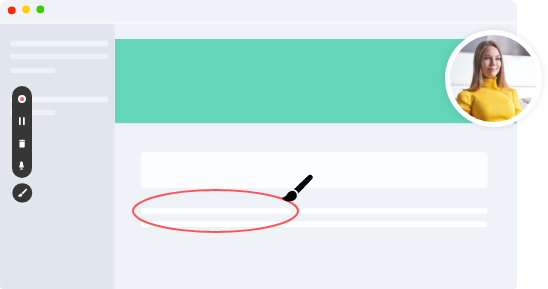
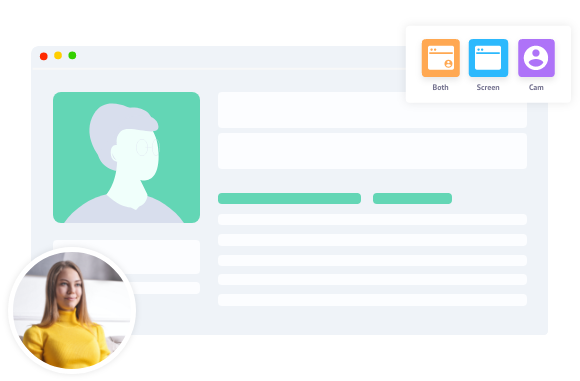
Vmaker lets you create high quality engaging videos by recording your screen, webcam, or both at the same time in addition to capturing microphone and system audio. Not just that, Vmaker lets you create, edit, and share videos on the go from any device or platform of your choice. All of which even on the free plan!
We DO NOT let notifications disturb you
Record videos with peace. We value our users and ensure even users on our free plan record videos without disturbances whilst recording.
Screencastify doesn’t have a DND mode which again is a big disadvantage. Imagine getting a notification midst of your recording that would be so annoying.
Edit as you wish
Our free plan comes with an inbuilt editor that not only lets you trim videos but also crop, remove audio, flip, rotate, and much more making your videos look professional!
Screencastify lets you just trim your video using the recorder. They have a separate plan for video editing which has all the editing features but restricts export to 5 mins, How could they do this, we don’t understand!
Convenient Recording
Record videos on your favorite devices with convenience. Vmaker enables you to record using a Mac app, Windows app, Chrome plugin, Android app, Ios app through a single account. All videos recorded on any device will be available in a single online Vmaker dashboard. Safe and Secure.
Unfortunately, Screencastify supports only a chrome plugin which means you have to have a chrome browser for recording videos.
Workspace, Collaboration, Teams ~ Screencastify says what’s that!
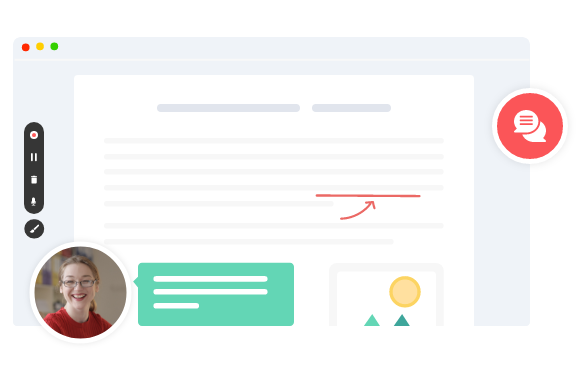
Vmaker enables you to add teammates to the workspace, create folders, share your recording with teammates ensuring utmost productivity across the entire organization. Vmaker ensures all of the users inside an organization are connected through a single Vmaker account!
Screencastify is just a lite tool that doesn’t let you create workspaces, add teammates, create a folder, or anything of that sort.
No complications whatsoever
Vmaker of course comes with paid plans that help you communicate and collaborate effectively over engaging videos and at the same time, not burn a hole in your pocket.
We always want the best for our customers and our Starter and Team plans have been bundled in a way for you to maximize your benefits out of Vmaker. Choose between our paid plans based on your needs.
PS: You can always continue with the Vmaker Lite plan which is free now and will always be.
Features
Vmaker Starter plan
Screencastify Paid plan
High quality 4K Recording

Screen blur option

Custom recording dimension

Virtual background

Features
Vmaker Teams plan
Screencastify Paid plan
Recording Scheduler

Self-destruction

SSO

Folders

Real-time collaboration

Team library and Shared library

Custom Branding

Price
$98
/year
By now you’ll know who’s the real deal when it comes to screencasting.